pengenalan
Thank you for choosing the LEXIP Madara Design Headset. This manual provides detailed instructions for setting up, operating, and maintaining your headset. Please read this manual thoroughly before use to ensure optimal performance and longevity of your device.
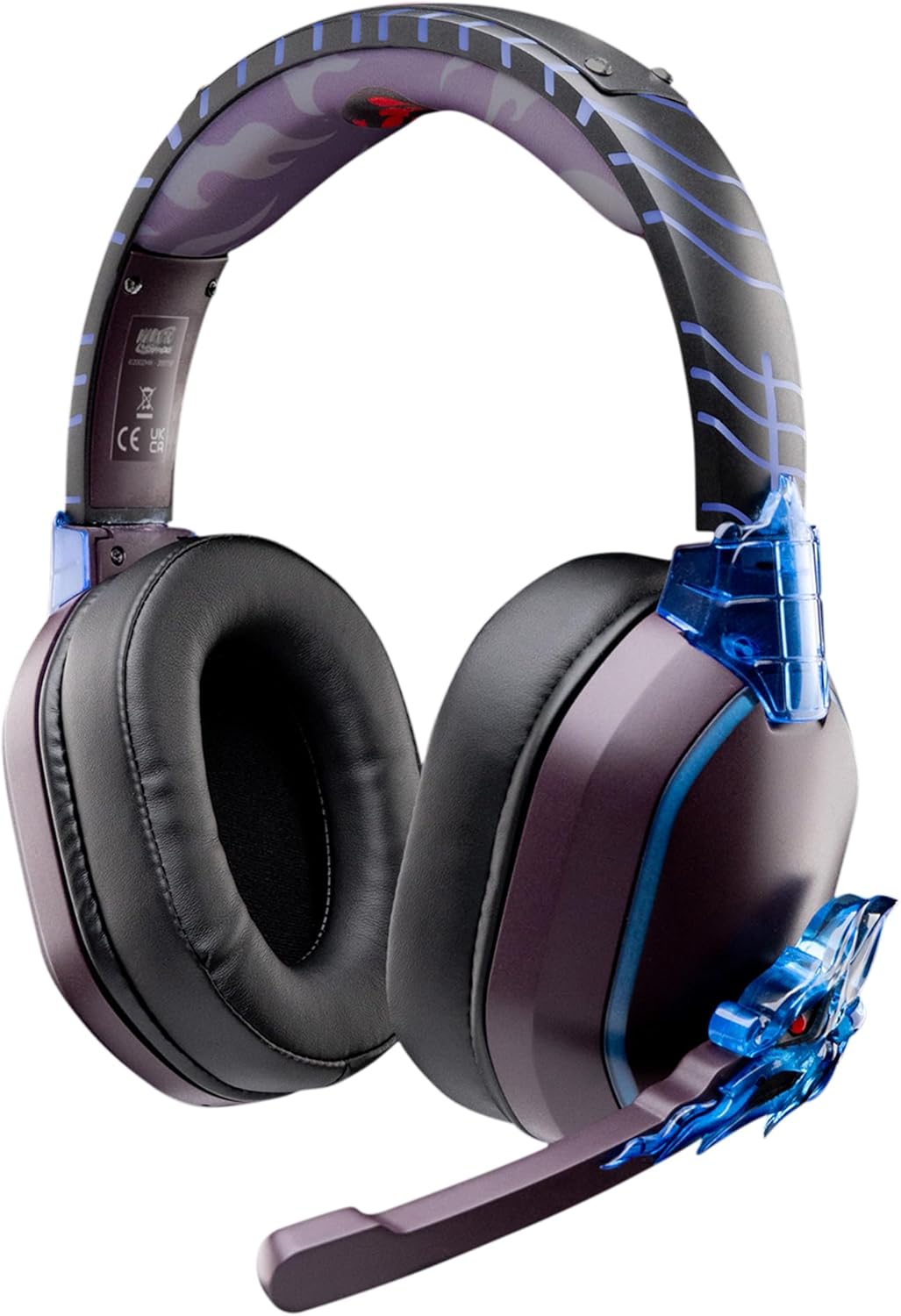
Image: The LEXIP Madara Design Headset, featuring a distinctive purple and blue color scheme with intricate design elements inspired by Madara.
Kandungan Pakej
Pastikan semua item ada dalam pakej:
- LEXIP Madara Design Headset
- Mikrofon boleh tanggal
- Kabel Audio 3.5mm
- Kabel Pengecas USB
- Manual Pengguna
Produk Selesaiview
Familiarize yourself with the components and design features of your headset.

Image: Close-up of the headset's ear cup, highlighting the intricate blue dragon design element.

Imej: View of the soft earcups and adjustable headband, designed for comfort during extended use.
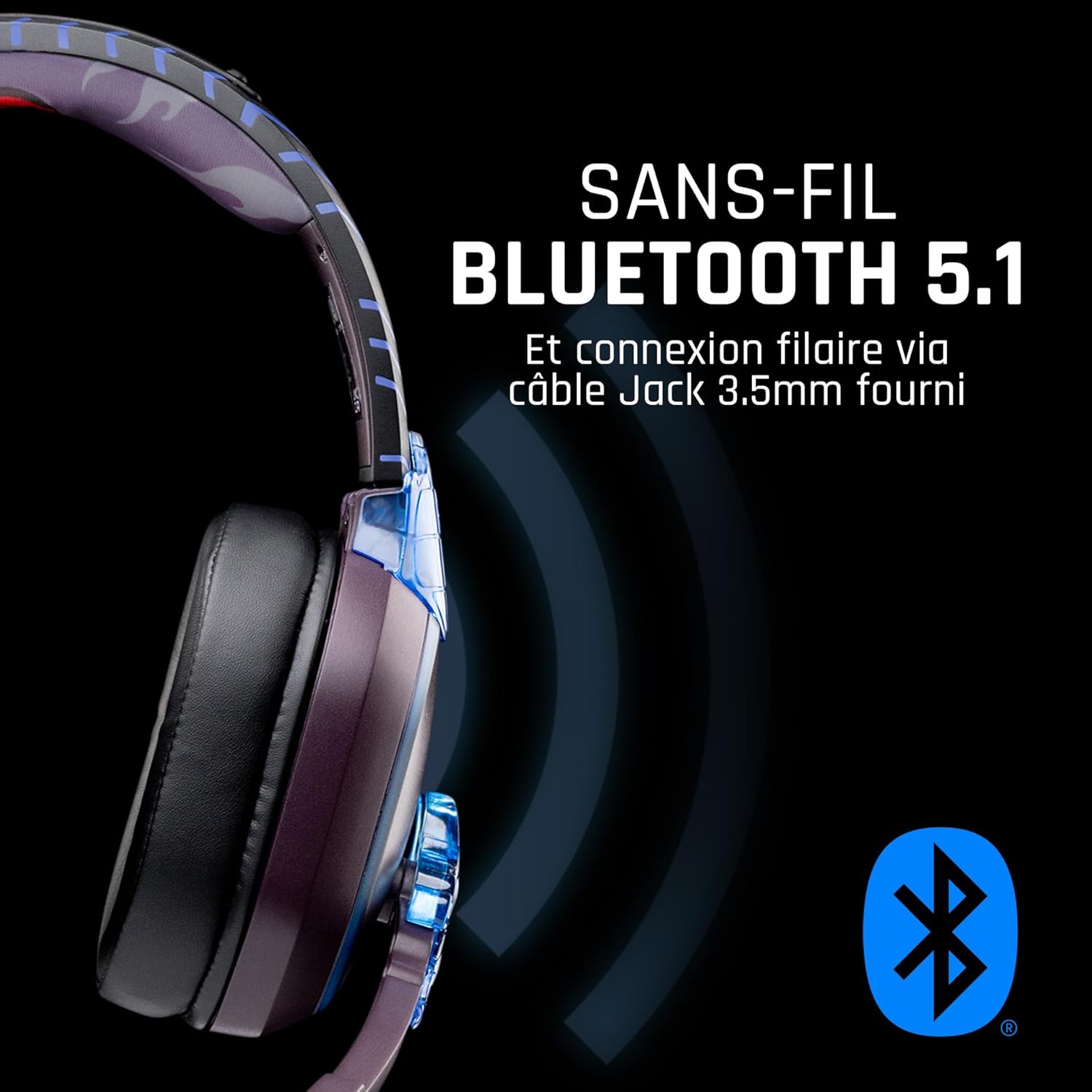
Imej: Sisi view of the headset, illustrating its wireless Bluetooth 5.1 capability and connection points.

Image: The headset displayed on a stand, alongside a matching game controller, showcasing its gaming application.
Ciri-ciri Utama:
- Wireless Bluetooth 5.1: For seamless wireless audio.
- Kesambungan Berwayar: Via the included 3.5mm Jack cable.
- Mikrofon boleh tanggal: For clear communication and versatility.
- Kawalan Kelantangan: Integrated controls for easy audio adjustment.
- Pengasingan Bunyi: Passive noise reduction for an immersive experience.
- Reka bentuk yang selesa: Adjustable headband and over-ear form factor.
Persediaan
1. Mengecas Alat Dengar
- Sambungkan kabel pengecas USB ke port pengecasan pada alat dengar.
- Sambungkan hujung kabel USB yang satu lagi ke sumber kuasa USB yang serasi (cth., port USB komputer, penyesuai dinding USB).
- The LED indicator on the headset will show the charging status. A full charge typically takes approximately 2-3 hours.
2. Memasang Mikrofon
- Locate the microphone input port on the headset, usually on the left earcup.
- Align the detachable microphone connector with the port and gently push it in until it clicks into place.
- Adjust the microphone's position for optimal voice pickup.
Arahan Operasi
1. Menghidupkan/Mematikan
- Untuk Menghidupkan: Tekan dan tahan butang Kuasa selama lebih kurang 3 saat sehingga penunjuk LED menyala.
- Untuk Mematikan: Tekan dan tahan butang Kuasa selama lebih kurang 5 saat sehingga penunjuk LED dimatikan.
2. Penggandingan Bluetooth (Mod Tanpa Wayar)
- Pastikan alat dengar dimatikan.
- Press and hold the Power button for approximately 5-7 seconds until the LED indicator flashes rapidly, indicating pairing mode.
- On your device (Windows 10/11, Mac, PS5, PS4, Xbox Series X/S, Xbox One, Nintendo Switch, Android, iOS, tablets), navigate to Bluetooth settings.
- Cari untuk available devices and select "LEXIP Madara Headset" (or similar name).
- Setelah dipasangkan, penunjuk LED akan berhenti berkelip dan kekal biru padat.
3. Wired Connection (3.5mm Jack)
- Insert one end of the 3.5mm audio cable into the headset's audio jack.
- Insert the other end into the 3.5mm audio port of your desired device.
- The headset will operate in passive wired mode, even if the power is off.
4. Kawalan Kelantangan
- Use the volume control dial or buttons located on the headset to adjust the audio level.
Penyelenggaraan
- Pembersihan: Gunakan kain lembut dan kering untuk membersihkan set kepala. Jangan gunakan pembersih atau pelarut yang melelas.
- Storan: Simpan alat dengar di tempat yang sejuk dan kering jauh dari cahaya matahari langsung dan suhu yang melampau.
- Penjagaan Bateri: Untuk jangka hayat bateri yang optimum, elakkan daripada kerap mengecas alat dengar sepenuhnya. Caskannya secara berkala.
- Tahan Air: The headset is not waterproof. Avoid exposure to liquids.
Menyelesaikan masalah
| Masalah | Kemungkinan Punca | Penyelesaian |
|---|---|---|
| Tiada bunyi dari set kepala | Headset not powered on; Volume too low; Not paired/connected; Incorrect audio output selected on device. | Ensure headset is powered on and charged. Increase volume. Re-pair Bluetooth or check 3.5mm cable connection. Select headset as audio output on your device. |
| Tidak boleh berpasangan melalui Bluetooth | Headset not in pairing mode; Device Bluetooth off; Too far from device; Interference. | Ensure headset is in pairing mode (flashing LED). Turn device Bluetooth off and on again. Move headset closer to device. Avoid strong Wi-Fi signals or other Bluetooth devices. |
| Mikrofon tidak berfungsi | Microphone not properly attached; Muted on headset/device; Incorrect input selected on device. | Ensure microphone is securely attached. Check if microphone is muted. Select headset microphone as input device in your device's sound settings. |
| Hayat bateri pendek | Headset not fully charged; Old battery. | Ensure headset is fully charged before use. Battery performance may degrade over time. |
Spesifikasi
| Nombor Model | TSXLXHS0003 |
| Jenama | Lexip |
| Teknologi Ketersambungan | Tanpa Wayar (Bluetooth 5.1), Berwayar (Bicu 3.5mm) |
| Julat Kekerapan | 20 Hz - 20,000 Hz |
| Impedans | 3 ohm |
| Sensitiviti | 116 dB |
| Pengasingan Bunyi | Pengurangan Bunyi Pasif |
| Mikrofon | Boleh tanggal |
| Kawalan | Volume Control, Remote Control |
| Peranti Serasi | Windows 10/11, Mac, PS5, PS4, Xbox Series X/S, Xbox One, Nintendo Switch, Android, iOS, tablets |
| Faktor Bentuk | Over-ear, Extra-aural |
| bahan | Bahan Campuran |
| Julat Umur | Dewasa |
| Tahap Ketahanan Air | Bukan Tahan Air |
| Bateri | 1 non-standard battery (included) |
Waranti dan Sokongan
The LEXIP Madara Design Headset comes with a Waranti pengilang selama 2 tahun dari tarikh pembelian. Waranti ini melindungi kecacatan pada bahan dan mutu kerja di bawah penggunaan biasa.
For warranty claims, technical support, or further assistance, please contact LEXIP customer service through their official website or the retailer where the product was purchased. Please have your proof of purchase and model number (TSXLXHS0003) ready when contacting support.
Note: Information regarding spare parts availability and software updates is not available at this time.