pengenalan
Thank you for choosing the Lexip Tsume Kakashi Kamui Naruto Shippuden Controller. This high-performance gaming controller is designed to enhance your gaming experience with its unique design and advanced features. This manual provides essential information for setting up, operating, and maintaining your controller.
Kandungan Pakej
Sila semak pakej untuk item berikut:
- Lexip Tsume Kakashi Kamui Naruto Shippuden Controller
- Kabel Pengecas USB/Data
- Manual Pengguna (dokumen ini)
Susun atur Pengawal
Familiarize yourself with the various components of your controller.

Rajah 1: Depan view daripada pengawal, tunjukkancasing the limited edition design inspired by Naruto Shippuden.
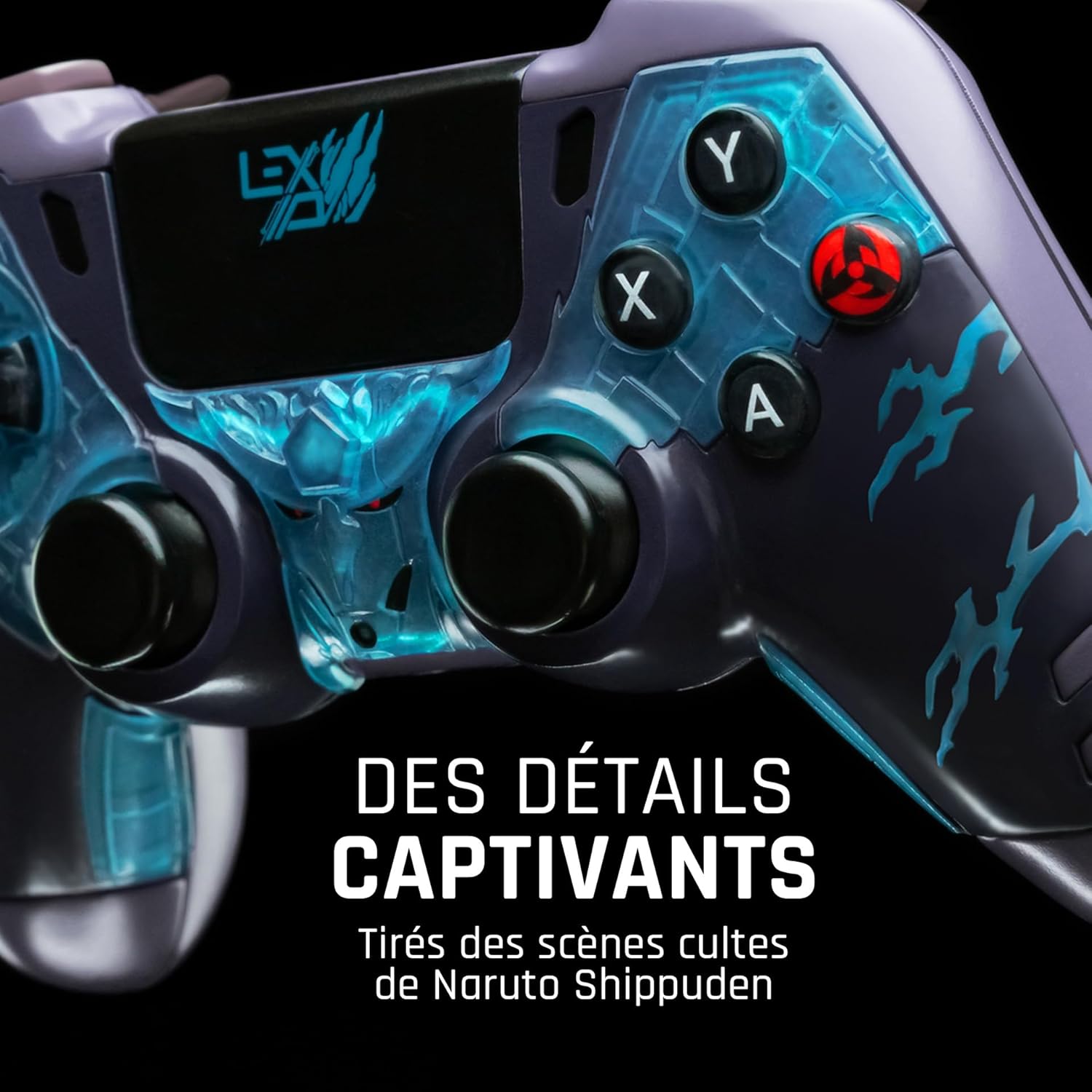
Rajah 2: Terperinci view of the controller's face buttons and analog sticks, highlighting the intricate Naruto Shippuden design elements.

Rajah 3: belakang view of the controller, illustrating the placement of the programmable paddles (M1, M2, M3) for enhanced gameplay.
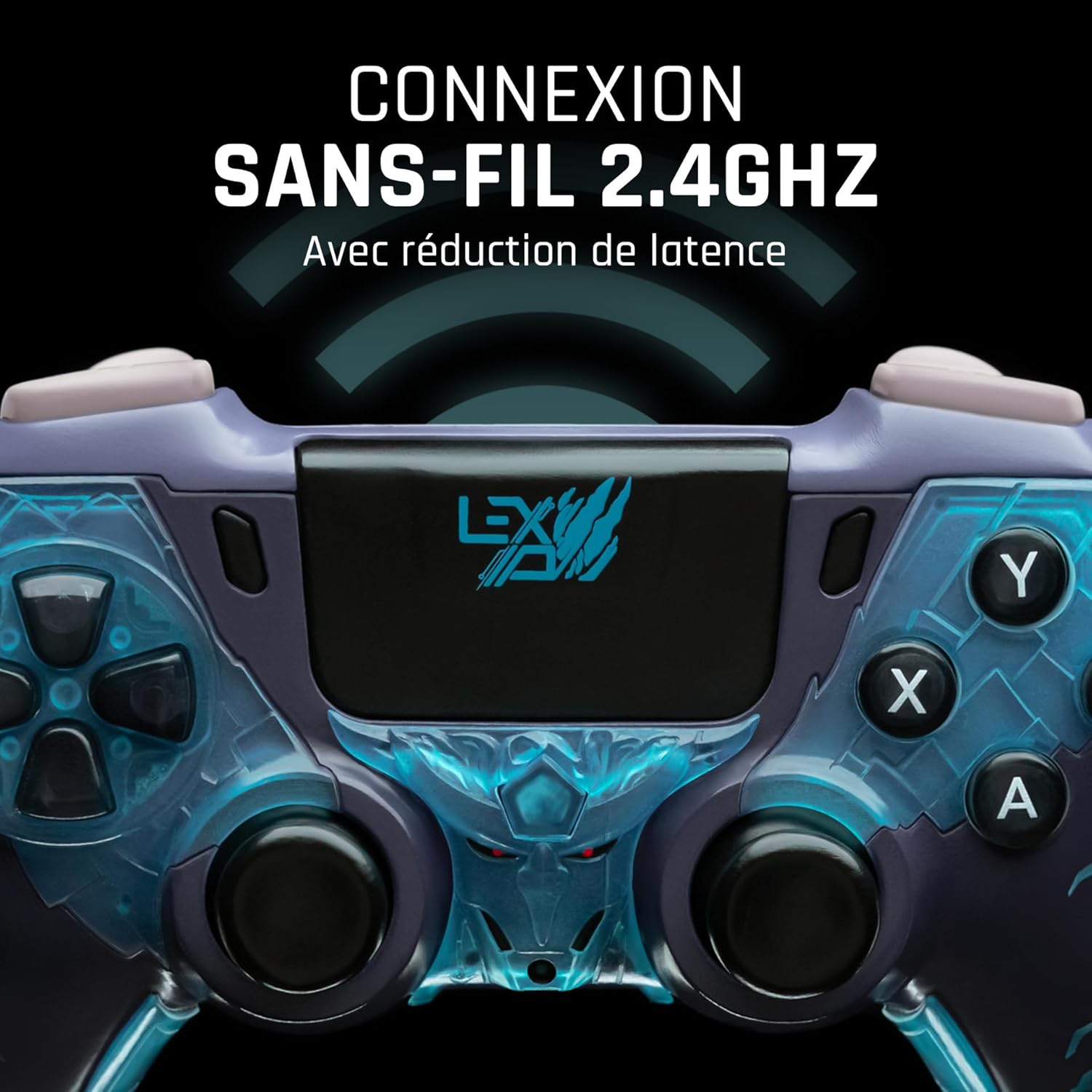
Rajah 4: Depan view of the controller, indicating its 2.4GHz wireless connection capability for reduced latency.
Komponen Utama:
- Kayu Analog: Two high-precision analog sticks for movement and camera control.
- D-Pad: Pad arah untuk input yang tepat.
- Butang Muka (A, B, X, Y): Butang tindakan standard.
- Shoulder Buttons (L1, R1) & Triggers (L2, R2): Untuk pelbagai tindakan dalam permainan.
- Programmable Paddles (M1, M2, M3): Located on the rear for custom button assignments.
- Butang rumah: For system menu access.
- Share/Options Buttons: For in-game menu and sharing functions.
- Port USB-C: Untuk pengecasan dan sambungan berwayar.
Persediaan
1. Pengecasan Awal
Before first use, fully charge the controller. Connect the supplied USB cable to the controller's USB-C port and the other end to a powered USB port (e.g., console, PC, or USB wall adapter). The charging indicator will show the charging status and turn off when fully charged.
2. Menyambung Secara Tanpa Wayar (2.4GHz)
- Insert the 2.4GHz wireless dongle (if included, typically found in the controller's packaging or a dedicated slot) into an available USB port on your gaming console or PC.
- Turn on the controller by pressing the Home button.
- The controller will automatically attempt to pair with the dongle. The indicator light on the controller will stop flashing and remain solid once connected.
3. Connecting via USB Cable
To use the controller in wired mode or if wireless connection is not desired:
- Connect the USB cable to the controller's USB-C port.
- Connect the other end of the USB cable to an available USB port on your gaming console or PC.
- The controller will be recognized as a wired device and is ready for use.
Arahan Operasi
Hidupkan/Mati Kuasa
- Untuk Menghidupkan: Press the Home button. The controller will attempt to connect to the last paired device.
- Untuk Mematikan: Press and hold the Home button for approximately 5-10 seconds until the indicator lights turn off. The controller will also power off automatically after a period of inactivity to conserve battery.
Using Programmable Paddles
The controller features three programmable paddles (M1, M2, M3) on the rear. These paddles can be assigned to replicate other button inputs for quick access during gameplay. Refer to your console or PC's controller settings for specific button remapping options, as dedicated software for programming these paddles may not be available.

Rajah 5: A user holding the controller, demonstrating its ergonomic design during use.
Penyelenggaraan
- Pembersihan: Gunakan kain lembut dan kering untuk membersihkan pengawal. Untuk kotoran degil, sedikit dampLap kain dengan air. Jangan gunakan bahan kimia yang keras atau pembersih yang kasar.
- Storan: Simpan pengawal di tempat yang sejuk dan kering jauh dari cahaya matahari langsung dan suhu yang melampau.
- Penjagaan Bateri: Untuk memanjangkan hayat bateri, elakkan daripada menyahcas sepenuhnya pengawal dengan kerap. Mengecasnya dengan kerap, walaupun tidak digunakan untuk tempoh yang lama.
Menyelesaikan masalah
Pengawal Tidak Menyambung
- Pastikan pengawal dicas.
- For wireless connection, ensure the 2.4GHz dongle is securely plugged into the console/PC and the controller is powered on.
- Try connecting the controller via the USB cable to verify functionality.
- Restart your console/PC and try connecting again.
Buttons/Sticks Unresponsive
- Ensure the controller is properly connected and powered on.
- Periksa sebarang halangan fizikal atau serpihan di sekitar butang atau kayu.
- Uji pengawal dengan permainan atau aplikasi lain untuk menentukan sama ada isu itu khusus untuk satu program.
Hayat Bateri Pendek
- Pastikan pengawal dicas sepenuhnya sebelum digunakan.
- Reduce rumble intensity if possible through system settings, as vibration motors consume significant power.
- Avoid extreme temperatures during use and storage.
Spesifikasi
| Ciri | Perincian |
|---|---|
| Nombor Model | TSXLXGC0002 |
| Ketersambungan | 2.4GHz Wireless, USB Wired |
| Dimensi (L x W x H) | 3.94 x 1.97 x 0.5 inci |
| Berat badan | 1.01 paun |
| Input Voltage | 3V - 500mA |
| Programmable Paddles | Yes (M1, M2, M3) |
Waranti dan Sokongan
For warranty information and technical support, please refer to the official Lexip website or contact Lexip customer service. Keep your proof of purchase for warranty claims.
Lexip Official Webtapak: www.lexip.com (Note: This is a placeholder link, please refer to actual Lexip support channels.)