
1. Pengenalan
This manual provides detailed instructions for the installation, operation, and maintenance of your Hikvision 2-Wire Video Intercom Kit, Model 38084. This system is designed for single-family homes, offering enhanced security and convenience through its 7-inch touchscreen monitor, FullHD outdoor camera, and seamless integration with the Hik-Connect mobile application. Please read this manual thoroughly before installation and use to ensure proper functioning and safety.
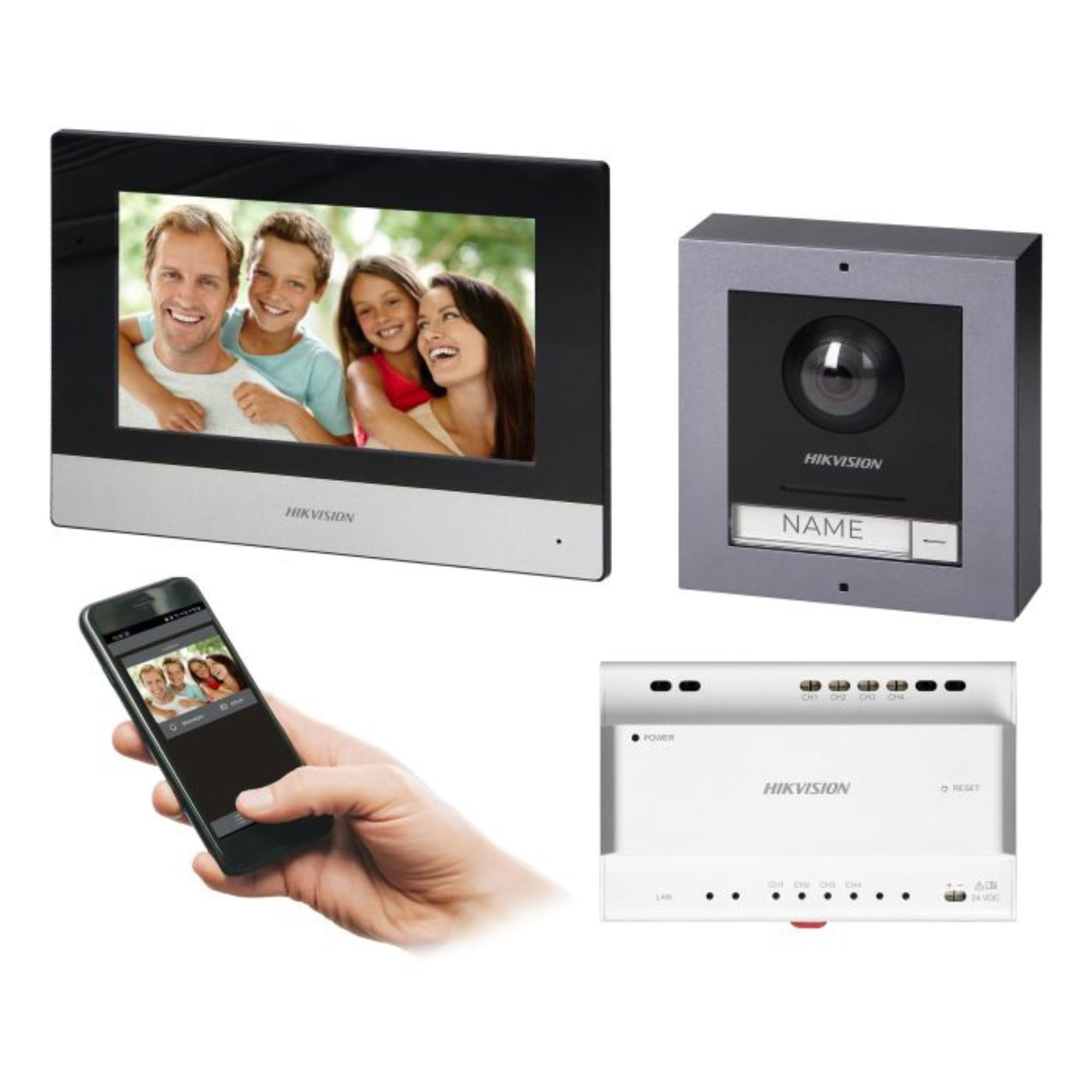
Figure 1: Hikvision 7-inch Video Intercom Monitor (Front View)
The image displays the front view of the Hikvision 7-inch video intercom monitor, featuring a large screen and the Hikvision logo at the bottom.
2. Maklumat Keselamatan
Sentiasa patuhi langkah berjaga-jaga keselamatan asas untuk mengurangkan risiko kebakaran, renjatan elektrik dan kecederaan kepada orang ramai.
- Keselamatan Elektrik: Installation must be performed by qualified personnel in accordance with all local electrical codes. Disconnect power before installation or servicing.
- Air dan Kelembapan: Do not expose the indoor monitor to rain or moisture. The outdoor panel is IP65 rated for weather resistance but should not be submerged.
- Suhu: Kendalikan peranti dalam julat suhu yang ditentukan.
- Pembersihan: Gunakan kain lembut dan kering untuk membersihkan. Jangan gunakan pembersih cecair atau aerosol.
- Gangguan: Avoid installing near sources of strong electromagnetic interference.
3. Kandungan Pakej
Sahkan bahawa semua komponen terdapat dalam pakej:
- 7-inch Indoor Monitor (with WiFi)
- FullHD Outdoor Panel (with Camera and Night Vision)
- 4-Channel Distributor
- Aksesori pemasangan (skru, palam dinding)
- Manual Pengguna (dokumen ini)
- 16 GB MicroSD Card (pre-installed or included for video storage)

Figure 2: Hikvision Outdoor Panel and Mounting Accessories
This image shows the Hikvision outdoor panel alongside its rain shield and a flush-mount box, illustrating the various mounting options available.
4. Persediaan dan Pemasangan
The Hikvision video intercom system utilizes a 2-wire installation method, simplifying wiring. Both the indoor monitor and outdoor panel are designed for surface mounting.
4.1 Outdoor Panel Installation
- Pilih Lokasi: Select a suitable location near the entrance, ensuring the camera has a clear view of visitors. The panel is IP65 rated for outdoor use.
- Pemasangan: Use the provided mounting bracket to mark drill holes on the wall. Drill holes, insert wall plugs, and secure the bracket.
- Pendawaian: Connect the 2-wire cable from the distributor to the outdoor panel terminals. Ensure correct polarity.
- Panel Selamat: Attach the outdoor panel to the mounting bracket.

Figure 3: Hikvision Outdoor Panel (Front View)
This image shows the front of the Hikvision outdoor panel, featuring the FullHD camera, speaker grille, call button, and nameplate area.
4.2 Pemasangan Monitor Dalaman
- Pilih Lokasi: Select an indoor location where the monitor is easily accessible and visible.
- Pemasangan: Use the provided mounting plate to mark and drill holes. Secure the mounting plate to the wall.
- Pendawaian: Connect the 2-wire cable from the distributor to the indoor monitor terminals.
- Sambungan Kuasa: Connect the monitor to a power source (mains electricity).
- Secure Monitor: Attach the indoor monitor to the mounting plate.

Figure 4: Hikvision Indoor Monitor (Back View) and Mounting Plate
The image displays the rear of the Hikvision indoor monitor, showing its connection ports and the separate mounting plate used for installation.
4.3 Gambarajah Pendawaian Sistem (Umum)
The 2-wire system connects the outdoor panel, indoor monitor, and the 4-channel distributor. The distributor manages power and data communication between the devices.
- Connect the outdoor panel to the distributor using a 2-wire cable.
- Connect the indoor monitor to the distributor using a 2-wire cable.
- Ensure the distributor is powered.
- For electric lock control, additional power may be required for the lock itself, connected via the outdoor panel.
4.4 Sambungan WiFi
After physical installation, power on the monitor. Navigate to the network settings on the 7-inch touchscreen to connect to your 2.4 GHz Wi-Fi network (802.11 b/g/n standard). This enables smartphone communication via the Hik-Connect app.
5. Arahan Operasi
5.1 Indoor Monitor Functions
- Skrin Sentuh: Navigate menus and control functions using the 7-inch touch screen.
- Fungsi Interkom: Communicate with visitors at the outdoor panel or other indoor monitors (if expanded).
- Fungsi Memori: The monitor supports a memory function, likely for capturing images or short video clips of visitors.
- Pembaca Kad SD: A 16GB MicroSD card is included for storing recorded video streams.
- Ringtone Management: Choose from 3 available ringtones. Adjust volume or mute the ringtone as needed.
- Kawalan Pintu: Use the monitor to remotely open an electric lock connected to the system.
- CCTV Camera Integration: The system can be expanded to integrate up to 16 CCTV cameras.
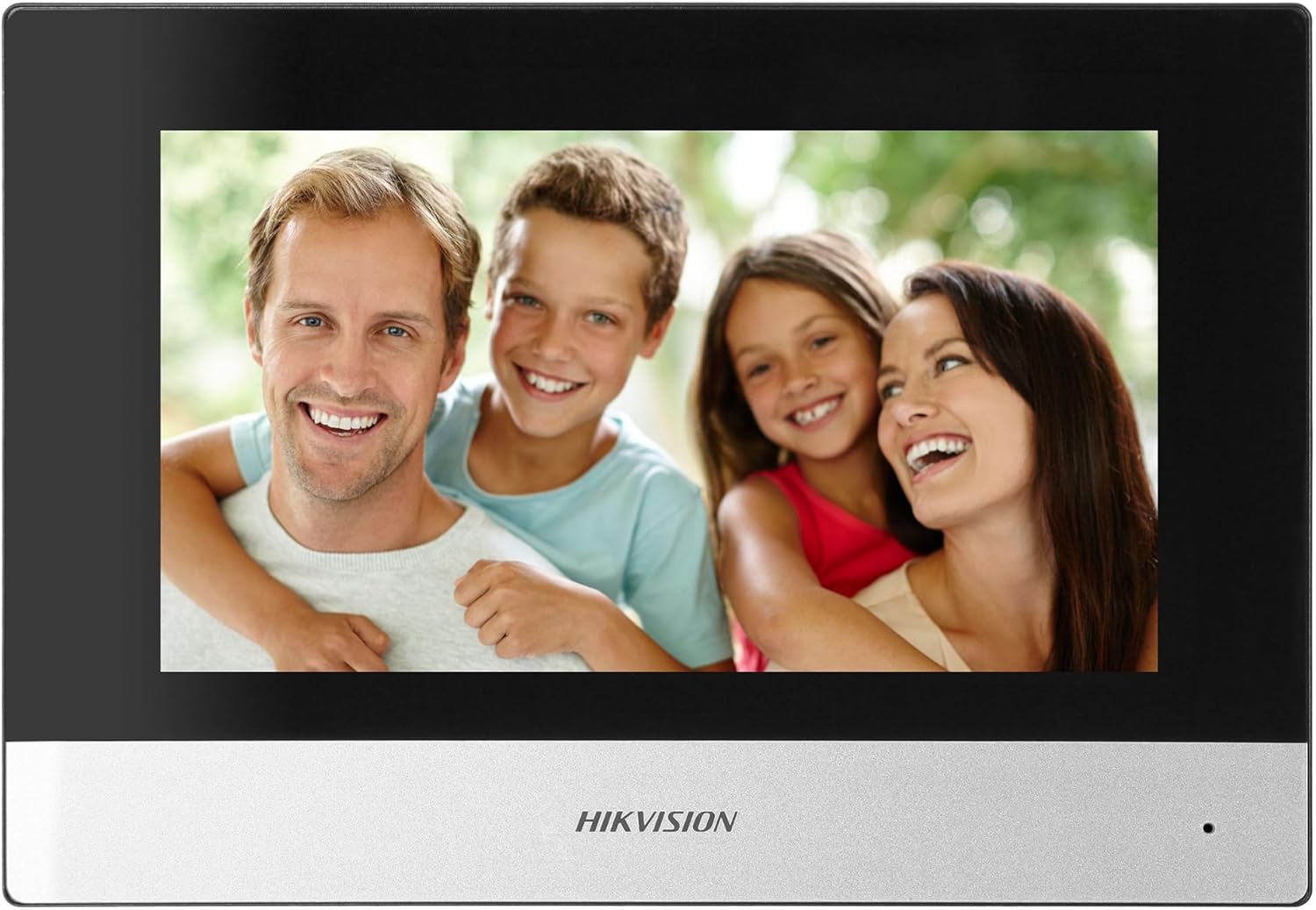
Figure 5: Hikvision Indoor Monitor (Front View)
This image shows the Hikvision 7-inch indoor monitor from the front, highlighting its sleek design and large display area.
5.2 Outdoor Panel Operation
- Butang panggilan: Visitors press the single call button to initiate a call to the indoor monitor.
- FullHD Camera: Provides a 2MP (1920x1080p) video feed with a wide viewing angle (96°/180°).
- Penglihatan Malam: Integrated IR illumination ensures clear visibility even in low-light conditions.
- Papan nama: A space is provided for a nameplate or label.

Figure 6: Hikvision Outdoor Panel (Angled View)
Bersudut view of the Hikvision outdoor panel, showcasing its robust construction and integrated camera and call button.
5.3 Hik-Connect Mobile Application
Download the Hik-Connect app from your smartphone's app store. Once installed and configured with your system, you can:
- Receive calls from the outdoor panel on your smartphone.
- View live video from the outdoor camera.
- Remotely open the door.
- Akses video yang dirakamtage.
6. Penyelenggaraan
Penyelenggaraan tetap memastikan jangka hayat dan prestasi optimum sistem interkom anda.
- Pembersihan: Wipe the monitor screen and outdoor panel with a soft, damp kain. Elakkan pembersih yang kasar.
- Kemas kini Firmware: Periodically check for firmware updates via the Hik-Connect app or Hikvision's official website to ensure your system has the latest features and security patches.
- Pemeriksaan Kabel: Periodically inspect all wiring for any signs of wear or damage.
- Outdoor Panel Lens: Keep the camera lens on the outdoor panel clean for clear video quality.
7. Penyelesaian masalah
Jika anda menghadapi masalah, rujuk langkah penyelesaian masalah biasa berikut:
- Tiada Kuasa: Check all power connections and ensure the distributor is receiving power.
- Tiada Video/Audio: Verify the 2-wire connections between the outdoor panel, monitor, and distributor. Ensure correct polarity.
- Isu Sambungan WiFi: Ensure your router is operating on 2.4 GHz. Re-enter WiFi credentials on the monitor. Check signal strength.
- Door Lock Not Opening: Confirm the electric lock has its own power supply if required. Check wiring from the outdoor panel to the lock.
- Penglihatan Malam yang lemah: Ensure the outdoor camera lens is clean and free from obstructions.
8. Spesifikasi
| taip | Single-family |
| Fungsi Video | ya |
| Bekalan Kuasa | Sesalur elektrik |
| Jenis Penghantaran | Wired (2-wire) |
| Smartphone Communication | Yes (via Hik-Connect app) |
| Kekerapan Wi-Fi | 2.4 GHz |
| Wi-Fi Standard | 802.11 b/g/n |
| Kaedah Pemasangan | 2-wire, Surface Mount |
| Max. Monitors | Boleh dikembangkan kepada 3 |
| Max. Outdoor Panels | Boleh dikembangkan kepada 1 |
| Max. CCTV Cameras | Boleh dikembangkan kepada 16 |
| Kawalan Kunci Elektrik | Yes (requires additional power for lock) |
| Fungsi Hari / Malam | ya |
| Kaedah Pemasangan | Lekapan Permukaan |
| Hands-free System | ya |
| Pepenjuru Skrin | 7 inci |
| Resolusi | 1024 x 600 |
| Skrin Sentuh | ya |
| Sistem Video | PAL, Color |
| Fungsi Memori | ya |
| Pembaca Kad SD | Yes (16GB card included) |
| Fungsi Interkom | ya |
| Nada dering | 3 |
| bahan | plastik |
| warna | Hitam |
| Dimensi (W x H x D) | 140 mm x 200 mm x 15 mm |
| Butang Panggilan | 1 |
| Kaedah Pemasangan | Lekapan Permukaan |
| Resolusi Kamera | 2MP, 1920x1080 (FullHD) |
| Kamera Viewsudut | 96°/180° |
| Penerangan Malam | IR (Inframerah) |
| Fungsi PTZ | Tidak |
| Pembaca Kad Jarak | Tidak |
| Nameplate Space | ya |
| Vandal-proof | Tidak |
| Penilaian Perlindungan | IP65 |
| bahan | Keluli |
| warna | Perak |
| Dimensi (W x H x D) | 98 mm x 99.8 mm x 43.9 mm |
| Dimensi Produk | 20 x 15 x 10 cm |
| Berat Barang | 1 kg |
| Nombor Model | 38084 |
9. Waranti dan Sokongan
For warranty information and technical support, please refer to the official Hikvision webtapak atau hubungi pengedar tempatan anda. Simpan resit pembelian anda untuk tuntutan jaminan.
- Sokongan dalam talian: melawat www.hikvision.com for product documentation, FAQs, and support resources.
- Perkhidmatan Pelanggan: Contact your retailer or authorized Hikvision service center for assistance.