
pengenalan
Thank you for choosing the TECURS KB195 Foldable Bluetooth Keyboard. This ultra-portable, multi-device compatible keyboard is designed for convenience and efficiency across various operating systems. This manual provides detailed instructions for setup, operation, maintenance, and troubleshooting to ensure optimal performance.

The TECURS KB195 Foldable Bluetooth Keyboard, demonstrating its compact folded state and its functional unfolded state with a smartphone securely placed on its integrated stand.
Kandungan Pakej
- 1 x TECURS Foldable Bluetooth Keyboard
- 1 x Kabel Pengecas Jenis-C
- 1 x Manual Pengguna
- 1 x Membawa Beg
Produk Selesaiview
Familiarize yourself with the key components of your TECURS KB195 keyboard:
- Lampu Penunjuk: Displays connection status and battery level.
- Suis kuasa: To turn the keyboard on or off.
- Port Pengecasan (Jenis-C): Untuk menyambungkan kabel pengecasan.
- Pad Anti-Slip: Located on the bottom for stability during use.
- Stand Bersepadu: A magnetic stand designed to hold smartphones or tablets.

Terperinci views of the keyboard's key features: the indicator light, power switch, charging port, and anti-slip pads.
Mengecas Papan Kekunci
Before initial use, fully charge the keyboard. A full charge takes approximately 2 hours.
- Connect the provided Type-C charging cable to the keyboard's charging port.
- Sambungkan hujung kabel yang satu lagi ke sumber kuasa USB (cth., komputer, penyesuai dinding).
- Lampu penunjuk akan menunjukkan status pengecasan dan akan padam apabila dicas sepenuhnya.
The keyboard offers up to 45 hours of continuous working time and 580 days of standby time on a single charge.

The keyboard being charged via its Type-C port, highlighting its impressive battery life of 45 hours of continuous use and 580 hours of standby.
Persediaan dan Berpasangan
Menghidupkan/Mematikan
- To turn on: Locate the power switch and slide it to the 'ON' position.
- To turn off: Slide the power switch to the 'OFF' position.
Berpasangan Bluetooth
The keyboard supports connection to up to three devices simultaneously via Bluetooth channels. You can seamlessly switch between them.

The keyboard's ability to connect to multiple devices (smartphone, tablet, PC) via three distinct Bluetooth channels (BT1, BT2, BT3).
- Hidupkan papan kekunci.
- Tekan dan tahan butang fn + A keys for BT1, Fn + S for BT2, or Fn + D for BT3 until the corresponding indicator light flashes, indicating pairing mode.
- On your device (smartphone, tablet, or PC), enable Bluetooth and search for available devices.
- Select "TECURS Keyboard" (or similar name) from the list of found devices to connect.
- Sebaik sahaja disambungkan, lampu penunjuk akan berhenti berkelip.
Bertukar Antara Peranti
To switch between paired devices, simply press the corresponding function key combination:
- For Device 1: Press fn + A
- For Device 2: Press Fn + S
- For Device 3: Press Fn + D
Keserasian Sistem
The keyboard is broadly compatible with major operating systems:
- iOS (iPad, iPhone)
- Android (Smartphones, Tablets)
- Windows (Laptops, PCs)

The keyboard is compatible with Windows, iOS, and Android devices, offering versatile usage.
Operasi
Pengalaman Menaip
The keyboard features a QWERTZ layout and scissor-switch keys, designed for improved sensitivity, accuracy, and a quiet, comfortable typing experience.

A detailed look at the scissor-switch key mechanism, engineered for durability and a responsive typing feel, rated for 3 million presses.
Using the Integrated Stand
The magnetic integrated stand can be deployed to securely hold your smartphone or tablet, providing an ergonomic setup for typing.
Mod Penjimatan Kuasa
To conserve battery life, the keyboard automatically enters power-saving mode after 10 minutes of inactivity. To wake it up, press any key, and it will reconnect within 3 seconds.

The keyboard in use within a library, demonstrating its portability and convenience for quiet work environments.
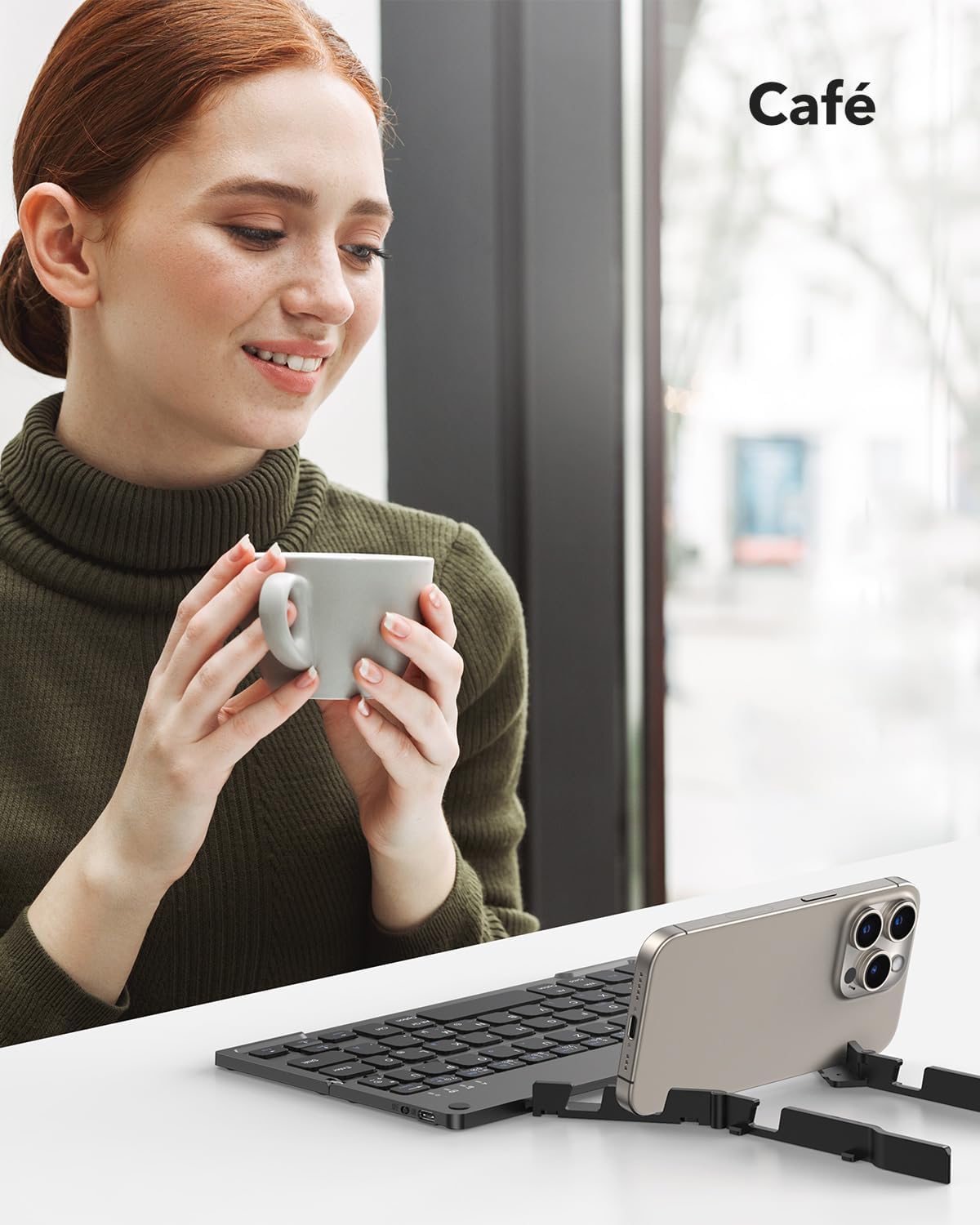
The keyboard being used in a cafe, showcasing its adaptability for various mobile work scenarios.
Penyelenggaraan
Pembersihan
- Ensure the keyboard is turned off before cleaning.
- Use a soft, dry, lint-free cloth to wipe the surface.
- Untuk kotoran degil, sedikit dampLap kain dengan air atau larutan pembersih lembut, kemudian lap hingga kering dengan segera.
- Elakkan menggunakan bahan kimia yang keras atau bahan yang melelas.
Penyimpanan
When not in use, fold the keyboard to protect the keys and make it more compact for storage or travel. Store it in the provided carrying bag to prevent scratches and damage.

The compact dimensions of the keyboard (22.9 x 7.4 x 1.37 cm, 260g) and its portability, fitting easily into a bag for on-the-go use.
Menyelesaikan masalah
- Papan kekunci tidak dihidupkan: Ensure the battery is charged. Connect the Type-C cable and charge for at least 30 minutes.
- Tidak dapat berpasangan melalui Bluetooth:
- Ensure the keyboard is in pairing mode (indicator light flashing after pressing Fn + BT channel key).
- Pastikan Bluetooth didayakan pada peranti anda dan ia boleh ditemui.
- Move the keyboard closer to your device (within 10 meters).
- Cuba mulakan semula kedua-dua papan kekunci dan peranti anda.
- Keyboard disconnects frequently:
- Ensure the keyboard is within the 10-meter Bluetooth range of your device.
- Semak gangguan daripada peranti wayarles lain.
- Pastikan bateri papan kekunci dicas dengan secukupnya.
- Kekunci tidak bertindak balas atau menaip dengan salah:
- Check if the keyboard is connected to the correct operating system mode (e.g., iOS, Android, Windows).
- Restart the keyboard and reconnect it to your device.
- Pastikan tiada serpihan bersarang di bawah kunci.
Spesifikasi
| Ciri | Perincian |
|---|---|
| Jenama | TECURS |
| Nombor Model | KB195 |
| warna | Hitam |
| Teknologi Ketersambungan | Bluetooth |
| Ciri Khas | Foldable, Integrated Stand |
| Peranti Serasi | iPad, Tablet, Smartphone, PC (iOS, Android, Windows) |
| Penerangan Papan Kekunci | Multifunctional, QWERTZ Layout, Scissor-Switch Keys |
| Penggunaan yang Disyorkan | Office, Daily Use, Travel |
| Jenis Bateri | Litium-ion (1 termasuk) |
| Masa Mengecas | lebih kurang 2 jam |
| Masa Bekerja Berterusan | Sehingga 45 jam |
| Masa Tunggu Sedia | Sehingga 580 hari |
| Dimensi (dilipat) | 22.9 x 7.4 x 1.37 cm (lebih kurang) |
| Berat badan | 260 gram (lebih kurang) |
| bahan | ABS Plastic, Aluminum back casing |
Waranti dan Sokongan
For warranty information and customer support, please refer to the documentation included with your purchase or visit the official TECURS website. This manual does not contain specific warranty details.