
EBTOOLS EBTOOLS1756ogbieh-12
User Manual for EBTOOLS YEEMI K21+ 4G Flip Phone
Model: EBTOOLS1756ogbieh-12
pengenalan
This manual provides comprehensive instructions for the operation, maintenance, and troubleshooting of your EBTOOLS YEEMI K21+ 4G Flip Phone. Designed with seniors in mind, this phone features large buttons, dual screens, and essential functions like SOS and GPS for enhanced safety and ease of use. Please read this manual carefully to ensure proper use and to maximize the phone's capabilities.
1. Persediaan
1.1 Kandungan Pakej
Sebelum anda mula, sila sahkan bahawa semua barang ada di dalam bungkusan:
- EBTOOLS YEEMI K21+ 4G Flip Phone
- Bateri
- Kabel USB
- Manual Pengguna (dokumen ini)

Image: The phone, battery, and USB cable included in the package.
1.2 Memasukkan Kad SIM dan Bateri
- Buka Penutup Belakang: Perlahan-lahan cungkil penutup belakang telefon.
- Masukkan Kad SIM: Locate the SIM card slot(s). This phone supports dual SIM. Carefully insert your 4G compatible SIM card(s) into the designated slot(s) with the gold contacts facing down.
- Masukkan Bateri: Align the battery contacts with the phone's contacts and gently press the battery into place.
- Close Back Cover: Pasang semula penutup belakang, pastikan ia terpasang dengan kukuh pada tempatnya.

Image: The phone in its open position, ready for SIM card and battery insertion.
1.3 Mengecas Bateri
Sebelum penggunaan pertama, cas sepenuhnya bateri telefon.
- Connect the small end of the USB cable to the phone's charging port.
- Sambungkan hujung kabel USB yang satu lagi ke penyesuai kuasa USB yang serasi (tidak disertakan) atau port USB komputer.
- The charging indicator on the screen will show the charging status.
2. Arahan Operasi
2.1 Hidupkan/Mati Kuasa
- Untuk Menghidupkan: Tekan dan tahan butang Kuasa/Tamat Panggilan (butang merah) sehingga skrin menyala.
- Untuk Mematikan: Press and hold the Power/End Call button until the power off options appear, then select "Power Off".
2.2 Membuat dan Menerima Panggilan
- Membuat Panggilan:
- Enter the phone number using the large keypad buttons.
- Press the Call button (green button) to dial.
- Menerima Panggilan:
- When the phone rings, open the flip to answer, or press the Call button.
- Untuk menamatkan panggilan, tekan butang Kuasa/Tamat Panggilan.

Image: The phone showcasing its dual display feature, with the internal screen open and the external screen visible when closed.
2.3 Dual Screens and Large Font
The phone features a 2.6-inch high-definition main screen and a 1.77-inch external color high-definition screen. The external screen displays important information like time, date, and incoming call notifications without needing to open the phone. Large fonts and icons are used throughout the interface for improved readability.

Imej: Dari dekat view of the phone's external screen, highlighting its dual SIM dual standby capability.
2.4 SOS and GPS Functionality
For emergencies, the phone is equipped with an SOS button and GPS positioning.
- Setting up SOS Contacts: Navigate to the SOS settings in the phone's menu to add emergency contact numbers.
- Mengaktifkan SOS: In an emergency, press and hold the dedicated SOS button (usually located on the back or side of the phone). The phone will automatically call and send an emergency message with your GPS location to the pre-set SOS contacts.
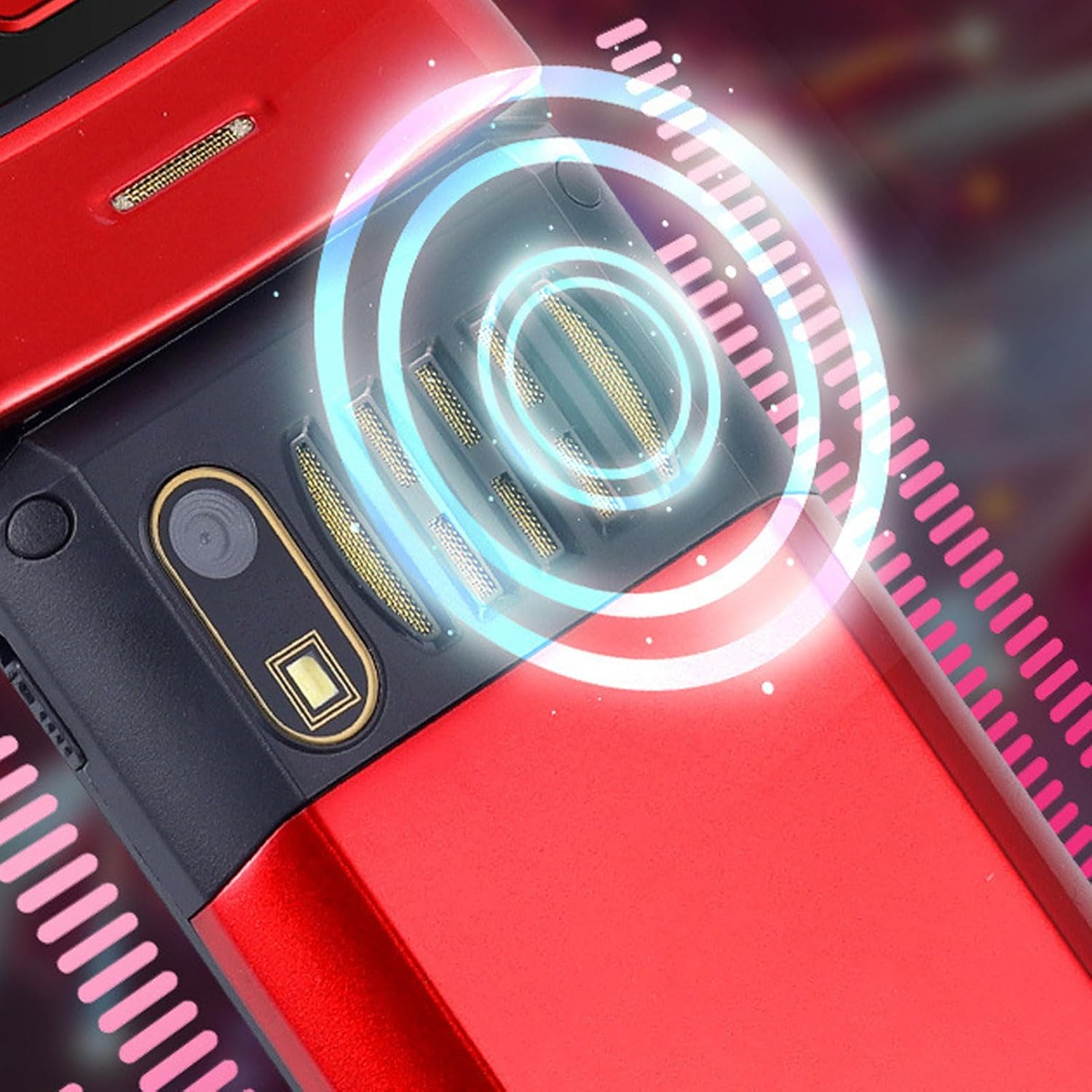
Image: The back of the phone, highlighting the speaker area, which contributes to clear sound for emergency calls.
2.5 Speed Dial and Shortcut Buttons
The phone supports 9 speed dial buttons for quick dialing of family numbers and 3 dedicated shortcut buttons for frequently used functions.
- Setting Speed Dial: Refer to the phone's menu for instructions on assigning contacts to speed dial numbers (typically 2-9).
- Using Shortcut Buttons: The dedicated shortcut buttons provide quick access to features like Camera, Messaging, or FM Radio.
3. Penyelenggaraan
3.1 Penjagaan Bateri
- Elakkan daripada mendedahkan bateri kepada suhu yang melampau.
- Jangan tebuk, buka atau litar pintas bateri.
- Jika telefon tidak akan digunakan untuk tempoh yang lama, cas bateri sehingga kira-kira 50% sebelum menyimpannya.
3.2 Membersihkan Telefon Anda
- Use a soft, lint-free cloth to clean the phone's screen and body.
- Jangan gunakan bahan kimia yang keras, semburan pembersih atau bahan yang melelas.
- Keep the charging port and speaker grilles free of dust and debris.
4. Penyelesaian masalah
If you encounter issues with your phone, please refer to the following common problems and solutions:
| Masalah | Kemungkinan Punca | Penyelesaian |
|---|---|---|
| Telefon tidak dihidupkan. | Battery is drained or not properly inserted. | Cas bateri. Pastikan bateri dimasukkan dengan betul. |
| Tidak boleh membuat atau menerima panggilan. | Tiada kad SIM, kad SIM tidak dimasukkan dengan betul atau tiada isyarat rangkaian. | Ensure SIM card is inserted correctly. Check network signal strength. Contact your service provider. |
| Kualiti panggilan yang lemah. | Weak network signal, or speaker/microphone obstruction. | Move to an area with better signal. Clean speaker and microphone openings. |
| Fungsi SOS tidak berfungsi. | SOS contacts not set up, or no network signal. | Verify SOS contacts are correctly configured in settings. Ensure phone has network signal. |
5. Spesifikasi
Key technical specifications for the EBTOOLS YEEMI K21+ 4G Flip Phone:
- model: EBTOOLS1756ogbieh-12
- Ketersambungan: 4G (supports 2G, 3G, and 4G network bands including GSM and CDMA)
- Skrin Utama: 2.6-inch High Definition
- Skrin Luaran: 1.77-inch Color High Definition
- Kapasiti Bateri: 4800mAh (Long Standby Time)
- ciri-ciri: Large Buttons, Dual Screens, SOS with GPS Positioning, 9 Speed Dial Buttons, 3 Dedicated Shortcut Buttons, Clear Sound Speaker
- Dimensi: Kira-kira 5.51 x 3.15 x 2.76 inci (Saiz Pakej)
- Negara Asal: China
6. Waranti dan Sokongan
Your EBTOOLS YEEMI K21+ 4G Flip Phone comes with a standard manufacturer's warranty. Please refer to the warranty card included in your package for specific terms and conditions. For technical support, troubleshooting assistance beyond this manual, or warranty claims, please contact the seller or manufacturer directly.
Pengeluar: EBTOOLS
Untuk bantuan lanjut, anda boleh melawati Kedai EBTOOLS di Amazon.
Ask a question about this manual
Ask about setup, troubleshooting, compatibility, parts, safety, or missing instructions. Manuals+ will review the question and use this page’s manual context to help answer it.