
1. Pengenalan
The Promate Capsule-3 is a portable Bluetooth speaker designed to deliver high-definition audio with versatile connectivity options. This manual provides essential information for setting up, operating, and maintaining your speaker to ensure optimal performance.
2. Apa yang ada di dalam Kotak
Carefully unpack your Promate Capsule-3 speaker. The package should contain the following items:
- 1 x Promate Capsule-3 Bluetooth Speaker
- 1 x Manual Pengguna
3. Produk Lebihview
The Promate Capsule-3 speaker features a 5W audio output, True Wireless Stereo (TWS) technology for pairing two speakers, and integrated rainbow LED lights. It supports multiple playback modes including Bluetooth v5.3, TF Card, USB Media Port, and 3.5mm AUX input. The compact design includes a lanyard for portability, and it is powered by a built-in 500mAh rechargeable lithium battery providing up to 6 hours of playtime.
Video 1: Promate Capsule-3 Speaker Overview. This video provides a brief introduction to the Promate Capsule-3 Bluetooth Speaker, highlighting its key features and design.

Image 1: True Wireless Stereo Sound. The image displays the Promate Capsule-3 speaker, emphasizing its 5-watt output and True Wireless Stereo (TWS) capability for enhanced audio.

Image 2: Rainbow LED Lights. This image shows the speaker with its vibrant rainbow LED lights, illustrating its ability to enhance the ambiance of any environment.
4. Persediaan
4.1 Mengecas Speaker
- Connect the charging cable to the DC 5V port on the speaker.
- Sambungkan hujung kabel yang satu lagi ke penyesuai kuasa USB (tidak disertakan) atau port USB komputer.
- Penunjuk LED akan menunjukkan status pengecasan. Setelah dicas sepenuhnya, penunjuk akan berubah atau padam.
4.2 Menghidupkan/Mematikan
- To power on, press and hold the Power button until the LED lights illuminate and an audible prompt is heard.
- To power off, press and hold the Power button again until the LED lights turn off and an audible prompt is heard.
5. Arahan Operasi
5.1 Berpasangan Bluetooth
- Pastikan pembesar suara dihidupkan dan dalam mod pasangan Bluetooth (penunjuk LED akan berkelip).
- Pada peranti anda (telefon pintar, tablet, komputer riba), dayakan Bluetooth dan cari peranti yang tersedia.
- Select "Promate Capsule-3" from the list.
- Sebaik sahaja dipasangkan, pembesar suara akan mengeluarkan pengesahan yang boleh didengar dan penunjuk LED akan berhenti berkelip.
5.2 Penggandingan Stereo Tanpa Wayar Sebenar (TWS)
To achieve stereo sound, you can pair two Promate Capsule-3 speakers together:
- Ensure both Capsule-3 speakers are powered on and not connected to any Bluetooth device.
- On one speaker (this will be the primary speaker), press and hold the TWS pairing button (refer to controls section for button identification).
- The speakers will search for each other and automatically pair. An audible prompt will confirm successful TWS connection.
- Sekarang, sambungkan peranti anda kepada pembesar suara utama melalui Bluetooth seperti yang diterangkan dalam bahagian 5.1. Audio akan dimainkan dalam stereo melalui kedua-dua pembesar suara.

Image 3: Easy Music Navigation. This image highlights the speaker's control buttons, indicating simple navigation for music playback and call management.
5.3 Multi-Mode Playback
Pembesar suara ini menyokong pelbagai kaedah input audio:
- Bluetooth: Connect wirelessly to your device (see 5.1).
- Kad TF: Insert a TF (Micro SD) card loaded with audio files ke dalam slot kad TF. Pembesar suara secara automatik akan bertukar kepada mod kad TF dan mula main balik.
- USB Media Port: Masukkan pemacu kilat USB dengan audio files ke dalam port USB. Pembesar suara secara automatik akan bertukar kepada mod USB dan mula main balik.
- Input AUX: Sambungkan peranti audio menggunakan kabel AUX 3.5mm ke port AUX. Pembesar suara akan bertukar kepada mod AUX secara automatik.

Image 4: Multiple Connectivity Options. The image illustrates the various input ports available on the speaker, including Wireless BT, AUX Port, USB Drive, and TF Card slot.
6. Kawalan
The Promate Capsule-3 features intuitive touch controls and quick access buttons for managing your audio experience:
- Butang Kuasa: Tekan dan tahan untuk menghidupkan/mematikan kuasa.
- Butang Main/Jeda: Press to play or pause audio. During a call, press to answer/end.
- Kelantangan Naik (+): Tekan untuk meningkatkan kelantangan. Tekan dan tahan untuk trek seterusnya.
- Perlahankan suara (-): Tekan untuk mengurangkan kelantangan. Tekan dan tahan untuk trek sebelumnya.
- Butang Mod (M): Press to switch between Bluetooth, TF Card, USB, and AUX modes.
- Kawalan Lampu LED: Specific button or combination (refer to speaker markings) to cycle through or turn off LED light modes.
7. Penyelenggaraan
- Pembersihan: Gunakan kain lembut dan kering untuk membersihkan bahagian luar pembesar suara. Jangan gunakan pembersih atau pelarut yang melelas.
- Storan: Simpan pembesar suara di tempat yang sejuk dan kering jauh dari cahaya matahari langsung dan suhu yang melampau.
- Penjagaan Bateri: To prolong battery life, fully charge the speaker before first use and recharge it regularly, even if not in use for extended periods. Avoid fully discharging the battery frequently.
- Tahan Air: Pembesar suara ini TIDAK kalis air. Elakkan pendedahan kepada air atau kelembapan berlebihan.
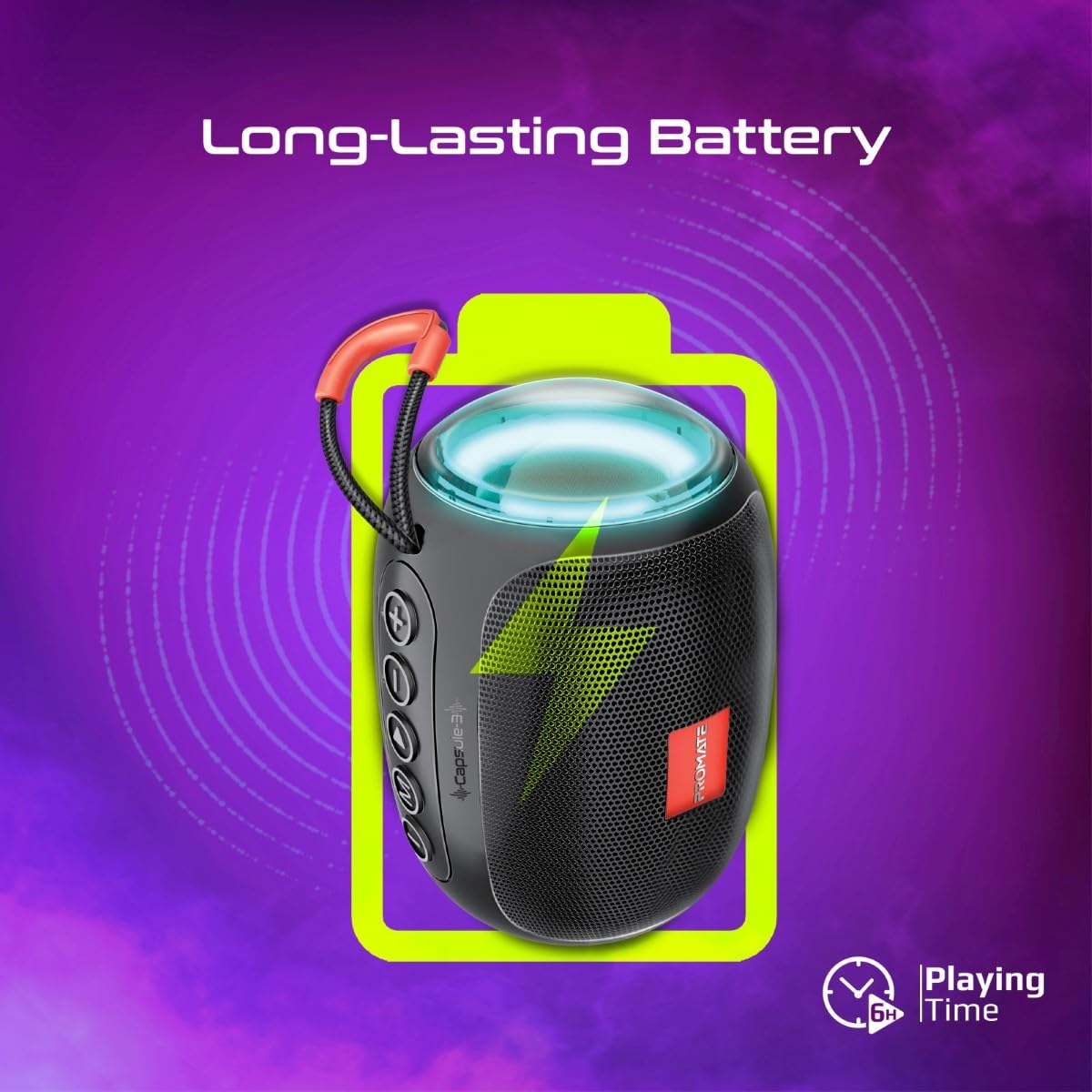
Image 5: Long-Lasting Battery. The image highlights the speaker's extended battery life, indicating over 6 hours of continuous playtime on a single charge.
8. Penyelesaian masalah
| Masalah | Kemungkinan Punca | Penyelesaian |
|---|---|---|
| Speaker tidak dihidupkan. | Bateri lemah. | Cas pembesar suara sepenuhnya. |
| Tidak boleh berpasangan melalui Bluetooth. | Pembesar suara tidak dalam mod berpasangan; peranti Bluetooth dimatikan; terlalu jauh dari pembesar suara. | Ensure speaker is in pairing mode. Turn device Bluetooth off/on. Move device closer to speaker (within 10 meters). |
| Tiada bunyi. | Volume too low; incorrect input mode; paused playback. | Increase volume. Check input mode (Bluetooth, AUX, TF, USB). Ensure music is playing. |
| Gandingan TWS gagal. | Pembesar suara sudah disambungkan ke peranti lain; terlalu jauh antara satu sama lain. | Disconnect speakers from any Bluetooth devices. Ensure speakers are close to each other. Try re-initiating TWS pairing. |
9. Spesifikasi
| Ciri | Perincian |
|---|---|
| Nama Model | Capsule-3 |
| bahan | Akrilonitril Butadiena Stirena (ABS) |
| Output Speaker | 5 Watt |
| Versi Bluetooth | v5.3 |
| Julat Tanpa Wayar | Sehingga 10 meter |
| Kapasiti Bateri | Bateri litium boleh dicas semula 500mAh terbina dalam |
| Masa bermain | Sehingga 6 jam |
| Port Pengecasan | DC 5V (USB) |
| Pilihan Kesambungan | Bluetooth, 3.5mm AUX, USB Port, TF Card Slot |
| Kaedah Kawalan | Sentuh butang |
| Ciri Khas | LED Lights, True Wireless Stereo (TWS) support, Portable design |
| Dimensi Produk | 9D x 9W x 16H Sentimeter |
| Berat Barang | 410 Gram |
| Tahan Air | Bukan Tahan Air |
10. Waranti dan Sokongan
For warranty information, technical support, or service inquiries, please refer to the warranty card included with your product or visit the official Promate webtapak. Simpan resit pembelian anda sebagai bukti pembelian.

Image 6: Music On-The-Go. This image depicts the speaker in an outdoor setting, highlighting its compact and portable design, suitable for travel and outdoor activities.