
1. Produk Lebihview
The RadioShack N409 rechargeable battery charger is designed to power your devices efficiently, whether at home, in the office, or during travel. This versatile charger supports both AA and AAA rechargeable batteries, including high-capacity 2500mAh batteries. Its compact and portable design makes it convenient for on-the-go use. The charger features LED indicators to display charging progress and incorporates intelligent charging technology to optimize charging speed and protect batteries from overcharging, extending their lifespan. It includes a Micro USB cable and a USB adapter for flexible charging options.
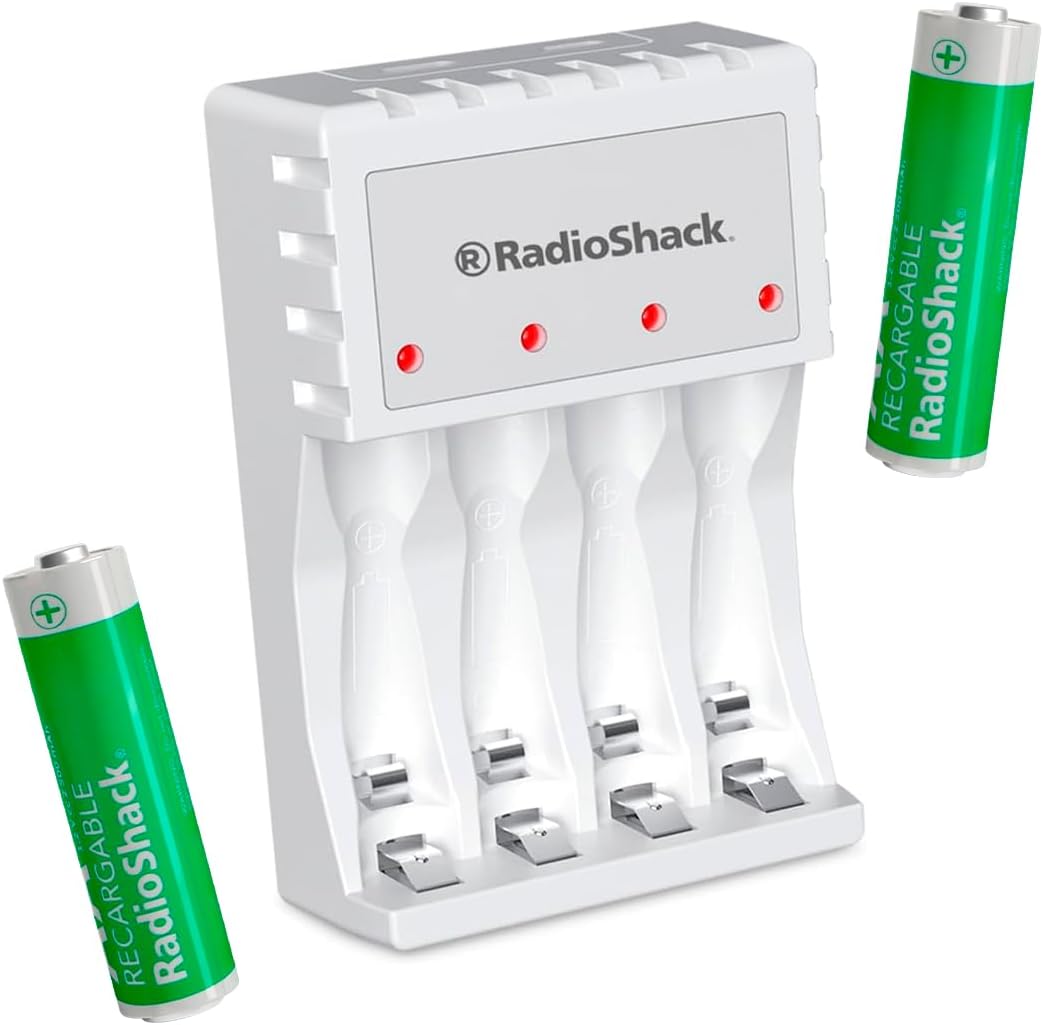
Figure 1: RadioShack N409 Charger with included AA batteries.
2. Kandungan Pakej
Sahkan bahawa semua item terdapat dalam pakej:
- 1 x RadioShack N409 AA/AAA Rechargeable Battery Charger
- 2 x AA 2500 mAh Rechargeable Batteries
- 1 x Kabel Pengecas USB Mikro
- 1 x USB Wall Adapter

Rajah 2: Semua komponen termasuk dalam pakej.
3. Persediaan
- Sambungkan Pengecas: Insert the Micro USB end of the charging cable into the charger's Micro USB port. Connect the standard USB end of the cable to the included USB wall adapter, a computer's USB port, or another compatible USB power source.
- Hidupkan kuasa: Plug the USB wall adapter into a standard electrical outlet. The charger's LED indicators may briefly illuminate.
- Masukkan Bateri: Carefully insert AA or AAA rechargeable batteries into the charging slots, ensuring correct polarity (+ and - ends match the markings on the charger). The charger can accommodate up to four batteries simultaneously.

Figure 3: Charger connected to a power source.
4. Arahan Operasi
- Proses Pengecasan: Once batteries are correctly inserted and the charger is powered, the corresponding LED indicators will illuminate to show that charging is in progress.
- Penunjuk LED: The LED indicators provide information on the charging status. When a battery is fully charged, the charger's intelligent technology will automatically reduce the charging current or shut off the charging process for that slot to prevent overcharge and conserve energy.
- Penyingkiran Bateri: Once charging is complete, carefully remove the batteries from the charger.
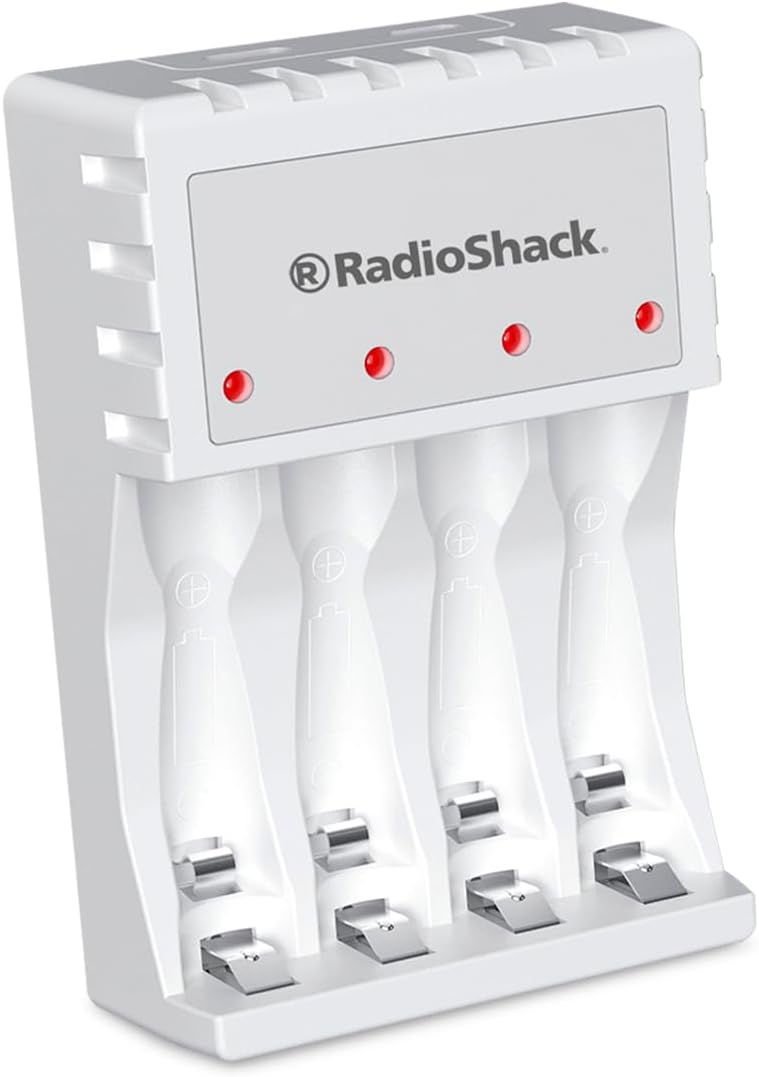
Figure 4: LED indicators on the charger.
5. Penyelenggaraan
- Pembersihan: Disconnect the charger from the power source before cleaning. Use a soft, dry cloth to wipe the surface of the charger. Do not use liquid cleaners or abrasive materials.
- Storan: Simpan pengecas di tempat yang sejuk dan kering, jauh daripada cahaya matahari langsung dan suhu yang melampau apabila tidak digunakan.
- Penjagaan Bateri: For optimal battery life, avoid completely draining rechargeable batteries before recharging them.
6. Penyelesaian masalah
| Masalah | Kemungkinan Punca | Penyelesaian |
|---|---|---|
| Penunjuk LED tidak menyala. | Charger not connected to power, or battery inserted incorrectly. | Ensure the charger is securely plugged into a working power outlet. Re-insert batteries, verifying correct polarity. |
| Bateri tidak dicas. | Batteries are non-rechargeable, damaged, or fully charged. | Confirm batteries are rechargeable (NiMH or NiCd). Try charging different batteries. If batteries are already full, the charger will stop charging. |
| Pengecasan perlahan. | Low power USB source or high-capacity batteries. | Use the included USB wall adapter for optimal charging speed. Charging high-capacity batteries naturally takes longer. |
7. Spesifikasi
| Ciri | Perincian |
|---|---|
| Model | N409 |
| Jenis Bateri yang Serasi | AA, AAA (Rechargeable) |
| Input Voltage | 5 Volt |
| Keluaran Voltage | 1.5 Volt |
| Dimensi (L x W x H) | 6.3 x 2.4 x 9.3 cm |
| Berat badan | 200 g |
| Termasuk Bateri | 2 x AA 2500 mAh |
| Antara Muka Pengecasan | USB mikro |
| Ciri-ciri | LED Indicators, Intelligent Charging Protection (Overcharge protection) |
8. Maklumat Keselamatan
- Use only with rechargeable AA and AAA batteries. Do not attempt to charge non-rechargeable batteries.
- Jangan dedahkan pengecas kepada air atau kelembapan berlebihan.
- Jangan buka atau ubah suai pengecas.
- Jauhkan daripada kanak-kanak.
- Cabut palam pengecas daripada sumber kuasa apabila tidak digunakan atau semasa ribut elektrik.
- Pastikan pengudaraan yang betul semasa mengecas. Jangan tutup pengecas.
9. Waranti dan Sokongan
For product support, technical assistance, or warranty inquiries, please contact RadioShack customer service. Refer to your purchase documentation for specific warranty terms and contact information.
Note: This manual provides general guidelines. Specific warranty terms may vary by region and retailer.