
P71
COLMI P71 Smart Watch User Manual
Model: P71
pengenalan
This manual provides detailed instructions for the setup, operation, maintenance, and troubleshooting of your COLMI P71 Smart Watch. Please read this manual carefully to ensure proper use and to maximize the features of your device.
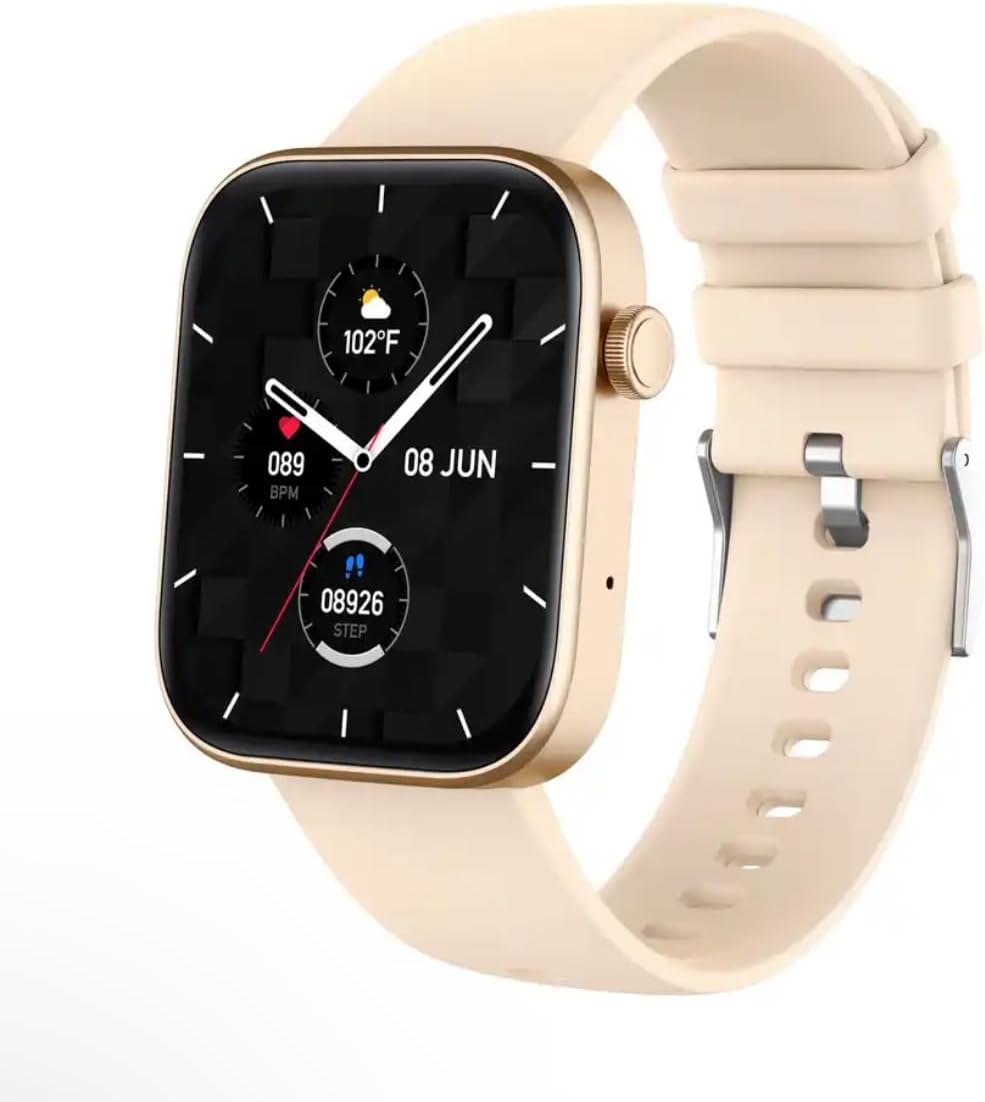
Image: The COLMI P71 Smart Watch, featuring a square display, a beige silicone strap, and a metallic gold-colored frame. The watch face shows the date, time, temperature, heart rate, and step count.
Persediaan
1. Pengecasan Awal
Before first use, fully charge your COLMI P71 Smart Watch. Connect the magnetic charging cable to the charging points on the back of the watch and plug the USB end into a standard USB power adapter (not included). The watch display will indicate charging status. A full charge typically takes approximately 2 hours.
2. Muat Turun Apl dan Berpasangan
- Scan the QR code provided in the watch packaging or search for the official companion app (e.g., 'Da Fit' or similar, as per packaging) in your smartphone's app store (App Store for iOS, Google Play Store for Android).
- Pasang aplikasi dan buat akaun jika digesa.
- Pastikan Bluetooth didayakan pada telefon pintar anda.
- Open the app, navigate to the 'Device' or 'Add Device' section, and select your COLMI P71 from the list of available devices.
- Follow the on-screen prompts to complete the pairing process. A successful connection will be indicated on both the watch and the app.
Arahan Operasi
Navigasi Asas
- Leret ke atas/bawah: Tatal melalui menu dan pemberitahuan.
- Leret Kiri/Kanan: Akses fungsi pantas atau skrin data yang berbeza.
- Ketik: Pilih item atau sahkan tindakan.
- Butang Sisi: Press to return to the home screen or wake the display. Long press for power options.
Panggilan Bluetooth dan Pemberitahuan Pintar
The COLMI P71 supports Bluetooth calling, allowing you to make and receive calls directly from your wrist when connected to your smartphone. It also displays SMS, WhatsApp, and other app notifications.

Image: Two COLMI P71 smartwatches, one with a beige strap and the other with a blue strap, are shown. The displays illustrate the Bluetooth calling feature, with one watch showing a 'Telephone' interface with options for 'Recent calls' and 'Dialpad', and the other showing a 'Contact' screen.
To enable these features, ensure the watch is paired with your phone via the app and that all necessary permissions (e.g., call logs, contacts, notifications) are granted to the app in your phone's settings.
Pemantauan Kesihatan
The watch provides comprehensive health monitoring features, including heart rate, blood pressure, blood oxygen (SpO2), and sleep tracking.
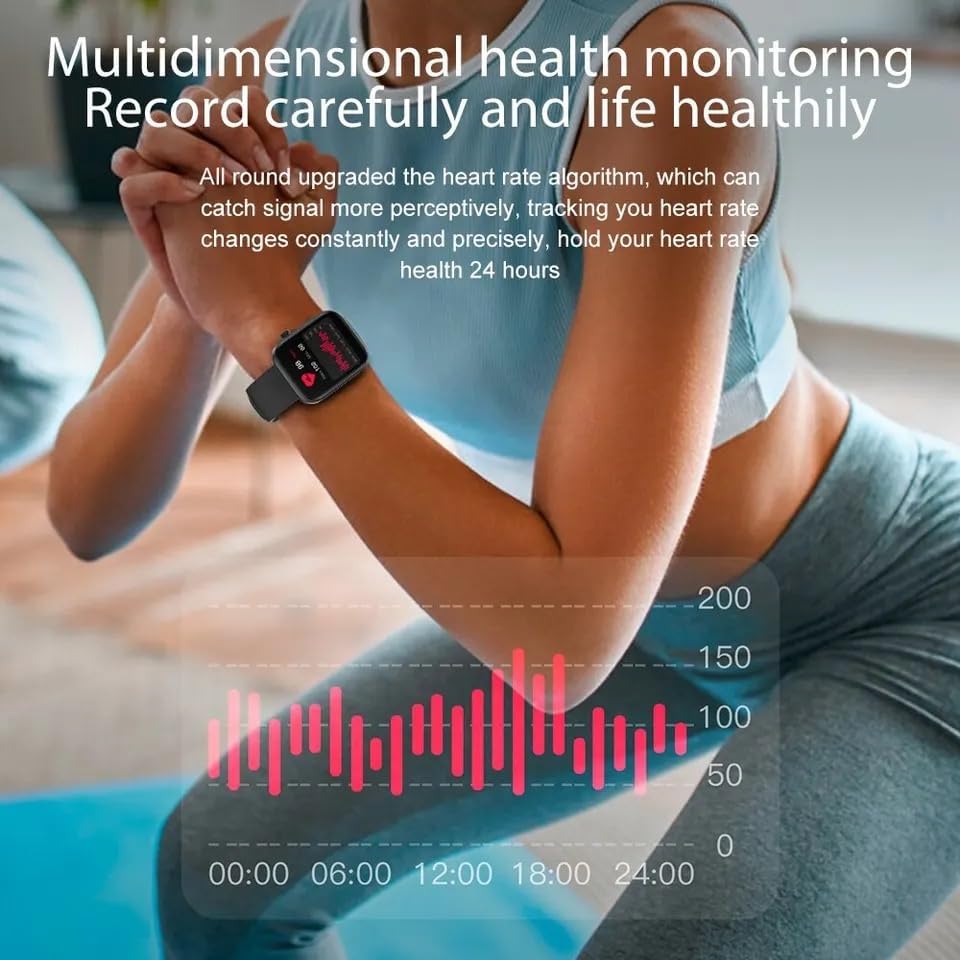
Image: A person is shown wearing the COLMI P71 Smart Watch on their wrist while performing an exercise. The image highlights the watch's multidimensional health monitoring capabilities, with a graph overlay illustrating heart rate data over a 24-hour period.
- Kadar Jantung & Tekanan Darah: Access these functions from the watch menu. For accurate readings, ensure the watch is snug on your wrist and remain still during measurement.
- Pemantauan SpO2: The watch can track your blood oxygen saturation round-the-clock.
- Pemantauan Tidur: Wear the watch to bed for automatic sleep tracking. The app will provide detailed analysis of your sleep stages.
- Kesihatan Wanita: Record and predict menstrual periods, ovulation, and receive vibration reminders.
- Latihan pernafasan: Guided breathing exercises to help relax and reduce stress.
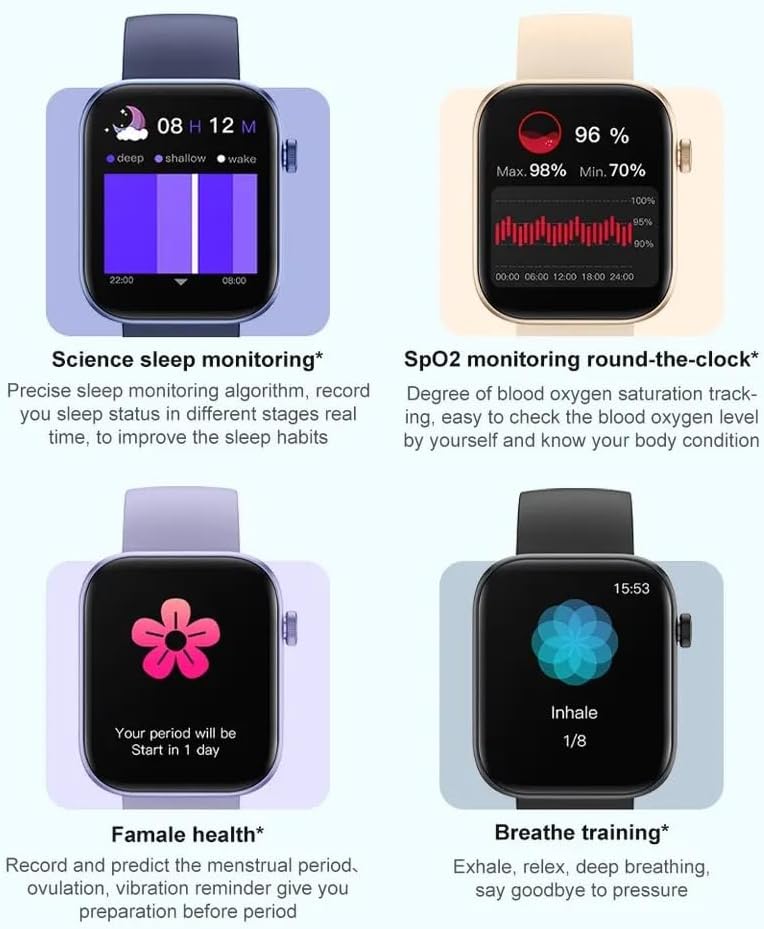
Image: A composite image displaying four key health features of the COLMI P71 Smart Watch. These include detailed sleep monitoring graphs, real-time SpO2 (blood oxygen) level tracking, a female health tracking interface showing period prediction, and a guided breathe training screen.
Mod Sukan
The COLMI P71 offers over 100 sports modes to record your exercise data, including running, walking, cycling, and more. Select your desired activity from the sports menu to begin tracking.

Image: The COLMI P71 Smart Watch is shown on a wrist, displaying various exercise metrics such as steps, distance, calories, and heart rate. Below the watch, a row of icons represents the 100+ available sports modes, including running, cycling, yoga, and weightlifting.
Pembantu Suara
Utilize the integrated voice assistant for quick commands and information retrieval. Ensure your watch is connected to your smartphone and the voice assistant feature is enabled in the app settings.
Penyelenggaraan
Rintangan Air (IP68)
The COLMI P71 Smart Watch is IP68 waterproof, meaning it is resistant to dust and can withstand immersion in water up to 1.5 meters for 30 minutes. It is suitable for daily use, hand washing, and light rain. However, it is not recommended for hot showers, saunas, or diving, as steam and high water pressure can compromise the seals.
Pembersihan
Kerap bersihkan jam tangan dan tali pinggang anda dengan lembut, damp kain. Elakkan menggunakan bahan kimia yang keras atau bahan yang kasar. Pastikan sentuhan pengecasan bersih dan kering sebelum mengecas.
Penjagaan Bateri
To prolong battery life, avoid extreme temperatures. Charge the watch fully before storing it for extended periods. The watch features a 230mAh battery, providing up to 7 days of typical usage.
Menyelesaikan masalah
- Tonton tidak dihidupkan: Pastikan jam tangan dicas sepenuhnya. Sambungkannya ke pengecas selama sekurang-kurangnya 30 minit.
- Tidak boleh berpasangan dengan telefon: Make sure Bluetooth is enabled on your phone and the watch. Restart both devices. Ensure the app has necessary permissions.
- Data kesihatan tidak tepat: Pastikan jam tangan dipakai dengan kemas di pergelangan tangan anda, tidak terlalu ketat atau terlalu longgar. Elakkan pergerakan berlebihan semasa pengukuran.
- Pemberitahuan tidak diterima: Check app notification permissions on your phone. Ensure the app is running in the background and not optimized for battery saving.
- Skrin tidak bertindak balas: Try restarting the watch by long-pressing the side button. If unresponsive, allow the battery to drain completely and then recharge.
Spesifikasi
| Ciri | Perincian |
|---|---|
| Nama Model | P71 |
| Jenama | Generik |
| Saiz Skrin | 1.9 Inci |
| bentuk | Segi empat |
| Sistem Operasi | OS jam tangan pintar |
| Teknologi Ketersambungan | Bluetooth |
| Standard Komunikasi Tanpa Wayar | Bluetooth |
| Ciri Khas | Distance Tracker, Blood Pressure, Heart Rate Monitor, SpO2, Sleep Monitor, Female Health, Voice Assistant |
| Komposisi Sel Bateri | Litium |
| Tahan Air | IP68 |
| Tarikh Mula-mula Tersedia | 25 Oktober 2023 |
Waranti dan Sokongan
Untuk maklumat jaminan dan sokongan pelanggan, sila rujuk dokumentasi yang disertakan dengan pembelian anda atau hubungi penjual secara langsung. Simpan bukti pembelian anda untuk sebarang tuntutan jaminan.
Ask a question about this manual
Ask about setup, troubleshooting, compatibility, parts, safety, or missing instructions. Manuals+ will review the question and use this page’s manual context to help answer it.