pengenalan
The 1Mii SafeFly Dual Bluetooth 5.3 Audio Transmitter is designed to wirelessly transmit audio from non-Bluetooth devices to your Bluetooth headphones or earbuds. It features an OLED display for easy status monitoring, supports dual headphone connections, and advanced audio codecs like aptX HD and aptX Low Latency for high-fidelity sound with minimal delay. This manual provides detailed instructions for setup, operation, and troubleshooting to ensure optimal use of your device.
Produk Selesaiview
Familiarize yourself with the components and controls of your 1Mii SafeFly Dual Bluetooth Transmitter.

Rajah 1: The 1Mii SafeFly Dual Bluetooth Transmitter, showing its compact design, OLED display, and integrated 3.5mm audio jack.

Rajah 2: Terperinci view of the 1Mii SafeFly Dual, highlighting the OLED display screen, ON/OFF sliding switch, USB-C charging port, 3.5mm audio connection, Audio Plug Protector, and the Multifunction ('M'), Volume Up ('+'), and Volume Down ('-') buttons.
- OLED Display Screen: Shows audio codecs, device names, battery status, and volume level.
- ON/OFF Sliding Switch: Menghidupkan atau mematikan peranti.
- Port Pengecasan USB-C: Untuk mengecas bateri dalaman.
- Sambungan Audio 3.5mm: Connects to audio sources.
- Audio Plug Protector: Protects the 3.5mm audio jack when not in use.
- Butang Pelbagai Fungsi (M):
- Press 2 seconds for Bluetooth pairing mode.
- Press 1 second to Pause/Play music.
- Press 8 seconds to clear pairing records.
- Press 1x to choose to conform or delete devices.
- Press 2x to switch audio codecs.
- Butang '+' dan '-': Adjust volume. When connected to two devices, long press 'M' for 2s then press '+' or '-' to switch devices.
Persediaan
- Cas Peranti: Before first use, fully charge the 1Mii SafeFly Dual using the provided USB-C cable. A full charge takes approximately 1.5 hours and provides up to 25 hours of playtime.
- Hidupkan kuasa: Slide the ON/OFF switch to the "ON" position. For first-time use, the device will automatically enter pairing mode, indicated by "Searching" on the OLED display. For subsequent uses, press the "M" key to enter pairing mode.
- Sambung ke Sumber Audio: Plug the 3.5mm audio jack of the SafeFly Dual into the audio output port of your non-Bluetooth device (e.g., laptop, computer, TV, gym equipment, in-flight entertainment system).
Arahan Operasi
1. Pairing with a Single Bluetooth Headphone/Earbud
- Ensure the 1Mii SafeFly Dual is powered on and in pairing mode ("Searching" displayed).
- Put your Bluetooth headphones or earbuds into their pairing mode. Refer to your headphone/earbud manual for specific instructions.
- The SafeFly Dual will search for nearby Bluetooth devices. Once your headphones/earbuds appear on the OLED display, press the "M" button to confirm pairing.
- Once connected, the OLED display will show the connected device's name and the active audio codec.
Video 1: Demonstrates the pairing process of the 1Mii SafeFly Dual Bluetooth Transmitter with a single pair of headphones. The video shows turning on the device, plugging it into a laptop, and then pairing with Bluetooth headphones by pressing the 'M' key.
2. Pairing with Two Bluetooth Headphones/Earbuds (Dual Connection)
- First, pair the 1Mii SafeFly Dual with your first pair of Bluetooth headphones/earbuds as described above.
- Once the first device is connected, press the "M" button on the SafeFly Dual to re-enter pairing mode ("Searching" will be displayed again).
- Put your second pair of Bluetooth headphones/earbuds into their pairing mode.
- When the second device appears on the OLED display, press the "M" button to confirm pairing.
- Both devices will now be connected simultaneously. The OLED display will show both connected device names (e.g., "A: Airpods", "B: Airpods Pro").
- To switch between the two connected devices, long press the "M" button for 2 seconds, then press the "+" or "-" buttons.
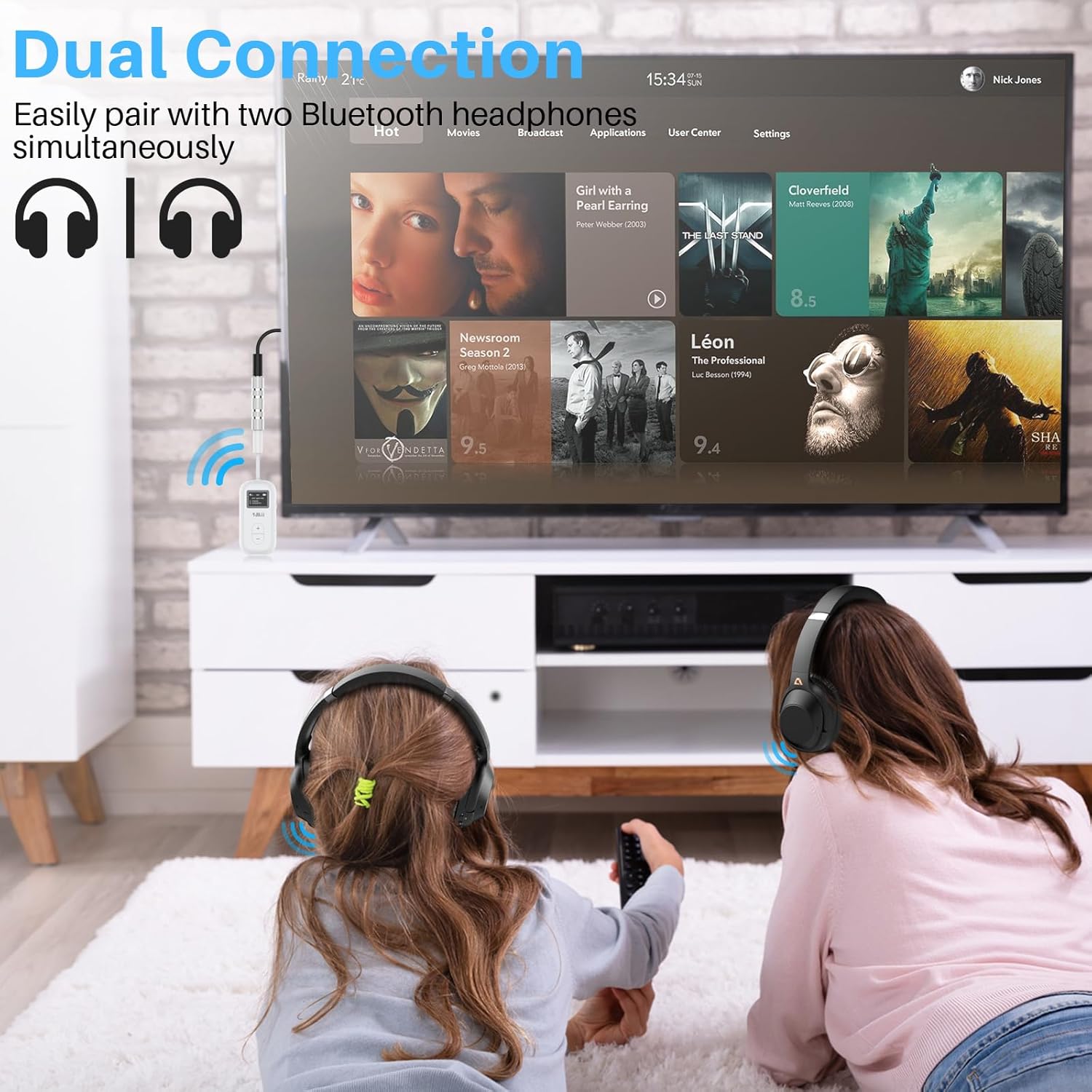
Rajah 3: Illustrates the dual connection feature, showing two pairs of Bluetooth headphones simultaneously connected to the 1Mii SafeFly Dual, which is plugged into a television.
3. Switching Audio Codecs
The 1Mii SafeFly Dual supports various audio codecs including aptX HD, aptX Low Latency (LL), and SBC. To switch between available codecs:
- Ensure the device is connected to your headphones.
- Double-press the "M" button. The OLED display will cycle through the available codecs (e.g., "HD", "LL", "SBC").
- Select the desired codec. The device will automatically apply the chosen codec if supported by your connected headphones.
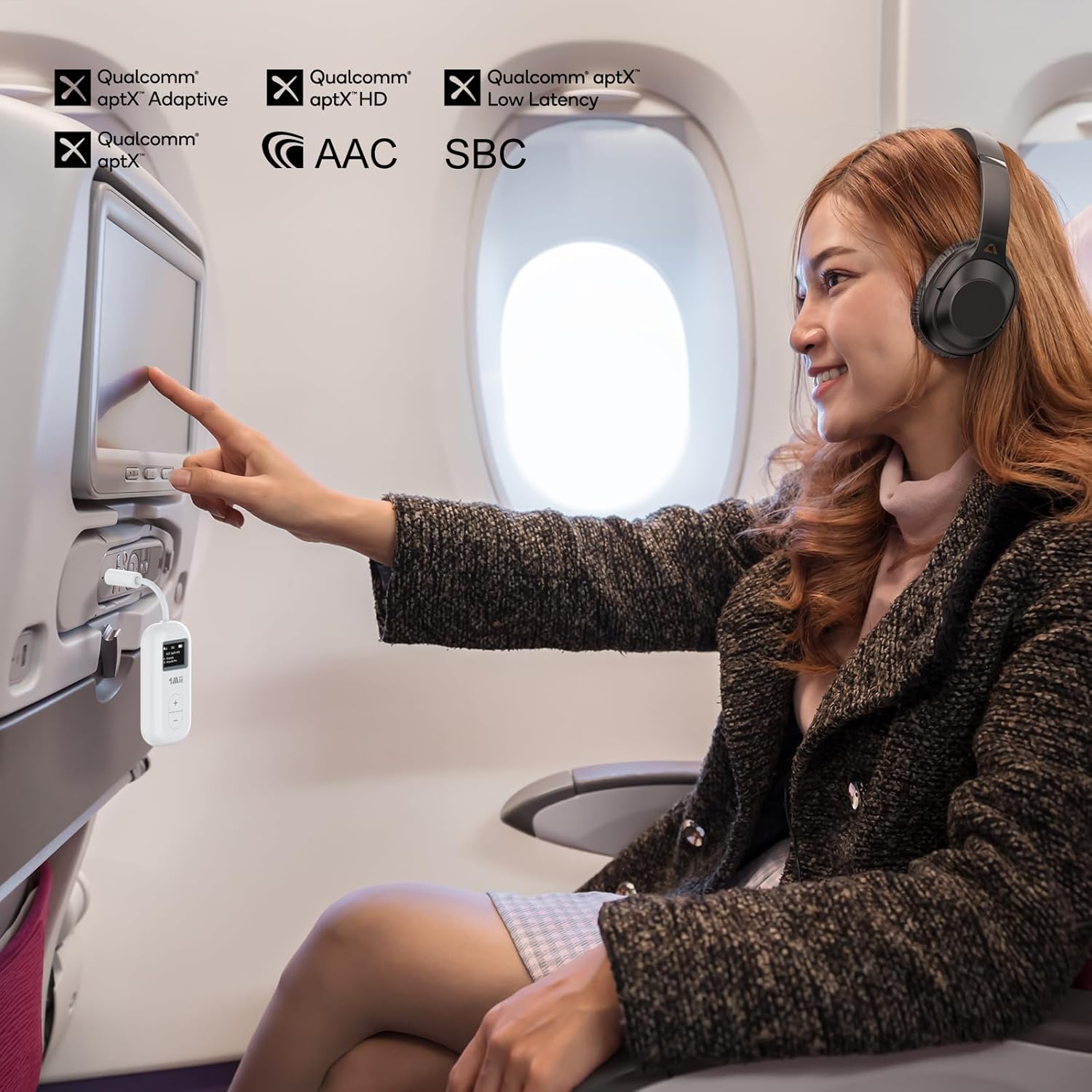
Rajah 4: A user enjoying in-flight entertainment with the 1Mii SafeFly Dual, highlighting the various audio codecs supported for an enhanced listening experience.
4. Kawalan Kelantangan
Use the "+" and "-" buttons on the device to adjust the volume. The current volume level will be displayed on the OLED screen.
5. Senario Penggunaan
- Hiburan Dalam Penerbangan: Plug into the 3.5mm audio jack on airplane seats to use your wireless headphones.
- Peralatan Gim: Connect to treadmills or other gym machines with a 3.5mm audio output.
- TV/Laptop/Tablet: Use with any device featuring a 3.5mm audio output to stream audio wirelessly.

Rajah 5: Berakhirview of the 1Mii SafeFly Dual in Transmitter Mode, illustrating its versatility across different audio sources and Bluetooth receiving devices.

Rajah 6: Enjoying wireless audio on an airplane using the 1Mii SafeFly Dual with AirPods, eliminating the need for wired connections.

Rajah 7: The 1Mii SafeFly Dual in use at the gym, connected to a treadmill, with its OLED display clearly showing volume and battery levels.
Penyelenggaraan
- Keep the device clean and dry. Avoid exposure to extreme temperatures or humidity.
- Gunakan kain lembut dan kering untuk membersihkan. Jangan gunakan bahan kimia yang keras atau bahan yang melelas.
- To protect the battery life, the transmitter will automatically shut down if it is not connected to a Bluetooth device or if there is no audio stream for 5 minutes. To use it again, you need to turn it on again.
- Store the device in a safe place when not in use, preferably with the audio plug protector in place.
Menyelesaikan masalah
| Masalah | Penyelesaian |
|---|---|
| Peranti tidak dihidupkan. | Pastikan bateri telah dicas. Sambungkan peranti ke sumber kuasa menggunakan kabel USB-C. |
| Cannot pair with headphones. |
|
| Tiada audio atau kualiti audio yang lemah. |
|
| Device automatically shuts down. | This is a power-saving feature. The device will shut down after 5 minutes if not connected to a Bluetooth device or if there is no audio stream. Turn it on again to resume use. |
| Difficulty with dual connection. |
|
Spesifikasi
- model: SafeFly Dual
- Versi Bluetooth: 5.3
- Codec yang disokong: aptX HD, aptX Low Latency (LL), SBC, AAC, aptX Adaptive
- Kapasiti Bateri: 250mAh
- Masa main: Sehingga 25 jam
- Masa Pengecasan: Lebih kurang 1.5 jam
- Ketersambungan: 3.5mm Audio Jack
- Port Pengecasan: USB-C
- Julat Operasi: Up to 55ft indoors, 40ft outdoors (without obstacles)
- Dimensi Produk: 6.5 x 9 x 0.39 inci (Note: Product dimensions as per manufacturer specifications. Actual device size may be smaller for portability.)
- Berat Barang: 2.08 auns
- Ciri Khas: Built-In Microphone (for compatible devices/headphones)
Waranti dan Sokongan
For warranty information and technical support, please refer to the official 1Mii webtapak atau hubungi perkhidmatan pelanggan mereka secara langsung. Simpan resit pembelian anda untuk tuntutan waranti.
Pengeluar: 1Mii
Webtapak: Visit the 1Mii Store on Amazon