
1. Pengenalan
Welcome to the user manual for your new DOOGEE U9 Kid Tablet. This guide provides essential information to help you set up, operate, maintain, and troubleshoot your device, ensuring a safe and enriching experience for your child. The DOOGEE U9 Kid Tablet is designed with a focus on eye protection, robust parental controls, and a durable build, making it an ideal companion for learning and entertainment.

The DOOGEE U9 Kid Tablet, featuring a durable purple protective case and a vibrant display showing animated characters, designed for children's entertainment and learning.
2. Apa yang ada di dalam Kotak
Your DOOGEE U9 Kid Tablet package includes the following items:
- U9 Kids Tablet x1
- Kids Tablet Charger x1
- Silicone sleeve for kids x1
- Kids tablet Manual x1
This video demonstrates the unboxing process of the DOOGEE U9 Kid Tablet, showcasing all included accessories such as the tablet, charger, silicone sleeve, and manual.
3. Persediaan Awal
3.1 Menghidupkan
To power on your tablet, press and hold the power button located on the side until the DOOGEE logo appears on the screen. Follow the on-screen prompts to complete the initial setup, including language selection and basic Android configurations.
3.2 Menyambung ke Wi-Fi
Navigate to Settings > Network & internet > Wi-Fi. Turn on Wi-Fi, select your desired network from the list, and enter the password if prompted. The tablet supports Wi-Fi 6 for faster and more stable connections.
3.3 Kawalan Ibu Bapa
The DOOGEE U9 Kid Tablet comes preloaded with Google Kids Space and offers robust parental controls. You can filter content, set educational goals, and manage time limits to create a safe online environment for children aged 3 and above. Access these controls through the dedicated parental control settings on the tablet.

The image illustrates the easy-to-use parental control interface on the DOOGEE U9 Kid Tablet, allowing parents to manage content, screen time, and app access for a safe digital environment.
4. Mengendalikan Tablet Anda
4.1 Menavigasi Antara Muka
The tablet runs on Android 13.0 OS, providing a user-friendly interface. Swipe left or right to navigate between home screens, tap icons to open apps, and swipe down from the top for quick settings and notifications.
4.2 Ciri-ciri Perlindungan Mata
The 10.1-inch IPS HD display is TÜV SÜD blue light certified, featuring low blue light technology and an eye protection mode. This, combined with automatic brightness adjustment, helps protect children's eyes and provides a comfortable viewpengalaman dalam.

A child is shown using the DOOGEE U9 Kid Tablet, emphasizing its TÜV SÜD blue light certification and eye protection mode, designed to reduce eye strain during extended use.
4.3 Penggunaan Media
With Widevine L1 support, the tablet allows for high-quality streaming from popular platforms. Enjoy movies and shows with clear visuals and immersive audio from the dual smart PA stereo speakers.
This video highlights the visual and audio capabilities of the DOOGEE U9 Kid Tablet, demonstrating its suitability for media consumption with its 10.1-inch HD display and dual stereo speakers.
4.4 Penggunaan Kamera
The tablet features dual cameras for capturing photos and videos. The 2MP front camera is suitable for video calls, while the rear camera can be used for general photography.
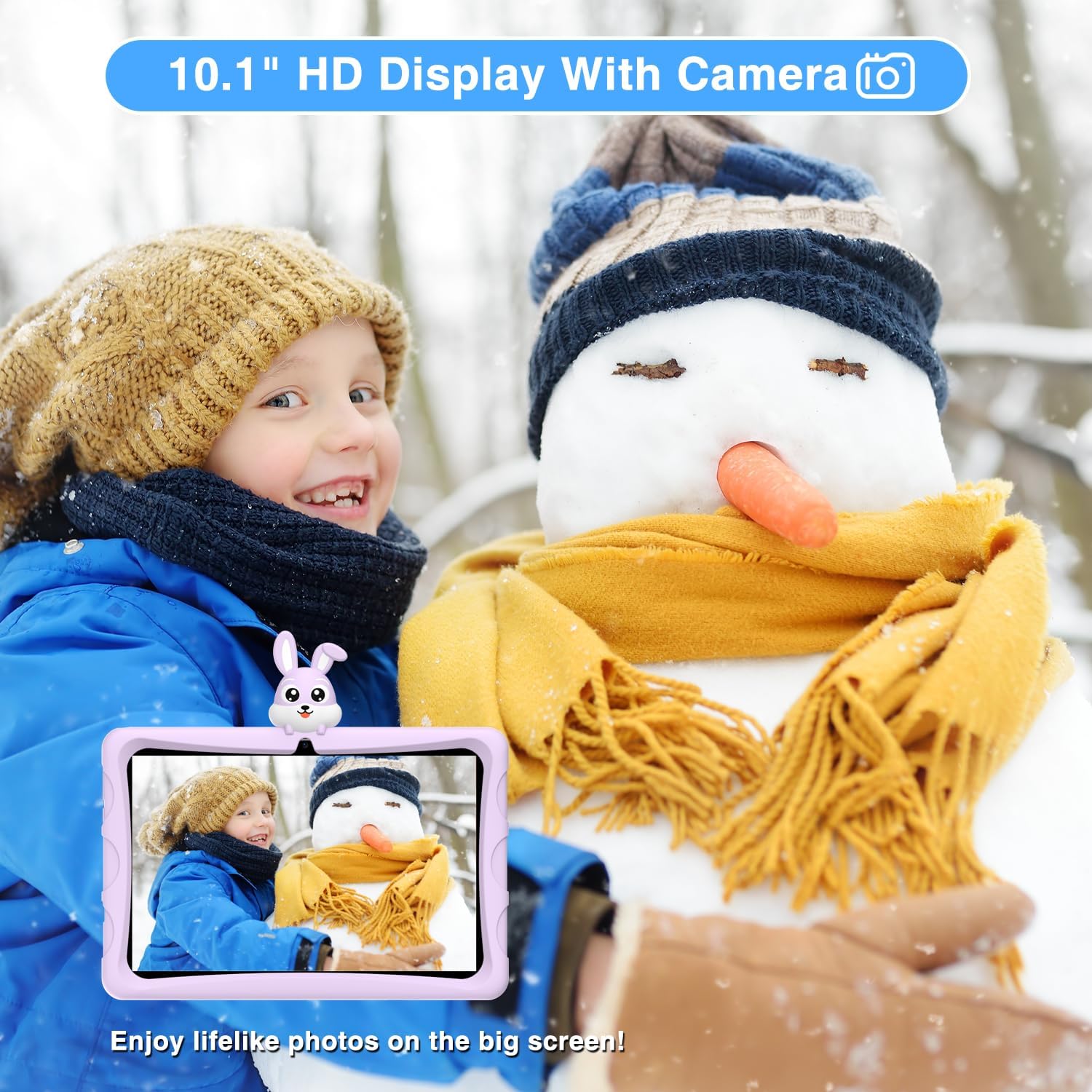
The DOOGEE U9 Kid Tablet's camera is demonstrated by a child capturing a moment in a snowy environment, highlighting its functionality for taking photos.
5. Penjagaan dan Penyelenggaraan
5.1 Pembersihan
To clean the tablet screen, use a soft, lint-free cloth. For stubborn smudges, slightly dampen the cloth with water or a screen cleaner. Avoid harsh chemicals or abrasive materials.
5.2 Hayat Bateri
The tablet is equipped with a 5060mAh battery. To optimize battery life, reduce screen brightness, close unused applications, and disable Wi-Fi or Bluetooth when not in use. Regular charging with the provided charger is recommended.

This image provides a visual summary of the DOOGEE U9 Kid Tablet's key features, including its 5060mAh battery, Android 13 OS, 10.1-inch IPS HD display, and connectivity options.
5.3 Kes Pelindung
The tablet comes with an environmentally friendly EVA material protective case, designed to prevent screen cracking from falls. This durable case is odorless and resistant to deformation, providing excellent protection for active children.
The durable EVA protective case of the DOOGEE U9 Kid Tablet is shown in use by three children taking a selfie, demonstrating its child-friendly design and robust protection.
6. Menyelesaikan masalah Isu Biasa
If you encounter any issues with your DOOGEE U9 Kid Tablet, refer to the following common solutions:
Tablet Freezing/Unresponsive: Press and hold the power button for about 10 seconds to force a restart. If the issue persists, consider a factory reset (note: this will erase all data).
Isu Kesambungan Wi-Fi: Ensure Wi-Fi is enabled in settings. Try restarting your Wi-Fi router. On the tablet, forget the network and reconnect.
Aplikasi Tidak Berfungsi: Go to Settings > Apps > [App Name] > Storage & cache, then clear cache and data. If the problem continues, uninstall and reinstall the app.
Prestasi Perlahan: Close background applications. Regularly clear unnecessary files and apps to free up storage space. A factory reset can also improve performance.

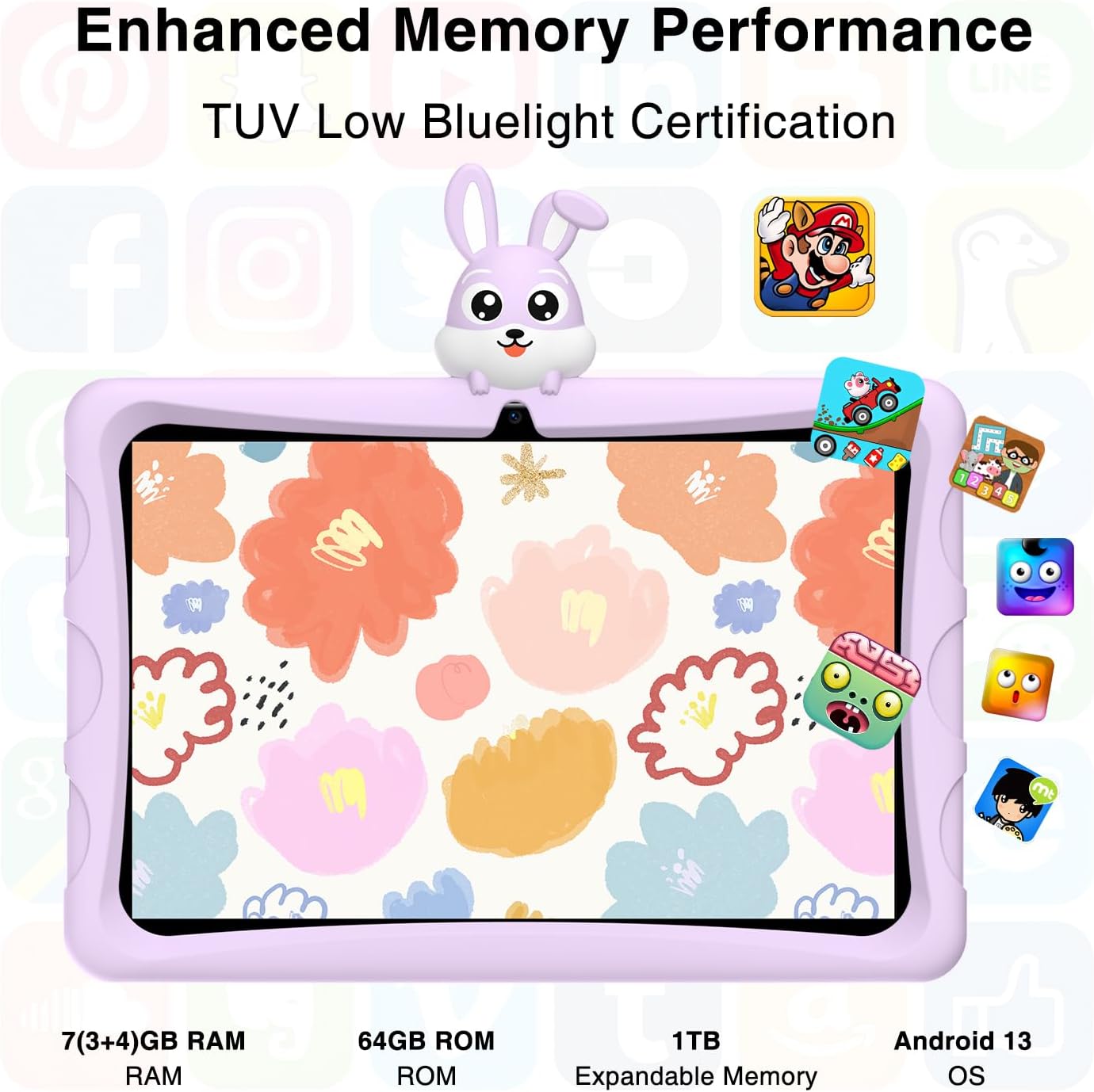
This image highlights the range of preloaded and available apps on the DOOGEE U9 Kid Tablet, designed to provide a rich learning and entertainment experience for children.
7. Spesifikasi Teknikal
| Ciri | Spesifikasi |
|---|---|
| Saiz Paparan Skrin Berdiri | 25.65 Sentimeter (10.1 inci) |
| Resolusi Skrin | 1280*800 Piksel |
| Sistem Operasi | Android 13 |
| Berat Barang | 1.6 paun |
| Dimensi Produk | 9 x 5 x 1 inci |
| warna | Ungu |
| belakang Webresolusi cam | 2 MP |
| Jenama Pemproses | Qualcomm or MediaTek or Unisoc |
| Jenis Memori Komputer | DDR3 SDRAM |
| Saiz Memori Denyar | 64 GB |
| Bateri | 1 Bateri Lithium Metal diperlukan. (termasuk) |
| Jenis Wayarles | 802.11ax (Wi-Fi 6) |
8. Waranti dan Sokongan
DOOGEE is committed to providing excellent customer service. Your U9 Kid Tablet comes with comprehensive support:
Waranti: Enjoy a 2-year warranty on your product.
Perkhidmatan Dalam Talian: Benefit from 7 days / 24 hours online service for any queries or assistance.
Pulangan: A 30-day free return service is available through Amazon.
Sokongan Teknikal: Sokongan teknikal seumur hidup disediakan untuk peranti anda.
Cara Mendapatkan Bantuan: For support, log in to your Amazon account, navigate to 'Your Orders', and select 'Ask Product Question' for direct assistance.