
DOOGEE U9KIDS
Manual Pengguna Tablet Kanak-kanak DOOGEE U9
Model: U9KIDS
1. Pengenalan
Welcome to the DOOGEE U9 Kid Tablet user manual. This guide provides comprehensive instructions for setting up, operating, maintaining, and troubleshooting your new tablet. The DOOGEE U9 is a 10-inch HD tablet designed specifically for children aged 3-7, featuring Android 13, robust memory and storage, a long-lasting battery, and eye protection technology to ensure a safe and engaging digital experience.

Image 1.1: The DOOGEE U9 Kid Tablet, showcasing its protective pink case with a bunny-shaped stand and a colorful display.
2. Maklumat Keselamatan
Please read all safety instructions carefully before using the tablet to ensure safe and proper operation. Keep this manual for future reference.
- Bahaya tercekik: Keep small parts away from young children. The tablet case and stand are designed for child safety, but supervision is always recommended.
- Keselamatan Bateri: Do not attempt to replace the battery yourself. Use only the original charger and cable provided. Do not expose the tablet to extreme temperatures or direct sunlight.
- Penjagaan Skrin: The screen is fragile. Avoid dropping the tablet or placing heavy objects on it. Use a soft, lint-free cloth for cleaning.
- Pendedahan Air: This tablet is not waterproof. Avoid exposure to water or other liquids.
- Perlindungan Mata: The tablet features TÜV SÜD Blue Light Certification for eye protection. Encourage children to take regular breaks from screen time.
- Pengudaraan: Ensure proper ventilation when using the tablet. Do not cover the tablet with blankets or pillows, especially during charging or heavy use.
3. Kandungan Pakej
Sahkan bahawa semua item terdapat dalam pakej:
- DOOGEE U9 Kid Tablet (with pre-installed protective case)
- Kabel Pengecas USB-C
- Penyesuai Kuasa
- Manual Pengguna (dokumen ini)
- Kad Waranti (jika berkenaan)
4. Produk Lebihview
4.1. Ciri-ciri dan Komponen Fizikal
The DOOGEE U9 Kid Tablet is designed with durability and child-friendliness in mind. It features a robust protective case and intuitive controls.
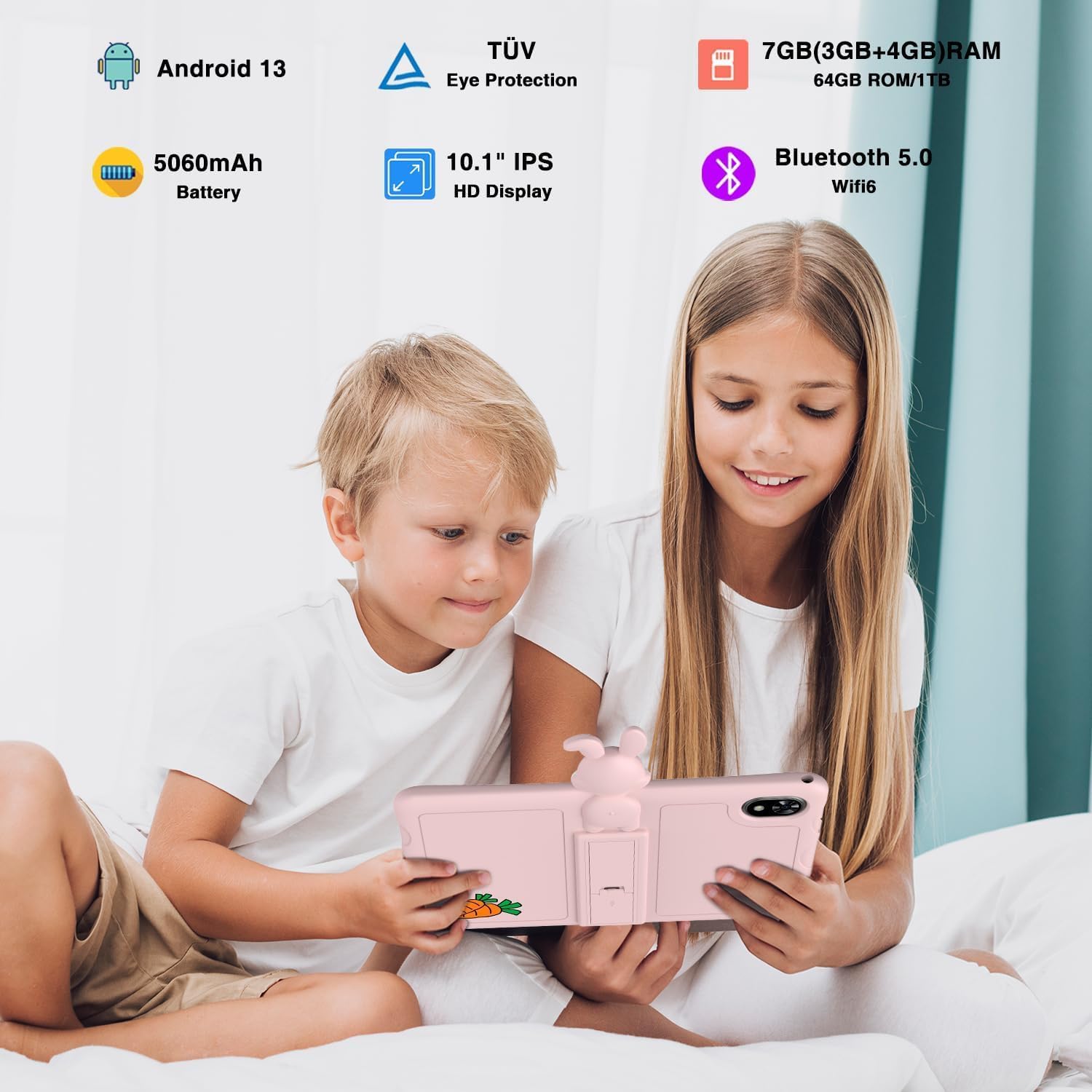
Image 4.1: Children enjoying the DOOGEE U9 Kid Tablet, illustrating its key features.
- paparan: 10.1-inch HD IPS screen, optimized for comfortable viewing with TÜV SÜD Blue Light Certification.
- Kamera: Equipped with dual cameras (5MP rear, 2MP front) for capturing photos and video calls.
- Pelabuhan: Includes a USB-C port for charging and data transfer, and a 3.5mm headphone jack.
- Kawalan: Power button and volume rocker located on the side for easy access.
- Sarung pelindung: Comes with a durable, child-friendly silicone case with an integrated kickstand for hands-free viewing.
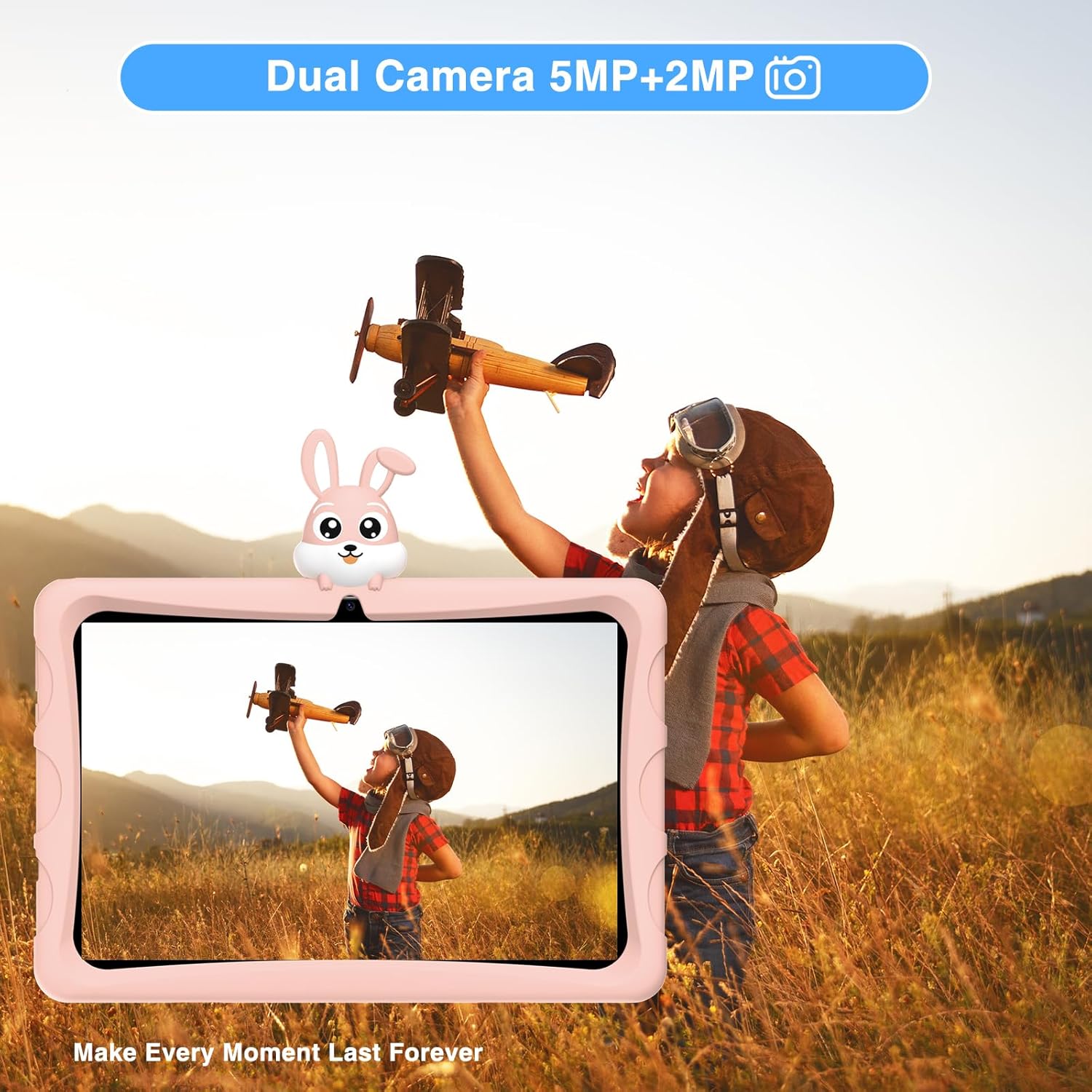
Image 4.2: The tablet's dual camera system, suitable for capturing memories.

Image 4.3: Highlighting the tablet's 10.1-inch IPS HD display for clear visuals.

Image 4.4: The tablet's eye protection features, certified by TÜV Rheinland.
4.2. Video Produk Tamatview
Watch this official product video for a visual guide to the DOOGEE U9 Kid Tablet's features and design.
Video 4.1: Tayangan video produk rasmicasing the features and design of the DOOGEE U9 Kid Tablet, including its protective case, display, and educational content.
5. Persediaan
5.1. Pengecasan Awal
Before first use, fully charge the tablet. Connect the USB-C cable to the tablet's charging port and the other end to the power adapter. Plug the adapter into a wall outlet. The charging indicator will show the charging status. The tablet features a 5060mAh battery for extended use.
5.2. Menghidupkan dan Konfigurasi Awal
- Tekan dan tahan butang Butang kuasa until the DOOGEE logo appears.
- Ikut gesaan pada skrin untuk memilih bahasa anda, menyambung ke rangkaian Wi-Fi dan menyediakan akaun Google anda.
- Configure parental controls and child profiles as desired. The tablet runs on Android 13, offering enhanced privacy and user management features.

Image 5.1: The tablet runs on the latest Android 13, providing a secure and user-friendly experience.
6. Mengendalikan Tablet
6.1. Menavigasi Android 13
The DOOGEE U9 operates on Android 13, offering an intuitive interface. Swipe down from the top for quick settings and notifications. Use gestures or the navigation bar for home, back, and recent apps.
6.2. Kids' Learning and Entertainment
The tablet comes pre-loaded with a variety of educational and entertainment applications suitable for children. These apps are designed to be engaging and promote learning.

Image 6.1: The tablet features a curated selection of apps tailored for children's learning and play.

Image 6.2: A wide range of free learning applications are available for children.
6.3. Media Consumption with Widevine L1
The DOOGEE U9 supports Widevine L1, allowing for high-definition streaming from popular platforms like Disney+, Hulu, Amazon Prime Video, HBO Max, and YouTube Kids. This ensures a premium viewing experience for your child's favorite content.
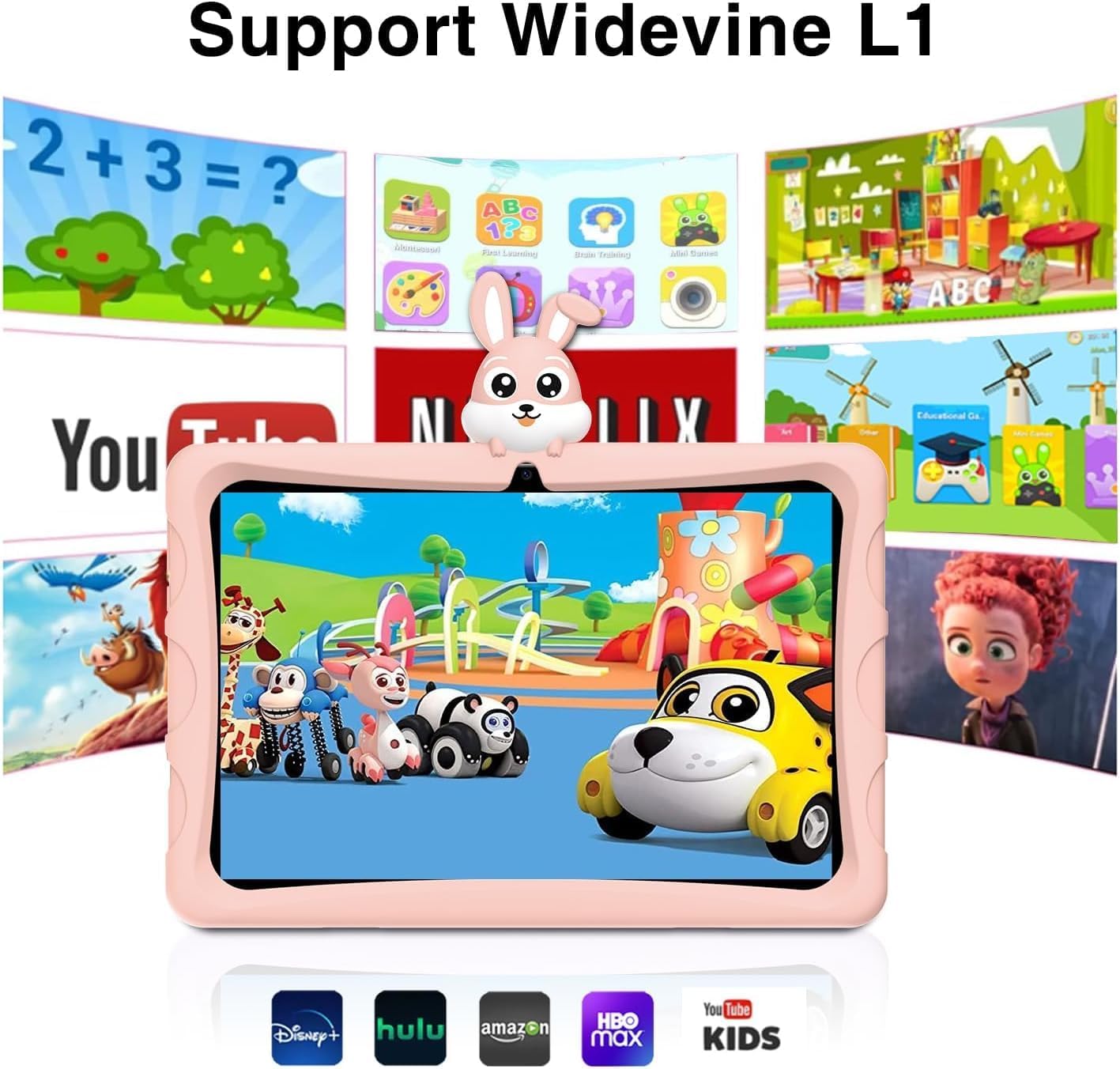
Image 6.3: Widevine L1 support enables high-quality streaming from popular services.

Image 6.4: Enjoy high-definition content with Widevine L1 certification.
7. Penyelenggaraan
Proper maintenance ensures the longevity and optimal performance of your DOOGEE U9 Kid Tablet.
- Pembersihan: Use a soft, dry, lint-free cloth to clean the screen and tablet body. For stubborn smudges, slightly dampen kain dengan air. Elakkan menggunakan bahan kimia yang keras atau bahan yang melelas.
- Storan: Simpan tablet di tempat yang sejuk dan kering jauh dari cahaya matahari langsung dan suhu yang melampau.
- Penjagaan Bateri: To prolong battery life, avoid fully discharging the tablet frequently. Charge it regularly, but do not leave it plugged in for extended periods after it's fully charged.
- Kemas Kini Perisian: Periodically check for system updates in the tablet's settings to ensure you have the latest features and security patches.
8. Penyelesaian masalah
If you encounter issues with your DOOGEE U9 Kid Tablet, refer to the following common problems and solutions:
| Masalah | Kemungkinan Punca | Penyelesaian |
|---|---|---|
| Tablet tidak dapat dihidupkan | Bateri lemah; Ranap sistem | Cas tablet selama sekurang-kurangnya 30 minit. Jika masih tidak bertindak balas, tekan dan tahan butang Kuasa selama 10-15 saat untuk memaksa mulakan semula. |
| Prestasi perlahan | Terlalu banyak aplikasi yang berjalan; Storan rendah; Perisian ketinggalan zaman | Close unused apps. Clear cache. Uninstall unnecessary apps. Check for system updates. |
| Isu sambungan Wi-Fi | Kata laluan salah; Isu penghala; Wi-Fi tablet dilumpuhkan | Ensure Wi-Fi is enabled and password is correct. Restart your Wi-Fi router. Forget and reconnect to the network on the tablet. |
| Apl ranap atau beku | App specific bug; Insufficient RAM | Force close the app and reopen. Clear the app's cache and data in settings. Update the app. If persistent, consider uninstalling and reinstalling. |
9. Spesifikasi
Detailed technical specifications for the DOOGEE U9 Kid Tablet:
| Ciri | Spesifikasi |
|---|---|
| Nombor Model | U9KIDS |
| Saiz Paparan | 10.1 Inci |
| Sistem Operasi | Android 13 |
| Memori (RAM) | 7GB (3GB+4GB virtual) |
| Storan (ROM) | 64 GB (Boleh dikembangkan sehingga 1TB melalui kad TF) |
| Pemproses | Quad Core (Integrated GPU within RK3562 Processor) |
| Kapasiti Bateri | Polimer Litium 5060mAh (termasuk) |
| Kesambungan Wayarles | Wi-Fi 6 (802.11ax), Bluetooth 5.0 |
| Kamera | Dual Camera (5MP Rear, 2MP Front) |
| Dimensi (LxWxH) | 24.53 x 16.33 x 0.99 inci |
| Berat Barang | 2.9 paun |
| Ciri Khas | TÜV SÜD Blue Light Certification, Widevine L1 Support, OTG |
| Julat Umur (Perihalan) | nak |

Image 9.1: The tablet's memory and storage capabilities for smooth performance.
10. Waranti dan Sokongan
DOOGEE products are covered by a limited warranty. Please refer to the warranty card included in your package for specific terms and conditions. For technical support, product inquiries, or warranty claims, please contact DOOGEE customer service through their official webtapak atau peruncit tempat anda membeli produk tersebut.
For more information, visit the official DOOGEE store: Kedai DOOGEE di Amazon.
Ask a question about this manual
Ask about setup, troubleshooting, compatibility, parts, safety, or missing instructions. Manuals+ will review the question and use this page’s manual context to help answer it.