
1. Pengenalan
Thank you for choosing the EBTOOLS Mini Camera. This compact and versatile device is designed for discreet video recording with high-definition clarity. Featuring a 120-degree wide-angle lens, automatic night vision, and PIR (Passive Infrared) motion detection, it offers reliable surveillance capabilities. This manual provides detailed instructions for setup, operation, and maintenance to ensure optimal performance.

Rajah 1.1: The EBTOOLS Mini Camera, showcasing its compact design and the back clip attachment for discreet placement on clothing.
2. Produk Lebihview
2.1 Ciri-ciri Utama
- Rakaman Video HD 1080P: Captures clear video at 1920x1080 resolution and 30 frames per second.
- Kanta Sudut Lebar 120 Darjah: Menyediakan bidang yang luas untuk view for comprehensive coverage.
- Automatic Night Vision: Equipped with 10 infrared lamps for clear recording in low-light conditions, automatically activating when needed.
- PIR Video Recording: Passive Infrared sensor detects motion, initiating recording to conserve battery and storage.
- High Capacity Lithium Battery: Built-in 1200mAh battery offers approximately 8-10 hours of continuous recording.
- Reka Bentuk Klip Belakang: Allows for easy and secure attachment to clothing or backpacks.
- Sokongan Kad SD Mikro: Supports up to 128GB Micro Memory Card storage (not included).

Rajah 2.1: Visual representation of the camera's main features, including PIR motion detection, wide-angle lens, HD resolution, night vision, memory card support, battery capacity, video playback, and loop recording.
2.2 Kandungan Pakej
Sahkan bahawa semua item terdapat dalam pakej anda:
- 1 x EBTOOLS Mini Camera Host
- 1 x Back Clamp
- 1 x Support Rack
- 1 x Kabel Pengecasan (USB)
- 1 x Manual Pengguna
3. Persediaan
3.1 Mengecas Bateri
- Connect the provided USB charging cable to the camera's USB port.
- Plug the other end of the USB cable into a DC 5V 1A or DC 5V 2A power adapter (not included) or a computer's USB port.
- The charging indicator light will illuminate. Charging typically takes about 3-5 hours for a full charge.
- Once fully charged, the indicator light may change color or turn off, depending on the camera's design.
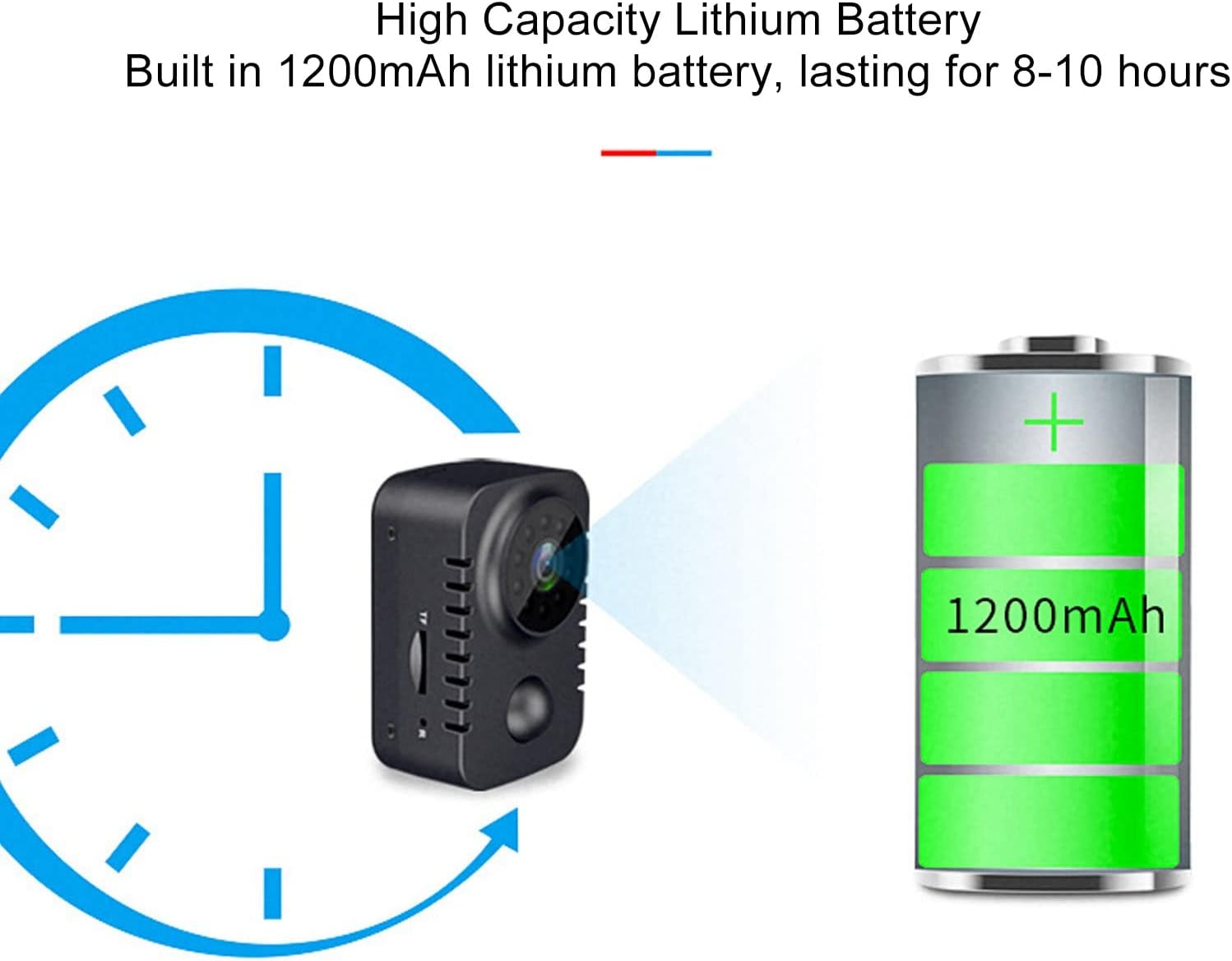
Rajah 3.1: Illustration of the camera's high-capacity 1200mAh lithium battery, providing 8-10 hours of operation on a full charge.
3.2 Memasukkan Kad SD Mikro
The camera requires a Micro SD card (up to 128GB, not included) for storing recordings.
- Cari slot kad Micro SD di sisi kamera.
- Gently insert the Micro SD card into the slot with the gold contacts facing down until it clicks into place.
- Untuk mengeluarkannya, tolak kad ke dalam dengan lembut sehingga ia terkeluar.
4. Arahan Operasi
4.1 Hidupkan/Mati Kuasa
- Hidupkan kuasa: Tekan dan tahan butang Kuasa selama beberapa saat sehingga lampu penunjuk menyala.
- Matikan: Tekan dan tahan butang Kuasa selama beberapa saat sehingga lampu penunjuk padam.

Rajah 4.1: Terperinci view of the camera's controls, including the USB port and switches for power (shutdown), video recording, and PIR (human body induction) functions.
4.2 Mod Rakaman Video
The camera supports continuous video recording and PIR motion-activated recording.
- Rakaman Berterusan: After powering on, switch the "Videotape" toggle to the ON position. The camera will begin recording continuously.
- PIR Motion-Activated Recording: After powering on, switch the "Human body induction" toggle to the ON position. The camera will enter standby mode and only record when motion is detected by the PIR sensor. This mode helps conserve battery and storage space.

Rajah 4.2: Example of PIR video recording, showing how the camera detects and records when motion is present in its field of view.
4.3 Automatic Night Vision
The camera is equipped with automatic night vision. In low-light environments, the camera will automatically switch to night mode, utilizing its infrared lamps to capture clear video.

Rajah 4.3: Demonstration of the automatic night vision feature, illustrating the camera's ability to capture images in both day and low-light conditions.
4.4 Viewrakaman
Kepada view recorded videos, remove the Micro SD card from the camera and insert it into a computer's card reader. The video files (AVI format) can then be played using standard media player software.
4.5 Using the Back Clip and Support Rack
The included back clip allows for versatile placement. Attach the clip to the camera and then secure it to clothing, a backpack, or other suitable surfaces. The support rack provides additional mounting options and angle adjustment.

Rajah 4.4: Illustration of the back clip design, demonstrating how it attaches to the camera and can be used for discreet placement on clothing.

Rajah 4.5: The universal bracket, detailing its 4mm screw head and adjustable angles for flexible camera positioning.
5. Penyelenggaraan
- Pembersihan: Use a soft, dry cloth to clean the camera body. For the lens, use a specialized lens cleaning cloth and solution. Avoid abrasive materials or harsh chemicals.
- Storan: Simpan kamera di tempat yang sejuk dan kering jauh dari cahaya matahari langsung dan suhu yang melampau.
- Penjagaan Bateri: Untuk memanjangkan hayat bateri, elakkan daripada menyahcas sepenuhnya bateri dengan kerap. Cas kamera dengan kerap, walaupun tidak digunakan untuk tempoh yang lama.
- Kemas kini Firmware: Semak pengeluar weblaman web ini secara berkala untuk sebarang kemas kini perisian tegar yang tersedia bagi memastikan prestasi optimum dan ciri baharu.
6. Penyelesaian masalah
| Masalah | Kemungkinan Punca | Penyelesaian |
|---|---|---|
| Kamera tidak dihidupkan. | Bateri lemah; kabel/penyesuai pengecasan rosak. | Charge the camera fully. Try a different charging cable or adapter. |
| Tidak boleh merakam video. | No Micro SD card; Micro SD card full or corrupted; incorrect recording mode. | Insert a Micro SD card. Format or replace the Micro SD card. Ensure the correct recording toggle is selected. |
| Kualiti video yang teruk. | Dirty lens; insufficient lighting; camera movement. | Clean the lens. Ensure adequate lighting or use night vision. Stabilize the camera during recording. |
| PIR motion detection not working. | PIR mode not activated; sensor obstructed. | Ensure "Human body induction" toggle is ON. Clear any obstructions from the PIR sensor. |
7. Spesifikasi
| Ciri | Perincian |
|---|---|
| Bahan Produk | ABS (Acrylonitrile Butadiene Styrene) |
| Sudut Visual | 120 Darjah |
| Resolusi Video | 1920x1080 (1080P HD) |
| Video File Format | AVI |
| Bingkai Video | 30fps |
| Recording Time (Battery) | lebih kurang 8-10 Jam |
| Night Vision Infrared Lamps | 10 keping |
| Maklumat Mengecas | DC 5V 1A, DC 5V 2A |
| Sokongan Kad Memori | Up to 128GB Micro Memory Card (Not Included) |
| Masa Pengecasan Bateri | Approx. 3-5 Hours (with DC 5V 1A) |
| Jenis Bateri | Lithium Ion Battery 1200mAh (Built-in) |
| Berat Barang | lebih kurang 149g / 5.3oz |
| Nombor Model | EBTOOLSzreu941vs8 |
8. Waranti dan Sokongan
For warranty information and customer support, please refer to the documentation included with your purchase or visit the official EBTOOLS webtapak. Simpan resit pembelian anda sebagai bukti pembelian untuk sebarang tuntutan waranti.
Pengeluar: EBTOOLS
Tarikh Mula-mula Tersedia: 22 September 2023
For further assistance, you may contact EBTOOLS customer service through their official channels.