
DOOGEE T10 Pro
DOOGEE T10 Pro Android Tablet User Manual
Model: T10 Pro | Brand: DOOGEE
1. Pengenalan
Welcome to the user manual for your new DOOGEE T10 Pro Android Tablet. This guide provides essential information on setting up, operating, and maintaining your device. Please read this manual thoroughly before using your tablet to ensure proper function and longevity.
Maklumat Keselamatan
- Jangan dedahkan tablet kepada suhu yang melampau, cahaya matahari langsung atau kelembapan yang tinggi.
- Elakkan daripada menjatuhkan atau meletakkan tablet kepada kesan yang kuat.
- Gunakan hanya pengecas dan aksesori yang diluluskan.
- Do not attempt to disassemble or repair the tablet yourself. Contact authorized service personnel.
- Keep the tablet away from children and pets.

Figure 1.1: The DOOGEE T10 Pro tablet in use, showcasing its versatility for different users and activities.
2. Kandungan Pakej
Sila semak kandungan pakej semasa membuka kotak. Jika ada barang yang hilang atau rosak, hubungi peruncit anda.
- Tablet DOOGEE T10 Pro
- Power Adapter (18W Fast Charge compatible)
- Kabel USB-C
- Alat Keluarkan SIM
- Panduan Mula Pantas
- Kad Waranti
3. Peranti Lebihview
Familiarize yourself with the physical components of your DOOGEE T10 Pro tablet.
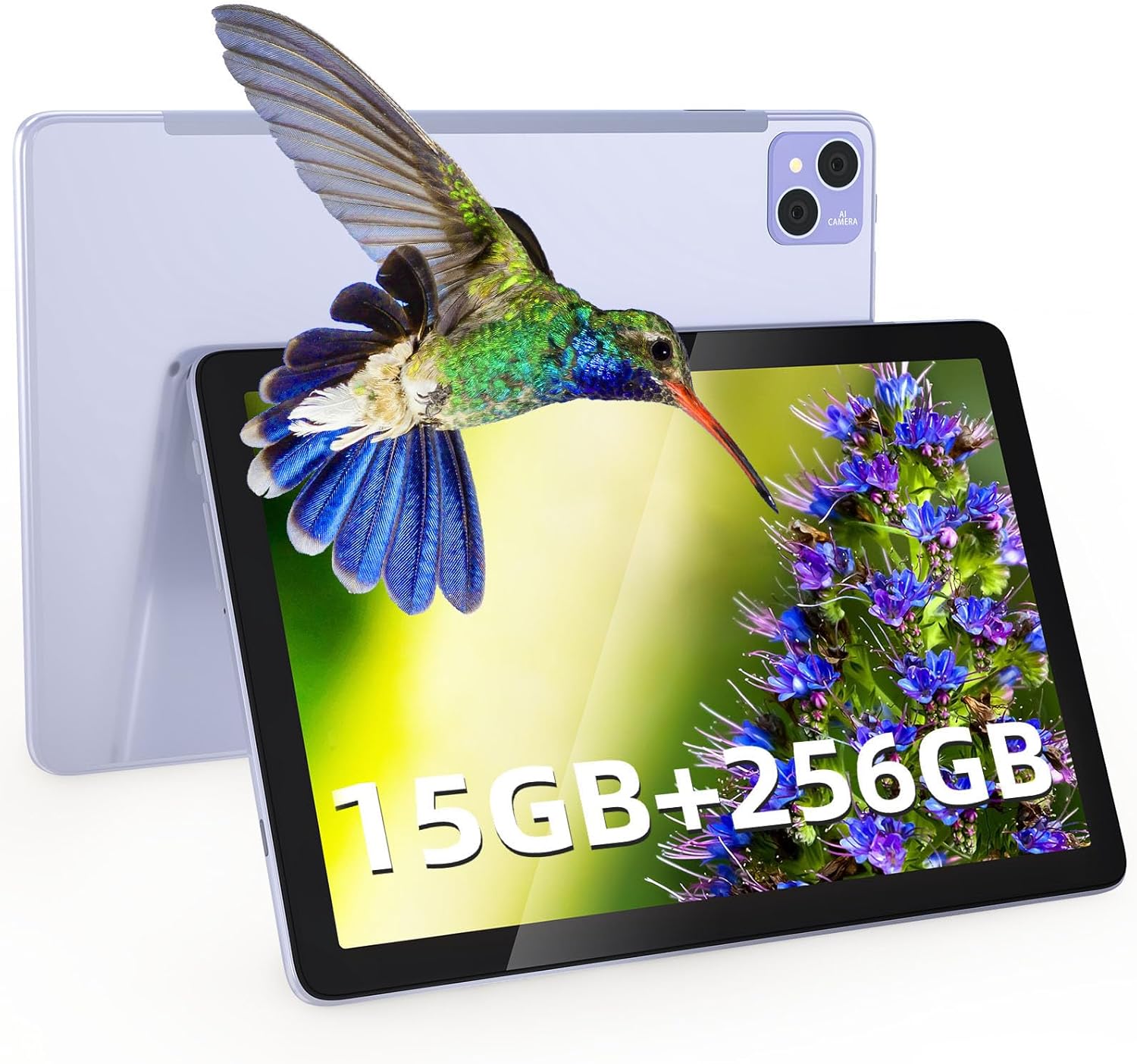
Rajah 3.1: Depan dan belakang view of the DOOGEE T10 Pro tablet, showcasing its overall design and the rear camera setup.
Komponen Fizikal
- Butang Kuasa: Terletak di sisi, digunakan untuk menghidupkan/mematikan atau membangunkan/menidurkan peranti.
- Butang Kelantangan: Laraskan kelantangan audio.
- Port USB-C: Untuk pengecasan dan pemindahan data.
- Slot Kad SIM/TF: Insert Nano SIM cards for 4G connectivity and a TF (microSD) card for expanded storage.
- Kamera Hadapan (8MP): Located on the display side, for video calls and selfies.
- Rear Camera (13MP): Located on the back, for taking photos and videos.
- Penceramah: Dual stereo speakers for immersive audio.
- mikrofon: Untuk input suara.

Figure 3.2: The slim profile (8.5mm) and lightweight design (568g) of the DOOGEE T10 Pro, highlighting its portability and large 8580 mAh battery with 18W fast charging capability.
4. Persediaan
4.1 Mengecas Tablet
Before first use, fully charge your tablet. Connect the USB-C cable to the tablet's USB-C port and the other end to the 18W power adapter. Plug the adapter into a power outlet. The battery indicator on the screen will show charging status.
4.2 Hidupkan/Mati Kuasa
- Untuk Menghidupkan: Tekan dan tahan butang Kuasa sehingga logo DOOGEE muncul.
- Untuk Mematikan: Tekan dan tahan butang Kuasa sehingga menu pilihan kuasa muncul, kemudian pilih "Matikan".
- Untuk Tidur/Bangun: Tekan butang Kuasa sebentar.
4.3 Pemasangan Kad SIM dan TF
The DOOGEE T10 Pro supports dual Nano SIM cards for 4G LTE connectivity and a TF (microSD) card for storage expansion up to 1TB.
- Locate the SIM/TF card slot on the side of the tablet.
- Insert the SIM eject tool into the small hole next to the tray to pop it open.
- Tarik keluar dulang dengan berhati-hati.
- Letakkan kad SIM Nano dan/atau kad TF anda ke dalam slot yang ditetapkan pada dulang, pastikan orientasinya betul.
- Tolak dulang perlahan-lahan ke dalam slot sehingga ia berbunyi klik pada tempatnya.
5. Mengendalikan Tablet Anda
5.1 Navigasi Asas (Android 12)
Your tablet runs on Android 12, offering an intuitive user experience. Common gestures include:
- Ketik: Pilih item atau buka apl.
- Leret: Tatal melalui skrin atau senarai.
- Cubit-untuk-Zum: Zum masuk atau keluar pada imej dan web muka surat.
- Tekan lama: Akses menu kontekstual atau alihkan ikon.
- Skrin Pisah: Utilize the multi-screen connection feature to run two apps side-by-side.
- Tingkap Terapung: Open apps in a resizable floating window for multitasking.
5.2 Ketersambungan
- Wi-Fi: Go to Settings > Network & internet > Wi-Fi to connect to available Wi-Fi networks (supports 2.4G/5G).
- Data Mudah Alih (4G LTE): Ensure a SIM card is inserted. Go to Settings > Network & internet > Mobile network to enable mobile data.
- Bluetooth: Go to Settings > Connected devices > Connection preferences > Bluetooth to pair with Bluetooth devices like headphones or speakers.
5.3 Paparan dan Pengalaman Visual
The DOOGEE T10 Pro features a 10.1-inch 2K IPS display with a resolution of 1920 x 1200 pixels, providing clear and vibrant visuals. It also supports Google Widevine L1 for high-definition streaming content.
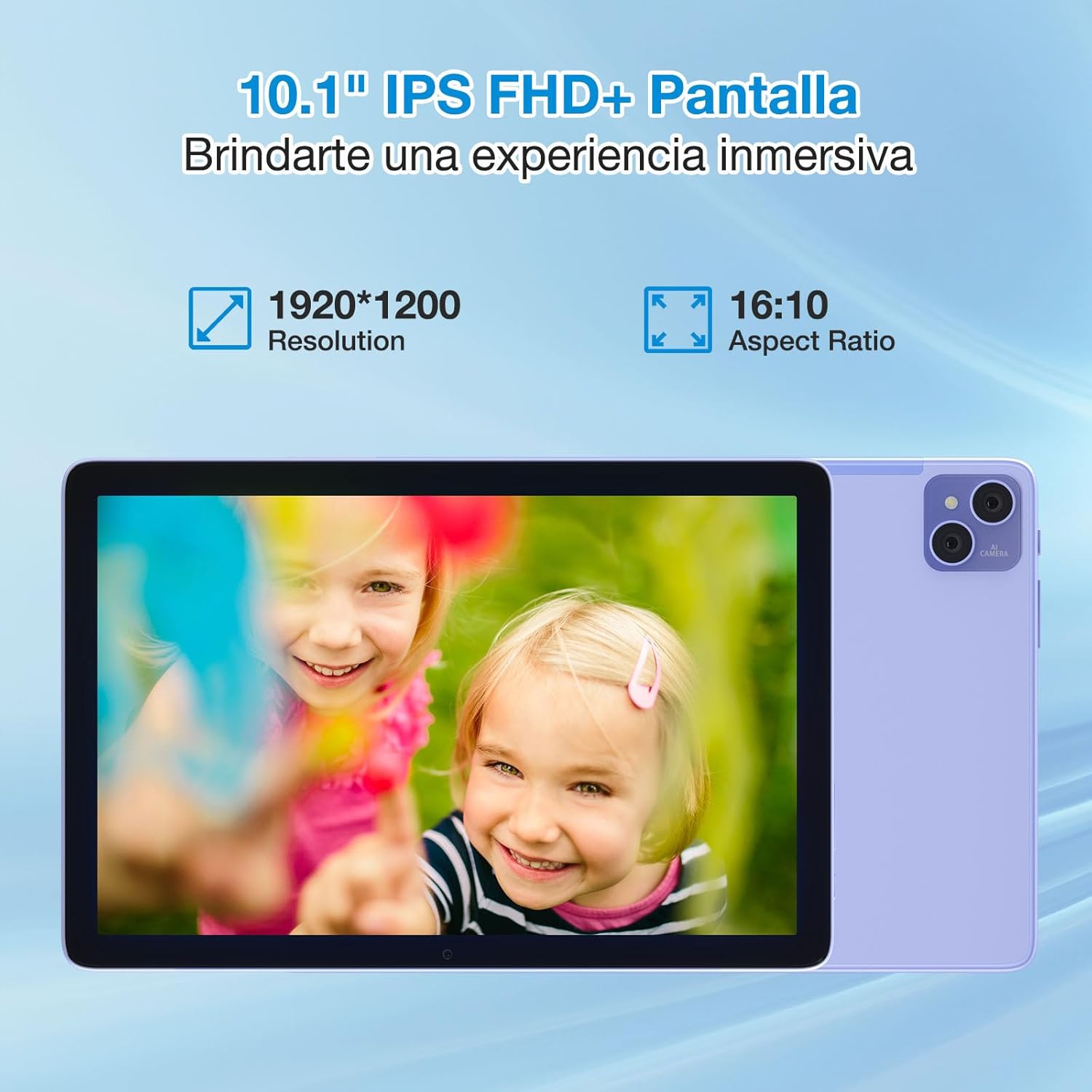
Figure 5.1: The 10.1-inch IPS FHD+ display of the DOOGEE T10 Pro, featuring a 1920x1200 resolution and 16:10 aspect ratio for an immersive viewpengalaman dalam.
The tablet is TÜV SÜD Blue Light certified, which helps reduce harmful blue light emissions, minimizing eye strain during prolonged use. You can adjust display settings in Settings > Display.
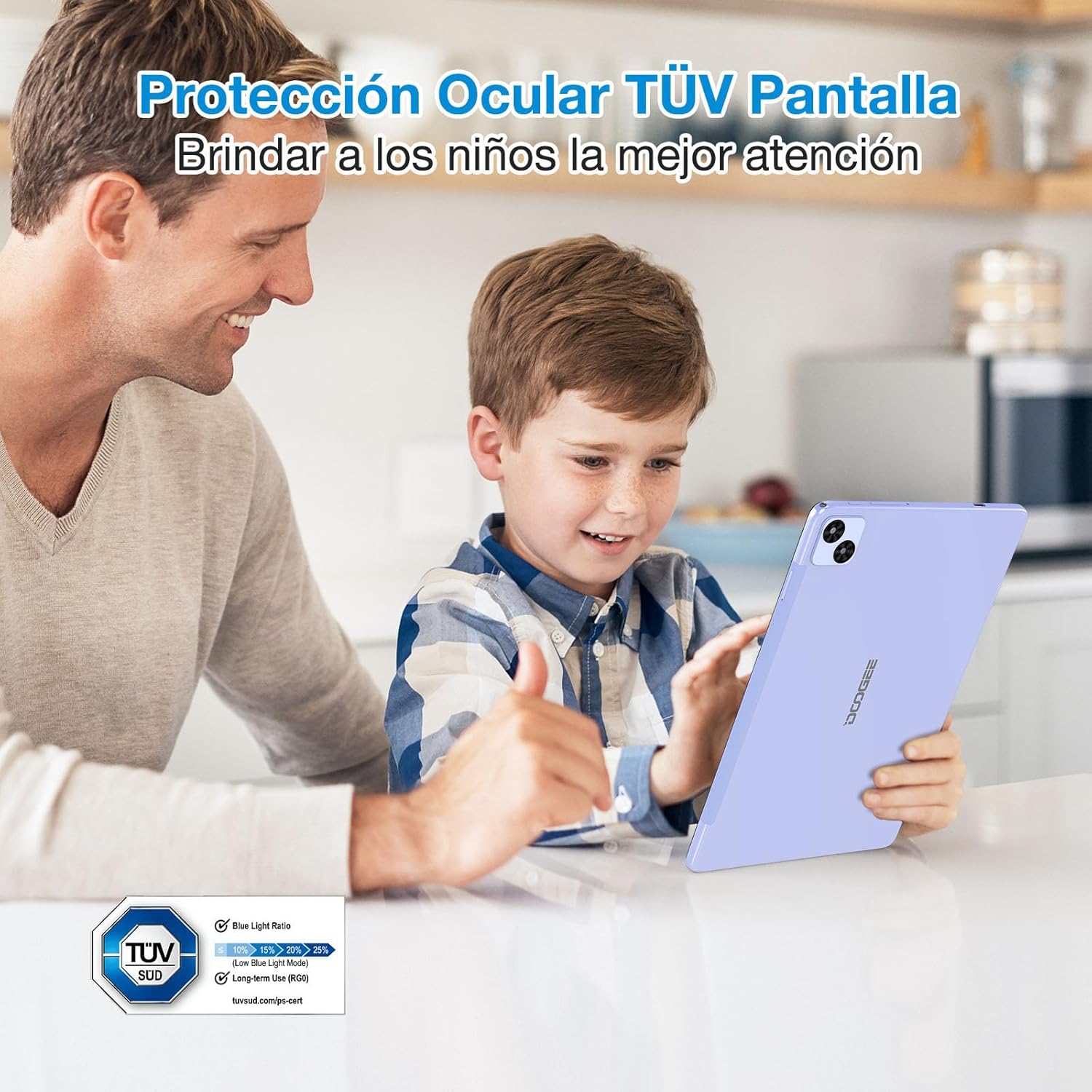
Figure 5.2: The DOOGEE T10 Pro's TÜV SÜD Blue Light certified display, designed to protect eyes and provide a comfortable viewing experience, especially for children.
5.4 Penggunaan Kamera
Your tablet is equipped with a 13MP rear camera and an 8MP front camera.
- Buka aplikasi "Kamera" dari skrin utama atau laci aplikasi anda.
- Bertukar antara kamera hadapan dan belakang menggunakan ikon kamera.
- Ketik butang pengatup untuk mengambil foto atau memulakan/menghentikan rakaman video.

Figure 5.3: The 13MP main camera and 8MP front camera of the DOOGEE T10 Pro, capable of capturing clear images and supporting video calls.
5.5 Penyimpanan dan Prestasi
The DOOGEE T10 Pro comes with 15GB of RAM (8GB physical + 7GB extended) and 256GB of internal storage. Storage can be expanded up to 1TB using a TF card. The Unisoc T606 Octa Core processor ensures smooth performance for various applications and games.
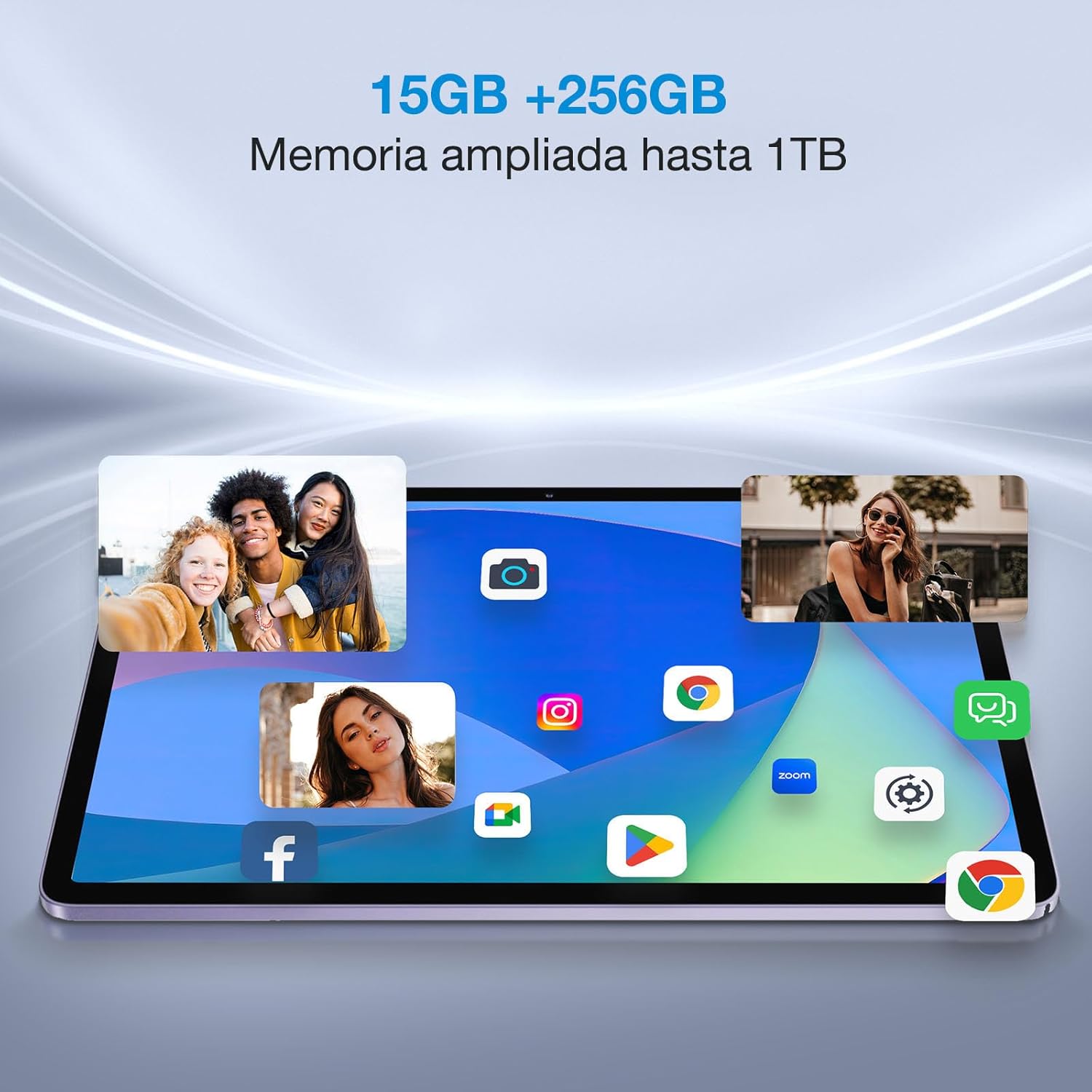
Figure 5.4: The DOOGEE T10 Pro's ample 15GB RAM and 256GB internal storage, expandable to 1TB, allowing for smooth multitasking and extensive app installation.
6. Penyelenggaraan
6.1 Membersihkan Tablet Anda
Gunakan kain lembut dan tidak berbulu untuk membersihkan skrin dan badan tablet. Untuk calitan degil, sedikit dampLap kain dengan air atau pembersih skrin. Elakkan menggunakan bahan kimia yang keras atau bahan yang melelas.
6.2 Kemas Kini Perisian
Regularly check for system updates to ensure your tablet has the latest features, security patches, and performance improvements. Go to Settings > System > System update.
6.3 Penjagaan Bateri
- Elakkan daripada mengalirkan bateri sepenuhnya dengan kerap.
- Jangan biarkan tablet dicas untuk tempoh yang terlalu lama selepas ia penuh.
- Store the tablet in a cool, dry place if not used for extended periods.
7. Penyelesaian masalah
| Masalah | Penyelesaian yang Mungkin |
|---|---|
| Tablet tidak akan dihidupkan. | Ensure the battery is charged. Connect to the charger for at least 30 minutes. Try holding the Power button for 10-15 seconds. |
| Skrin tidak bertindak balas. | Restart the tablet. If unresponsive, force restart by holding the Power button for about 10 seconds. Clean the screen. |
| Tidak dapat menyambung ke Wi-Fi. | Pastikan Wi-Fi diaktifkan. Mulakan semula penghala anda. Lupakan rangkaian dan sambung semula. |
| Apps are crashing or running slow. | Close background apps. Clear app cache (Settings > Apps > [App Name] > Storage & cache). Restart the tablet. Ensure sufficient storage space. |
| Tablet tidak dicas. | Check the cable and adapter for damage. Try a different outlet. Ensure the USB-C port is clean. |
If the problem persists, please contact DOOGEE customer support.
8. Spesifikasi
| Ciri | Perincian |
|---|---|
| Jenama | DOOGEE |
| Model | T10 Pro |
| Sistem Operasi | Android 12 |
| Pemproses | Teras Okta Unisoc T606 |
| RAM | 15 GB (8GB + 7GB dilanjutkan) |
| Storan Dalaman | 256 GB |
| Storan Boleh Dikembangkan | Sehingga 1 TB melalui kad TF |
| Saiz Paparan | 10.1 inci |
| Jenis Paparan | 2K IPS |
| Resolusi Paparan | 1920 x 1200 piksel |
| Perlindungan Mata | TÜV SÜD Blue Light Certified |
| Kapasiti Bateri | 8580 mAh |
| Mengecas | Caj Cepat 18W |
| Kamera Belakang | 13 MP |
| Kamera Depan | 8 MP |
| Ketersambungan | Dual 4G LTE, 2.4G/5G WiFi, Bluetooth |
| Berat badan | 568 gram |
| Ketebalan | 8.5 mm |
| Ciri-ciri lain | Google Widevine L1, Dual Stereo Speakers, Multi-screen connection, Split touch, Floating window |
9. Waranti dan Sokongan
9.1 Maklumat Waranti
Your DOOGEE T10 Pro tablet comes with a standard manufacturer's warranty. Please refer to the warranty card included in your package for specific terms, conditions, and duration. Keep your proof of purchase for warranty claims.
9.2 Sokongan Pelanggan
For technical assistance, troubleshooting beyond this manual, or warranty inquiries, please contact DOOGEE customer support through their official webtapak atau maklumat hubungan yang diberikan pada kad jaminan anda.
DOOGEE Official Webtapak: www.doogee.cc
Dokumen berkaitanT10 Pro


Ask a question about this manual
Ask about setup, troubleshooting, compatibility, parts, safety, or missing instructions. Manuals+ will review the question and use this page’s manual context to help answer it.