
GNCC GT1PRO Black Caméra Surveillance
GNCC 2K Outdoor Security Camera Instruction Manual
Model: GT1PRO Black Caméra Surveillance
pengenalan
This manual provides comprehensive instructions for the GNCC 2K Outdoor Security Camera (Model: GT1PRO Black Caméra Surveillance). It covers setup, operation, maintenance, and troubleshooting to ensure optimal performance and security for your home or business. The camera features 2K Ultra HD resolution, night vision, motion and sound detection, two-way audio, and is IP65 weatherproof for reliable outdoor use.

Image: The GNCC 2K Outdoor Security Camera, a black bullet-style camera with two antennas, shown with its packaging.
Apa yang ada dalam Kotak
Sahkan bahawa semua komponen terdapat dalam pakej anda:
- GNCC 2K Outdoor Security Camera
- Manual Arahan
- Berdiri
- Penyesuai Kuasa
- Skru Pemasangan
Ciri-ciri Utama
- 2K Ultra HD & Night Vision: Captures clear video in 2K resolution. Enhanced night vision provides visibility up to 50 feet (15 meters) in total darkness.
- Pengesanan AI Pintar: Provides real-time alerts for motion and sound. AI technology can identify people, pets, packages, and vehicles to reduce false alarms (subscription may be required for advanced AI features).
- Wired Power & Secure Connectivity: Operates on a reliable wired power supply and supports 2.4GHz WiFi for stable connection.
- Tempatan & Storan Awan: Supports Micro SD card storage up to 128GB (not included) and offers encrypted cloud storage with a 14-day free trial.
- IP65 Weatherproof & Two-Way Audio: Designed for outdoor use with IP65 waterproof protection, withstanding temperatures from -4°F to 120°F. Features a built-in microphone and speaker for real-time two-way communication.
- Integrasi Rumah Pintar: Compatible with Amazon Alexa and Google Home for voice control and seamless integration into your smart home ecosystem.

Image: Visual representation of key features including 2K HDR, Siren, 2.4GHz WiFi, IP65, AI Detection, Night Vision, Motion Detection, Two-Way Audio, and Cloud/SD Storage.
Panduan Persediaan
1. Pemasangan Apl
Download the "Osaio" app from Google Play Store (for Android) or Apple App Store (for iOS). Register an account and log in.

Image: A smartphone screen displaying Osaio app notifications for motion and sound detection.
2. Menguasakan Kamera
Connect the camera to a power source using the provided USB cable and power adapter. Ensure the power outlet is within reach of the camera's cable.
The camera is USB powered, allowing flexibility for indoor use by connecting to a laptop, computer, or any USB outlet. For outdoor installation, use the provided wall adapter.
Video: A step-by-step guide demonstrating how to connect the GNCC security camera to the Osaio app using WiFi and AP modes.
3. Menyambung ke WiFi
The camera supports 2.4GHz WiFi only. Ensure your router is set to this frequency for connection.
- Open the Osaio app and select "Add Camera".
- Choose your preferred connection mode: QR code (recommended) or Hotspot (AP Mode).
- Follow the on-screen instructions to connect the camera to your WiFi network. For QR code mode, present the generated QR code to the camera lens. For AP mode, connect your phone to the camera's hotspot.
- Wait for the indicator light to confirm successful connection (usually turns white or green).

Image: Diagram illustrating connection options: Hotspot, Bluetooth+WiFi, and QR Code.
4. Memasang Kamera
Choose a suitable location for mounting, ensuring it is close to a power outlet and has good WiFi signal strength. The camera is IP65 weatherproof, suitable for outdoor installation.
- Tandai dan gerudi lubang untuk pendakap pelekap.
- Use the provided mounting screws to securely attach the bracket to the desired surface.
- Screw the camera onto the mount and adjust its position for optimal viewing angle. Tighten the mount once the desired angle is achieved.
- Use the included clips to secure the power wire along the mounting surface for a neat and secure installation.
Video: A demonstration of mounting the GNCC 2K Outdoor Security Camera, including drilling holes, attaching the bracket, and securing the wire.

Image: The GNCC outdoor camera mounted near a door, illustrating its motion detection capabilities.
Mengendalikan Kamera
Langsung View & Rakaman
Access live video feed anytime, anywhere through the Osaio app. The camera supports 24/7 continuous recording when a Micro SD card is inserted (up to 128GB). Cloud storage options are also available.

Image: A smartphone displaying a timeline of recorded events from the outdoor camera, emphasizing 24/7 recording capability.
Pengesanan Pergerakan & Bunyi
Receive instant real-time alerts on your phone when motion or sound is detected. The camera's AI-powered technology helps differentiate between people, pets, packages, and vehicles, reducing unnecessary notifications. You can also activate a built-in siren via the Osaio app to deter intruders.

Imej: Overhed view of a driveway showing the camera's ability to detect and categorize different objects like humans, pets, and vehicles.
Audio Dua Hala
Utilize the integrated microphone and speaker for clear two-way communication. This feature allows you to speak with visitors, delivery personnel, or deter unwanted guests directly through the app.
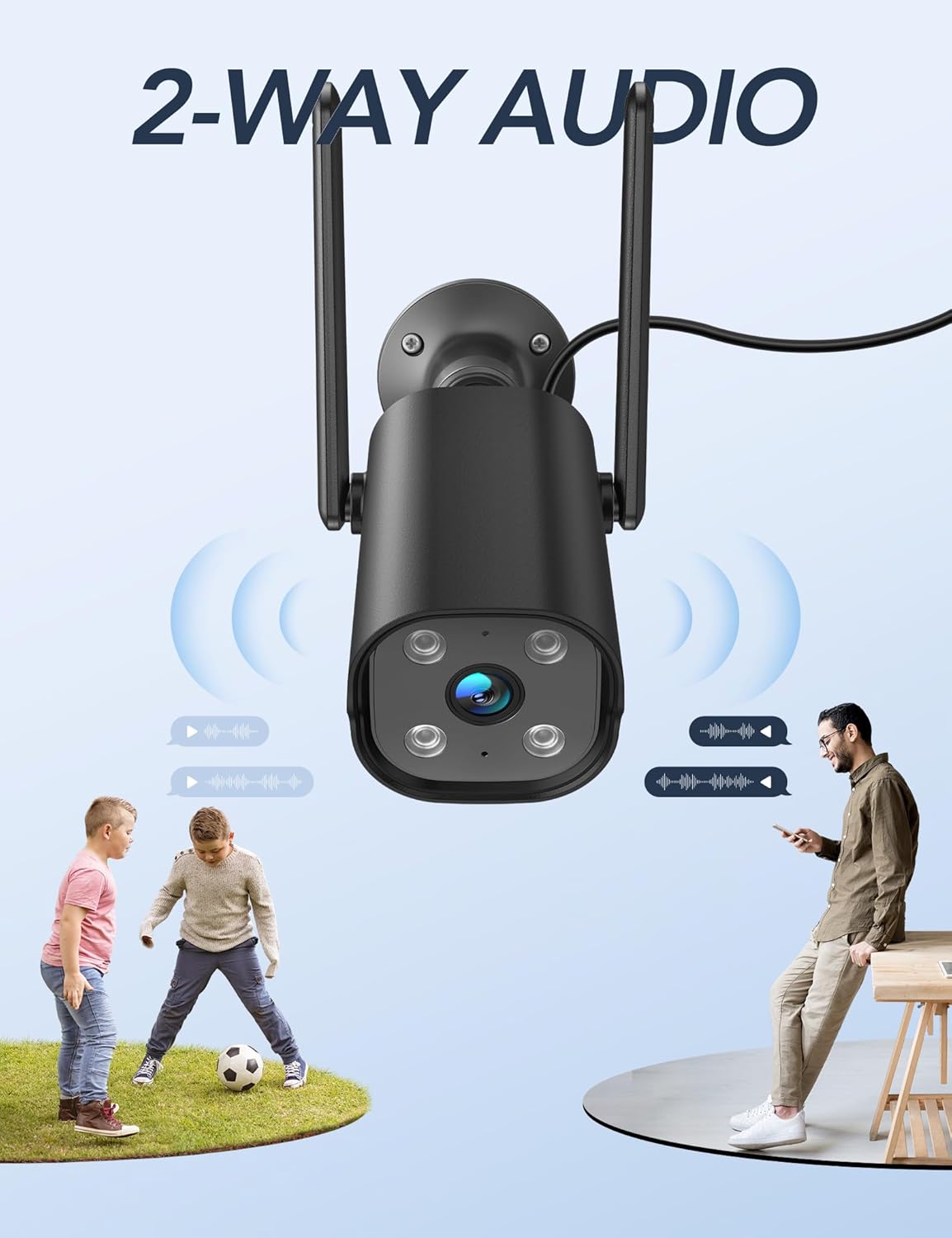
Image: The GNCC camera with sound waves indicating two-way audio communication between a person and children playing.
Penglihatan Malam
The camera provides enhanced night vision, allowing you to see clearly up to 50 feet (15 meters) even in complete darkness, ensuring round-the-clock surveillance.
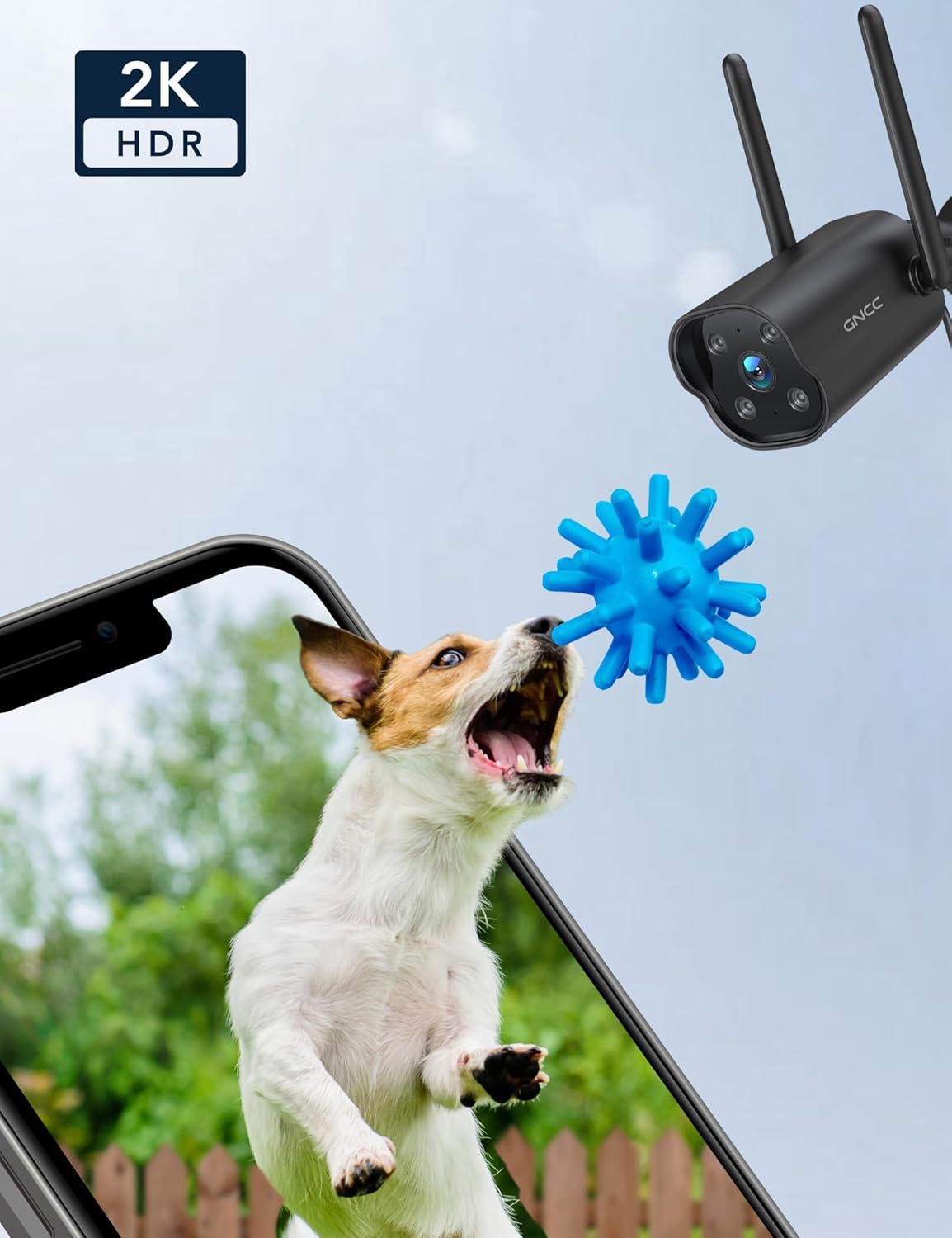
Image: A dog playing with a toy, with a "2K HDR" overlay, demonstrating the camera's high-resolution capabilities.
Penyelenggaraan
Rintangan Cuaca
The GNCC camera is IP65 weatherproof, designed to withstand various outdoor conditions including rain, wind, and extreme temperatures ranging from -4°F to 120°F (-20°C to 49°C).

Image: The GNCC camera with water droplets, highlighting its IP65 waterproof rating.
Pembersihan
Untuk mengekalkan prestasi optimum, bersihkan kanta dan perumah kamera secara berkala dengan lap lembutamp kain. Elakkan penggunaan bahan kimia yang keras atau bahan kasar yang boleh merosakkan permukaan atau kanta kamera.
Menyelesaikan masalah
- Isu Sambungan: Ensure your WiFi network is 2.4GHz. Place the camera close to your router during initial setup. If connection fails, try resetting the camera and repeating the setup process.
- Penggera Palsu: Adjust the motion detection sensitivity settings within the Osaio app. Consider setting up specific detection zones to focus on critical areas and minimize unwanted alerts.
- Tiada Rakaman: Verify that a Micro SD card is properly inserted and formatted. If using cloud storage, ensure your subscription is active.
- Penglihatan Malam yang lemah: Ensure the camera lens is clean and free from obstructions. Check for any strong light sources directly facing the camera at night, which could interfere with infrared illumination.
Spesifikasi
| Ciri | Perincian |
|---|---|
| Jenama | GNCC |
| Nama Model | GT1ProB |
| Resolusi Tangkapan Video | 2K |
| Teknologi Ketersambungan | Tanpa Wayar (Wi-Fi 2.4GHz) |
| Penggunaan Dalaman/Luar | Dalaman/Luar |
| Sumber Kuasa | Elektrik Berwayar (5 Volt, 5 Watt) |
| Tahap Ketahanan Air | Kalis Cuaca IP65 |
| Julat Penglihatan Malam | 50 Kaki |
| Audio Dua Hala | ya |
| Pengesanan Gerakan/Bunyi | Yes (Smart AI Detection) |
| Pilihan Storan | Mikro SD (sehingga 128GB), Storan Awan |
| Keserasian Rumah Pintar | Alexa, Google Home |
| Dimensi (L x W x H) | 4.33 x 3.07 x 2.09 inci |
| Berat Barang | 7.4 auns (210 Gram) |
Waranti & Sokongan
For any questions or support needs, please contact GNCC customer service at support@gncchome.com.
Ask a question about this manual
Ask about setup, troubleshooting, compatibility, parts, safety, or missing instructions. Manuals+ will review the question and use this page’s manual context to help answer it.