
1. Pengenalan
Terima kasih kerana membeliasing the CAMRY EK2550 Foldable Digital Kitchen Scale. This scale is designed for precise measurement of ingredients, suitable for various applications including cooking, baking, portion control, and portable use during travel or camping. Its unique foldable design ensures easy storage and portability. Please read this manual thoroughly before use to ensure proper operation and to maintain the product's longevity.
2. Maklumat Keselamatan
- Place the scale on a hard, flat surface to ensure accurate readings.
- Jangan rendam penimbang di dalam air atau cecair lain. Bersihkan denganamp kain.
- Elakkan mendedahkan penimbang kepada suhu atau kelembapan yang melampau.
- Jangan bebankan penimbang melebihi kapasiti maksimumnya iaitu 5 kg (11 lb).
- Jauhkan daripada kanak-kanak.
- Tanggalkan bateri jika penimbang tidak akan digunakan untuk tempoh yang lama.
3. Ciri-ciri Produk
- Reka Bentuk Lipat: Unique scissor-like folding mechanism for compact storage and portability.
- Ketepatan Tinggi: Equipped with 4 high-precision sensors for accurate measurements with 1g increments.
- Berbilang Unit: Supports weighing in lb:oz, g, fl'oz, and ml.
- Paparan LED Besar: 15.7mm LED display for clear and easy-to-read digits.
- Suis Sentuh: Simple touch controls for power and functions.
- Fungsi Tare: Allows weighing of multiple ingredients in the same container.
- Automatik: Dimatikan secara automatik selepas 2 minit tidak aktif untuk menjimatkan hayat bateri.
- Reka Bentuk Gantung: Integrated hole for convenient wall hanging storage.
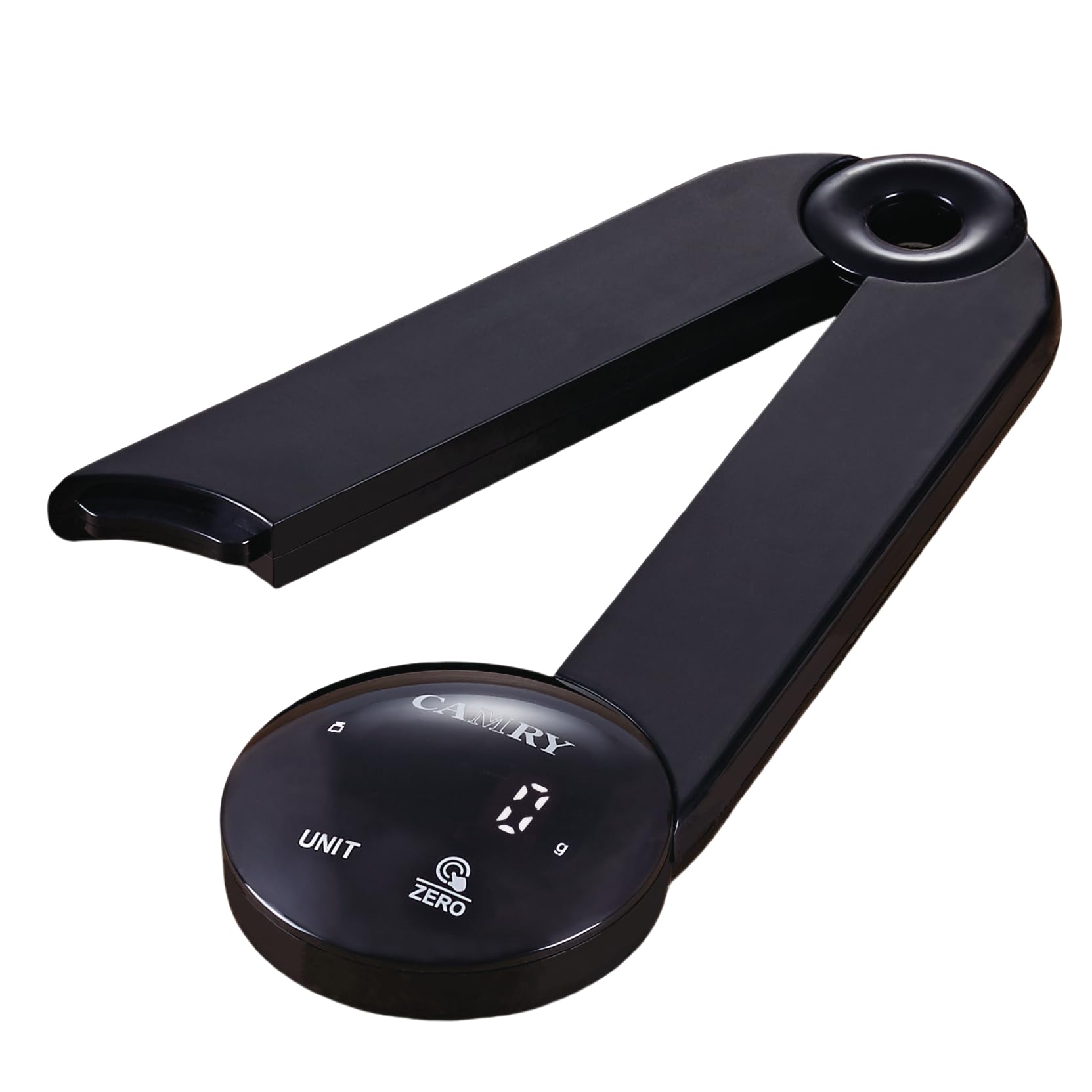
Image: The CAMRY EK2550 foldable digital kitchen scale in an open position, ready for use, with various food items around it, demonstrating its high accuracy and ease of use.
4. Spesifikasi
| Jenama | CAMRY |
| Model | EK2550 |
| warna | LED-black |
| Kapasiti Berat Maksimum | 5 Kilogram (11 Paun) |
| Ketepatan Pengukuran | +/- 1 gram |
| Unit Pengukuran | lb:oz, g, fl'oz, ml |
| Jenis Paparan | LED |
| bahan | Akrilonitril Butadiena Stirena (ABS) |
| Sumber Kuasa | 3 x bateri AAA (tidak termasuk) |
| Fungsi Auto-Off | 2 minit |

Image: A diagram illustrating the compact dimensions of the CAMRY EK2550 foldable digital kitchen scale, measuring 23 cm in length and 7 cm in height when folded.
5. Persediaan
5.1. Pemasangan Bateri
- Cari petak bateri di bahagian bawah penimbang.
- Buka penutup petak bateri.
- Masukkan 3 bateri AAA, pastikan kekutuban (+/-) betul.
- Tutup penutup petak bateri dengan selamat.
5.2. Unfolding the Scale
Gently unfold the scale from its compact position until it forms a stable, open platform. The two arms should extend outwards, creating a stable base for weighing.
6. Arahan Operasi
6.1. Hidupkan/Mati Kuasa
- Untuk menghidupkan, tekan butang SIFAR/HIDUP/MATI button. The display will show "0 g" when ready.
- Untuk mematikan, tekan dan tahan SIFAR/HIDUP/MATI button for a few seconds. The scale will also automatically turn off after 2 minutes of inactivity.
6.2. Penukaran Unit
Tekan ke UNIT button to cycle through the available measurement units: grams (g), pounds and ounces (lb:oz), fluid ounces (fl'oz), and milliliters (ml).
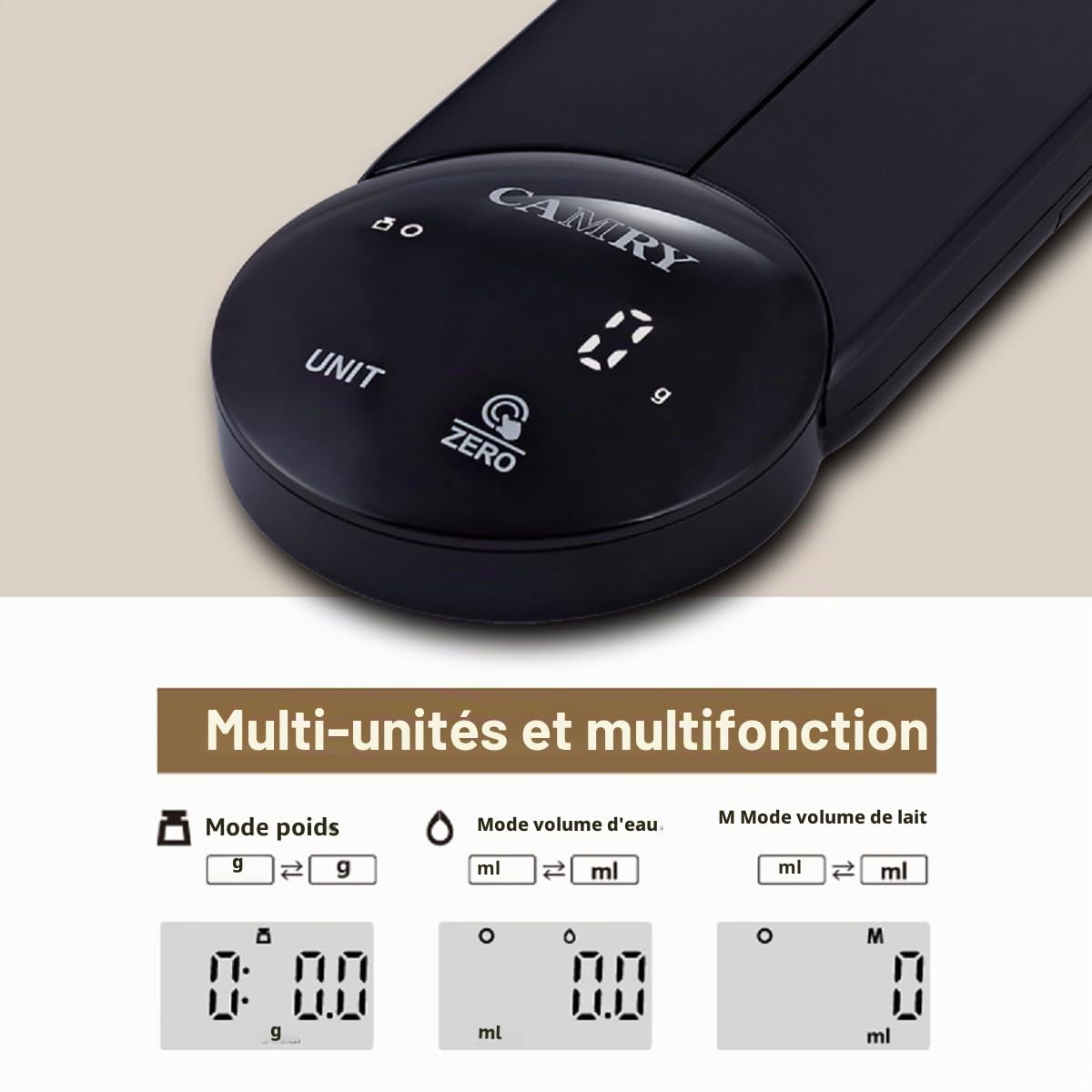
Image: The CAMRY EK2550 digital kitchen scale's display illustrating the various unit modes available, including grams, fluid ounces, and milliliters.
6.3. Fungsi Tare
The tare function allows you to subtract the weight of a container, so you only measure the ingredients.
- Letakkan bekas kosong di atas platform penimbang. Paparan akan menunjukkan beratnya.
- Tekan ke SIFAR/HIDUP/MATI button. The display will reset to "0" (or "0 g").
- Add ingredients to the container. The display will now show only the weight of the ingredients.
6.4. Weighing Procedure
- Ensure the scale is on a flat, stable surface and powered on.
- Select your desired unit of measurement using the UNIT butang.
- If using a container, perform the tare function as described above.
- Place the item(s) to be weighed onto the center of the scale platform.
- Baca berat stabil yang dipaparkan pada skrin LED.

Imej: A terperinci view of the CAMRY EK2550's circular control panel, highlighting the clear LED display showing '0 g' and the touch-sensitive 'UNIT' and 'ZERO' buttons.
7. Penyelenggaraan
7.1. Pembersihan
- Lap permukaan skala dengan lembut, damp kain.
- Jangan gunakan pembersih yang kasar atau rendam kerak di dalam air.
- Pastikan penimbang kering sepenuhnya sebelum penyimpanan atau penggunaan seterusnya.
7.2. Penyimpanan
The foldable design allows for convenient storage. Fold the scale into its compact form. It can be stored in a drawer or hung on a wall using the integrated hanging hole.
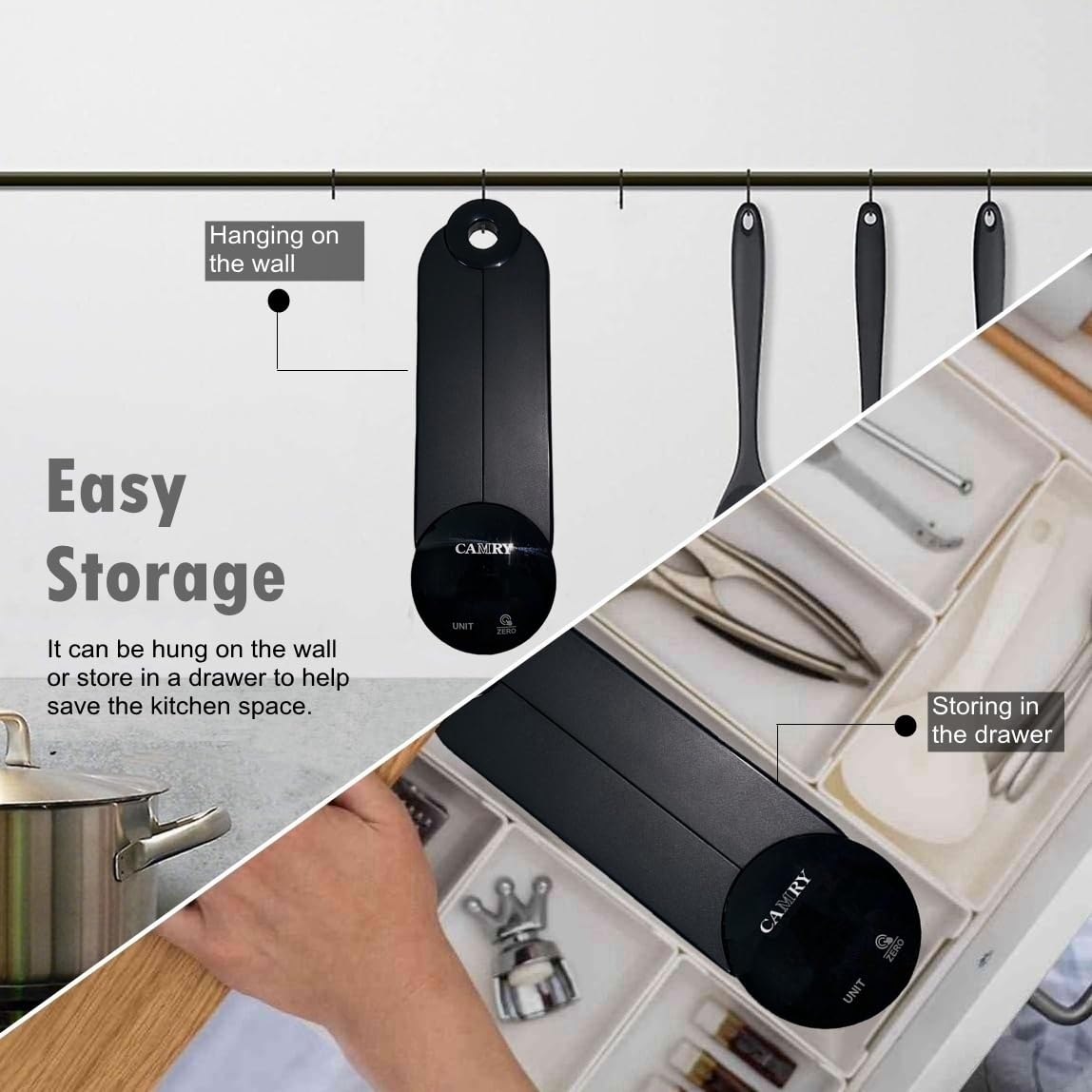
Image: The CAMRY EK2550 scale demonstrating its easy storage capabilities, showing it both hanging on a kitchen wall and neatly tucked away in a kitchen drawer.
8. Penyelesaian masalah
| Masalah | Kemungkinan Punca | Penyelesaian |
|---|---|---|
| "Lo" dipaparkan | Kuasa bateri rendah. | Gantikan 3 bateri AAA. |
| "Err" displayed | Overload or unstable surface. | Remove excess weight. Ensure the scale is on a flat, stable surface. |
| Bacaan tidak tepat | Unstable surface, scale not zeroed, or external interference. | Place on a firm, level surface. Press the ZERO button before weighing. Avoid drafts or vibrations. |
9. Waranti dan Sokongan
CAMRY products are manufactured with quality and precision. For warranty information or technical support, please refer to the documentation included with your purchase or contact your retailer. Keep your purchase receipt as proof of purchase.