
1. Pengenalan
Welcome to the user manual for your new Lovskoo 1080P 44MP Pink Digital Camera. This manual provides essential information on setting up, operating, and maintaining your camera to ensure optimal performance and longevity. Please read through these instructions carefully before using your device.
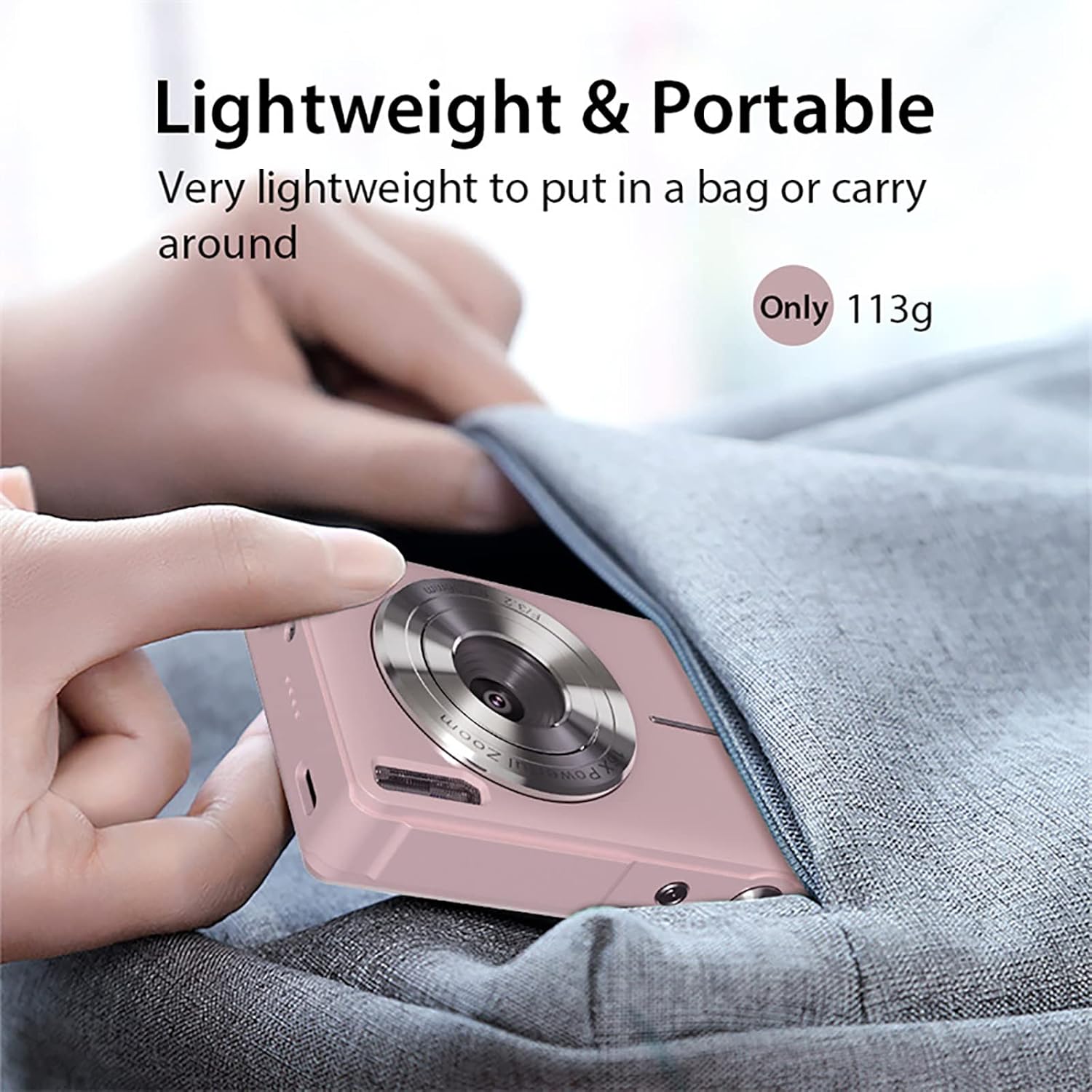
This compact digital camera is designed for ease of use, featuring a 44-megapixel sensor for high-resolution photos, 1080P video recording, 16x digital zoom, and anti-shake technology to capture clear memories. Its lightweight and portable design makes it ideal for everyday photography and vlogging.
2. Kandungan Pakej
Sila sahkan bahawa semua item yang disenaraikan di bawah disertakan dalam pakej anda:
- 1x Lovskoo 1080P 44MP Pink Digital Camera (with built-in battery)
- 1x Kabel Pengecas USB-C
- 1x Lanyard
- 1x Cloth Bag
- 1x Kain Pembersih
- 1x Manual Pengguna

3. Kamera Lebihview
3.1 Ciri Fizikal
Biasakan diri anda dengan komponen fizikal kamera:


3.2 Unboxing and Initial Setup Overview
Watch this video for a quick guide on unboxing your camera and performing the initial setup steps, including battery and memory card insertion.
4. Persediaan
4.1 Memasukkan Bateri
- Cari penutup petak bateri di bahagian bawah kamera.
- Luncurkan selak penutup untuk membuka petak.
- Insert the rechargeable Li-Battery, ensuring the correct orientation as indicated inside the compartment.
- Tutup penutup petak bateri sehingga ia berbunyi klik dengan selamat pada tempatnya.
4.2 Memasukkan Kad Memori
The camera supports Micro SD cards up to 32GB (not included). A memory card is required to save photos and videos.
- With the battery compartment open, locate the Micro SD card slot.
- Insert the Micro SD card into the slot with the metal contacts facing down, pushing gently until it clicks into place.
- Untuk mengeluarkannya, tolak kad perlahan-lahan ke dalam sehingga ia terkeluar.

4.3 Mengecas Bateri
Connect the camera to a power source using the provided USB-C cable. The charging indicator light will illuminate during charging and turn off when fully charged.
5. Arahan Operasi
5.1 Menghidupkan/Mematikan
Press and hold the Power button (usually located on the top of the camera) for a few seconds to turn the camera on or off.
5.2 Mengambil Foto
- Ensure the camera is in Photo Mode (indicated by an icon on the screen).
- Bingkaikan gambar anda menggunakan skrin LCD 2.5 inci.
- Press the Shutter button (usually a larger button on top) halfway down to focus, then press fully to capture the image.
5.3 Merakam Video
- Switch to Video Mode (usually via a dedicated button or menu option).
- Press the Shutter button to start recording. A red 'REC' indicator will appear on the screen.
- Tekan butang Shutter sekali lagi untuk menghentikan rakaman.
5.4 Digital Zoom (16x)
Use the 'W' (Wide) and 'T' (Telephoto) buttons, typically located near the shutter, to adjust the 16x digital zoom. 'T' zooms in, and 'W' zooms out.

5.5 Fungsi Anti Gegaran
The camera features an electronic anti-shake function to help reduce blur caused by camera movement, resulting in clearer images and videos. This feature is typically enabled by default or can be toggled in the settings menu.
5.6 Pengesanan Wajah dan Tangkapan Senyuman
The camera can detect faces and automatically optimize focus and exposure. Some models also include a smile capture feature, which can automatically take a photo when a smile is detected.
5.7 Using Filters and Effects
Explore various built-in filters and effects to enhance your photos. These options are usually accessible through the 'Menu' button and navigating to the 'Effect' or 'Filter' settings.
5.8 Mod Main Semula
Kepada view your captured photos and videos, press the Playback button (often indicated by a triangle icon). Use the directional buttons to navigate through your media.
6. Menyambung ke Komputer
6.1 Memindahkan Files
- Connect the camera to your computer using the provided USB-C cable.
- Hidupkan kamera. Ia sepatutnya muncul sebagai pemacu cakera boleh tanggal pada komputer anda.
- Open the camera's folder to access and transfer your photos and videos.
6.2 WebKefungsian cam
Your camera can also function as a PC camera (webcam) for video calls or live streaming:
- Connect the camera to your computer via USB-C.
- On the camera screen, select 'PC Camera' mode when prompted.
- Your computer should recognize the camera as a webcam, which can then be selected in your video conferencing or streaming software.
7. Penyelenggaraan
- Pembersihan: Use the provided cleaning cloth to gently wipe the lens and screen. For stubborn smudges, use a lens cleaning solution designed for optical surfaces. Avoid harsh chemicals.
- Storan: Store the camera in a cool, dry place away from direct sunlight and extreme temperatures. When not in use for extended periods, remove the battery.
- Penjagaan Bateri: Cas bateri sepenuhnya sebelum penggunaan pertama. Elakkan daripada menghabiskan bateri sepenuhnya secara berkala untuk memanjangkan jangka hayatnya.
8. Penyelesaian masalah
- Kamera tidak dihidupkan: Ensure the battery is correctly inserted and fully charged. Try charging the camera for at least 30 minutes.
- Imej kabur: Check that the lens is clean. Ensure the anti-shake function is enabled in the settings. Hold the camera steady when taking photos.
- Ralat kad memori: Ensure the memory card is correctly inserted and not full. Try formatting the card (this will erase all data, so back up first). The camera supports Micro SD cards up to 32GB.
- Tidak dapat menyambung ke komputer: Ensure the USB-C cable is securely connected to both the camera and the computer. Try a different USB port or cable. Select 'USB Mode' or 'PC Camera' on the camera when prompted.
9. Spesifikasi Teknikal
| Ciri | Spesifikasi |
|---|---|
| Jenis Sensor | CMOS |
| Resolusi Foto | Sehingga 44 Megapiksel |
| Resolusi Video | 1080P/720P/480P (AVI format) |
| Zum Digital | 16x |
| Skrin Paparan | 2.5 inch LCD (4:3 aspect ratio) |
| Lensa | F/3.2 f=7.36mm |
| Penstabilan Imej | Anti Goncang Digital |
| Sokongan Kad Memori | Micro SD, Max 32GB |
| Port USB | Jenis-C |
| Bekalan Kuasa | Rechargeable Li-Battery |
| Dimensi | 9.5 x 6.0 x 2.0 cm (3.7 x 2.3 x 0.93 in) |
| Berat badan | 113g (0.25 lb) |
| Ciri Khas | Face Detection, Smile Detection, Continuous Shooting, Self-Timer, WebFungsi cam |
10. Waranti dan Sokongan
For warranty information or technical support, please refer to the contact details provided with your purchase or visit the official Lovskoo webtapak. Simpan bukti pembelian anda untuk sebarang tuntutan waranti.