
pengenalan
The PPLEE CR1021 Portable White Noise Machine is designed to create a peaceful and soothing environment, aiding in sleep, relaxation, and focus. It features 42 non-looping sounds, a rechargeable battery, night light, and timer functions, making it suitable for home, office, and travel use.
This manual provides detailed instructions for the safe and effective use of your device. Please read it thoroughly before operation and retain it for future reference.
Maklumat Keselamatan
Sila patuhi langkah berjaga-jaga keselamatan berikut untuk mengelakkan kerosakan pada peranti atau kecederaan pada diri sendiri atau orang lain:
- Jangan dedahkan peranti kepada air atau kelembapan berlebihan.
- Jauhkan peranti daripada sumber haba dan cahaya matahari langsung.
- Jangan cuba membuka atau membaiki peranti sendiri. Hubungi kakitangan perkhidmatan yang berkelayakan.
- Use only the provided Type-C charging cable and a compatible power adapter (DC 5V/1A).
- Keep out of reach of small children when not in use, especially the charging cable.
- Ensure proper ventilation; do not cover the speaker grille during operation.
Kandungan Pakej
Sahkan bahawa semua item terdapat dalam pakej:
- 1x PPLEE CR1021 Portable White Noise Machine
- 1x Type-C Power Cable
- 1x Hanging Loop
- 1x Manual Pengguna (dokumen ini)
Persediaan
Mengecas Peranti
Before first use, fully charge the white noise machine. The device features a built-in 2200mAh rechargeable battery.
- Sambungkan kabel pengecas Jenis-C yang disediakan ke port pengecasan pada peranti.
- Connect the other end of the cable to a compatible USB power adapter (DC 5V/1A) or a computer's USB port.
- Lampu penunjuk pengecasan akan menyala semasa pengecasan dan padam apabila dicas sepenuhnya.
A full charge provides approximately 33-58 hours of playtime, depending on volume level and night light usage.
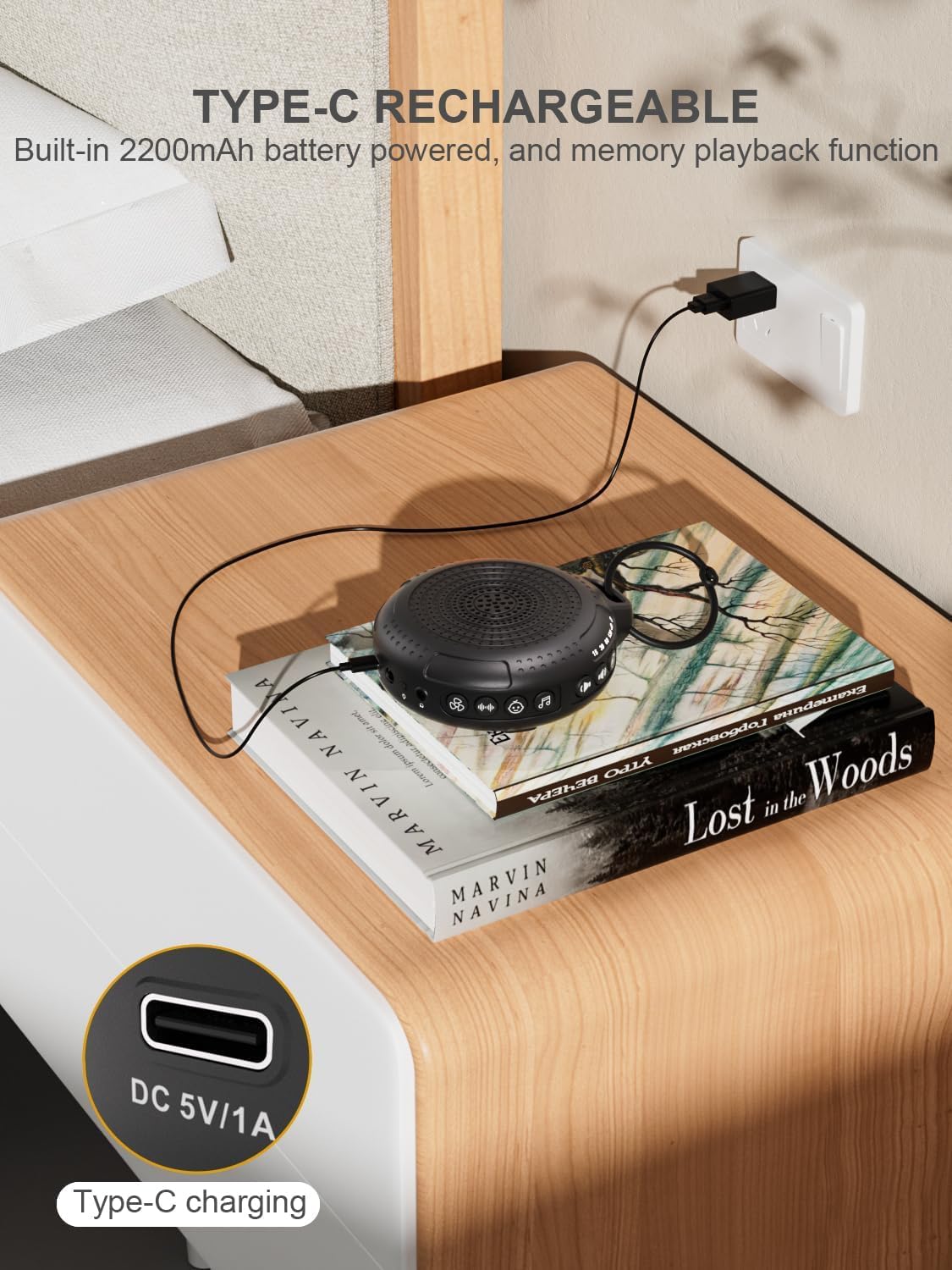
Image: The PPLEE CR1021 White Noise Machine connected to a Type-C charger, demonstrating how to charge the device.
Penempatan
Place the device on a stable, flat surface or use the included hanging loop to attach it to a stroller, car seat, or crib. Ensure the speaker is not obstructed for optimal sound projection.

Image: The PPLEE CR1021 White Noise Machine hanging from a stroller, highlighting its compact and portable design for travel.
Arahan Operasi
Kawal Selesaiview

Imej: A terperinci view of the PPLEE CR1021 White Noise Machine, illustrating the location of its various control buttons and features.
Hidupkan/Mati Kuasa
- Tekan dan tahan butang Kuasa (⏻) for 2 seconds to turn the device ON or OFF.
- The device will remember your last sound, volume, and timer settings upon powering on.
Pemilihan Bunyi
The device offers 42 non-looping soothing sounds across four categories:
- Bunyi Putih: 5 bunyi
- Bunyi Kipas: 6 bunyi
- Lullabies: 15 bunyi
- Bunyi Semulajadi: 16 bunyi
- Press the Sound Category buttons (e.g., White Noise, Fan, Lullaby, Nature) to switch between sound categories.
- Once a category is selected, press the Sound Selection button (♫) to cycle through the sounds within that category.
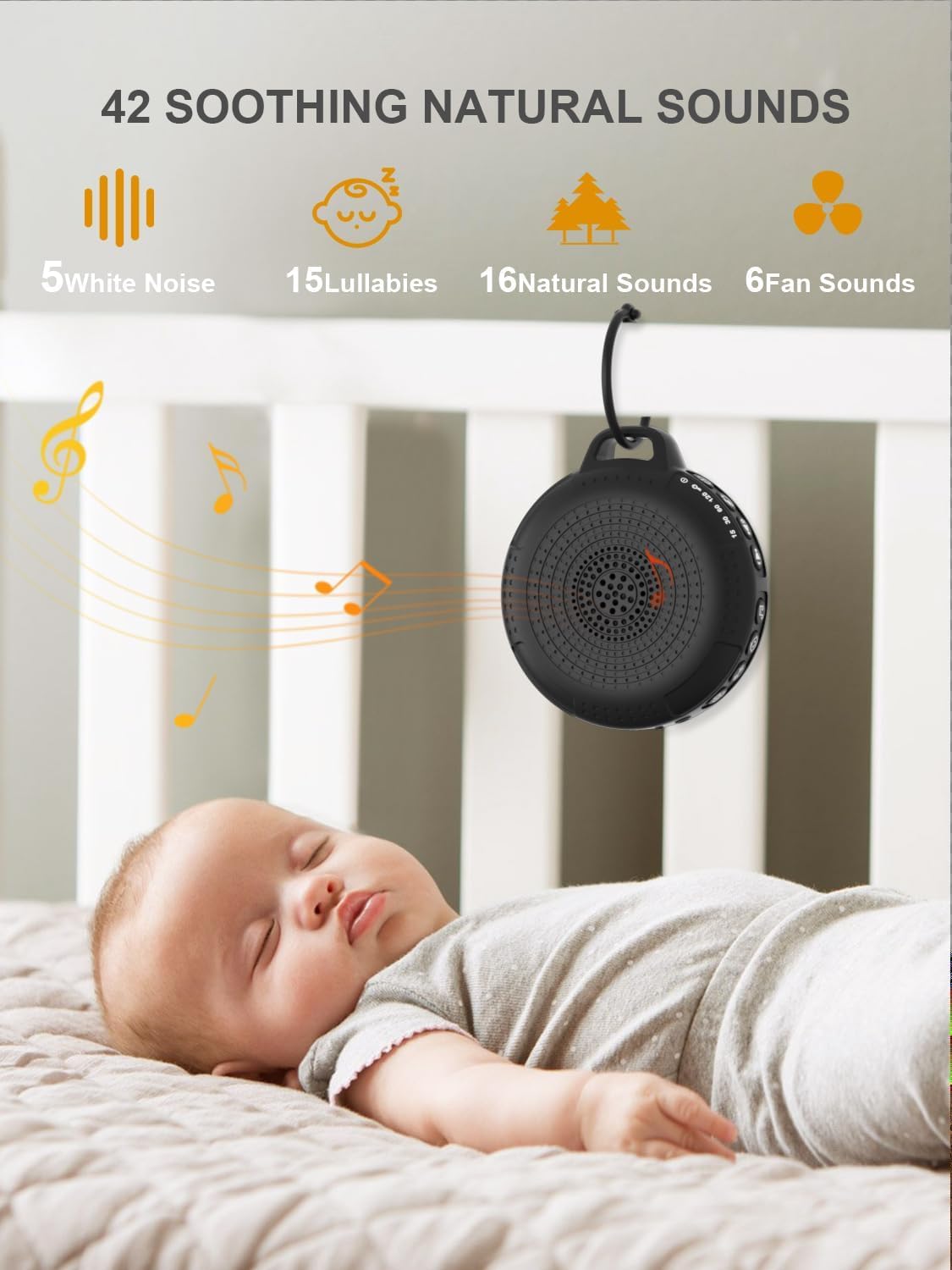
Image: The PPLEE CR1021 White Noise Machine displaying the variety of 42 soothing sounds available, categorized for easy selection.
Kawalan Kelantangan
Adjust the sound volume using the dedicated volume buttons:
- Tekan butang Naik Kelantangan (+) to increase the volume.
- Tekan butang Kurangkan Kelantangan (-) to decrease the volume.
- There are 8 distinct volume levels.

Image: The PPLEE CR1021 White Noise Machine highlighting its volume adjustment and timer functions, showing options for 15, 30, 60, and 120 minutes.
Fungsi Pemasa
The device can play continuously or automatically turn off after a set period:
- Tekan butang Pemasa (⏱) to cycle through the available timer settings: 15 minutes, 30 minutes, 60 minutes, 120 minutes, or continuous play.
- An indicator light will show the selected timer duration.
Cahaya Malam
The integrated night light offers two brightness levels:
- Press the Night Light button (💡) once for the first brightness level.
- Press it again for the second, brighter level.
- Press a third time to turn the night light off.
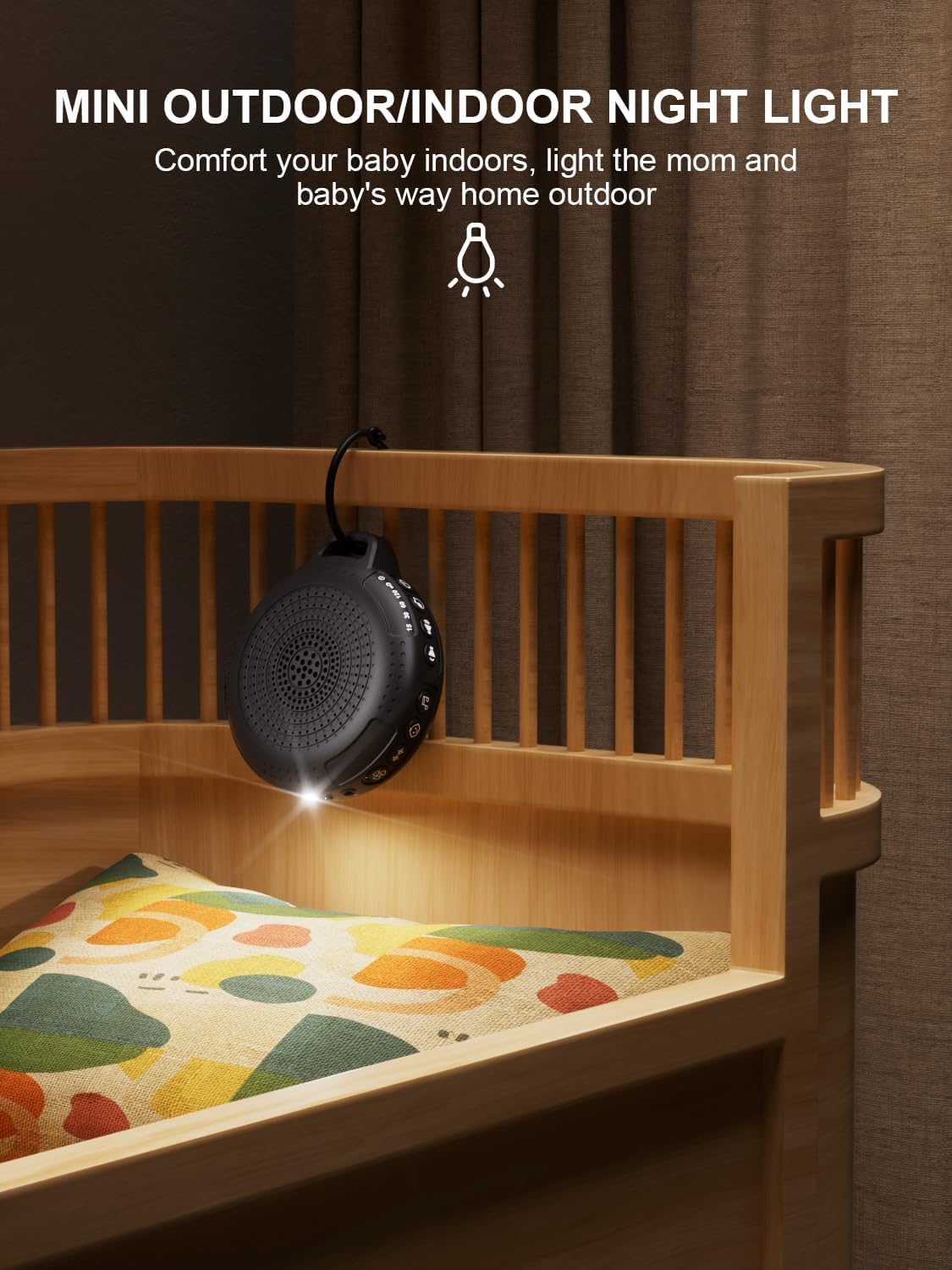
Image: The PPLEE CR1021 White Noise Machine with its night light illuminated, shown hanging on a crib, providing gentle illumination.
Fungsi Kunci Kanak-kanak
To prevent accidental changes to settings, activate the child lock:
- Tekan dan tahan butang Kunci Kanak-kanak (🔒) for 2 seconds to activate or deactivate the child lock.
- When activated, all other buttons will be unresponsive until the child lock is deactivated.
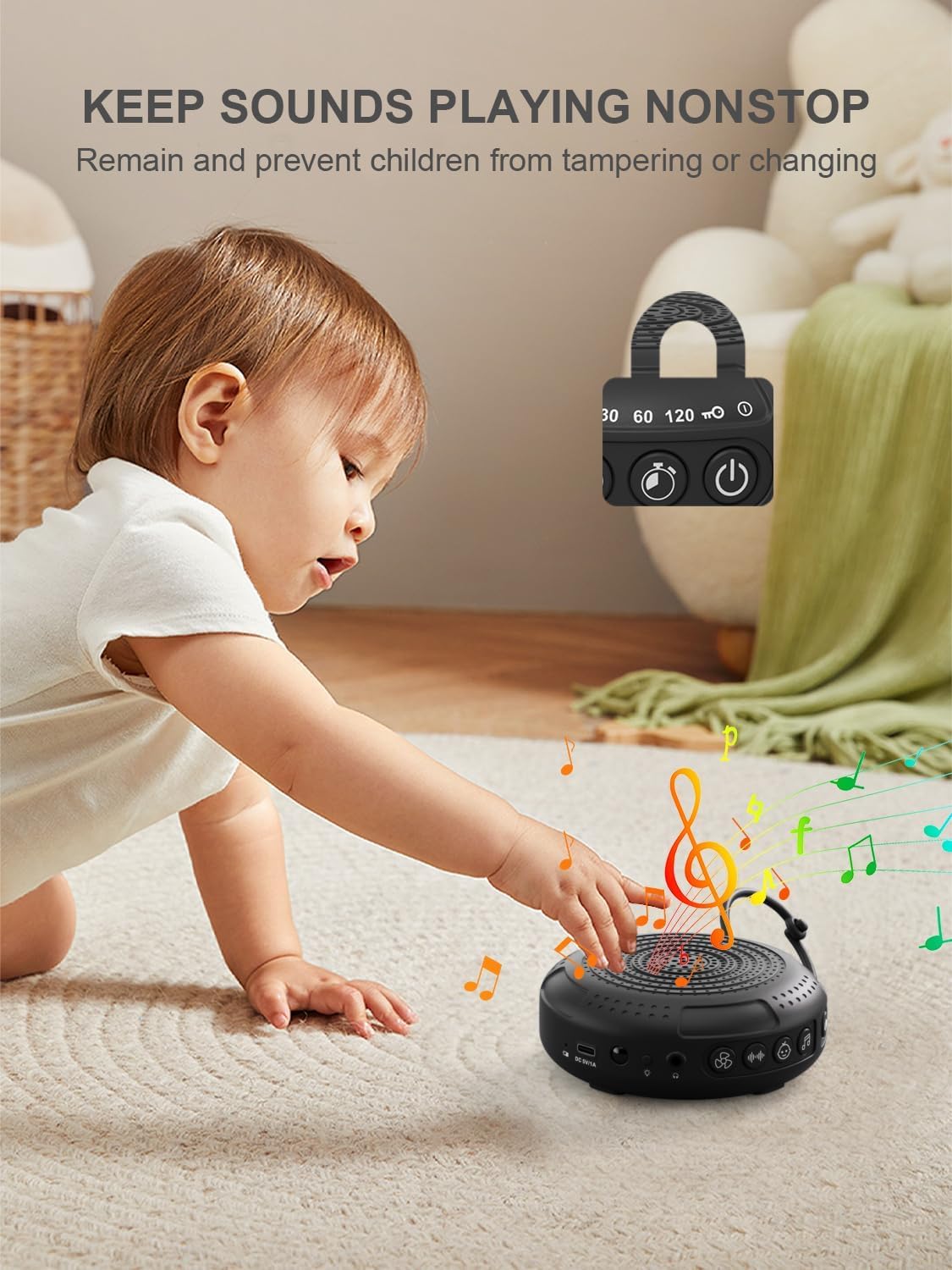
Image: The PPLEE CR1021 White Noise Machine with a visual representation of its child lock feature, designed to maintain settings and prevent tampering.
Bicu Fon Kepala
For private listening, connect standard 3.5mm headphones to the headphone jack located on the side of the device. The speaker will automatically mute when headphones are connected.
Penyelenggaraan
Pembersihan
- Pastikan peranti dimatikan dan dicabut plag sebelum dibersihkan.
- Lap bahagian luar dengan kain lembut, kering atau sedikit keringamp kain.
- Jangan gunakan pembersih yang melelas, pelarut atau bahan kimia yang keras.
Penyimpanan
- Simpan peranti di tempat yang sejuk dan kering jauh dari cahaya matahari langsung dan suhu yang melampau.
- Jika menyimpan untuk tempoh yang lama, cas bateri secara berkala untuk mengekalkan jangka hayatnya.
Menyelesaikan masalah
| Masalah | Kemungkinan Punca | Penyelesaian |
|---|---|---|
| Peranti tidak dihidupkan. | Bateri habis. | Charge the device using the provided Type-C cable. |
| Tiada bunyi. | Kelantangan terlalu rendah atau disenyapkan. Fon kepala disambungkan. | Increase the volume. Disconnect headphones if not needed. |
| Butang tidak bertindak balas. | Kunci Kanak-kanak diaktifkan. | Deactivate the Child Lock by pressing and holding the Child Lock button for 2 seconds. |
| Hayat bateri lebih pendek daripada jangkaan. | High volume level or continuous night light use. Battery degradation over time. | Reduce volume or night light usage. Ensure full charge. |
| Pengecasan lambat atau tidak berfungsi. | Faulty cable or power adapter. Charging port issue. | Try a different Type-C cable and a known working 5V/1A USB power adapter. |
Spesifikasi
| Ciri | Perincian |
|---|---|
| Nama Model | CR1021 |
| Jenama | PPLEE |
| Sumber Kuasa | Dikuasakan oleh Bateri (2200mAh boleh dicas semula) |
| Port Pengecasan | Jenis-C (DC 5V/1A) |
| Bilangan Bunyi | 42 (5 White Noise, 6 Fan, 15 Lullabies, 16 Natural) |
| Tahap Kelantangan | 8 |
| Pilihan Pemasa | 15, 30, 60, 120 minit, Berterusan |
| Cahaya Malam | 2 Tahap Kecerahan |
| Dimensi (L x W x H) | 12.5 x 11 x 4.3 cm (4.92 x 4.3 x 1.69 inci) |
| Berat badan | 177 g (0.39 paun) |
| Komponen yang Disertakan | Device, Type-C Cable, Hanging Loop, User Manual |
Waranti dan Sokongan
For warranty information or technical support, please refer to the contact details provided with your purchase or visit the official PPLEE webtapak. Simpan resit pembelian anda sebagai bukti pembelian.