1. Pengenalan
Thank you for choosing the RIVERSONG Air X26 TWS Bluetooth 5.3 Earbuds. This manual provides essential information for setting up, operating, and maintaining your earbuds. Please read it carefully before use to ensure optimal performance and longevity of your device.
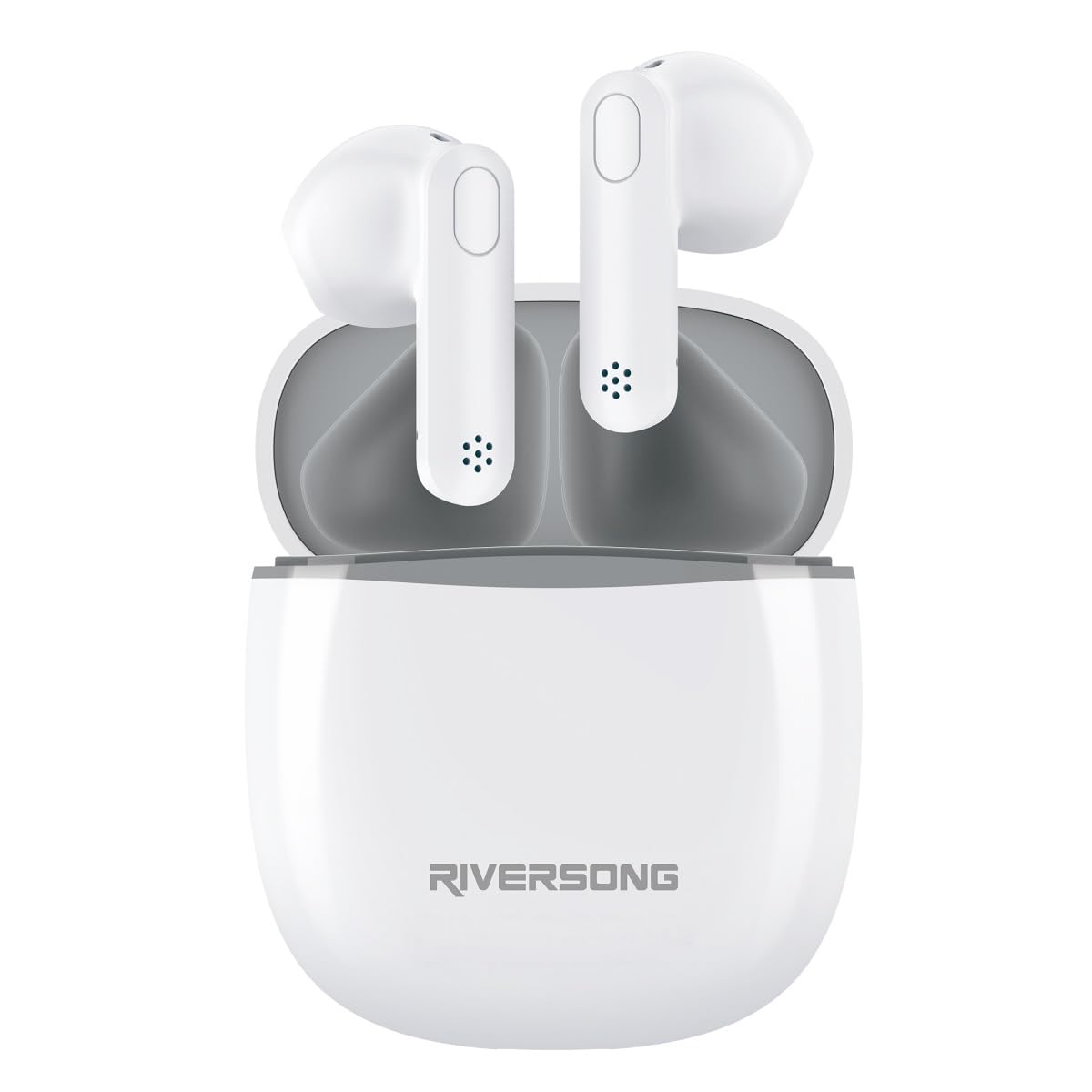
The RIVERSONG Air X26 TWS earbuds are shown resting in their charging case. Icons around the image indicate features such as Active Noise Cancellation (ANC), touch control, Bluetooth 5.3 connectivity, and an integrated microphone.
2. Kandungan Pakej
Pastikan semua item ada dalam pakej anda:
- RIVERSONG Air X26 TWS Earbuds (Left and Right)
- Kes Pengecasan
- Kabel Pengecas USB
- Manual Pengguna
3. Produk Lebihview
Familiarize yourself with the components of your earbuds:
- Earbud: In-ear design with integrated microphone and touch control area.
- Sarung Pengecasan: Stores and charges the earbuds, features a charging port and LED indicator.
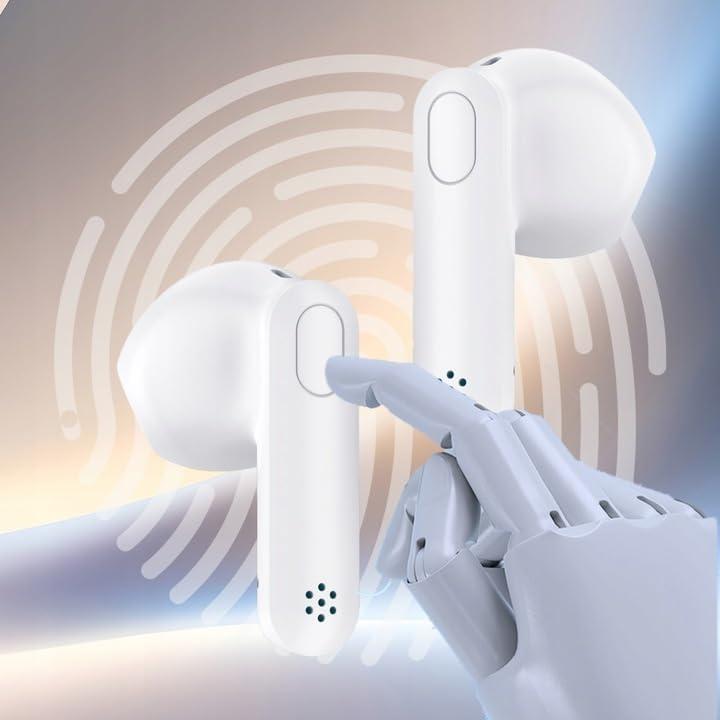
A terperinci view of one RIVERSONG Air X26 earbud, illustrating the designated touch control surface for managing audio playback and calls.
4. Persediaan
4.1 Mengecas Fon telinga dan Sarung
Sebelum penggunaan pertama, cas sepenuhnya kedua-dua fon telinga dan bekas pengecasan.
- Letakkan fon telinga ke dalam bekas pengecasan. Pastikan mereka duduk dengan betul.
- Sambungkan kabel pengecas USB ke port pengecasan pada bekas dan ke sumber kuasa.
- The LED indicator on the case will show charging status. It will typically turn off or change color when fully charged.
The earbuds feature fast charging capabilities:

The RIVERSONG Air X26 charging case is shown with an overlay indicating '5 min = 120 min', highlighting its fast charging capability, providing 120 minutes of playback from a 5-minute charge.
4.2 Berpasangan dengan Peranti Bluetooth
- Open the charging case. The earbuds will automatically enter pairing mode (LED indicators will flash).
- Pada peranti anda (telefon pintar, tablet, dll.), dayakan Bluetooth.
- Cari untuk available Bluetooth devices and select "RIVERSONG Air X26" from the list.
- Once connected, the earbud LED indicators will stop flashing.
- Fon telinga akan menyambung semula secara automatik ke peranti gandingan terakhir apabila dikeluarkan daripada sarung, jika Bluetooth didayakan pada peranti.
5. Mengendalikan Fon Telinga
5.1 Memakai Fon Telinga
Insert the earbuds gently into your ears, ensuring a comfortable and secure fit for optimal sound quality and Active Noise Cancellation (ANC) performance.

A woman is depicted wearing the RIVERSONG Air X26 TWS earbuds, demonstrating their in-ear fit and suitability for daily use.
5.2 Kawalan Sentuhan
The Air X26 earbuds feature intuitive touch controls on each earbud:
- Ketuk tunggal: Main/Jeda muzik, Jawab/Tamatkan panggilan.
- Dwiketik (Earbud Kiri): Lagu sebelumnya.
- Ketik Dua Kali (Earbud Kanan): Trek seterusnya.
- Long Press (Left Earbud): Activate/Deactivate Active Noise Cancellation (ANC) mode.
- Long Press (Right Earbud): Aktifkan pembantu suara.
- Ketuk Tiga Kali: Tolak panggilan masuk.
5.3 Pembatalan Bising Aktif (ANC)
The ANC feature reduces ambient noise for an immersive listening experience. To toggle ANC mode, long press the touch area on the left earbud.
6. Penyelenggaraan
6.1 Pembersihan
- Lap perlahan fon telinga dan bekas pengecas dengan kain lembut, kering dan tidak berbulu.
- Jangan gunakan pembersih yang melelas, alkohol atau pelarut kimia.
- Pastikan kanta pengecas pada kedua-dua fon telinga dan sarung bersih dan kering.
6.2 Penyimpanan
Apabila tidak digunakan, simpan fon telinga dalam bekas pengecasnya untuk melindunginya dan memastikan ia dicas. Simpan peranti di tempat yang sejuk dan kering jauh dari suhu yang melampau dan cahaya matahari langsung.

The RIVERSONG Air X26 charging case is depicted with water droplets, signifying its water-resistant design, suitable for various environments.
7. Penyelesaian masalah
Jika anda menghadapi masalah, rujuk kepada penyelesaian biasa berikut:
| Masalah | Penyelesaian |
|---|---|
| Fon telinga tidak berpasangan |
|
| Tiada bunyi dari satu fon telinga |
|
| Kes pengecas tidak dicas |
|
8. Spesifikasi
- Nombor Model: EA173AU-W
- Jenama: RIVERSONG
- Versi Bluetooth: 5.3
- Jenis Bateri: Lithium-polymer (3 included)
- ciri-ciri: Active Noise Cancellation (ANC), Touch Control, Integrated Microphone
- mengecas: USB (termasuk kabel)
9. Maklumat Keselamatan
- Jangan dedahkan fon telinga atau bekas pengecasan kepada suhu, kelembapan atau cecair yang melampau.
- Elakkan daripada menjatuhkan, menjejaskan atau membuka peranti.
- Jangan gunakan fon telinga pada kelantangan tinggi untuk tempoh yang lama bagi mengelakkan kerosakan pendengaran.
- Jauhkan daripada kanak-kanak.
10. Waranti dan Sokongan
For warranty information and customer support, please refer to the warranty card included with your purchase or visit the official RIVERSONG website. Please have your model number (EA173AU-W) and proof of purchase ready when contacting support.