
Jectse Jectsehtin20gcvm-11
Jectse MP3 Player with Bluetooth User Manual
Model: Jectsehtin20gcvm-11
1. Pengenalan
This manual provides detailed instructions for the operation and maintenance of your Jectse MP3 Player. This portable device features a 2.4-inch full-touch screen, 4GB internal storage, Bluetooth 5.0 connectivity, FM radio, E-book reader, and voice recording capabilities. Please read this manual thoroughly before using the device to ensure proper functionality and longevity.
2. Maklumat Keselamatan
- Jangan dedahkan peranti kepada suhu yang melampau, cahaya matahari langsung atau kelembapan yang tinggi.
- Elakkan daripada menjatuhkan atau meletakkan peranti kepada kesan yang kuat.
- Jangan buka atau cuba membaiki peranti ini sendiri. Ini akan membatalkan jaminan.
- Use only the provided charging cable and certified power adapters.
- Dengar pada tahap kelantangan sederhana untuk mengelakkan kerosakan pendengaran.
- Jauhkan peranti daripada air dan cecair lain.
3. Kandungan Pakej
Sahkan bahawa semua item terdapat dalam pakej:
- Jectse MP3 Player
- Fon Kepala Berwayar
- Kabel Pengecas USB

Image: The Jectse MP3 Player, along with its included wired headphones and USB charging cable, laid out on a surface.
4. Produk Lebihview
The Jectse MP3 Player features a compact design with a 2.4-inch touch screen for intuitive navigation. The device includes physical buttons on the side for power, volume control, and other functions. A built-in speaker is located on the back.

Imej: Depan view of the Jectse MP3 Player displaying its colorful touch screen interface with icons for Music, Video, Dictionary, Recorder, Settings, Applications, Folder, Listening, FM Radio, and Ebook.
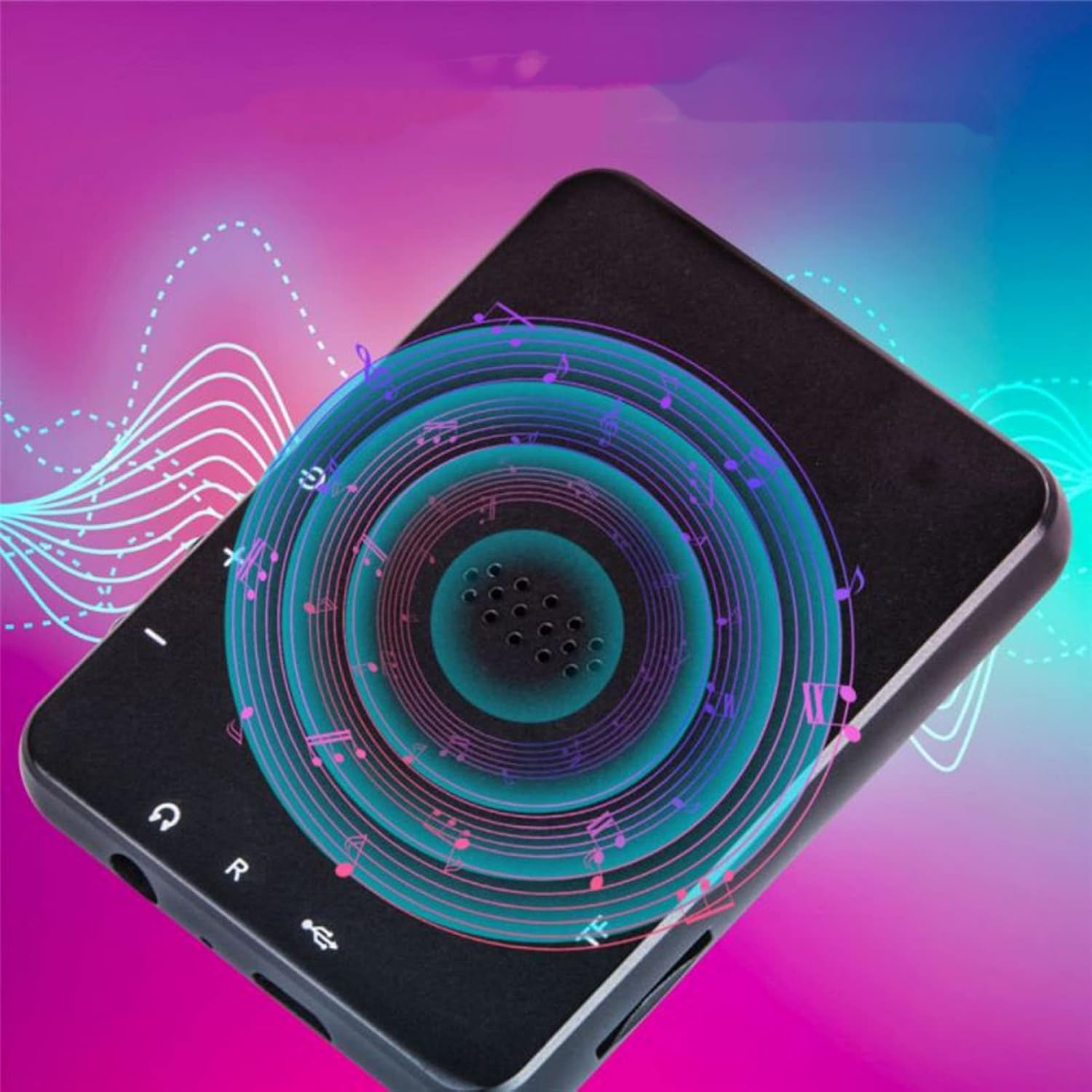
Imej: Belakang view of the Jectse MP3 Player, showing the speaker grille and side buttons for power and volume, with a visual representation of sound waves emanating from the speaker.
5. Persediaan
5.1. Mengecas Peranti
Before first use, fully charge the MP3 player. Connect the provided USB charging cable to the device's charging port and plug the other end into a USB power adapter (not included) or a computer's USB port. The battery indicator on the screen will show charging status.
5.2. Memasukkan Kad Memori (Pilihan)
The device has 4GB of internal storage. To expand storage, insert a microSD card (up to 256GB, not included) into the memory card slot. Ensure the card is inserted correctly until it clicks into place.
5.3. Menyambung Fon Kepala
Plug the wired headphones into the 3.5mm audio jack on the device. Alternatively, you can connect Bluetooth headphones (see section 6.2).
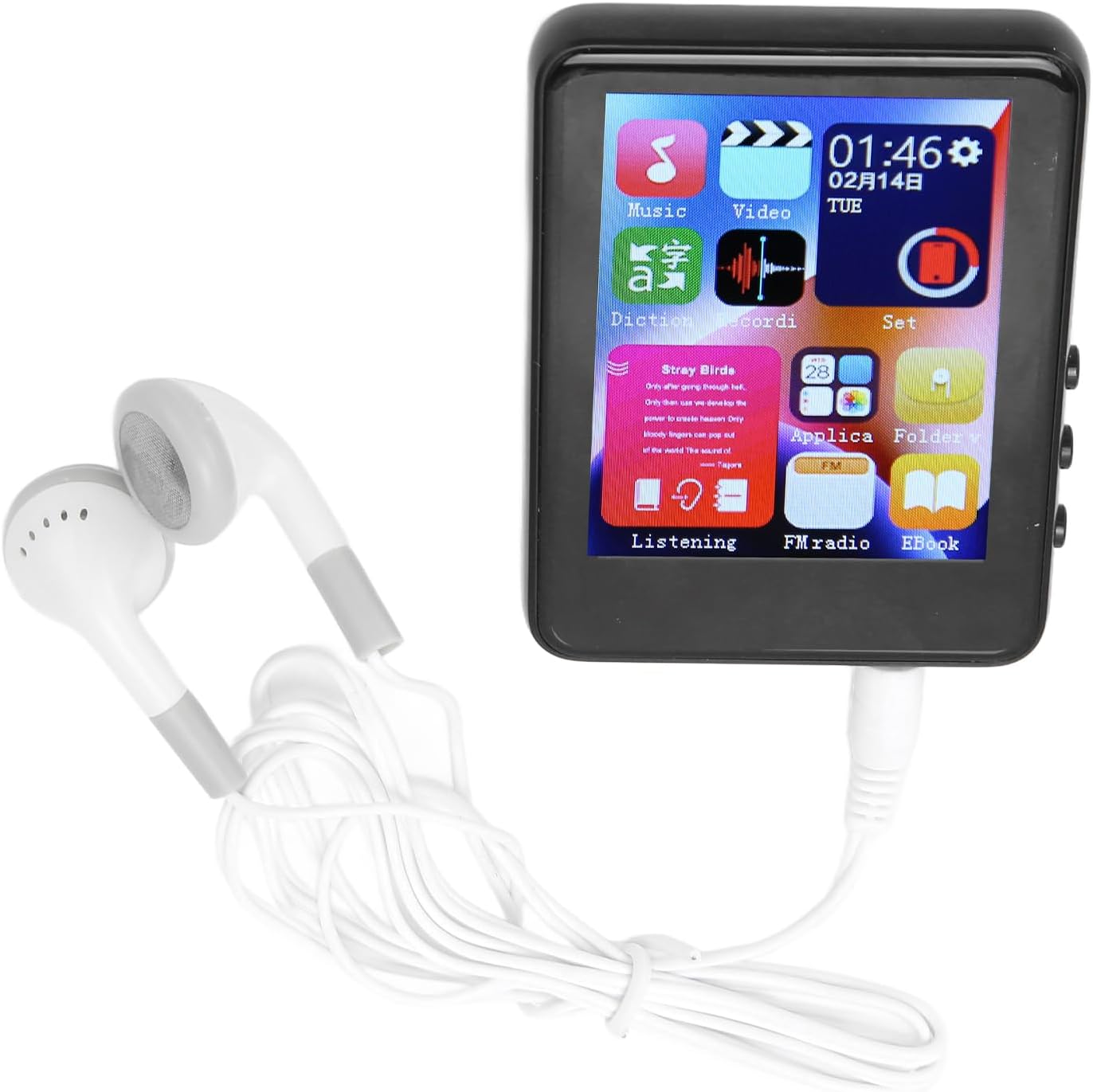
Image: The Jectse MP3 Player with white wired headphones plugged into its audio jack, ready for use.
5.4. Menghidupkan/Mematikan
- Untuk Menghidupkan: Tekan dan tahan butang kuasa di sisi peranti sehingga skrin menyala.
- Untuk Mematikan: Tekan dan tahan butang kuasa sehingga pilihan mati kuasa muncul pada skrin, kemudian sahkan.
6. Arahan Operasi
6.1. Navigasi
The device features a full-touch screen. Swipe left/right or up/down to navigate through menus and applications. Tap an icon to open an application or select an option. Use the back arrow or swipe gestures (if available) to return to the previous screen.
6.2. Main balik Muzik
The player supports MP3, APE, FLAC, WMA, WAV, and AAC audio formats. Transfer music files from your computer to the device's internal storage or an inserted memory card.
- Tap the 'Music' icon on the home screen.
- Layari pustaka muzik anda mengikut artis, album, genre atau folder.
- Ketik lagu untuk memulakan main balik.
- Gunakan kawalan pada skrin untuk main/jeda, langkau trek dan pelarasan kelantangan.

Image: The Jectse MP3 Player showing a music playback screen with album art and controls, while a person enjoys music with wireless earbuds.
6.3. Sambungan Bluetooth
Connect your MP3 player to Bluetooth headphones or speakers for wireless audio.
- Pergi ke 'Tetapan' dan pilih 'Bluetooth'.
- Hidupkan Bluetooth dengan 'Hidup'.
- Pastikan peranti audio Bluetooth anda berada dalam mod berpasangan.
- Pilih peranti anda daripada senarai peranti yang tersedia untuk dipasangkan.
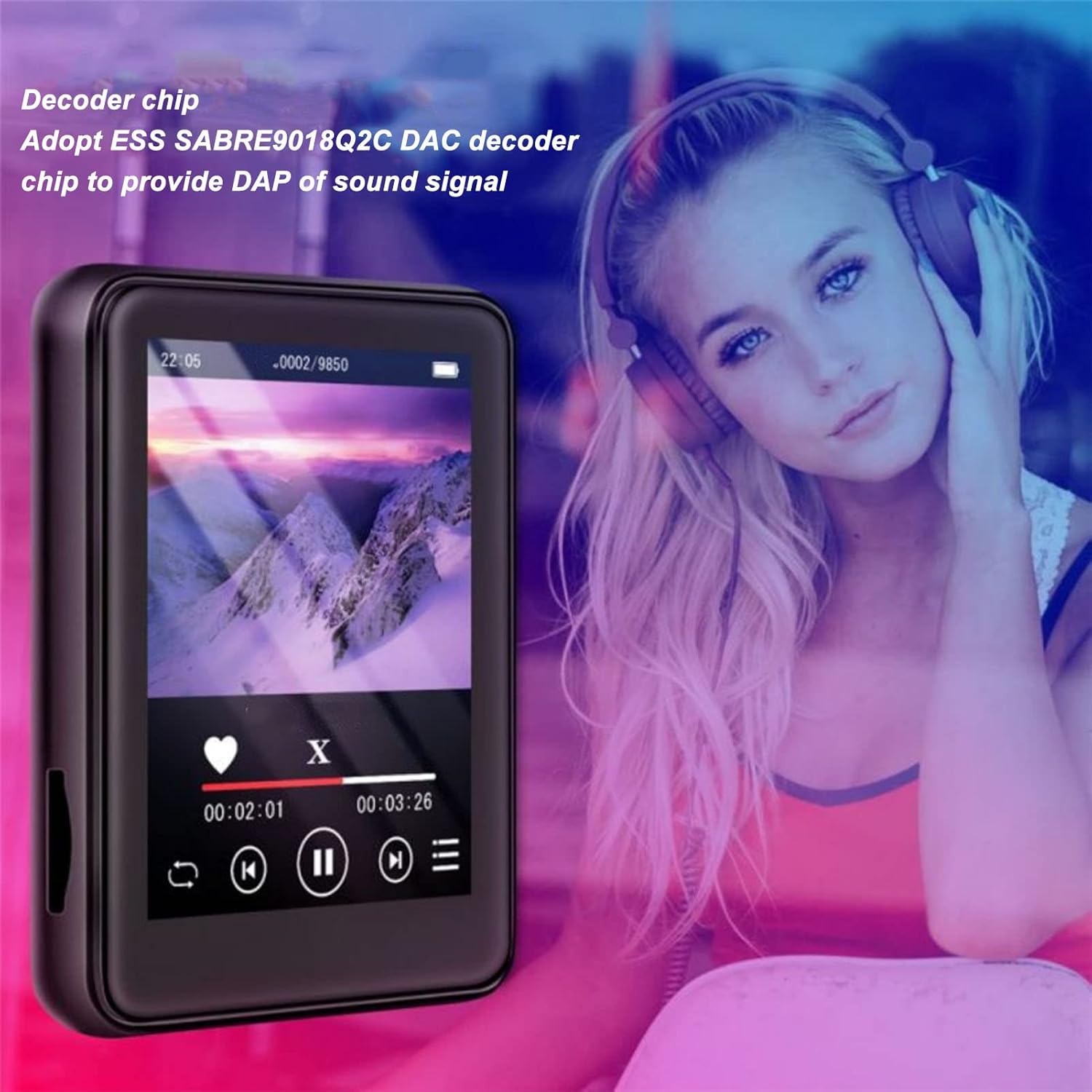
Image: The Jectse MP3 Player displaying a video or music interface, with text highlighting its ESS SABRE9018Q2C DAC decoder chip for high-quality sound. A person wearing over-ear headphones is visible in the background.
6.4. Radio FM
Listen to FM radio stations using the built-in tuner. Wired headphones must be connected as they act as the antenna.
- Tap the 'FM Radio' icon.
- Perform an automatic scan to find available stations.
- Tune to your desired station using the on-screen controls.
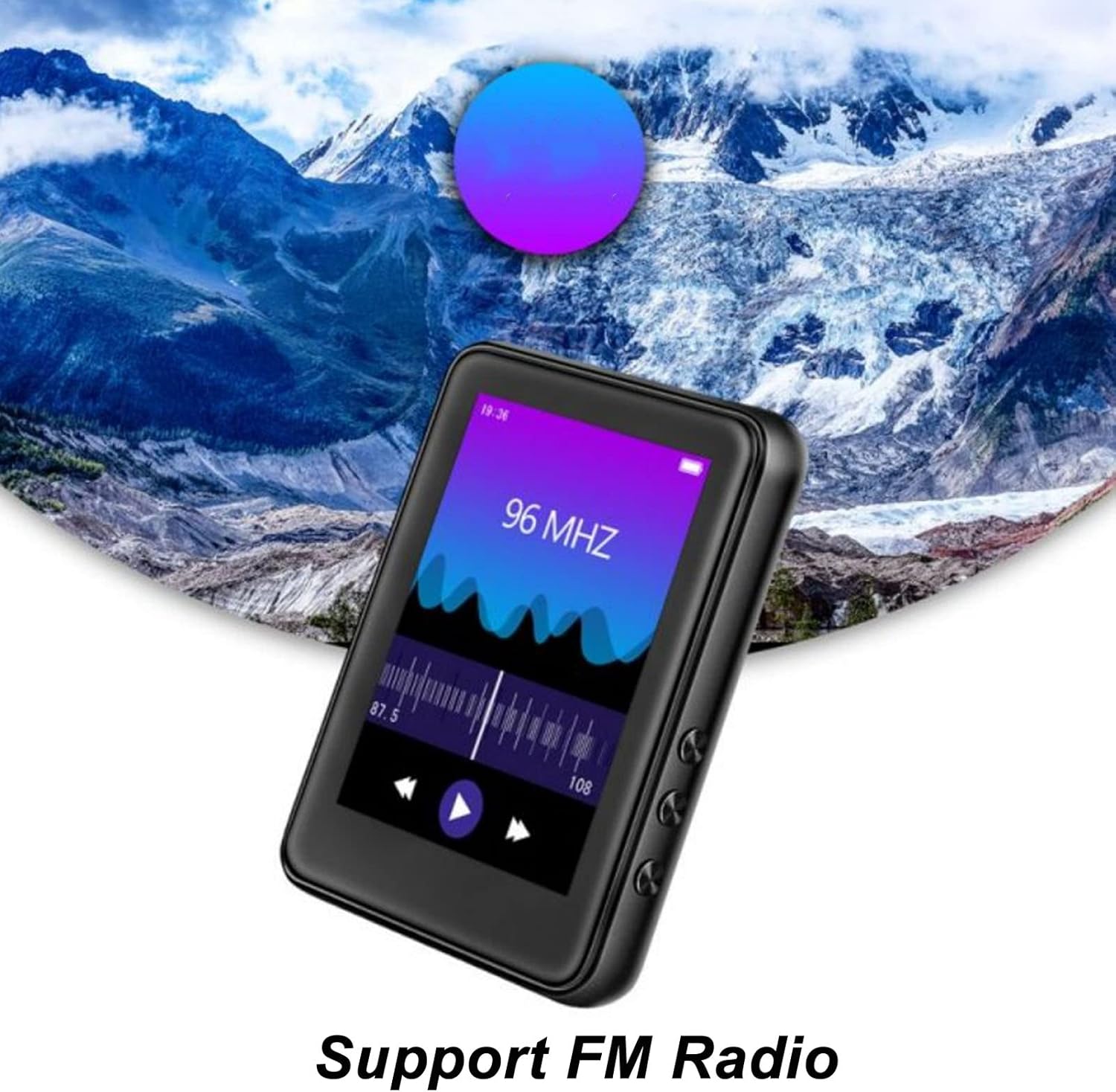
Image: The Jectse MP3 Player showing its FM Radio interface, tuned to 96 MHz, with a visual representation of radio waves and controls.
6.5. E-Buku
Read TXT and LRC format e-books on your device.
- Tap the 'Ebook' icon.
- Select the e-book you wish to read.
- Swipe the screen to turn pages.
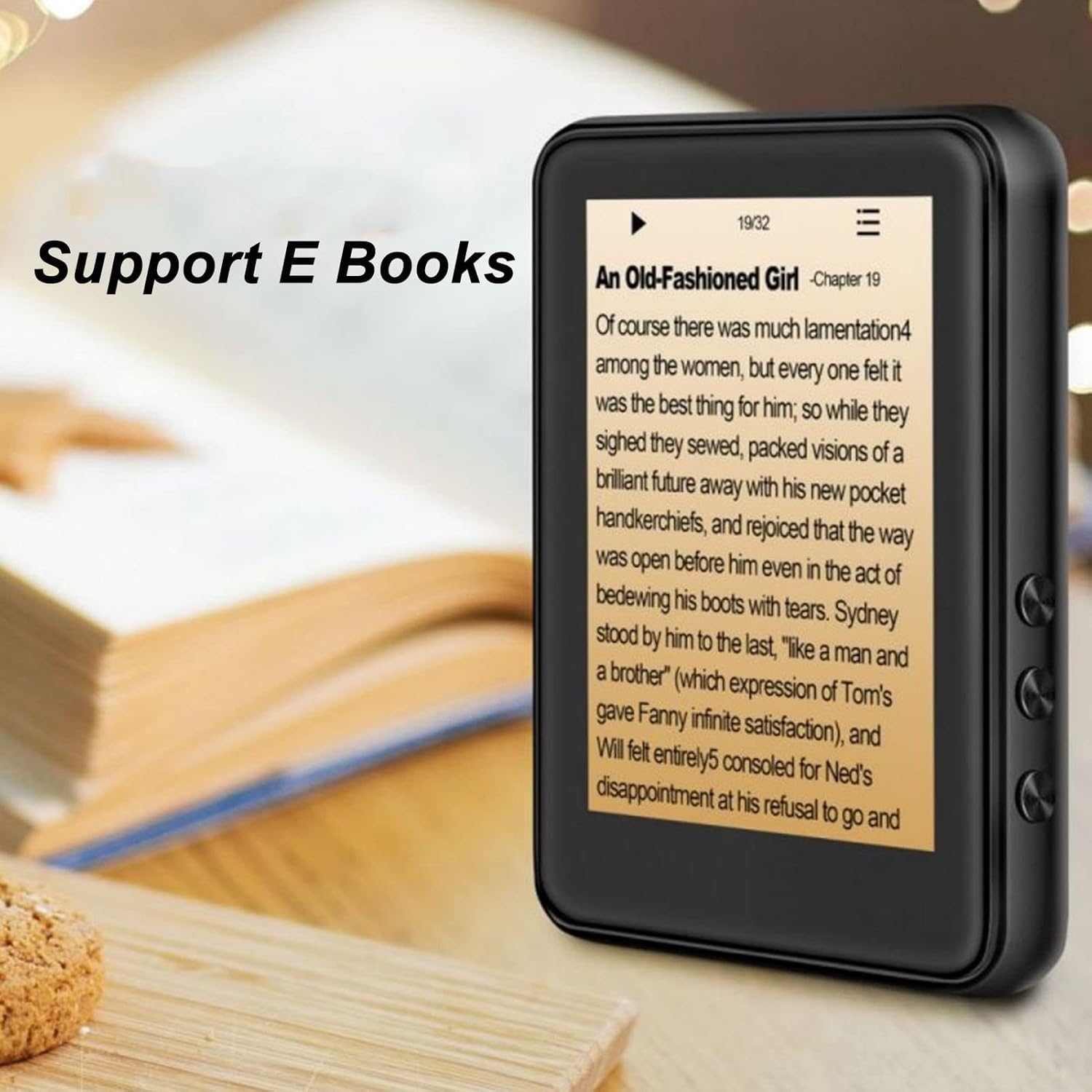
Image: The Jectse MP3 Player displaying an e-book titled 'An Old-Fashioned Girl - Chapter 19' on its screen, with text content visible.
6.6. Perakam Suara
Rakam audio menggunakan mikrofon terbina dalam.
- Tap the 'Recorder' icon.
- Ketik butang rakam untuk mula merakam.
- Ketik butang berhenti untuk menamatkan dan menyimpan rakaman.

Image: The Jectse MP3 Player showing its voice recorder interface with a red record button and a timer, positioned in a meeting room setting.
6.7. Main Semula Video
The device supports MP4 video playback. Transfer compatible video files to the device's storage.
- Tap the 'Video' icon.
- Pilih video file anda ingin bermain.
- Use the on-screen controls for playback.
7. Penyelenggaraan
- Pembersihan: Gunakan kain lembut dan kering untuk membersihkan peranti. Jangan gunakan pembersih cecair atau bahan yang melelas.
- Storan: Simpan peranti di tempat yang sejuk dan kering apabila tidak digunakan.
- Penjagaan Bateri: Untuk memanjangkan hayat bateri, elakkan daripada menyahcas sepenuhnya bateri dengan kerap. Cas peranti dengan kerap, walaupun tidak digunakan untuk tempoh yang lama.
- Kemas Kini Perisian: Semak pengeluar webtapak untuk sebarang kemas kini perisian tegar yang tersedia untuk memastikan prestasi optimum.
8. Penyelesaian masalah
-
Peranti tidak dihidupkan:
Pastikan bateri dicas. Sambungkan peranti ke pengecas selama sekurang-kurangnya 30 minit sebelum cuba menghidupkan semula.
-
Tiada bunyi:
Check the volume level. Ensure headphones are properly connected or Bluetooth headphones are paired and connected. Test with different headphones if possible.
-
Tidak dapat menyambung ke Bluetooth:
Ensure Bluetooth is enabled on both the MP3 player and the target device. Make sure the target device is in pairing mode and within range. Try restarting both devices.
-
Peranti membeku atau tidak bertindak balas:
Press and hold the power button for approximately 10-15 seconds to force a restart.
-
Files not appearing on device:
pastikan files are in supported formats. Verify that files were transferred correctly to the internal storage or memory card. Check if the memory card is properly inserted.
9. Spesifikasi
| Ciri | Spesifikasi |
|---|---|
| Model | Jectsehtin20gcvm-11 |
| Skrin | 2.4 Inches TFT Screen |
| Storan atas kapal | 4GB |
| Sokongan Kad Memori | Up to 256GB (microSD, not included) |
| Versi Bluetooth | Bluetooth 5.0 |
| Format Audio yang Disokong | MP3, APE, FLAC, WMA, WAV, AAC |
| Format Foto yang Disokong | JPEG, BMP |
| Format E-Buku yang Disokong | TXT, LRC |
| Kekerapan Radio FM | 87Hz-108Hz |
| Nisbah Isyarat-ke-Bunyi | ≥ 90db |
| Jenis Bateri | Bateri Litium Polimer 500mAh terbina dalam |
| Keserasian Sistem Pengendalian | Windows 98/ME/2K/XP/Vista/Win7, OS X 10 |
| Berat Barang | 4.5 auns |
| Dimensi Pakej | 5.12 x 3.15 x 1.18 inci |
10. Waranti dan Sokongan
For warranty information and technical support, please refer to the documentation provided with your purchase or visit the official Jectse webtapak. Simpan bukti pembelian anda untuk tuntutan waranti.
Ask a question about this manual
Ask about setup, troubleshooting, compatibility, parts, safety, or missing instructions. Manuals+ will review the question and use this page’s manual context to help answer it.