
ADE CK2304
ADE CK2304 Digital Bathroom Clock User Manual
Model: CK2304
pengenalan
This manual provides instructions for the setup, operation, maintenance, and troubleshooting of your ADE CK2304 Digital Bathroom Clock. This device features a hygrometer, thermometer, shower timer, countdown function, and a large LCD display, all within an IP65 waterproof design.

Imej: Depan view of the ADE CK2304 Digital Bathroom Clock, displaying time, date, temperature, and humidity readings on its large LCD screen.
Kandungan Pakej
Sahkan bahawa semua item terdapat dalam pakej:
- ADE CK2304 Digital Bathroom Clock
- 2 x Bateri AAA
- Manual Arahan (dokumen ini)
Persediaan
1. Pemasangan Bateri
The device requires 2 x AAA batteries for operation. These are included in the package.
- Cari penutup petak bateri di belakang jam.
- Buka petak bateri.
- Insert the 2 x AAA batteries, ensuring correct polarity (+ and -).
- Close the battery compartment cover securely to maintain IP65 waterproofing.
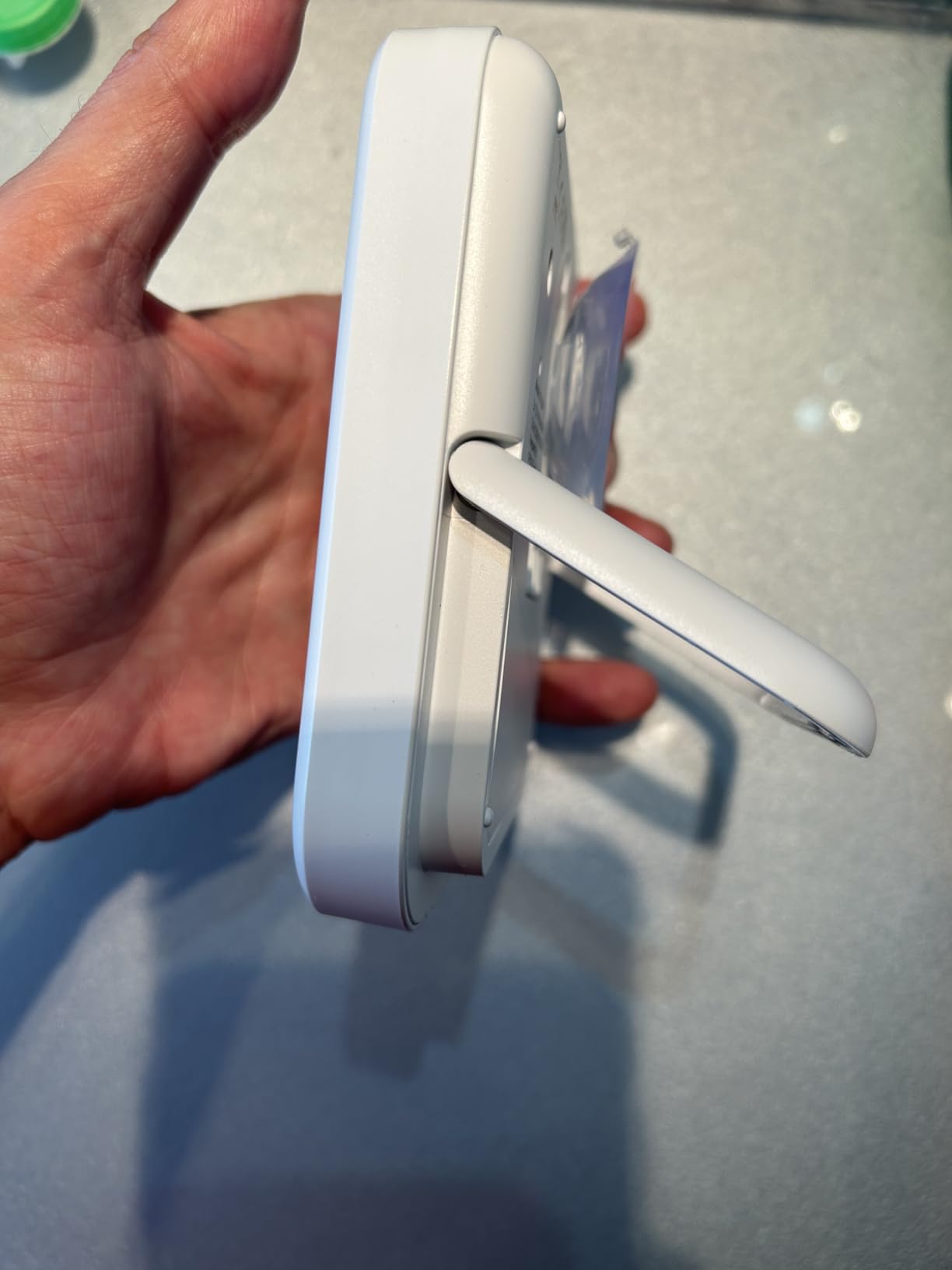
Imej: Belakang view of the ADE CK2304 Digital Bathroom Clock, highlighting the battery compartment and various mounting features like the suction cup and hanging eyelet.
2. Pilihan Pemasangan
The ADE CK2304 offers flexible placement options:
- Wall Mounting (Suction Base): Press the rubberized suction base firmly against a clean, smooth, non-porous surface (e.g., tile, mirror, glass). Ensure the surface is dry for optimal adhesion.
- Hanging (Eyelet): Use the integrated hanging eyelet to suspend the clock from a hook or nail. (Hook/nail not included).
- Standing (Adjustable Base): Utilize the sturdy, adjustable base to place the clock on a flat surface, such as a countertop or shelf.
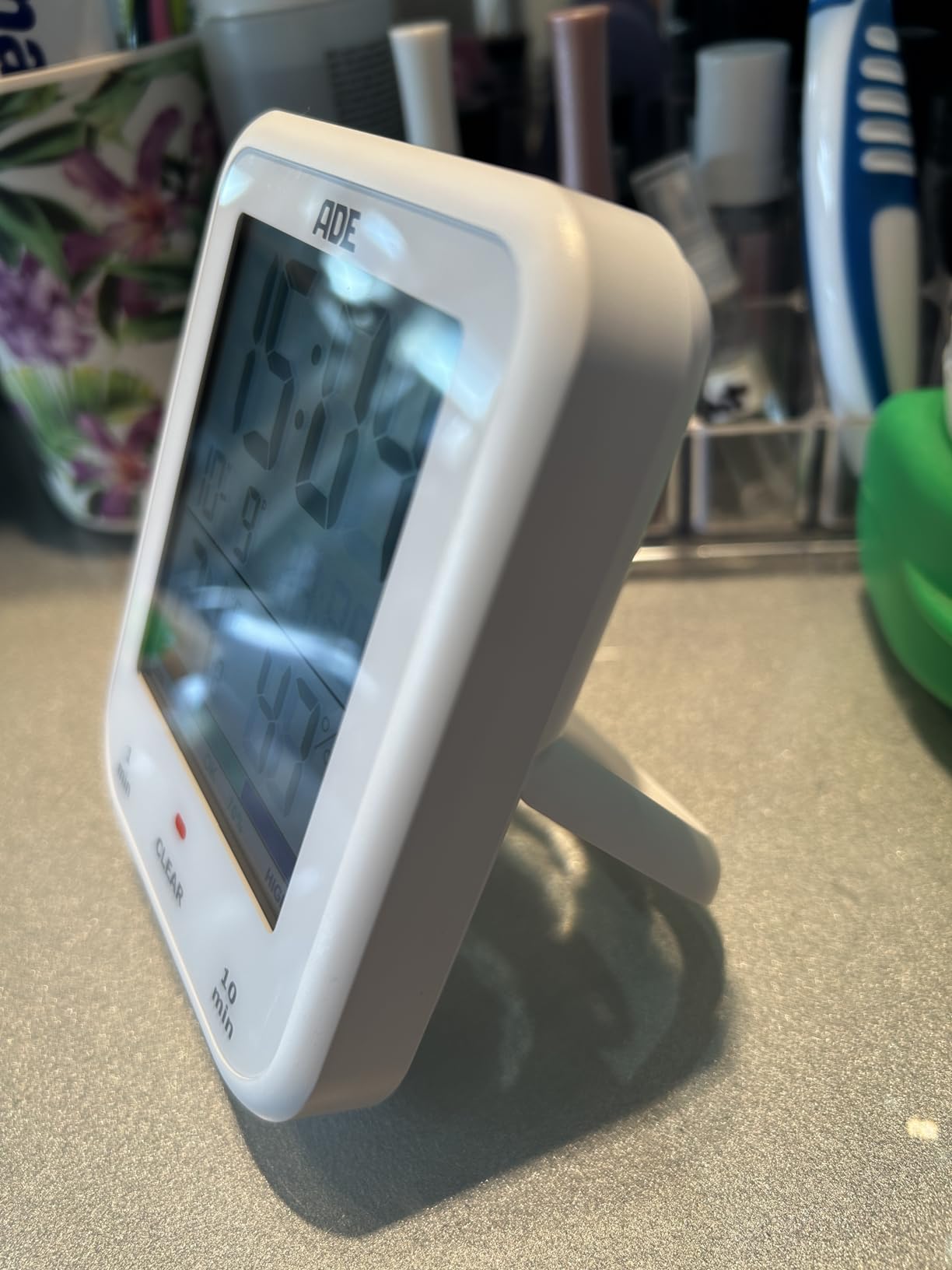
Image: The ADE CK2304 Digital Bathroom Clock securely attached to a bathroom wall using its suction cup mounting option.
Arahan Operasi
1. Penghidupan dan Paparan Awal
Upon battery installation, the clock will power on and display the current time, date, temperature, and humidity. The large LCD display ensures readability.
2. Menetapkan Masa dan Tarikh
Refer to the buttons on the back or side of the device (specific button names are not provided in the input, so I'll use generic terms):
- Press and hold the "SET" button (or equivalent) until the time display flashes.
- Use the "UP" and "DOWN" buttons (or equivalent) to adjust the hour. Press "SET" to confirm.
- Ulang selama beberapa minit, tahun, bulan dan hari.
- Press "SET" one last time to exit setting mode.
3. Using the Shower Timer / Countdown Function
The shower timer helps manage water consumption. The clock features a countdown function.
- Press the "TIMER" button (or equivalent) to activate the countdown function.
- Repeatedly press "TIMER" to cycle through preset countdown durations (e.g., 1 minute, 10 minutes, etc., as suggested by a review).
- Alternatively, press and hold "TIMER" to manually set a custom countdown duration using the "UP" and "DOWN" buttons.
- The countdown will begin automatically after selection or confirmation.
- An audible alert will sound when the timer reaches zero.
- Tekan sebarang butang untuk menghentikan penggera.
4. Paparan Suhu dan Kelembapan
The clock continuously displays the current room temperature and humidity. It also includes a comfort zone indicator to help maintain an optimal indoor climate and prevent mold formation.
Penyelenggaraan
- Pembersihan: Wipe the clock with a soft, damp kain. Jangan gunakan pembersih atau pelarut yang melelas.
- Penggantian Bateri: Replace batteries when the display dims or the clock stops functioning. Ensure the battery compartment is sealed tightly after replacement to maintain waterproofing.
- Kalis air: The device is IP65 waterproof, meaning it is protected against low-pressure water jets from any direction. Do not submerge the device in water. Ensure the battery compartment is always properly sealed.
Menyelesaikan masalah
| Masalah | Kemungkinan Punca | Penyelesaian |
|---|---|---|
| Paparan kosong atau malap. | Bateri rendah atau kehabisan bateri. | Gantikan dengan bateri AAA baharu, pastikan kekutuban yang betul. |
| Masa/Tarikh tidak betul. | Tetapan perlu diselaraskan. | Follow the "Setting Time and Date" instructions in the Operating section. |
| Cawan sedutan tidak muat. | Permukaan kotor, basah atau berliang. | Clean and dry the surface thoroughly. Ensure it is smooth and non-porous. |
| Bacaan Suhu/Kelembapan kelihatan tidak tepat. | Device recently moved to a new environment; needs time to stabilize. | Allow 15-30 minutes for the sensors to adjust to the new environment. |
Spesifikasi
- model: CK2304
- Jenama: ADE
- Jenis Paparan: LCD Digital
- Penilaian Kalis Air: IP65 (Protected against low-pressure water jets)
- Fungsi: Time, Date, Temperature, Humidity, Shower Timer, Countdown Function, Comfort Zone Indicator
- Sumber Kuasa: 2 x Bateri AAA (termasuk)
- Dimensi Produk: 9.2 cm (W) x 11.5 cm (H) x 2.3 cm (D)
- Berat Barang: 207 Gram
- Pilihan Pemasangan: Suction Base, Hanging Eyelet, Adjustable Stand
- Jenis Bilik: Bilik air
Waranti dan Sokongan
For warranty information or technical support, please refer to the contact details provided on the product packaging or the official ADE webtapak. Simpan resit pembelian anda sebagai bukti pembelian.
Ask a question about this manual
Ask about setup, troubleshooting, compatibility, parts, safety, or missing instructions. Manuals+ will review the question and use this page’s manual context to help answer it.