
APPECK C5103-A
Permanent Outdoor Lights User Manual
Brand: APPECK | Model: C5103-A
1. Pengenalan
The APPECK Permanent Outdoor Lights are designed to provide versatile and durable lighting for your home's exterior. These smart RGB LED lights offer a wide spectrum of colors and dynamic scene modes, making them ideal for daily ambiance, holiday decorations, and special events. With robust weather resistance and multiple control options, these lights offer a convenient and long-lasting lighting solution.
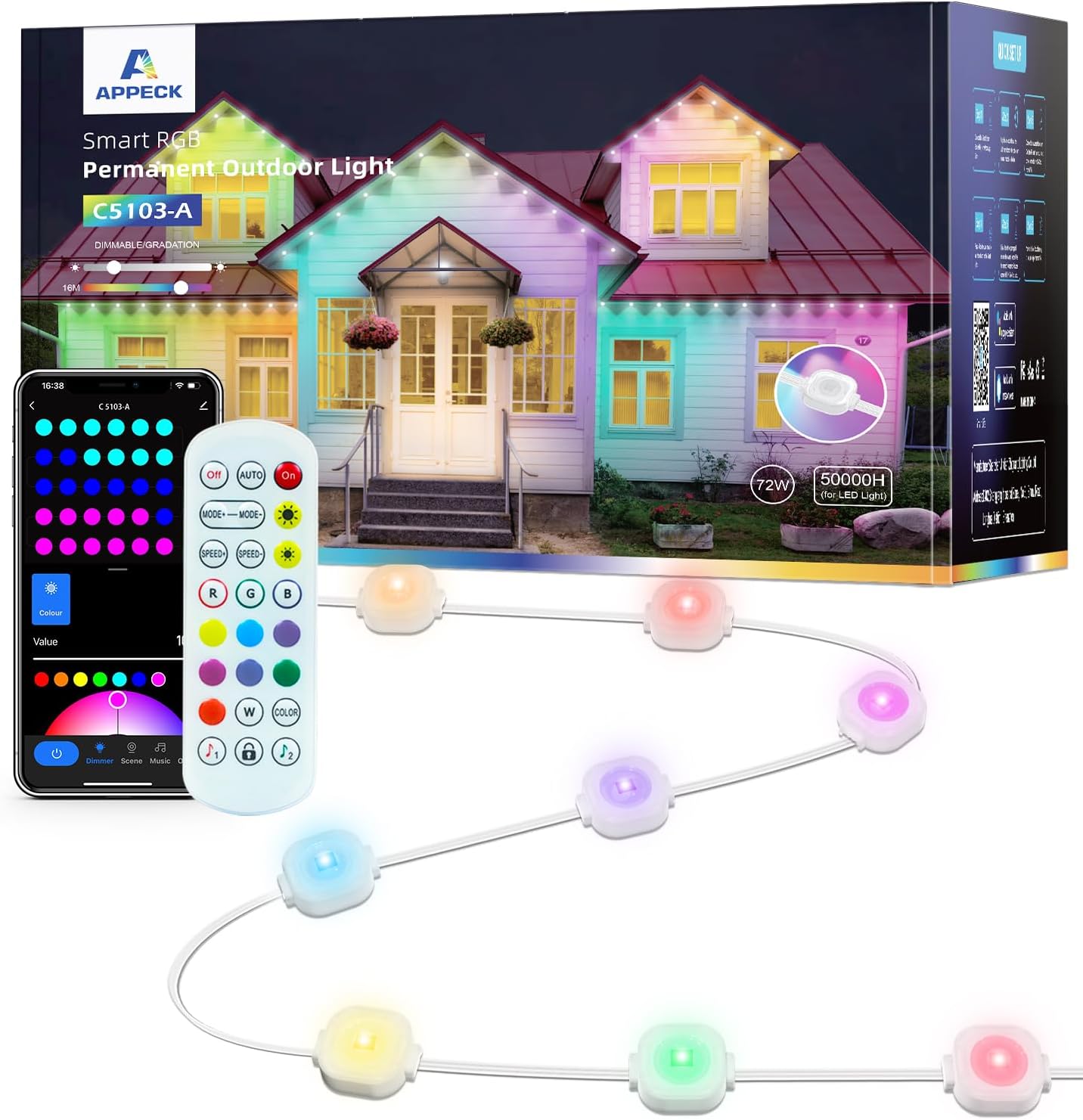
Figure 1: APPECK Permanent Outdoor Lights, showing the lights, remote, and app interface.
2. Ciri-ciri
- RGB Visual Feast: Offers 16 million colors and 54 scene modes for diverse lighting effects. Unique curved lens design provides a wall washer effect with 16 inches depth. Each light provides 30 lumens of brightness.
- Tahan Lama dan Kalis Cuaca: Constructed with UV-resistant material, ensuring normal operation in temperatures from -4°F to 140°F (-20°C to 60°C). IP65 waterproof rating for the LED light string, control box, and ETL certified adapter.
- Jangka hayat yang panjang: Designed for up to 50,000 hours of working time.
- Pelbagai Pilihan Kawalan: Control via the “Smart Life” App, voice control (compatible with Alexa and Google Assistant), or included remote control.
- Mod Penyegerakan Muzik: Lights can dance to the rhythm of your music, enhancing party atmospheres.

Figure 2: Lights supporting multiple scene modes.
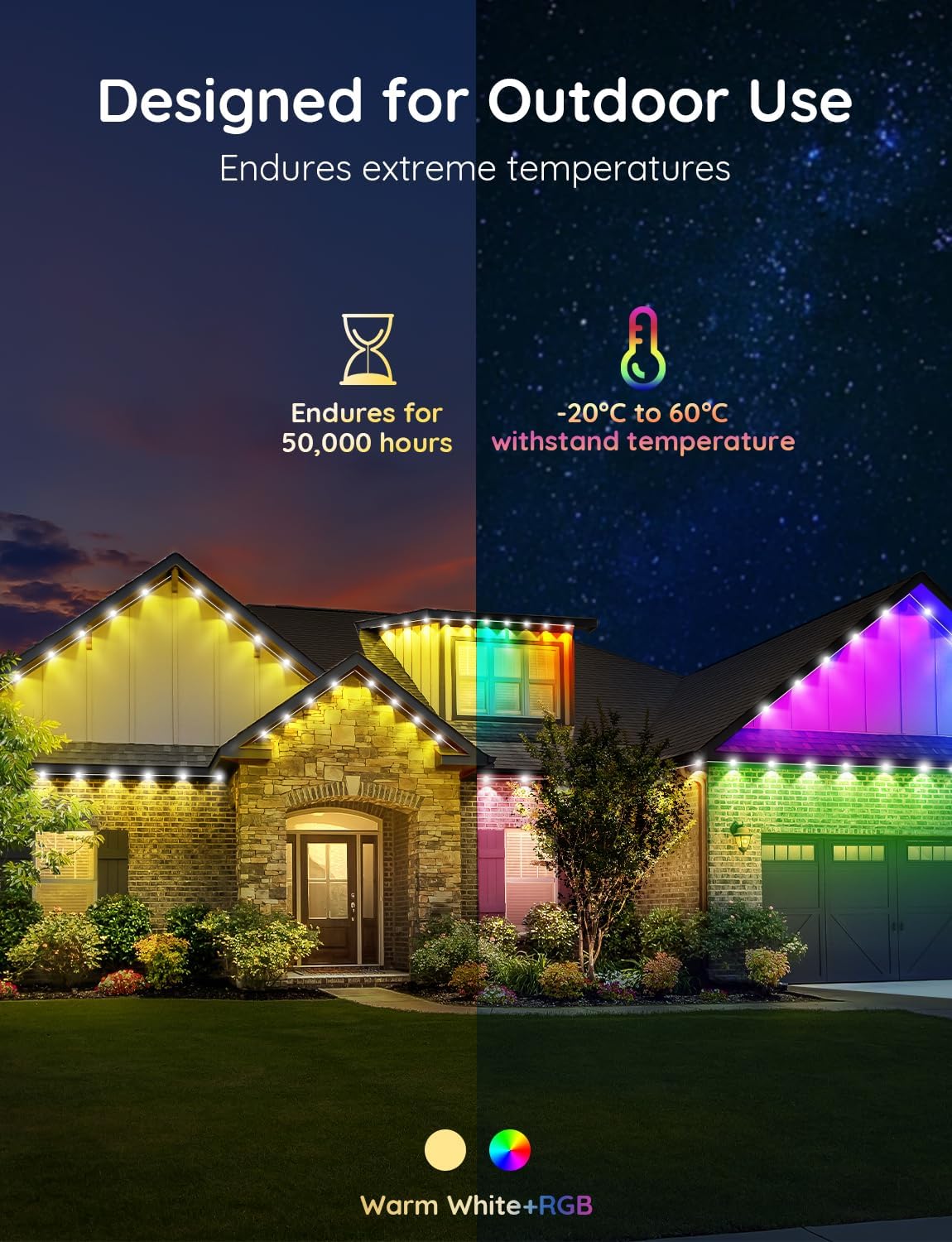
Figure 3: Designed for outdoor use and durability.

Figure 4: IP65 Waterproof design.
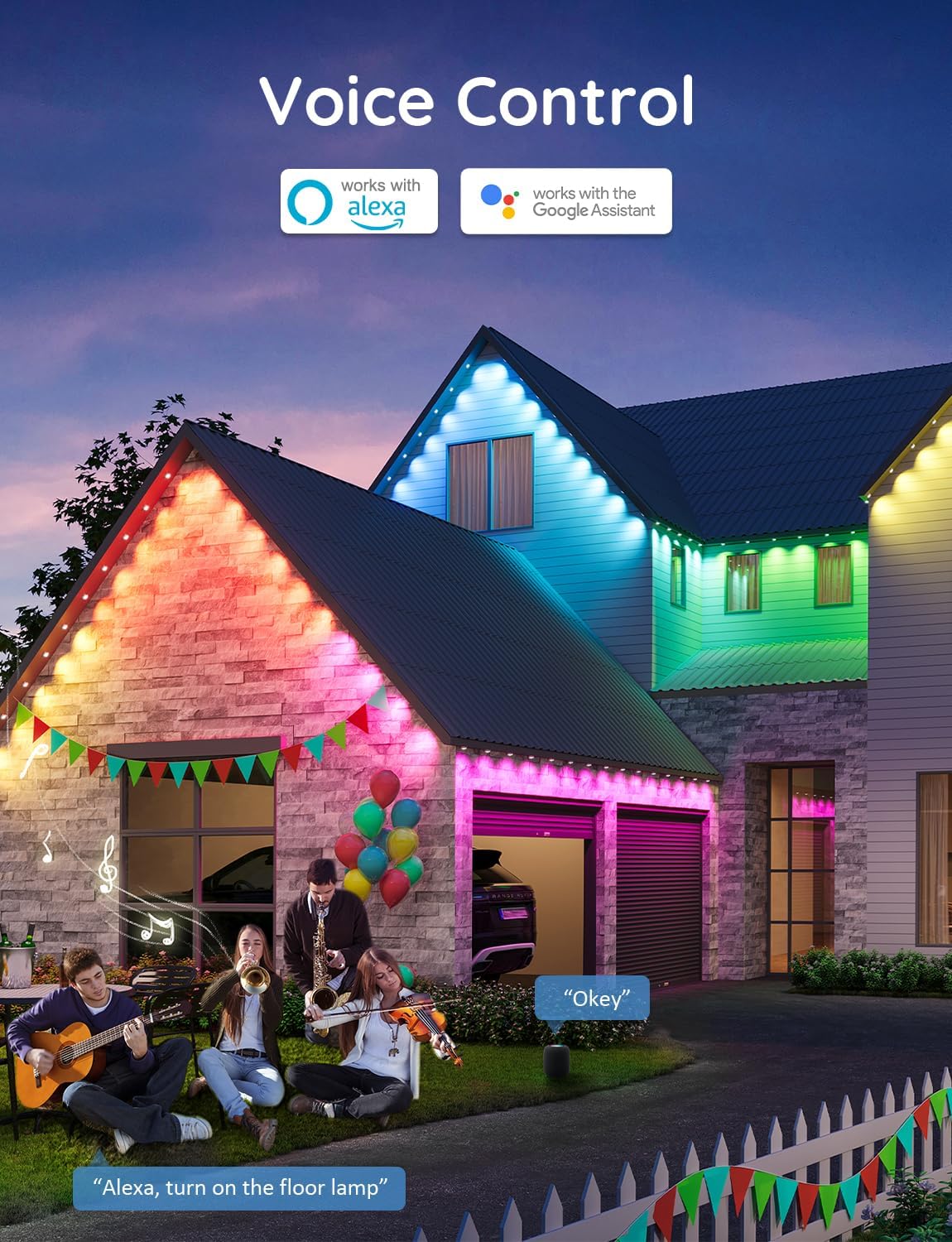
Figure 5: Voice Control compatibility.
3. Persediaan
3.1 Pemasangan
Ikuti langkah ini untuk pemasangan yang betul:
- Clean the dust and debris from the eaves surface with a cloth before installation.
- Peel off the VHB adhesive from the back of each light.
- Press each light firmly against the wall surface for at least 8 seconds.
- For long-term security, use the provided screw clips to fix each light firmly in place.
- Ensure the string lights are installed 5-10 cm away from the wall surface for optimal lighting effect.
- If connecting multiple strings, use the waterproof connectors and screw on the caps securely.

Figure 6: Easy Installation Guide.
3.2 Sambungan Apl
Download the “Smart Life” App from your device's app store. Connect your phone to a 2.4G WiFi network. Ensure the light string controller is also connected to the same WiFi network. Follow the in-app instructions to pair the device. If prompted for a firmware update, proceed with the update process. The lights will flash once to indicate successful update.

Figure 7: Light Flicker Guide and App Update Process.
4. Beroperasi
The APPECK Permanent Outdoor Lights offer flexible control options to customize your lighting experience:
- Apl Kehidupan Pintar: Use the app to access 16 million colors, 54 preset scene modes, dimming functions, music sync mode, and create custom DIY lighting effects.
- Kawalan Suara: Integrate with Amazon Alexa or Google Assistant for hands-free control of your lights.
- Kawalan Jauh: Utilize the included remote control for basic functions such as on/off, color selection, and scene changes, especially useful when WiFi is unavailable.
Video 1: Tayangan video produk rasmicasing APPECK Permanent Holiday Outdoor Lights and their features.
5. Penyelenggaraan
To ensure the longevity and optimal performance of your APPECK Permanent Outdoor Lights, follow these maintenance guidelines:
- Pembersihan: Periodically clean the light surfaces and eaves with a soft, damp cloth to remove dust and debris. Avoid abrasive cleaners or harsh chemicals.
- Perlindungan Cuaca: The lights are designed to withstand various weather conditions (UV-resistant, IP65 waterproof). However, ensure all connections are securely fastened to prevent water ingress.
- Pemeriksaan: Regularly inspect the wiring and light units for any signs of damage or wear. Address any issues promptly to prevent further damage.

Figure 8: Outdoor Durability features.
6. Penyelesaian masalah
- Lampu Tidak Dihidupkan: Check power connections and ensure the control box is receiving power. Verify the remote control battery if using it.
- Isu Ketersambungan Apl: Ensure your phone and the light controller are connected to the same 2.4GHz WiFi network. Try restarting your router and the light controller. If issues persist, check for app updates or reinstall the app.
- Lights Flickering or Incorrect Colors: This may indicate a firmware issue. Refer to the
Ask a question about this manual
Ask about setup, troubleshooting, compatibility, parts, safety, or missing instructions. Manuals+ will review the question and use this page’s manual context to help answer it.