
MARK ADLER Xeno 4.1
MARK ADLER Xeno 4.1 Electric Height-Adjustable Desk Frame
Model: Xeno 4.1 | Brand: MARK ADLER
pengenalan
This manual provides essential instructions for the assembly, operation, and maintenance of your MARK ADLER Xeno 4.1 Electric Height-Adjustable Desk Frame. Please read this manual thoroughly before use to ensure safe and efficient operation.
The MARK ADLER Xeno 4.1 desk frame offers a flexible workspace solution, allowing you to switch between sitting and standing positions. Its robust construction and intuitive controls are designed for comfort and stability in various work environments.
Maklumat Keselamatan
- Pastikan semua komponen diikat dengan selamat sebelum digunakan.
- Jangan melebihi kapasiti beban maksimum 70 kg (154 lbs).
- Jauhkan kanak-kanak dan haiwan peliharaan daripada meja semasa pelarasan ketinggian.
- Elakkan meletakkan cecair terus pada panel kawalan atau komponen motor.
- Putuskan sambungan kuasa sebelum membersihkan atau melakukan sebarang penyelenggaraan.
- Gunakan hanya penyesuai kuasa dan komponen yang disediakan.
- If any unusual noise or malfunction occurs, immediately stop operation and disconnect power.
Kandungan Pakej
Verify that all parts are present before beginning assembly. Refer to the included assembly guide for a detailed list of components.
- Electric Height-Adjustable Desk Frame components
- Control Panel with Memory Function
- Penyesuai Kuasa
- Panduan Perhimpunan
- Necessary Screws and Tools (Screwdriver recommended for assembly)
Persediaan dan Perhimpunan
Follow these general steps for assembling your MARK ADLER Xeno 4.1 desk frame. A detailed assembly guide is included with your product.
- Buka Pembungkusan Komponen: Keluarkan semua bahagian dari bungkusan dengan berhati-hati dan letakkannya di atas permukaan yang bersih dan rata.
- Assemble Legs and Feet: Attach the desk legs to the feet using the provided screws. Ensure they are stable and level.
- Sambungkan Palang Palang: Attach the adjustable crossbar between the two leg assemblies. Adjust the width to match your desired tabletop size (90 to 160 cm).
- Install Motor and Control Box: Secure the motor and control box to the frame according to the assembly guide.
- Lampirkan Panel Kawalan: Mount the LED control panel in an accessible location on the frame.
- Pendawaian: Connect all cables from the motor, control panel, and power adapter to the control box. Ensure all connections are secure.
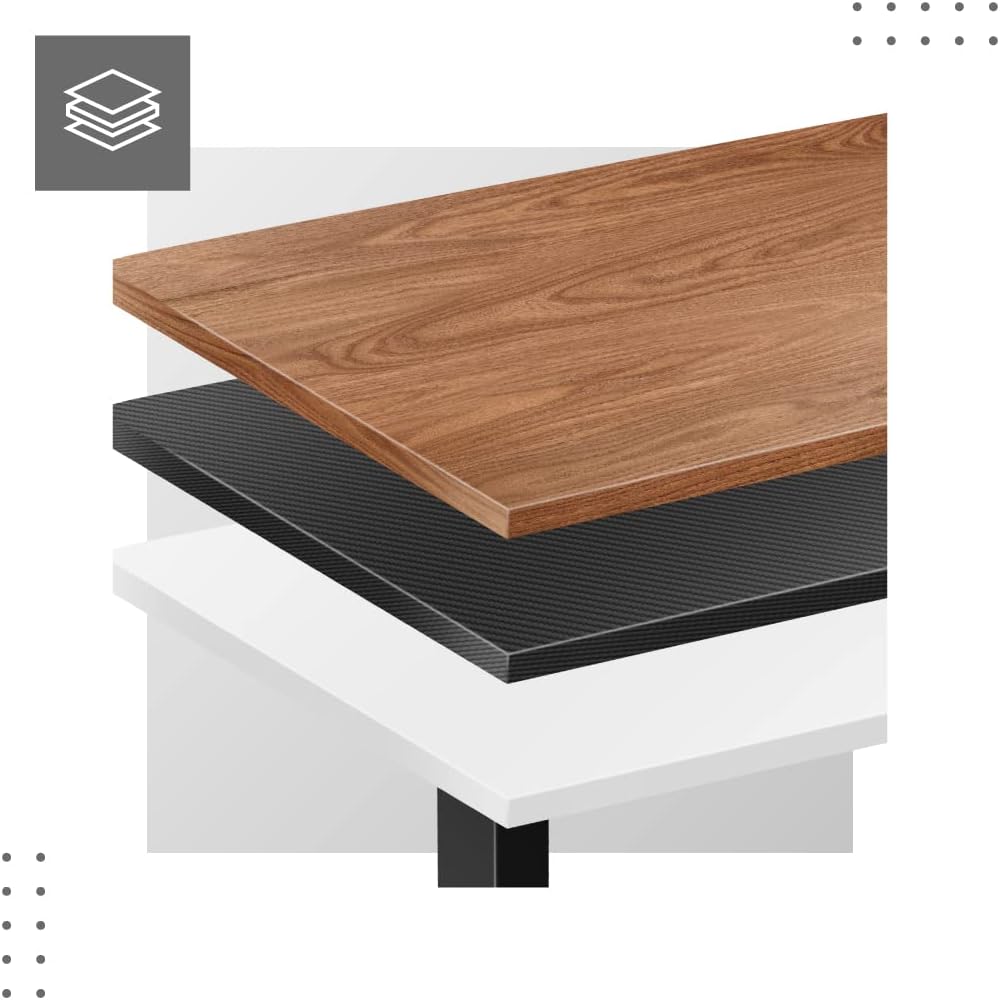
- Attach Tabletop (Not Included): Place your tabletop (90-160 cm width recommended) onto the assembled frame and secure it using appropriate screws (not included with frame).
- Kuasa Permulaan: Plug the power adapter into a wall outlet. The desk is now ready for calibration.
Dimensions and Compatibility:

Arahan Operasi
The MARK ADLER Xeno 4.1 features an intuitive LED control panel for easy height adjustment and memory functions.


Pelarasan Ketinggian Asas
- Gunakan Atas (▲) arrow button to raise the desk to your desired standing height.
- Gunakan Bawah (▼) arrow button to lower the desk to your desired sitting height.
- The current height will be displayed on the LED screen.
Menetapkan Pratetap Memori
Meja membolehkan anda menyimpan sehingga tiga tetapan ketinggian pilihan.
- Laraskan meja pada ketinggian yang diingini menggunakan butang Atas/Bawah.
- Tekan ke "S" (Save) button. The display will show "S-".
- Dalam masa 3 saat, tekan salah satu butang memori ("1", "2", atau "3"). The current height is now saved to that preset.
Recalling Memory Presets
- Simply press the desired memory button ("1", "2", atau "3"Meja akan bergerak secara automatik ke ketinggian yang disimpan.
Initial Calibration / Reset
If the desk does not operate correctly or displays an error code, a reset may be required.
- Tekan dan tahan butang Bawah (▼) button until the desk reaches its lowest position and then slightly rises. Release the button.
- If the issue persists, disconnect the power for 10 seconds, then reconnect and attempt the reset procedure again.
Penyelenggaraan
- Pembersihan: Lap rangka meja dengan kain lembut,amp cloth. Avoid abrasive cleaners or solvents. Ensure the control panel and electrical components remain dry.
- Pengurusan Kabel: Regularly check and organize cables to prevent tangles or damage, especially during height adjustments.
- Pemeriksaan Pengikat: Periksa semua skru dan bolt secara berkala untuk memastikan ia ketat. Ketatkan semula jika perlu.
- Pelinciran: The electric lifting mechanism is generally maintenance-free. Do not attempt to lubricate internal components unless specifically instructed by the manufacturer.
Menyelesaikan masalah
| Masalah | Kemungkinan Punca | Penyelesaian |
|---|---|---|
| Meja tidak bergerak. | Power cable disconnected; Overload; Motor overheating; Control panel issue. | Check power connection. Reduce load. Allow motor to cool down. Perform a reset (see Operating Instructions). |
| Uneven movement or desk tilting. | Uneven load distribution; Loose fasteners. | Distribute weight evenly on the tabletop. Check and tighten all assembly screws. |
| Error code displayed on control panel. | System malfunction; Overload; Sensor issue. | Perform a reset (see Operating Instructions). If the error persists, contact customer support. |
| Pratetap memori tidak berfungsi. | Pratetap tidak disimpan dengan betul. | Re-save your desired height presets (see Operating Instructions). |
Spesifikasi
| Ciri | Perincian |
|---|---|
| Nama Model | Xeno 4.1 Black |
| Jenama | MARKAH ADLER |
| Julat Pelarasan Tinggi | 72 sm - 118 sm (28.3 inci - 46.5 inci) |
| Julat Pelarasan Lebar | 84 sm - 129 sm (33.1 inci - 50.8 inci) |
| Recommended Tabletop Width | 90 sm - 160 sm (35.4 inci - 63 inci) |
| Kapasiti Beban Maksimum | 70 kg (154 lbs) |
| Bahan Bingkai | logam |
| warna | Hitam |
| Panel Kawalan | LED with 3 Memory Presets |
| Jenis Motor | Electric, Smooth Operation |
| Perhimpunan Diperlukan | ya |
| Alat yang Disyorkan | Pemutar skru |
| Berat Barang | 17 kg (37.5 lbs) |
| Pengeluar | Meester Group sp. z o.o. |
Waranti dan Sokongan
For warranty information and customer support, please refer to the official MARK ADLER webtapak atau hubungi peruncit anda. Simpan resit pembelian anda sebagai bukti pembelian untuk sebarang tuntutan waranti.
Pengeluar: Meester Group sp. z o.o.
ASIN: B0C66DP9NT
Untuk bantuan lanjut, sila layari halaman produk di Amazon or contact MARK ADLER customer service.
Ask a question about this manual
Ask about setup, troubleshooting, compatibility, parts, safety, or missing instructions. Manuals+ will review the question and use this page’s manual context to help answer it.