
Native Union TB-G-C30-1-US
Manual Arahan Pengecas GaN Pantas Native Union PD 30W
Model: TB-G-C30-1-US
pengenalan
The Native Union Fast GaN Charger PD 30W is an ultra-compact power adapter designed for efficient charging of various USB-C compatible devices. Utilizing advanced Gallium Nitride (GaN) technology, this charger offers high power output in a small form factor. Its housing is constructed from 90% post-consumer recycled plastic, reflecting a commitment to sustainable materials. This manual provides essential information for the safe and effective use of your charger.

Imej: Depan view of the Native Union Fast GaN Charger PD 30W.
Maklumat Keselamatan
- Jangan dedahkan pengecas kepada cecair, lembapan atau suhu yang melampau.
- Jangan buka, ubah suai atau cuba membaiki pengecas.
- Use only with compatible USB-C cables and devices.
- Pastikan pengudaraan yang betul semasa digunakan untuk mengelakkan terlalu panas.
- Jauhkan daripada kanak-kanak.

Image: The charger features built-in overcurrent, overvoltage, and overheating protection for device safety.
Persediaan
- Buka Pembungkusan Pengecas: Carefully remove the Native Union Fast GaN Charger from its packaging.
- Periksa Kerosakan: Sebelum penggunaan pertama, periksa pengecas secara visual untuk sebarang tanda kerosakan. Jangan gunakan jika rosak.
- Sambung ke Alur Kuasa: Pasangkan pengecas ke soket kuasa dinding standard.
- Sambungkan Kabel USB-C: Insert a compatible USB-C charging cable (not included) into the USB-C port on the charger.
- Sambung ke Peranti: Connect the other end of the USB-C cable to your device (e.g., smartphone, tablet, laptop).
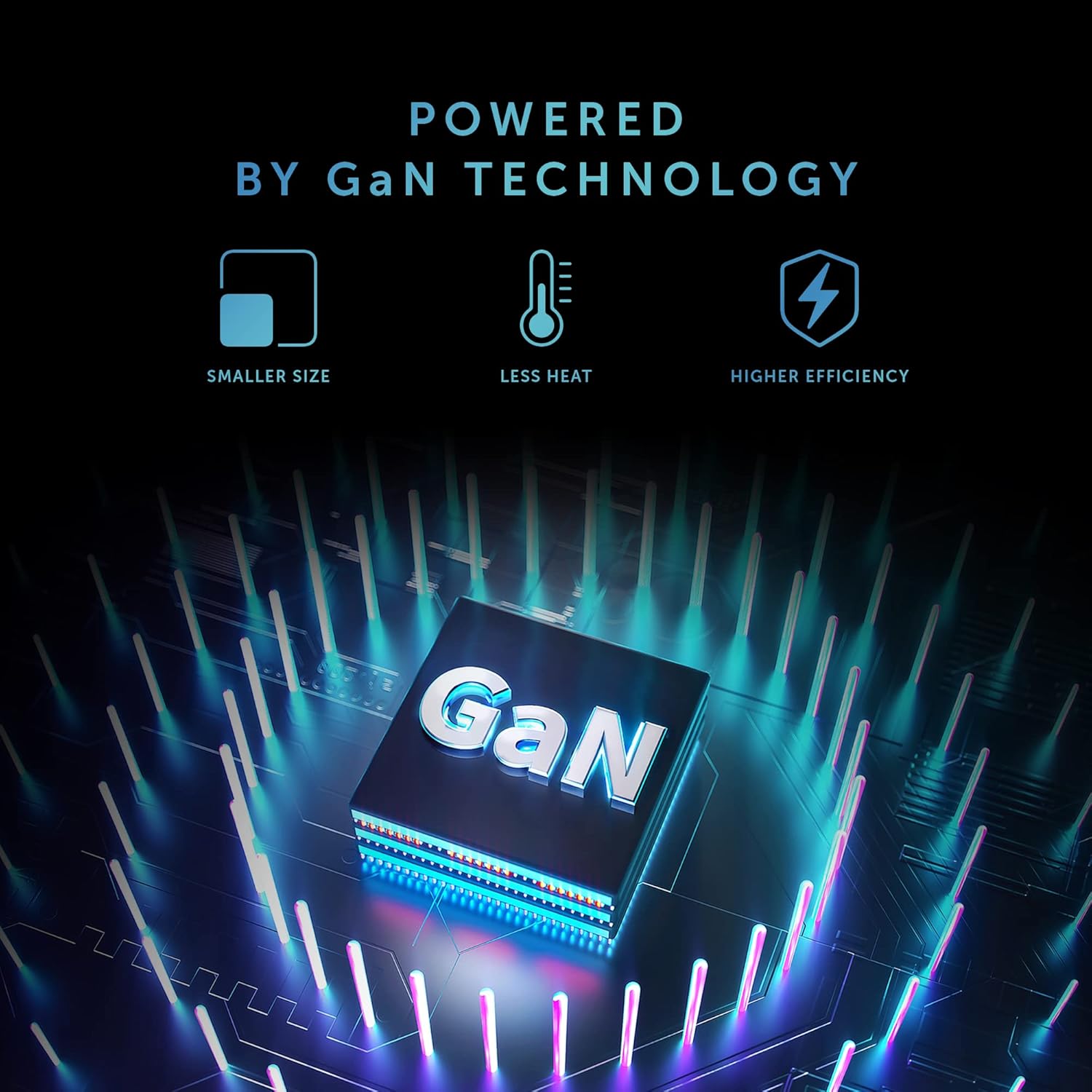
Image: The charger connected to a power outlet and an iPhone via a USB-C cable, demonstrating charging in progress.
Arahan Operasi
The Native Union Fast GaN Charger PD 30W automatically detects the connected device and delivers the optimal charging power up to 30W using Power Delivery (PD) technology.
- Pengecasan Cepat: This charger supports fast charging for compatible devices such as iPhones (50% in under 30 minutes for recent models), iPads, MacBook Air, Samsung Galaxy phones, Google Pixel phones, and other Type-C devices that support Power Delivery.
- Pelabuhan Tunggal: The charger features a single USB-C output port. Only one device can be charged at a time.
- Prestasi Optimum: For best charging performance, use high-quality USB-C to USB-C or USB-C to Lightning cables that are compatible with Power Delivery.
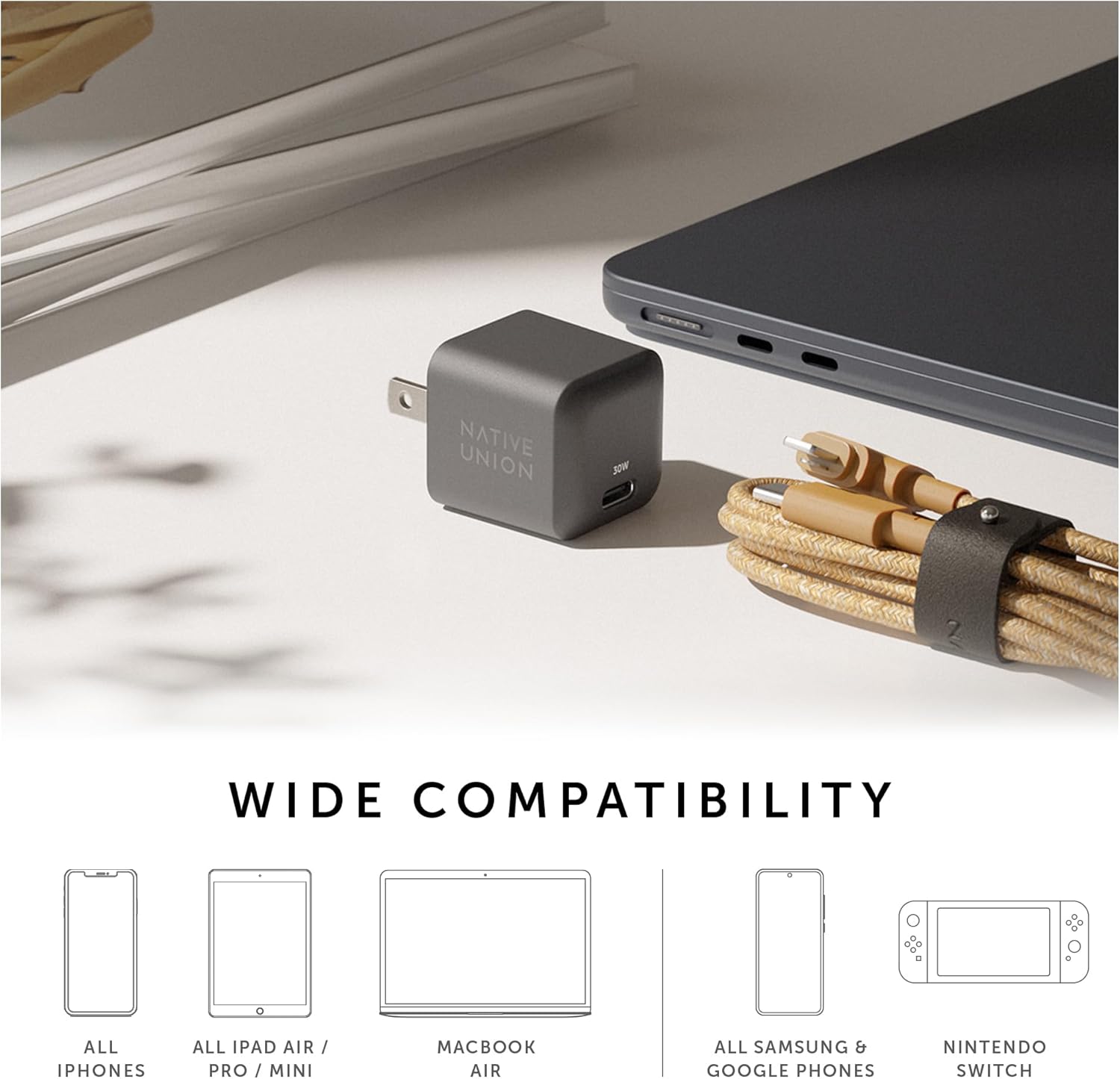
Image: The charger is compatible with a wide range of devices, including iPhones, iPads, MacBook Air, Samsung and Google phones, and Nintendo Switch.
Penyelenggaraan
- Pembersihan: Putuskan sambungan pengecas daripada salur keluar kuasa sebelum membersihkan. Gunakan kain lembut dan kering untuk mengelap permukaan. Jangan gunakan pembersih cecair atau aerosol.
- Storan: Simpan pengecas di tempat yang sejuk dan kering, jauh daripada cahaya matahari langsung dan suhu yang melampau apabila tidak digunakan.
- Pengendalian: Elakkan daripada menjatuhkan atau meletakkan pengecas kepada hentaman kuat.
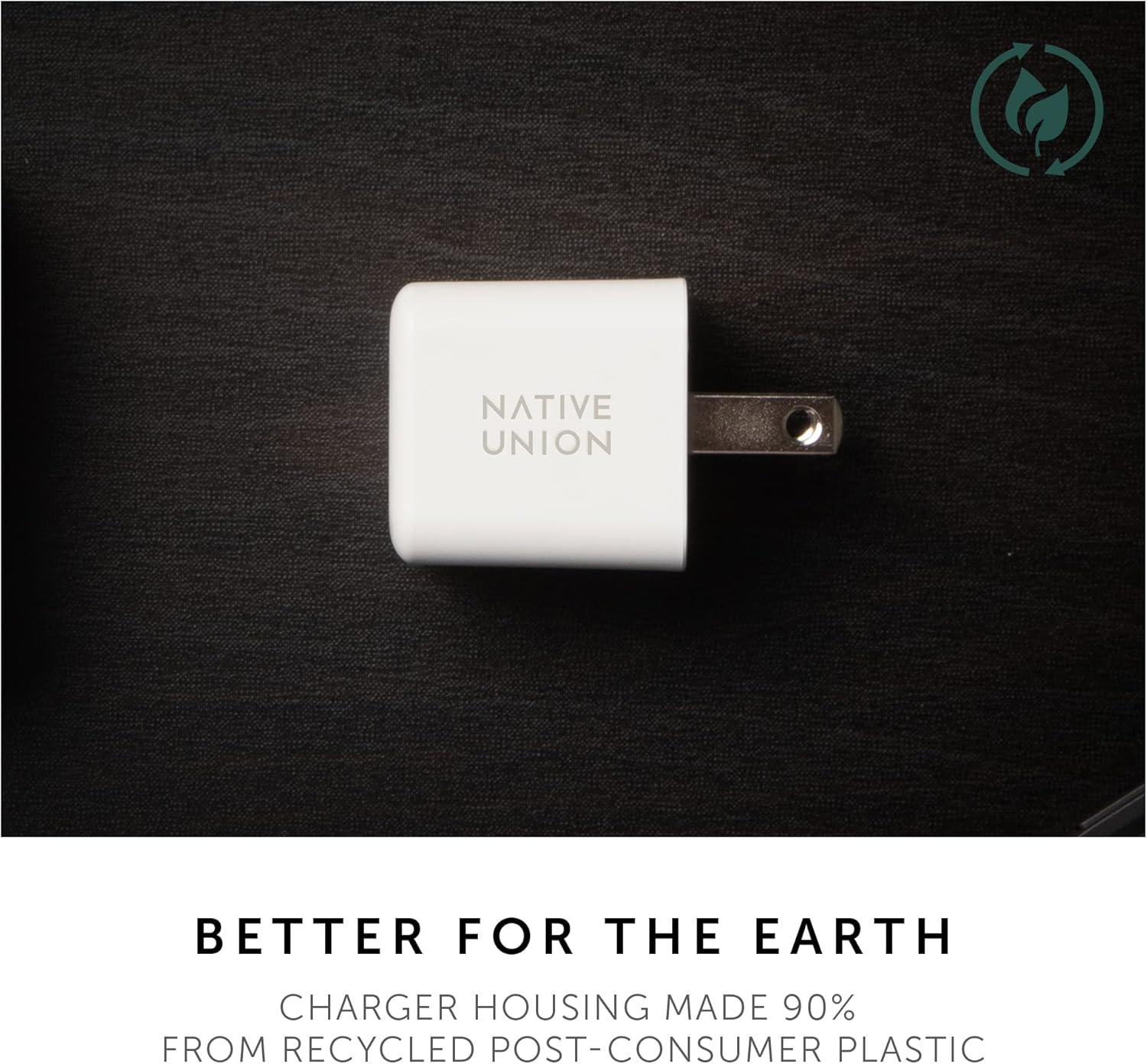
Image: The charger's housing is made from 90% post-consumer recycled plastic.
Menyelesaikan masalah
- Charger is not charging my device.
- Pastikan pengecas dipasang dengan selamat pada salur keluar dinding yang berfungsi.
- Sahkan bahawa kabel USB-C disambungkan dengan betul pada pengecas dan peranti anda.
- Cuba gunakan kabel USB-C yang berbeza untuk menolak masalah kabel.
- Uji pengecas dengan peranti serasi yang berbeza untuk mengesahkan fungsi pengecas.
- Ensure your device is compatible with USB-C Power Delivery charging.
- Device is charging slowly.
- Confirm that your device supports fast charging via USB Power Delivery.
- Ensure you are using a high-quality USB-C cable designed for fast charging.
- Check if your device's battery is extremely low, as charging speed can vary.
- Close unnecessary applications on your device to reduce power consumption during charging.
- Pengecas berasa hangat semasa digunakan.
It is normal for the charger to become warm during operation, especially during fast charging or when charging high-power devices. The GaN technology helps manage heat efficiently. However, if the charger becomes excessively hot to touch or emits smoke/odor, immediately unplug it from the power outlet and discontinue use.
Spesifikasi
| Nombor Model | TB-G-C30-1-US |
| Input | 100-240V ~ 50/60Hz, 0.8A |
| Output (USB-C PD) |
|
| Output Kuasa Maks | 30W |
| Jenis Penyambung | USB Jenis-C |
| Dimensi (Pakej) | 4.33 x 2.6 x 1.54 inci |
| Berat Barang | 2.46 auns |
| bahan | Housing made from 90% post-consumer recycled plastic |
| warna | White (for this specific variant) |

Imej: A terperinci view of the charger, highlighting its compact design and USB-C port.
Waranti dan Sokongan
Native Union products are designed for quality and durability. For information regarding warranty coverage, product registration, or technical support, please visit the official Native Union webtapak atau hubungi perkhidmatan pelanggan mereka.
rasmi Webtapak: www.nativeunion.com
Ask a question about this manual
Ask about setup, troubleshooting, compatibility, parts, safety, or missing instructions. Manuals+ will review the question and use this page’s manual context to help answer it.