
1. Pengenalan
Thank you for choosing the EBTOOLS A9 Magnetic 1080P Mini Camera. This compact and versatile camera is designed for home, office, or courtyard monitoring, offering 1080P high-resolution video recording and Wi-Fi connectivity. This manual provides essential information for setting up, operating, and maintaining your camera to ensure optimal performance.
2. Maklumat Keselamatan
Amaran: Do not attempt to disassemble, modify, or repair the product yourself to avoid personal injury or equipment damage.
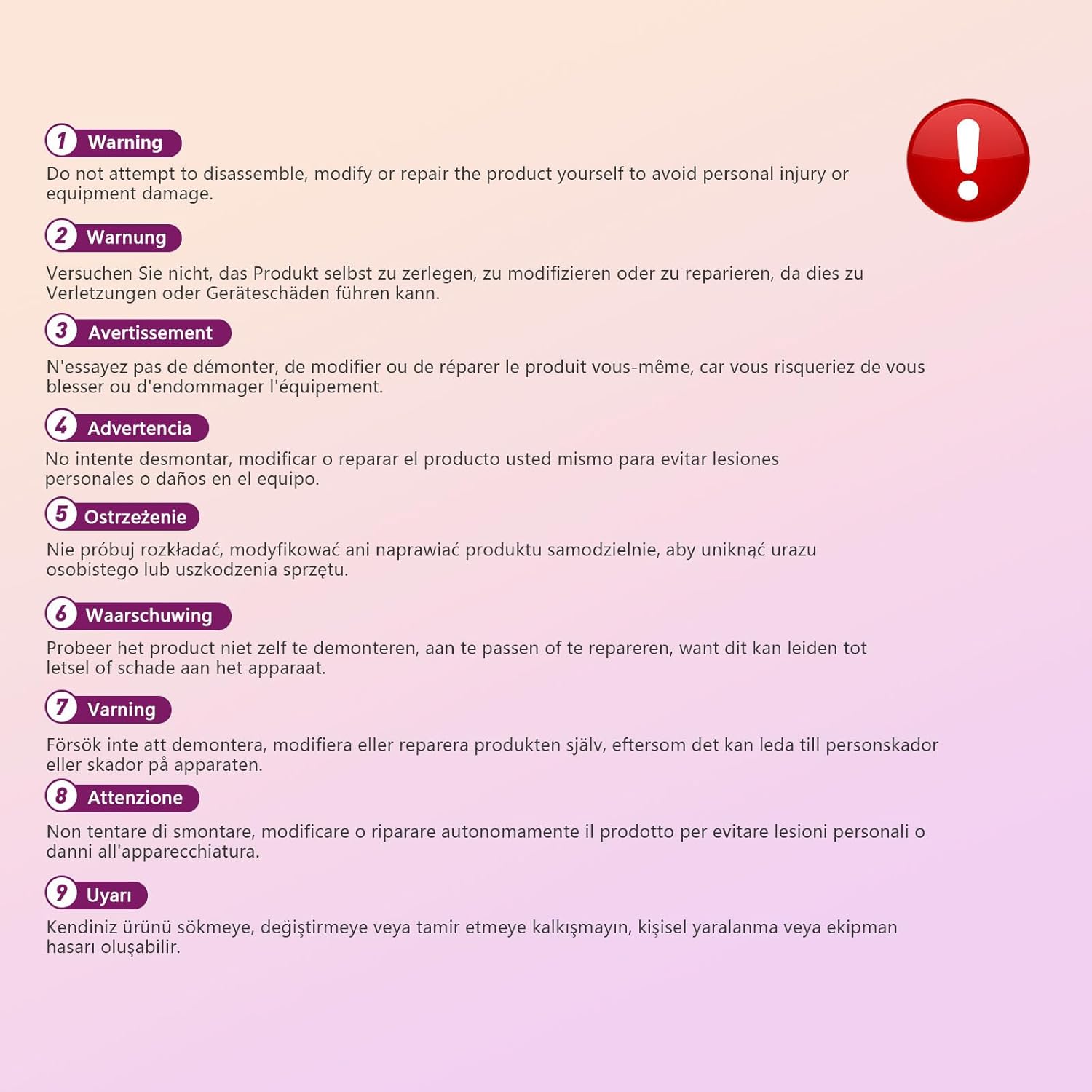
This image displays a warning message in multiple languages, advising users not to disassemble, modify, or repair the product themselves to prevent personal injury or damage to the device.
3. Kandungan Pakej
Sila semak pakej untuk item berikut:
- EBTOOLS A9 Mini Camera
- Gunung Magnetik
- Kabel Pengecas USB
- Adhesive Pad (for mount)

This image shows the EBTOOLS A9 Mini Camera, a magnetic mount, and a USB charging cable, which are typically included in the product package.
4. Produk Lebihview
Biasakan diri anda dengan komponen kamera:

This image displays the front of the EBTOOLS A9 Mini Camera, highlighting the lens, the ON/OFF button, and the MODE button on the top surface.
- Kanta: The primary camera lens for video capture.
- Butang HIDUP/MATI: Menghidupkan atau mematikan kamera.
- Butang MOD: Switches between different operating modes.
- Lampu Penunjuk: Provides status feedback (e.g., charging, recording, Wi-Fi status).

Imej ini menunjukkan satu sisi view of the camera, clearly indicating the Micro USB charging port.

This image displays another side view of the camera, highlighting the Micro SD card slot for local storage.
5. Persediaan
5.1 Mengecas Kamera
Before first use, fully charge the camera. Connect the supplied USB cable to the camera's Micro USB port and a 5V USB power adapter (not included). The indicator light will show charging status and turn off when fully charged. The built-in 240 mAh battery provides approximately 45 minutes of continuous operation.
5.2 Memasukkan Kad SD Mikro
To store recordings, insert a Micro SD card (up to 128GB, not included) into the Micro SD card slot. Ensure the card is inserted correctly with the contacts facing the camera's front. The camera supports continuous recording and motion-activated recording to the card.

This image shows the EBTOOLS A9 Mini Camera with a Micro SD card partially inserted into its slot, alongside a Wi-Fi signal icon, indicating its storage and connectivity features.
5.3 Pemasangan Apl dan Sambungan Wi-Fi
The camera connects via Wi-Fi and is controlled using a smartphone app (compatible with Android devices). Refer to the quick start guide or packaging for the specific app name and download instructions. Once the app is installed:
- Hidupkan kamera.
- Buka apl dan ikut arahan pada skrin untuk menambah peranti baharu.
- Connect the camera to your home Wi-Fi network.
- Setelah disambungkan, anda boleh view hidup footage, adjust settings, and access recordings remotely.
6. Arahan Operasi
6.1 Menghidupkan/Mematikan
- Untuk Menghidupkan: Press and hold the ON/OFF button until the indicator light illuminates.
- Untuk Mematikan: Press and hold the ON/OFF button until the indicator light turns off.
6.2 Mod Rakaman
The camera typically supports two main recording modes:
- Rakaman Berterusan: Records video continuously to the Micro SD card.
- Rakaman Pengesanan Gerak: Records only when motion is detected, saving storage space and battery life.
Use the MODE button or the smartphone app to switch between these modes. Refer to the app's instructions for detailed mode configuration.
6.3 Amaran Pengesanan Gerakan
When motion detection is enabled, the camera will send alerts to your smartphone via the app when movement is detected within its field of view. This feature is useful for security monitoring.
6.4 Kawalan Apl
The dedicated app allows you to:
- View suapan video langsung daripada kamera.
- Access and playback recorded footage.
- Adjust camera settings (e.g., resolution, recording mode, motion detection sensitivity).
- Receive push notifications for motion alerts.
7. Penyelenggaraan
- Pembersihan: Gunakan kain lembut dan kering untuk membersihkan kanta dan badan kamera. Elakkan menggunakan pembersih cecair atau bahan kasar.
- Storan: Apabila tidak digunakan untuk tempoh yang lama, simpan kamera di tempat yang sejuk dan kering, jauh daripada cahaya matahari langsung dan suhu yang melampau.
- Penjagaan Bateri: Recharge the battery periodically if stored for a long time to maintain its lifespan.
8. Penyelesaian masalah
If you encounter issues with your camera, refer to the following table:
| Masalah | Kemungkinan Punca | Penyelesaian |
|---|---|---|
| Kamera tidak dihidupkan | Bateri lemah; Butang kuasa rosak | Charge the camera fully; Contact support if issue persists |
| Tidak dapat menyambung ke Wi-Fi | Incorrect Wi-Fi password; Camera too far from router; Router issues | Verify password; Move camera closer to router; Restart router |
| Tiada rakaman ke kad SD | SD card not inserted; SD card full or corrupted; Incorrect recording mode | Insert SD card; Format or replace SD card; Check app settings for recording mode |
| Kualiti video yang teruk | Dirty lens; Low light conditions; App resolution settings | Clean the lens; Ensure adequate lighting; Adjust resolution in app |
| App not receiving alerts | Motion detection off; App notifications disabled; Poor Wi-Fi connection | Enable motion detection in app; Check phone notification settings; Ensure stable Wi-Fi |
9. Spesifikasi
| Ciri | Perincian |
|---|---|
| Nombor Model | EBTOOLSzi9gg2t6c1-12 |
| Resolusi Tangkapan Video | 1080p, 720p |
| Teknologi Ketersambungan | Wayarles (Wi-Fi) |
| Sumber Kuasa | Battery Powered (Built-in 240 mAh) |
| bahan | Akrilonitril Butadiena Stirena (ABS) |
| Jenis Pemasangan | Wall Mount (Magnetic) |
| Kaedah Kawalan | Apl |
| Peranti Serasi | Telefon Pintar (Android) |
| Jenis Makluman | Gerak Sahaja |
| Penggunaan Dalaman/Luar | Dalaman |
| Berat Barang | 2.08 auns |
10. Waranti dan Sokongan
For warranty information and technical support, please refer to the product packaging or contact EBTOOLS customer service directly. Keep your purchase receipt for warranty claims.