
1. Pengenalan
Thank you for choosing the Jectse Digital Voice Recorder Watch. This portable wristband device is designed for convenient audio recording in various settings, including lectures, meetings, and personal notes. It features advanced noise reduction, voice-activated recording, and a timestamp function for precise record-keeping. Its sleek design and long battery life make it an ideal companion for students, professionals, and anyone needing reliable audio capture.

The Jectse Digital Voice Recorder Watch is discreet and portable, suitable for various recording needs.
2. Kandungan Pakej
Sila semak pakej untuk item berikut:
- Digital Voice Recorder Watch
- Kabel Pengecas USB
- Earbuds (3.5mm jack)
- Manual Pengguna

The package includes the Digital Voice Recorder Watch, USB charging cables, and earbuds for playback.
3. Produk Lebihview
Familiarize yourself with the components of your Jectse Digital Voice Recorder Watch:
- Butang Rakaman: Initiates and stops recording.
- Suis kuasa: Menghidupkan atau mematikan peranti.
- Port USB: Untuk pengecasan dan pemindahan data.
- mikrofon: Built-in for audio capture.
- Jack fon kepala: For connecting earbuds for private playback.
- Lampu Penunjuk: Displays device status (recording, charging, low battery).
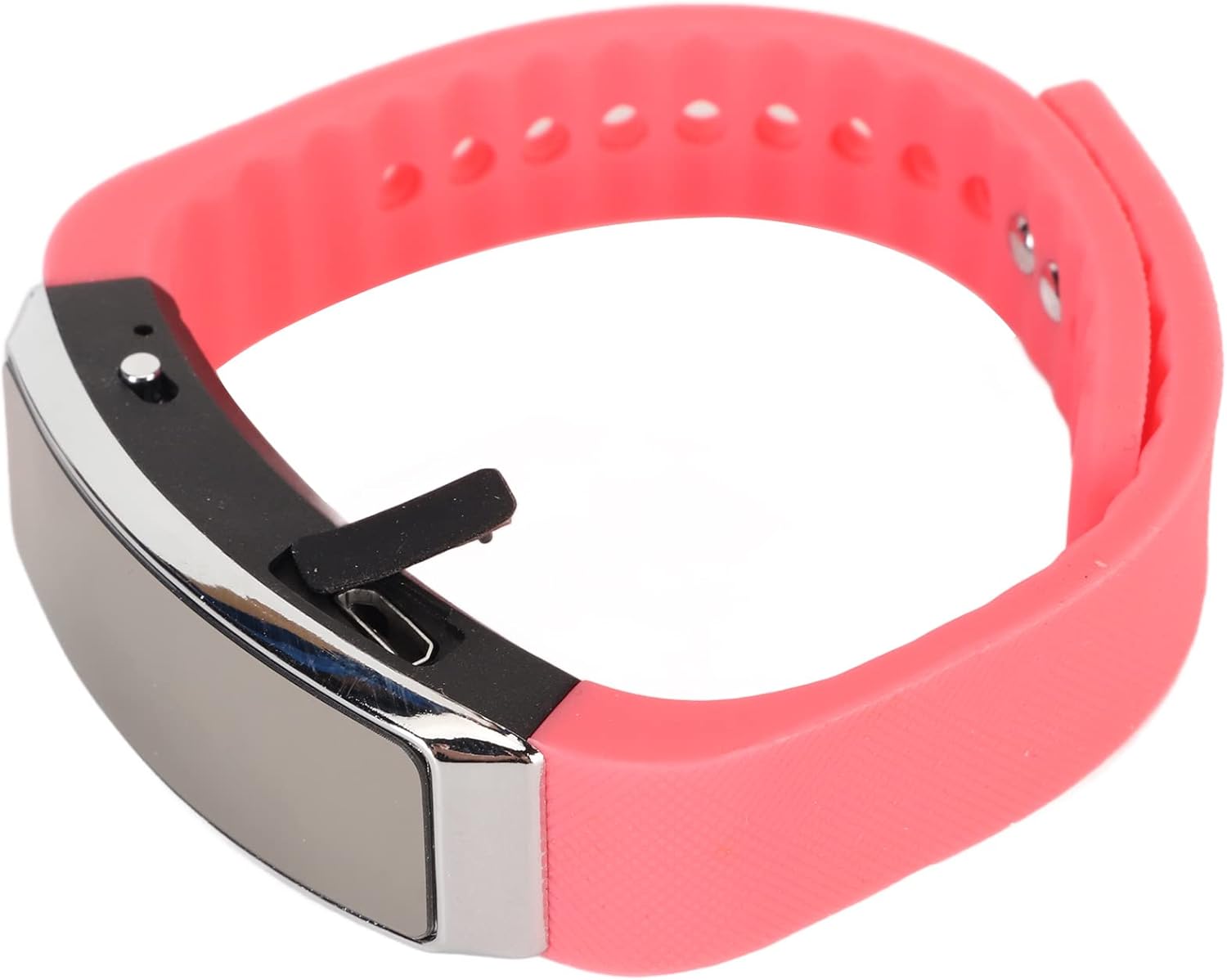
sebelah view of the recorder watch, highlighting its compact design and accessible controls.

Atas view of the recorder watch, showcasing its modern aesthetic.
4. Persediaan
4.1. Mengecas Peranti
- Connect the small end of the USB charging cable to the USB port on the recorder watch.
- Connect the larger end of the USB cable to a USB power adapter (not included), computer USB port, or other compatible charging device.
- The indicator light will show the charging status. A full charge typically takes a few hours.

The USB port for charging and data transfer is located on the side of the device, protected by a small flap.
4.2. Setting Time and Date (Timestamp)
Untuk memastikan masa yang tepatamps on your recordings, connect the device to a computer. The device will automatically synchronize its time and date with your computer's system time. No manual adjustment is typically required.
5. Arahan Operasi
5.1. Hidupkan/Mati Kuasa
- To power on: Slide the power switch to the 'ON' position. The indicator light will briefly illuminate.
- To power off: Slide the power switch to the 'OFF' position. The device will save any active recording before shutting down.
5.2. Voice Activated Recording
The device supports voice-activated recording, which means it will automatically start recording when sound is detected and pause when there is silence, conserving battery and memory.
- Pastikan peranti dihidupkan.
- The recorder will automatically enter voice-activated recording mode. The indicator light may flash or change color to indicate active recording.
- To stop recording, slide the power switch to the 'OFF' position. The recording will be saved automatically.
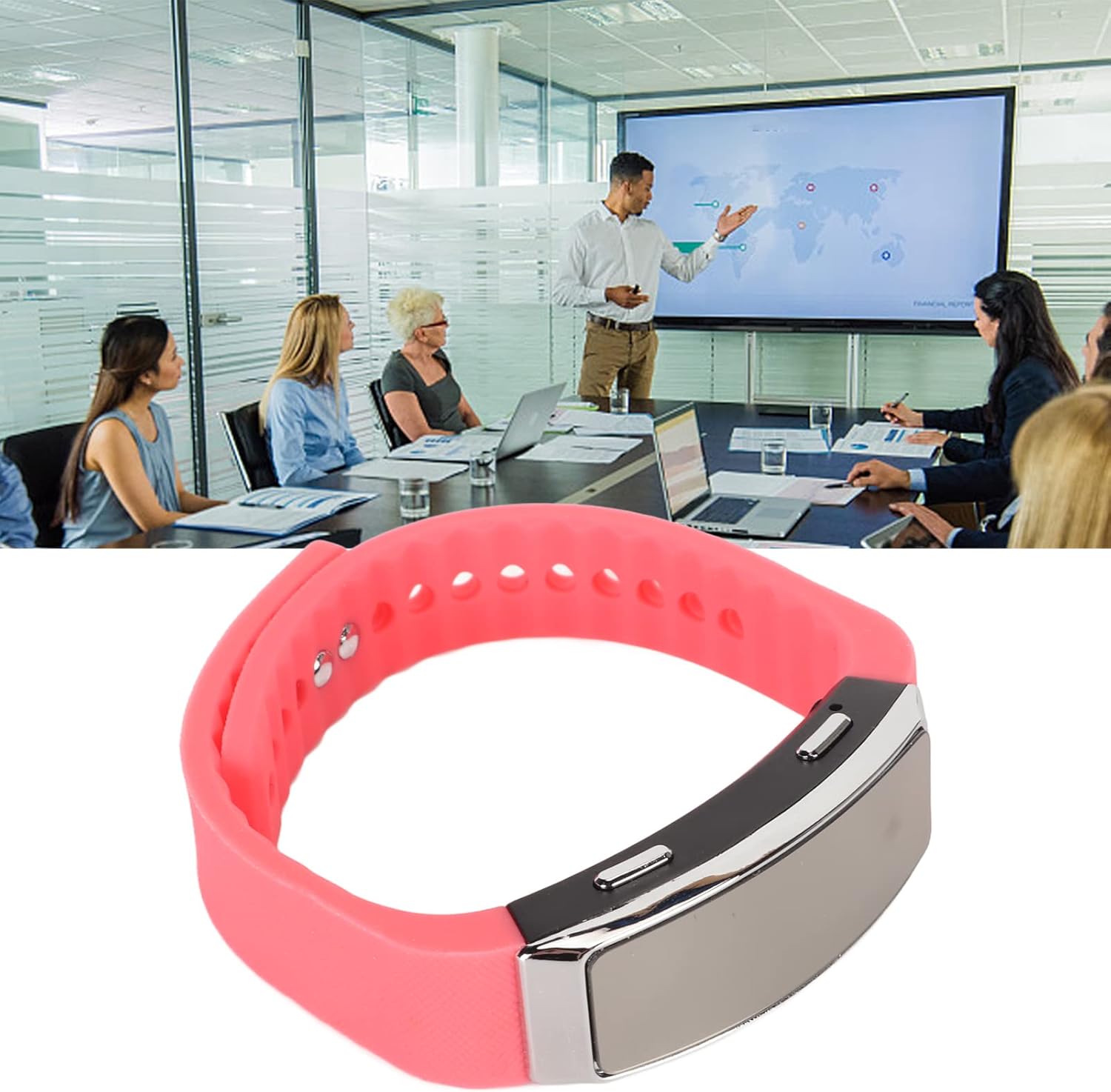
The voice recorder watch is ideal for capturing important discussions in meetings.
5.3. Main balik
Untuk mendengar rakaman anda:
- Pastikan peranti dimatikan.
- Plug the included earbuds into the headphone jack on the recorder watch.
- Slide the power switch to the 'ON' position. The device will automatically enter playback mode.
- Use the control buttons (if available on the earbuds or device, refer to specific model instructions) to navigate through recordings, adjust volume, or pause/play.
5.4. Connecting to PC/Transferring Files
- Pastikan peranti dimatikan.
- Connect the recorder watch to your computer using the USB charging cable.
- Komputer sepatutnya mengenali peranti tersebut sebagai cakera boleh tanggal.
- Open the device folder to access your recorded audio files (typically in WAV format).
- Anda boleh menyalin, mengalihkan atau memadam files mengikut keperluan.
6. Penyelenggaraan
- Pembersihan: Gunakan kain lembut dan kering untuk membersihkan peranti ini. Elakkan menggunakan bahan kimia yang keras atau bahan yang melelas.
- Storan: Simpan peranti di tempat yang sejuk dan kering jauh dari cahaya matahari langsung dan suhu yang melampau.
- Penjagaan Bateri: Untuk memanjangkan hayat bateri, elakkan daripada menyahcas sepenuhnya bateri dengan kerap. Cas peranti dengan kerap, walaupun tidak digunakan untuk tempoh yang lama.
7. Penyelesaian masalah
- Peranti tidak dihidupkan: Pastikan bateri dicas. Sambungkan ke sumber kuasa dan cuba lagi.
- Tidak boleh merakam: Check if the device has sufficient memory. Transfer files to a computer to free up space.
- Kualiti audio yang lemah: Ensure the microphone is not obstructed. Record in a quieter environment or closer to the sound source. The built-in noise reduction feature helps, but extreme noise can still affect quality.
- Tidak dapat menyambung ke komputer: Try a different USB port or cable. Ensure the device is powered off before connecting.
8. Spesifikasi
| Ciri | Perincian |
|---|---|
| Jenama | Jectse |
| Nombor Model | Jectsetqeg4s2wir-11 |
| Kapasiti Penyimpanan Memori | 8 GB |
| Battery Life (Continuous Recording) | 20 Jam |
| Masa Tunggu Sedia | Sehingga 30 Hari |
| Faktor Bentuk Mikrofon | Terbina Dalam |
| Format Audio | WAV |
| Antara Muka Perkakasan | USB |
| Jack Fon Kepala | 3.5 milimeter |
| Peranti Serasi | Komputer Peribadi |
| Ciri Khas | Voice Activated, Noise Reduction, Timestamp |
9. Waranti dan Sokongan
The Jectse Digital Voice Recorder Watch comes with a standard manufacturer's warranty. For specific warranty details, returns, or technical support, please refer to the product packaging or contact your retailer. Keep your purchase receipt as proof of purchase.
10. Maklumat Keselamatan Penting
- Jangan dedahkan peranti kepada suhu yang melampau, cahaya matahari langsung atau kelembapan yang tinggi.
- Elakkan daripada menjatuhkan atau meletakkan peranti kepada kesan yang kuat.
- Jauhkan daripada kanak-kanak.
- Jangan cuba membuka atau membaiki peranti ini sendiri. Ini akan membatalkan jaminan.
- Buang peranti dan baterinya secara bertanggungjawab mengikut peraturan tempatan.