
pengenalan
This manual provides essential information for setting up, operating, and maintaining your Coocaa 32R3G Roku LED HD Smart TV. The Coocaa 32R3G offers a comprehensive entertainment experience, featuring Roku OS for quick access to popular streaming services and combining linear television with streaming content. Enjoy high-resolution HD images with HDR10 and HLG support. Its integrated triple tuner allows reception of traditional television via satellite, cable, or antenna, including Timeshift functionality via USB. With multiple HDMI inputs and digital audio ports, the TV easily connects to various external devices.
Maklumat Keselamatan Penting
Sila baca semua arahan keselamatan dengan teliti sebelum menggunakan TV anda. Simpan manual ini untuk rujukan masa hadapan.
- Sumber Kuasa: Sambungkan TV hanya kepada bekalan kuasa yang dinyatakan.
- Pengudaraan: Pastikan pengudaraan yang betul di sekeliling TV. Jangan sekat bukaan pengudaraan.
- Air dan Kelembapan: Jangan dedahkan TV kepada hujan atau lembapan. Jangan letakkan objek yang diisi dengan cecair pada TV.
- haba: Jauhkan TV daripada sumber haba seperti radiator, daftar haba, dapur atau peralatan lain yang menghasilkan haba.
- Pembersihan: Cabut plag TV dari salur keluar dinding sebelum membersihkan. Gunakan kain lembut dan kering. Jangan gunakan pembersih cecair atau pembersih aerosol.
- Pemasangan: Follow the instructions for wall mounting or stand installation carefully. Ensure the TV is securely placed to prevent falling.
- kilat: Cabut palam TV semasa ribut petir atau apabila tidak digunakan untuk tempoh yang lama.
Kandungan Pakej
Sahkan bahawa semua item yang disenaraikan di bawah disertakan dalam pakej anda:
- Coocaa 32R3G Roku LED HD Smart TV
- Alat Kawalan Jauh
- Stand TV (Asas)
- Kord Kuasa
- Manual Pengguna (dokumen ini)
Persediaan
1. Installing the TV Stand or Wall Mounting
If you are placing the TV on a surface, attach the included stand according to the instructions provided in the separate stand assembly guide. Ensure all screws are tightened securely.
For wall mounting, use a VESA-compatible wall mount kit (sold separately) and follow the wall mount manufacturer's instructions. Always ensure the wall can support the weight of the TV.
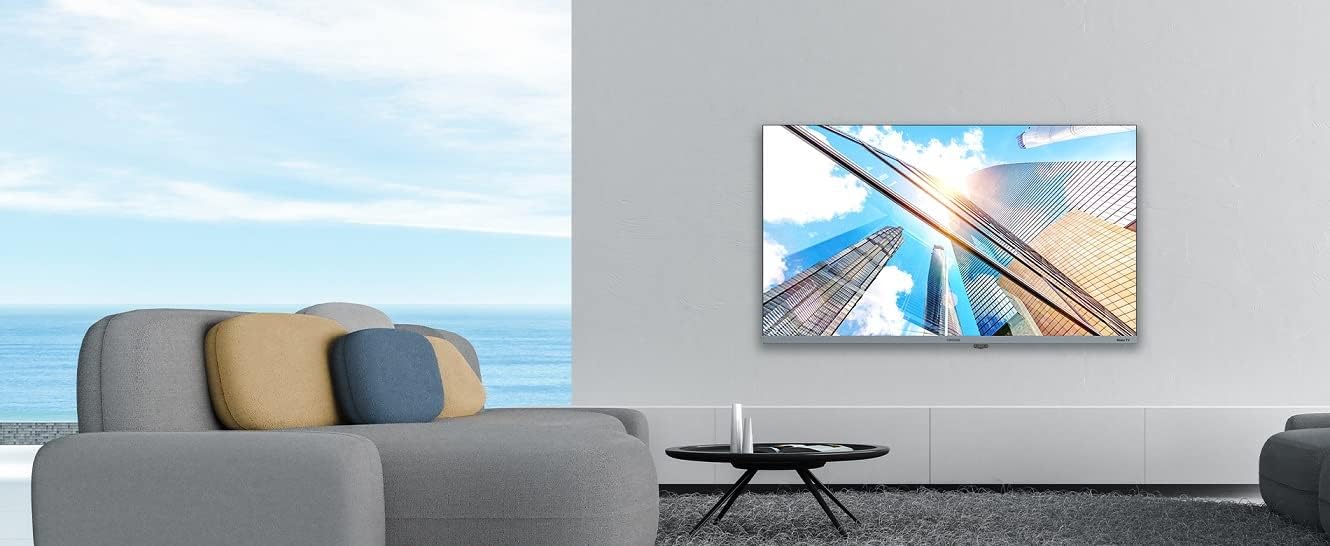
Image: Coocaa 32R3G TV displayed in a modern living room, mounted on a wall. This illustrates a typical installation scenario for the television.
2. Menyambung Peranti Luaran
Connect your external devices such as cable/satellite boxes, gaming consoles, or Blu-ray players to the HDMI ports on the back of the TV. For traditional antenna or cable connections, use the RF input.
- HDMI: Untuk audio dan video definisi tinggi.
- USB: For media playback or Timeshift functionality.
- Antenna/Cable (RF): For traditional broadcast signals.
- Audio Digital Keluar: Untuk menyambung ke sistem bunyi luaran.
- Jack fon kepala: Untuk mendengar secara peribadi.
3. Menghidupkan dan Persediaan Awal
- Sambungkan kord kuasa ke TV dan kemudian ke saluran keluar dinding.
- Tekan butang Kuasa pada alat kawalan jauh atau pada TV.
- Follow the on-screen instructions for the Roku OS guided setup. This includes selecting your language, connecting to your Wi-Fi network, and activating your Roku account.
Mengendalikan TV Anda
1. Roku OS Home Screen and Navigation
The Roku OS provides an intuitive home screen for quick access to your favorite streaming services, connected inputs, and free live TV channels. Use the directional pad on your remote to navigate through menus and select options.

Image: The Coocaa 32R3G Roku TV home screen, showing various streaming application icons like Netflix, Disney+, and inputs such as 'Kabelbox' (Cable Box) and 'Spielkonsole' (Game Console). This illustrates the user interface for accessing content.
2. Fungsi Alat Kawalan Jauh
The included remote control is designed for ease of use, offering all necessary functions to control your TV, including quick access buttons to popular streaming channels.
- Kuasa: Menghidupkan atau mematikan TV.
- Rumah: Kembali ke skrin utama Roku.
- Pad Arah: Menavigasi menu dan memilih item.
- OK/Masukkan: Mengesahkan pilihan.
- Belakang: Kembali ke skrin sebelumnya.
- Kelantangan Naik/Turun: Melaraskan tahap bunyi.
- Redam: Membisukan atau menyahredamkan bunyi.
- Saluran Atas/Bawah: Menukar saluran (untuk TV langsung).
- Main Semula Segera: Melompat ke belakang beberapa saat dalam main balik video.
- Bintang (*): Accesses options menu for current content.
- Butang Akses Pantas: Dedicated buttons for popular streaming services (e.g., Netflix, Disney+).
3. Streaming Services and Live TV
Access a wide range of streaming services directly from the Roku home screen. The integrated triple tuner allows you to watch traditional live television via satellite (DVB-S), cable (DVB-C), or antenna (DVB-T).
- Channel Store: Add new streaming channels from the Roku Channel Store.
- Multi-Channel Search: Cari untuk content by title, actor, or genre across various streaming services and live TV.
- Peralihan masa: Use a connected USB drive to pause and rewind live TV.
4. Voice Control and Roku Mobile App
The Coocaa 32R3G supports various voice assistants, including Apple AirPlay, Apple Home, Alexa, and Google Home, allowing for convenient voice control.
Download the free Roku mobile app (available for iOS and Android) to control your TV, use voice search, and enjoy private listening through headphones connected to your mobile device.
Penyelenggaraan
Proper care and maintenance will ensure the longevity of your Coocaa 32R3G TV.
- Pembersihan Skrin: Lap skrin perlahan-lahan dengan kain lembut yang tidak berbulu. Untuk tanda degil, sedikit dampen kain dengan air atau pembersih skrin khusus (jangan sembur terus ke skrin).
- Pembersihan Kabinet: Lap kabinet TV dengan kain lembut dan kering. Elakkan menggunakan pembersih atau pelarut yang kasar.
- Pengudaraan: Pastikan bukaan pengudaraan bersih daripada habuk dan serpihan untuk mengelakkan terlalu panas.
- Kord Kuasa: Periksa kord kuasa secara kerap untuk sebarang kerosakan.
Menyelesaikan masalah
Jika anda menghadapi masalah dengan TV anda, rujuk kepada penyelesaian biasa berikut:
| Masalah | Penyelesaian yang Mungkin |
|---|---|
| Tiada Kuasa |
|
| Tiada Gambar, Tetapi Bunyi Hadir |
|
| Tiada Bunyi, Tetapi Gambar Hadir |
|
| Alat Kawalan Jauh Tidak Berfungsi |
|
| Tidak Dapat Menyambung ke Wi-Fi |
|
Spesifikasi
| Jenama | koko |
| Nombor Model | 32R3G |
| Saiz Paparan | 80 Sentimeter (lebih kurang 32 inci) |
| Teknologi Paparan | LED |
| Resolusi | 720p |
| Kadar Segar Semula | 50 Hz |
| Sistem Operasi | OS Roku |
| Teknologi Ketersambungan | Wi-Fi |
| Ports/Interfaces | 2x HDMI, 2x USB (USB 2.0, USB 1.0), Headphone Jack, Digital Audio Out |
| Ciri Khas | Integrated Speaker, HDR10, HLG Support, Triple Tuner (DVB-T/C/S), Timeshift via USB |
| Nisbah Aspek | 16:9 |
| Dimensi Produk (D x W x H) | 7 x 72 x 42 Sentimeter |
| warna | Hitam |
Waranti dan Sokongan
For warranty information and technical support, please refer to the warranty card included with your product or visit the official Coocaa webtapak. Simpan resit pembelian anda sebagai bukti pembelian.