
iJoy DHP2431
iJoy Disney Nightmare Before Christmas Sally Dress Bluetooth Headphones User Manual
Model: DHP2431 | Brand: iJoy
pengenalan

Imej: The iJoy Disney Nightmare Before Christmas Sally Dress Bluetooth Headphones, showcasinreka bentuk unik mereka.
Thank you for choosing the iJoy Disney Nightmare Before Christmas Sally Dress Bluetooth Headphones. These wireless over-ear headphones are designed to provide a rich audio experience with a unique Sally Dress design. They feature a built-in microphone for hands-free calling, a foldable design for portability, and versatile connectivity options. This manual will guide you through the setup, operation, and maintenance of your new headphones.
Persediaan
1. Mengecas Fon Kepala
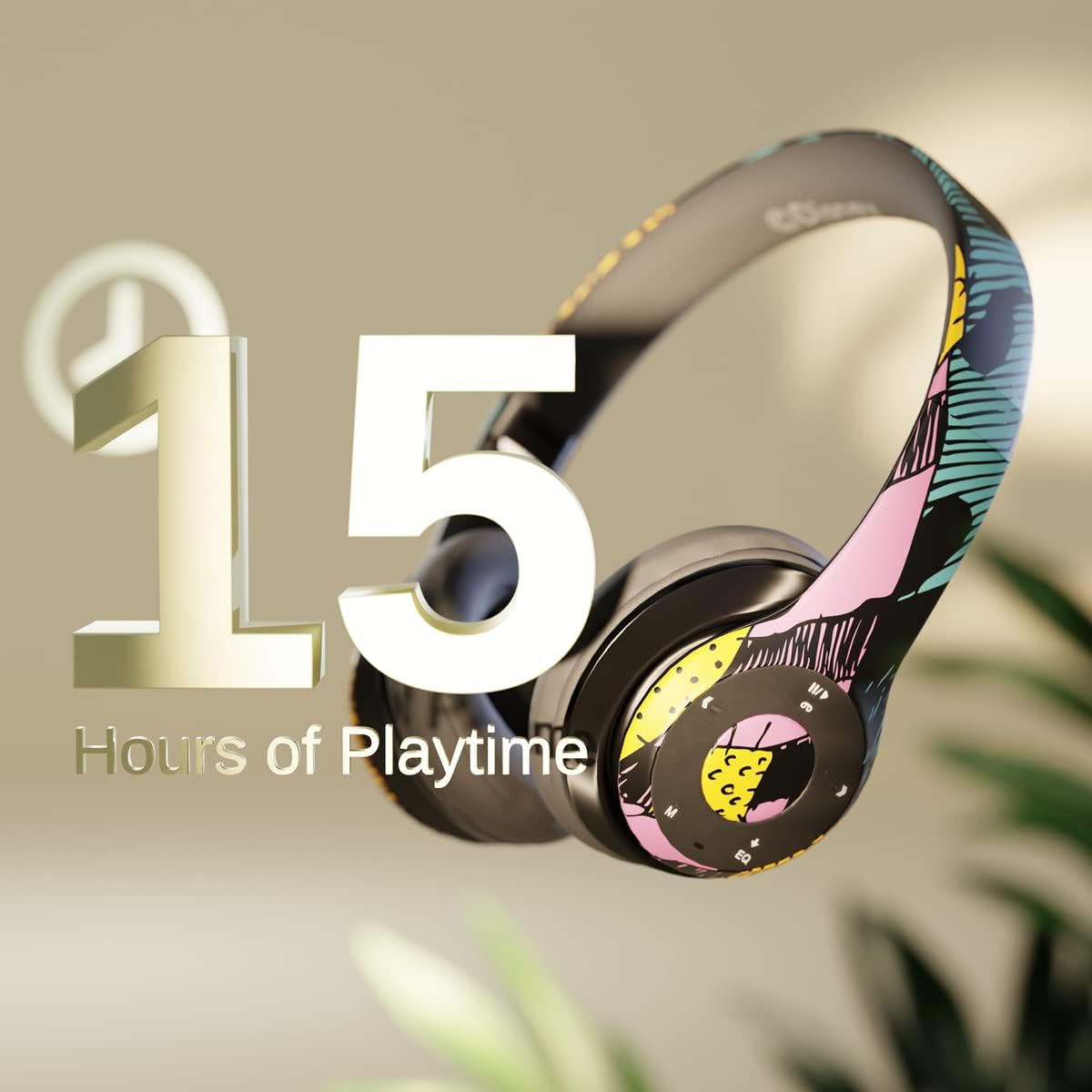
Imej: Graphic indicating 15 hours of playtime for the headphones, highlighting battery endurance.
Before first use, fully charge your headphones. Connect the provided charging cable to the charging port on the headphones and a USB power source. The LED indicator will show charging status and turn off when fully charged. A full charge provides approximately 15 hours of battery life.
2. Berpasangan Bluetooth

Imej: The headphones with a graphic illustrating universal compatibility with both Apple and Android devices.
- Pastikan fon kepala dimatikan.
- Tekan dan tahan butang Kuasa sehingga penunjuk LED berkelip biru dan merah, menunjukkan mod berpasangan.
- On your Bluetooth-enabled device (smartphone, tablet, computer), go to Bluetooth settings and search for available devices.
- Select "iJoy DHP2431" (or similar name) from the list.
- Setelah disambungkan, penunjuk LED akan berkelip biru perlahan.
3. Using the Auxiliary Cable
For a wired connection, plug one end of the 3.5mm auxiliary cable into the headphone's audio jack and the other end into your audio device. This allows for continued listening even if the battery is depleted.
4. Main Semula Kad Mikro SD
Insert a Micro SD card with your favorite music into the designated slot on the headphones. The headphones will automatically switch to Micro SD card playback mode. Use the control buttons to manage your music.
Arahan Operasi
Hidupkan/Mati Kuasa
- Untuk Menghidupkan: Tekan dan tahan butang Kuasa sehingga penunjuk LED menyala.
- Untuk Mematikan: Tekan dan tahan butang Kuasa sehingga penunjuk LED dimatikan.
5-Button Control System
The headphones feature a convenient 5-button control system located on the ear cup for easy management of audio and calls.

Imej: Terperinci view of the 5-button control panel on the headphone ear cup, indicating functions for volume, track navigation, equalizer, and call management.
- Play/Pause/Answer/Hang-up: Press the center button to play or pause music, or to answer/end a phone call.
- Kelantangan Naik / Lagu Seterusnya: Press the '+' button to increase volume. Hold the '+' button to skip to the next track.
- Kelantangan Turun / Lagu Sebelumnya: Press the '-' button to decrease volume. Hold the '-' button to go to the previous track.
- Penyama: Press the 'EQ' button to cycle through different equalizer presets.
- Pemilih Mod: Press the 'M' button to switch between Bluetooth, Micro SD card, and FM Radio modes.
Panggilan Bebas Tangan
With the built-in microphone, you can make and receive calls directly through your headphones when connected via Bluetooth to your smartphone. Use the center button to answer or end calls.
Penerima Radio Terbina dalam
Switch to FM Radio mode using the 'M' button. The headphones will automatically scan and tune into available radio stations. Use the track navigation buttons to change stations.
Reka Bentuk Boleh Dilipat

Imej: The headphones are shown in their folded configuration, highlighting their compact and portable design for easy storage and transport.
The headphones feature a foldable design, allowing for easy storage and portability. Simply fold the ear cups inwards towards the headband to reduce their size for travel or storage in a backpack.
Noise Canceling Design

Imej: Sebuah meletup view of the headphone's ear cup, illustrating the internal speaker components and the connection point for the auxiliary cable, emphasizing the noise-canceling technology.
The over-ear cup design helps to isolate audio, providing a more immersive listening experience by reducing external noise interference.
Penyelenggaraan
- Pembersihan: Gunakan kain lembut dan kering untuk membersihkan fon kepala. Jangan gunakan pembersih atau pelarut yang melelas.
- Storan: Apabila tidak digunakan, simpan fon kepala di tempat yang sejuk dan kering. Gunakan reka bentuk boleh lipat untuk penyimpanan yang padat.
- Penjagaan Bateri: Untuk memanjangkan hayat bateri, elakkan daripada menyahcas sepenuhnya fon kepala dengan kerap. Mengecasnya dengan kerap, walaupun tidak digunakan secara berterusan.
- Tahan Air: Fon kepala ini tidak kalis air. Elakkan pendedahan kepada cecair.
Menyelesaikan masalah
- Tiada Kuasa: Pastikan fon kepala dicas sepenuhnya. Sambungkan kepada sumber kuasa dan periksa penunjuk pengecasan.
- Tidak Dapat Berpasangan melalui Bluetooth:
- Pastikan fon kepala berada dalam mod berpasangan (LED berkelip biru dan merah).
- Make sure Bluetooth is enabled on your device and it's within range (typically 10 meters).
- Lupakan peranti daripada senarai Bluetooth telefon anda dan cuba pasangkan semula.
- Mulakan semula kedua-dua fon kepala dan peranti anda.
- Tiada Bunyi:
- Semak tahap kelantangan pada kedua-dua fon kepala dan peranti anda yang disambungkan.
- Ensure the headphones are properly connected via Bluetooth or auxiliary cable.
- If using an SD card, ensure the audio files berada dalam format yang serasi.
- Kualiti Bunyi Lemah:
- Bergerak lebih dekat dengan peranti Bluetooth anda untuk mengelakkan gangguan.
- Semak sumber audio untuk masalah kualiti.
- Ensure the ear cups are properly positioned over your ears for optimal sound isolation.
Spesifikasi
| Nama Model | DHP2431 |
| Teknologi Ketersambungan | Wayarles (Bluetooth) |
| Teknologi Komunikasi Tanpa Wayar | Bluetooth |
| Komponen yang Disertakan | Headphones, Charging Cable, Auxiliary Cable |
| Julat Umur (Perihalan) | Adult (suitable for kids) |
| bahan | Plastic, Metal, Fabric, Memory Foam |
| Kegunaan Disyorkan Untuk Produk | Muzik, Panggilan |
| Peranti Serasi | Peranti berdaya Bluetooth |
| Jenis Kawalan | Volume Control, Track Navigation, Equalizer, Mode Selector |
| Ciri Kabel | Retractable, Without Cable (for wireless use) |
| Berat Barang | 0.26 Kilogram (9.1 auns) |
| Tahap Ketahanan Air | Bukan Tahan Air |
| Gaya | Sally Dress |
| Kaedah Kawalan | Butang |
| Bilangan Item | 1 |
| Hayat Bateri | 15 Jam |
| Jenis Pemacu Audio | Pemandu Dinamik |
| Bentuk alat dengar | Atas Telinga |
| Antara Muka Perkakasan | Audio 3.5mm |
| UPC | 842700197150 |
| Ciri Khas | Built-in Radio Receiver, Foldable and Adjustable headband, Micro SD Card Plug-in, Microphone Included |
| Pengeluar | iJoy |
| Dimensi Pakej | 6.57 x 6.1 x 3.19 inci |
| Bateri | 1 Bateri Litium Polimer diperlukan (termasuk) |
Waranti
iJoy menyediakan Waranti pertukaran 6 bulan for these headphones. If your headset breaks or is damaged for any reason within this period, iJoy will provide you with a free replacement.
Sokongan
For further assistance, troubleshooting, or warranty claims, please contact iJoy customer support. You can often find contact information on the product packaging or by visiting the official iJoy webtapak.
Video Produk
iJoy Disney Nightmare Before Christmas Headphones Overview
Video: Tayangan video produk rasmicasing the iJoy Disney Nightmare Before Christmas Headphones, highlighting their design and features.