
PROSCAN PDVD1332
Proscan 13.3" Portable DVD Player
Model: PDVD1332 - User Manual
pengenalan
This manual provides comprehensive instructions for the safe and efficient operation of your Proscan 13.3" Portable DVD Player, model PDVD1332. Please read this manual thoroughly before using the device and retain it for future reference.
Maklumat Keselamatan Penting
To reduce the risk of electric shock, fire, or injury, always follow basic safety precautions when using this product.
- Jangan dedahkan unit kepada hujan atau lembapan.
- Jangan sekat sebarang bukaan pengudaraan.
- Gunakan hanya lampiran/aksesori yang ditentukan oleh pengilang.
- Cabut palam unit semasa ribut petir atau apabila tidak digunakan untuk tempoh yang lama.
- Rujuk semua servis kepada kakitangan perkhidmatan yang berkelayakan.
Kandungan Pakej
Sahkan bahawa semua item yang disenaraikan di bawah disertakan dalam pakej anda:
- Proscan 13.3" Portable DVD Player (PDVD1332)
- Alat Kawalan Jauh
- Penyesuai Kuasa AC
- Pengecas Kereta
- fon telinga
- Manual Pengguna

Image showing the Proscan 13.3" Portable DVD Player alongside its travel essentials: remote control, earbuds, car charger, and AC power adapter. These accessories are designed to enhance the user's experience, especially during travel.
Produk Selesaiview
Familiarize yourself with the various components and controls of your portable DVD player.
Depan dan Atas View

The Proscan 13.3" Portable DVD Player shown open, displaying its large screen and the intuitive control panel located on the base. The screen is swiveled for optimal viewing.
sebelah View dan Pelabuhan

Sisi yang terperinci view of the Proscan Portable DVD Player, illustrating the accessible ports including USB, Card Slot (SD/MMC), Headphone Jack, AV Out, AV In, On/Off Switch, and DC 12V Power input.
Kawalan Utama:
- MODE/SETUP: Access menu settings.
- VOL +/-: Laraskan tahap kelantangan.
- MAIN/JEDA: Mulakan atau jeda main balik.
- BERHENTI: Hentikan main balik.
- PREV / SETERUSNYA: Navigate tracks or chapters.
- USB/SD/MMC: Ports for external media.
- AV IN/OUT: Audio/Video input and output.
- DC 12V: Input kuasa untuk penyesuai AC atau pengecas kereta.
Persediaan
Mengecas Bateri
The portable DVD player is equipped with a built-in lithium-polymer battery for extended playback. Before first use, fully charge the battery.
- Connect the AC power adapter to the DC 12V input port on the player.
- Palamkan penyesuai kuasa AC ke soket dinding standard.
- The charging indicator light will illuminate. Once fully charged, the light may change color or turn off (refer to specific indicator behavior in the manual if available).
- For car use, connect the car charger to the DC 12V input and plug it into your vehicle's cigarette lighter socket.
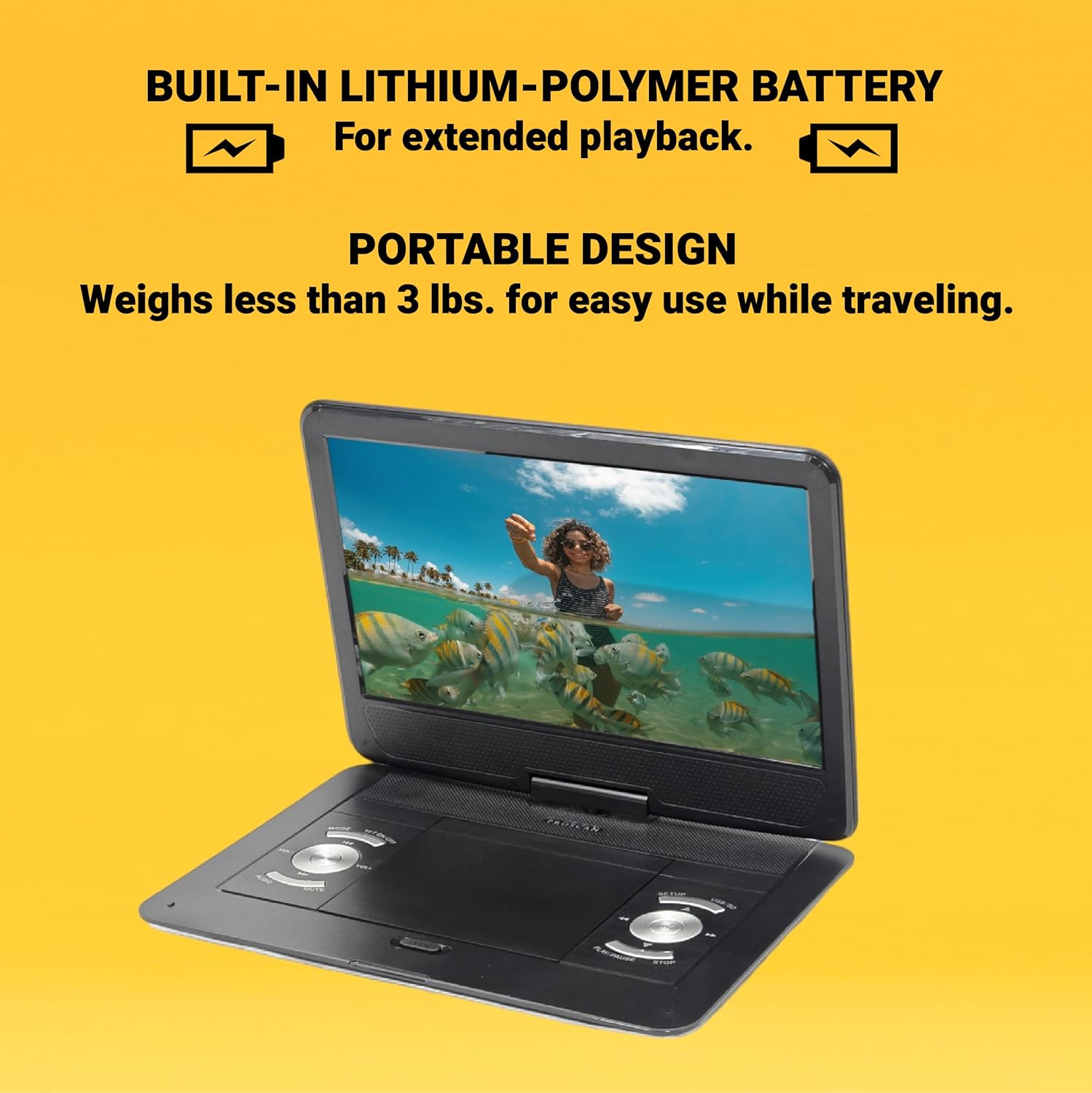
This image emphasizes the Proscan Portable DVD Player's built-in lithium-polymer battery, which provides extended playback, and its lightweight, portable design, weighing less than 3 lbs, making it ideal for travel.
Menghidupkan/Mematikan
- Untuk menghidupkan, luncurkan suis ON/OFF ke kedudukan "ON".
- Untuk mematikan kuasa, luncurkan suis ON/OFF ke kedudukan "OFF".
Arahan Operasi
Playing a DVD/CD
- Buka penutup petak cakera.
- Carefully place a DVD or CD onto the disc spindle with the label side facing up.
- Tekan perlahan cakera ke bawah sehingga ia berbunyi klik pada tempatnya.
- Tutup penutup petak cakera.
- The player will automatically begin reading the disc. If not, press the MAIN/JEDA butang.
Using USB/SD/MMC Media
The player supports MP3 and JPEG files from USB drives, SD cards, and MMC cards.
- Insert your USB drive into the USB port or your SD/MMC card into the card slot.
- Gunakan MODE button to select the appropriate input source (USB or CARD).
- Navigasi melalui anda files menggunakan PREV / SETERUSNYA buttons and select with the MAIN/JEDA butang.
Melaraskan Kelantangan
Gunakan VOL +/- buttons on the player or the remote control to adjust the audio volume.
Menggunakan Alat Kawalan Jauh
The included remote control provides full functionality for operating the DVD player from a distance. Ensure the remote has working batteries and is pointed towards the player's IR sensor.
Penyelenggaraan dan Penjagaan
- Membersihkan Skrin: Use a soft, lint-free cloth to gently wipe the screen. Do not use liquid cleaners or abrasive materials.
- Membersihkan Unit: Lap bahagian luar pemain dengan kain lembut dan kering.
- Penjagaan Cakera: Kendalikan cakera mengikut tepinya. Pastikan ia bersih dan bebas daripada calar. Simpan cakera dalam bekasnya apabila tidak digunakan.
- Storan: Apabila tidak digunakan untuk tempoh yang lama, simpan pemain di tempat yang sejuk dan kering, jauh daripada cahaya matahari langsung dan suhu yang melampau.
Menyelesaikan masalah
| Masalah | Kemungkinan Punca | Penyelesaian |
|---|---|---|
| Tiada kuasa | Battery drained; Power adapter not connected properly. | Charge the battery; Ensure power adapter is securely connected. |
| No disc playback | Disc inserted incorrectly; Disc is dirty or scratched; Incorrect region code. | Reinsert disc correctly; Clean or replace disc; Ensure disc is compatible with player's region. |
| Tiada bunyi | Volume too low; Mute function activated; Headphones not connected properly. | Increase volume; Deactivate mute; Reconnect headphones securely. |
| Alat kawalan jauh tidak berfungsi | Bateri mati atau dipasang dengan salah; Halangan antara alat kawalan jauh dan pemain. | Gantikan bateri; Pastikan kekutuban yang betul; Tanggalkan halangan. |
Spesifikasi
- model: PDVD1332
- Saiz Skrin: LCD TFT 13.3 inci
- Jenis Paparan: LCD
- Format Cakera yang Disokong: DVD, DVD-R/RW, CD-R/RW
- Supported Media Formats: MP3, JPEG (via USB/SD/MMC)
- Input: USB, SD/MMC Card Slot, AV In, DC 12V
- Keluaran: Headphone Jack, AV Out
- Bateri: Built-in Lithium-Polymer
- Berat: Kira-kira 4 paun
- Dimensi: Kira-kira 15.85 x 14.37 x 3.47 inci
- warna: Hitam
Waranti dan Sokongan
This product is sold as a renewed item. Please refer to the specific warranty terms provided by the seller or retailer at the time of purchase. For technical support or service inquiries, please contact the seller or the Proscan customer service department. Keep your purchase receipt as proof of purchase for any warranty claims.
For further assistance, you may visit the official Proscan website or contact their customer support line, details for which are typically found on the product packaging or the seller's information page.
Ask a question about this manual
Ask about setup, troubleshooting, compatibility, parts, safety, or missing instructions. Manuals+ will review the question and use this page’s manual context to help answer it.