pengenalan
Welcome to your new ANTELA Smart Plug. This manual provides comprehensive instructions for the setup, operation, maintenance, and troubleshooting of your device. Please read this manual carefully before use to ensure optimal performance and safety.
Maklumat Keselamatan
Patuhi langkah keselamatan berikut untuk mengelakkan kerosakan pada peranti atau kecederaan kepada diri anda:
- Untuk kegunaan dalaman sahaja.
- Do not exceed the maximum load of 16A / 3680W.
- Jauhkan peranti daripada air, kelembapan dan suhu tinggi.
- Jangan cuba membuka atau membaiki peranti sendiri.
- Ensure the plug is fully inserted into the wall socket.
- This smart plug features child protection shrapnel and is made from fire-retardant materials for enhanced safety.

Produk Selesaiview
The ANTELA Smart Plug is designed to make your home smarter and more energy-efficient. It offers a compact design and a range of features for convenient control of your electronic devices.

Panduan Persediaan
1. Muat turun Apl
Cari untuk dan muat turun "Kehidupan Pintar" or "Tuya Smart" application from your mobile device's app store (available on iOS and Android).
2. Sambung ke Wi-Fi
Ensure your home Wi-Fi network is operating on the jalur frekuensi 2.4 GHz. The smart plug does not support 5 GHz Wi-Fi networks. Make sure your mobile device is connected to the 2.4 GHz Wi-Fi network during the setup process.

3. Pairing the Smart Plug
- Plug the ANTELA Smart Plug into a standard wall socket.
- Open the Smart Life or Tuya Smart app and register/log in.
- Press and hold the LED switch button on the smart plug for 5 to 10 seconds until the LED light begins to flash rapidly. This indicates it is in pairing mode.
- In the app, tap the "+" icon to add a new device. Select "Electrical Outlet" or "Smart Plug" from the device list.
- Follow the on-screen instructions in the app to connect the smart plug to your 2.4 GHz Wi-Fi network.
- Once successfully paired, the LED indicator will stop flashing and remain solid. You can now rename your smart plug for easier identification.

Arahan Operasi
Kawalan Jauh melalui Apl
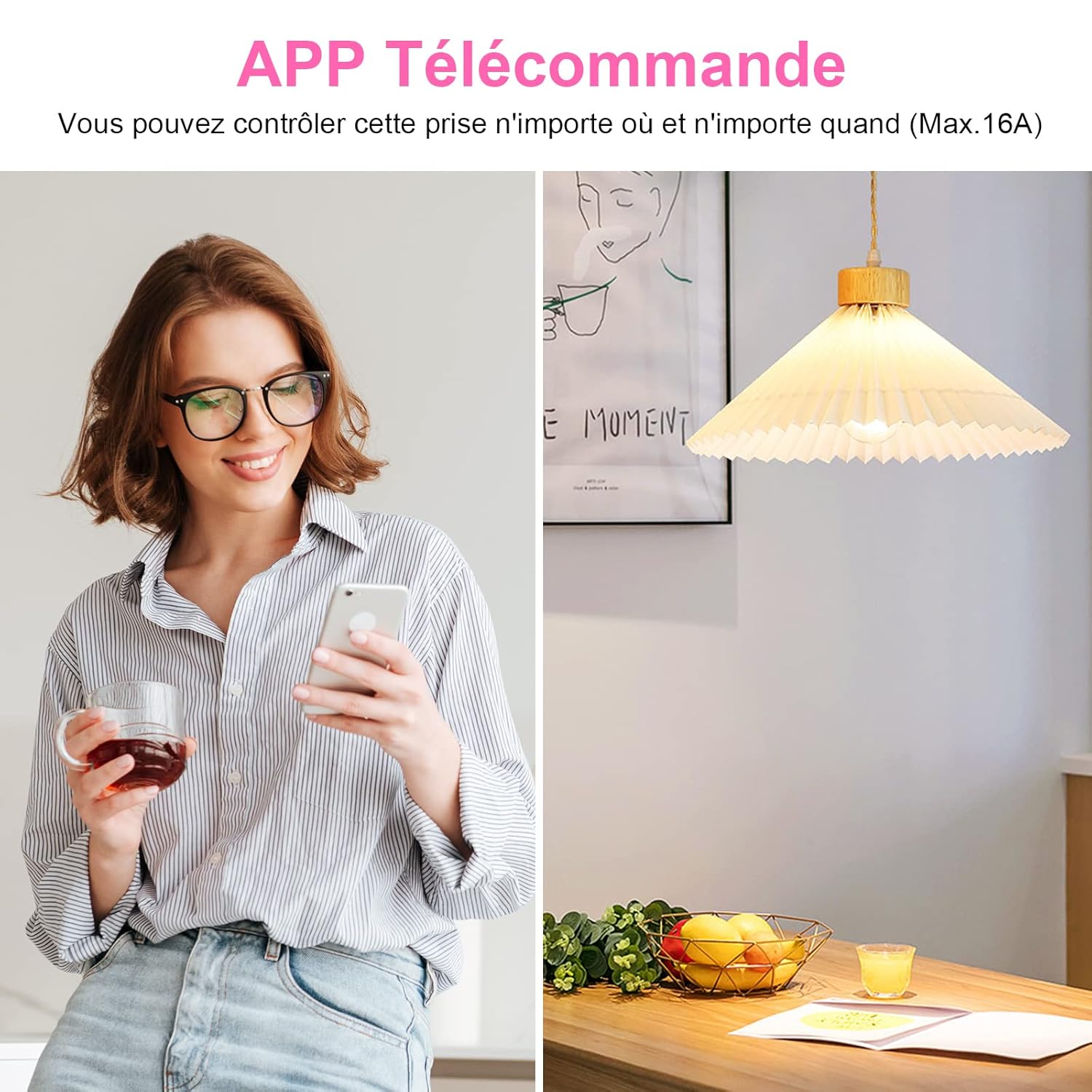
Control your connected devices from anywhere using the Smart Life or Tuya Smart app on your smartphone. You can turn devices on or off, check their status, and manage settings remotely.
Kawalan Suara
The ANTELA Smart Plug is compatible with popular voice assistants like Amazon Alexa and Google Assistant. Link your Smart Life/Tuya Smart account to your preferred voice assistant to enable hands-free control.
ExampPerintah Suara:
- "Alexa, bukak lampu ruang tamu."
- "Hei Google, matikan pembuat kopi."
- "Alexa, set the fan to 50%." (If device supports dimming/speed control)


Penjadualan dan Fungsi Pemasa
Automate your devices by setting schedules and timers through the app. You can program devices to turn on or off at specific times, or use the countdown timer for temporary control.
- Jadual: Tetapkan jadual harian atau mingguan untuk lampu, pembuat kopi atau peralatan lain.
- Pemasa: Use the countdown timer to automatically turn off a device after a set period.

Pemantauan Tenaga
The ANTELA Smart Plug features energy consumption monitoring, allowing you to track the electricity usage of connected appliances. This data can help you identify energy-intensive devices and optimize your usage to save energy and costs.
- View real-time power consumption.
- Access historical data for daily, monthly, and yearly energy usage.

Penyelenggaraan
To ensure the longevity and proper functioning of your ANTELA Smart Plug, follow these maintenance guidelines:
- Pembersihan: Gently wipe the surface of the smart plug with a dry, soft cloth. Do not use liquid cleaners or abrasive materials.
- Persekitaran: Keep the smart plug in a dry environment and avoid exposure to direct sunlight, extreme temperatures, or corrosive substances.
- Storan: If not in use for an extended period, unplug the device and store it in a cool, dry place.
Menyelesaikan masalah
If you encounter issues with your ANTELA Smart Plug, refer to the following troubleshooting steps:
Plug not connecting to Wi-Fi
- Semak Jalur Wi-Fi: Ensure your router is broadcasting a 2.4 GHz Wi-Fi signal and your phone is connected to it during setup. The plug does not support 5 GHz Wi-Fi.
- Kekuatan Isyarat: Make sure the smart plug is within range of your Wi-Fi router.
- Reset Plug: Press and hold the button on the plug for 5-10 seconds until the LED flashes rapidly, then try pairing again.
- Mulakan semula Penghala: Power cycle your Wi-Fi router and try connecting again.
App not responding or device offline
- Semak Sambungan Internet: Sahkan bahawa telefon pintar anda mempunyai sambungan internet yang aktif.
- Mulakan semula Apl: Close and reopen the Smart Life or Tuya Smart app.
- Kemas kini Apl: Pastikan apl anda dikemas kini kepada versi terkini.
- Check Plug Status: Physically check if the smart plug is powered on and its LED indicator is solid.
Voice control issues
- Pemautan Akaun: Confirm that your Smart Life/Tuya Smart account is correctly linked to your Alexa or Google Assistant app.
- Penemuan Peranti: Minta pembantu suara anda untuk menemui peranti baharu.
- Correct Commands: Use the exact device names you set in the app when giving voice commands.
- Sambungan Internet: Ensure both your voice assistant device and smart plug have stable internet connections.
Spesifikasi
| Ciri | Spesifikasi |
|---|---|
| Nombor Model | F2s203-NF |
| Pengeluar | ANTELA |
| Dimensi Produk (L x W x H) | 12.5 x 6.5 x 8.5 cm |
| Berat badan | 190 gram |
| warna | putih |
| bahan | Fire-retardant materials |
| Voltage | 240 Volt |
| Kuasa Maks | 3680 Watt |
| Maksimum Semasa | 16 Amperes |
| Wi-Fi Standard | 2.4 GHz (IEEE 802.11 b/g/n) |
| Keserasian Aplikasi | Kehidupan Pintar / Tuya Pintar |
| Keserasian Pembantu Suara | Amazon Alexa, Pembantu Google |
| Pensijilan | CE, RoHS, WEEE |
| Jenis Suis | Butang tekan |
| Jenis Palam Elektrik | Wall mount (Type E) |
Waranti dan Sokongan
Maklumat Waranti
For specific warranty details, please refer to the retailer where you purchased the ANTELA Smart Plug or consult the official ANTELA webtapak. Simpan bukti pembelian anda untuk tuntutan waranti.
Sokongan Pelanggan
If you require further assistance or have questions not covered in this manual, please contact ANTELA customer support through their official webtapak atau maklumat hubungan yang diberikan bersama pembungkusan produk anda.