
KM-G6
Mechanical Keyboard KM-G6 User Manual
Model: KM-G6 | Brand: Generic
pengenalan
Terima kasih kerana membeliasing the KM-G6 Mechanical Keyboard. This user manual provides detailed instructions on how to set up, operate, and maintain your new keyboard. Please read this manual thoroughly before use to ensure optimal performance and longevity of your device.
Kandungan Pakej
Setelah membuka kotak, sila sahkan bahawa semua item berikut disertakan dalam pakej anda:
- KM-G6 LED-Backlit 104-Key Mechanical Keyboard
- Penarik Kekunci
- Manual Pengguna

Image: All items included in the KM-G6 Mechanical Keyboard package.
Ciri-ciri Produk
The KM-G6 Mechanical Keyboard is designed with advanced features to enhance your typing and gaming experience:
- LED-Backlit: Features a 6-color backlight with each row displaying a different specific color. Includes 9 preset lighting effects and 2 slots for assignable lighting effects, allowing for customization to match your setup.
- Blue Switch: Equipped with individual, clicky Outemu Blue switches that provide accurate, responsive key commands. These switches have a tested lifespan of 50 million keystrokes.
- Full N-Key Rollover: The 104-key rollover ensures that every key-press is registered, preventing missed or confused commands even during rapid input.
- Durable & Water-Resistant: Constructed with double-shot-molded ABS keycaps and a brushed metal panel, making it highly durable and resistant to abrasion and accidental spills.
- 104 Blue Switches: Accessible for new mechanical keyboard users, facilitating faster typing and improved gaming performance for both office work and gaming.

Image: The KM-G6 Mechanical Keyboard showcasing its vibrant 6-color LED backlighting.
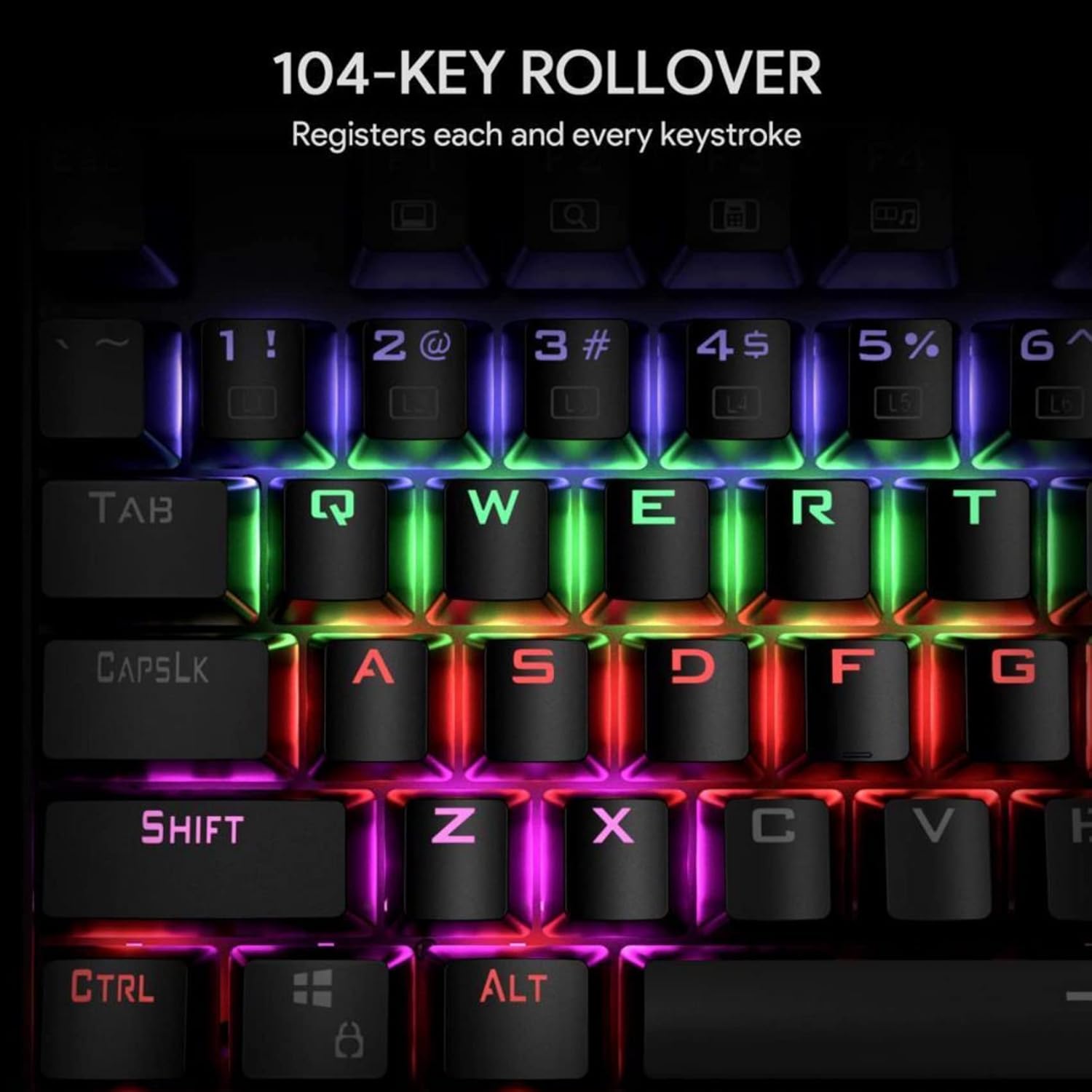
Image: Illustration of the 104-key rollover feature, ensuring every keystroke is registered.
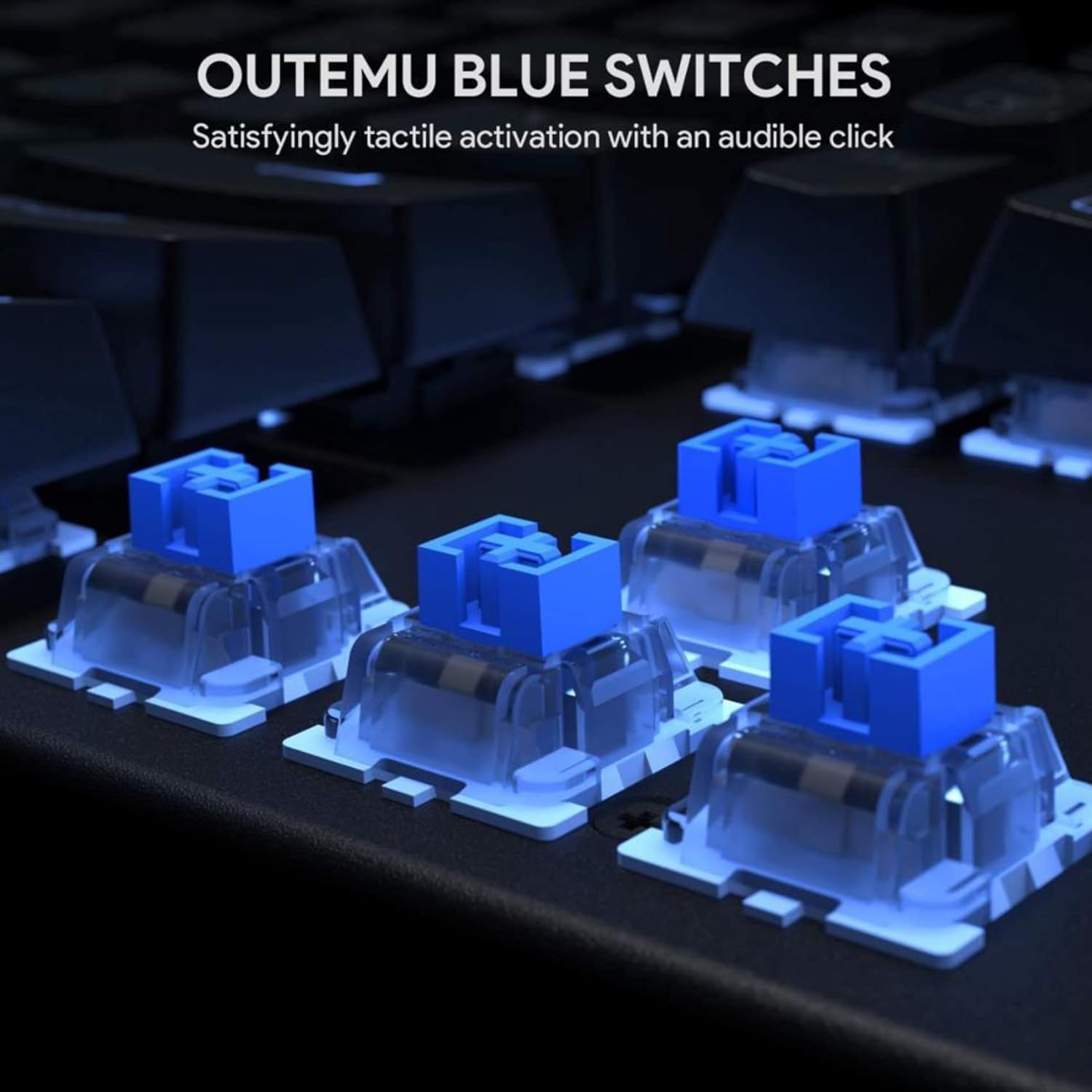
Imej: Terperinci view of the Outemu Blue mechanical switches, known for their tactile feedback and audible click.

Image: The keyboard illuminated with its 6-color LED backlight, demonstrating different lighting effects.

Image: The keyboard demonstrating its spill-resistance, with water droplets on the keys.
Persediaan
Setting up your KM-G6 Mechanical Keyboard is straightforward:
- Bongkar: Keluarkan papan kekunci dan semua aksesori dengan berhati-hati daripada pembungkusan.
- Sambung: Palamkan penyambung USB papan kekunci ke dalam port USB yang tersedia pada komputer anda.
- Pemasangan Pemandu: Papan kekunci ini boleh dipasang dan digunakan dan biasanya tidak memerlukan pemacu tambahan. Sistem pengendalian anda sepatutnya mengesan dan memasang pemacu yang diperlukan secara automatik.
- penempatan: Place the keyboard on a stable, flat surface.
Arahan Operasi
Kawalan Lampu Latar LED
The KM-G6 keyboard offers various lighting modes and customization options:
- Menukar Mod: Gunakan Fn key combined with specific function keys (e.g., Fn + INS, Fn + RUMAH, Fn + PGUP, Fn + DEL, Fn + END, Fn + PGDN) to cycle through the 9 preset lighting effects.
- Pelarasan Kecerahan: guna Fn + Anak Panah Atas untuk meningkatkan kecerahan dan Fn + Anak Panah Bawah untuk mengurangkan kecerahan.
- Pelarasan Kelajuan: guna Fn + Anak Panah Kiri to decrease effect speed and Fn + Anak Panah Kanan to increase effect speed.
- Mod Tersuai: The keyboard supports 2 slots for assignable lighting effects. Refer to the specific key combinations for programming these modes (often involving Fn + 1/2 diikuti oleh Fn + ESC to save, and then pressing the keys you want lit).
Fungsi Multimedia
Access multimedia controls by pressing the Fn kekunci digabungkan dengan kekunci-F:
- Fn+F1: Komputer Saya
- Fn+F2: Cari
- Fn+F3: Kalkulator
- Fn+F4: Pemain Media
- Fn+F5: Trek Sebelumnya
- Fn+F6: Trek Seterusnya
- Fn+F7: Main/Jeda
- Fn+F8: Berhenti
- Fn+F9: bisu
- Fn+F10: Kelantangan Kurang
- Fn+F11: Kelantangan Naik
- Fn+F12: Kunci Papan Kekunci
Penyelenggaraan
Penyelenggaraan yang betul memastikan jangka hayat dan prestasi papan kekunci anda:
- Membersihkan Kap Kunci: Use the included keycap puller to carefully remove keycaps. Clean them with a soft cloth dampdibilas dengan sabun lembut dan air. Pastikan ia kering sepenuhnya sebelum dipasang semula.
- Cleaning the Board: Use compressed air to remove dust and debris from between the keys. For stubborn dirt, a cotton swab lightly dampened with isopropyl alcohol can be used.
- Pengurusan Tumpahan: While the keyboard is water-resistant, it is not waterproof. In case of a spill, immediately unplug the keyboard, wipe off excess liquid, and allow it to air dry completely before reconnecting.
- Storan: Simpan papan kekunci di tempat yang sejuk dan kering jauh dari cahaya matahari langsung dan suhu yang melampau.
Menyelesaikan masalah
If you encounter issues with your KM-G6 keyboard, refer to the following common solutions:
- Papan Kekunci Tidak Membalas:
- Pastikan kabel USB dipasang dengan kukuh pada papan kekunci dan komputer.
- Cuba pasangkan papan kekunci ke port USB yang berbeza.
- Mulakan semula komputer anda.
- Uji papan kekunci pada komputer lain untuk menolak isu khusus sistem.
- Lampu Latar Tidak Berfungsi atau Berkelip-kelip:
- Check if the backlight is turned off (use Fn + Anak Panah Bawah untuk meningkatkan kecerahan).
- Cycle through different lighting modes to see if the issue persists across all modes.
- Ensure your computer's USB port provides sufficient power. Try a different port or a powered USB hub.
- Kunci Tidak Mendaftar:
- Remove the keycap using the keycap puller and check for any debris or obstruction under the switch.
- Pastikan penutup kekunci dipasang dengan betul pada suis.
Spesifikasi
| Ciri | Perincian |
|---|---|
| Nombor Model | KM-G6 |
| Dimensi (L x W x H) | 16.9 x 5.31 x 1.57 inci (434 x 135 x 37 mm) |
| Berat Barang | 2.79 paun |
| Suis Utama | Outemu Blue Mechanical Switches |
| Bilangan Kunci | 104 |
| Lampu latar | 6-Color LED Backlight |
| N-Key Rollover | Full 104-Key Rollover |
| bahan | Akrilonitril Butadiene Styrene (ABS), Logam |
| Ketersambungan | USB berwayar |
| Ciri Khas | Backlit, Water Resistant |

Imej: Dimensi berakhirview of the KM-G6 Mechanical Keyboard.
Waranti dan Sokongan
This product comes with a standard manufacturer's warranty. For detailed warranty information, please refer to the warranty card included in your package or visit the manufacturer's official website. For technical support, troubleshooting assistance, or any inquiries regarding your KM-G6 Mechanical Keyboard, please contact the retailer or manufacturer's customer service.
Simpan resit pembelian anda sebagai bukti pembelian untuk tuntutan waranti.
Ask a question about this manual
Ask about setup, troubleshooting, compatibility, parts, safety, or missing instructions. Manuals+ will review the question and use this page’s manual context to help answer it.