
1. Pengenalan
This manual provides essential information for setting up, operating, maintaining, and troubleshooting your HP 15 Laptop. This device is equipped with an Intel Core i5 processor, 16GB RAM, and a 512GB SSD, running on Windows 11 Home. Please read this manual thoroughly to ensure proper use and to maximize the lifespan of your laptop.
2. Kandungan Pakej
Sahkan bahawa semua item terdapat dalam kotak:
- HP 15 Laptop
- Penyesuai AC 45W dengan Kord Kuasa
- Manual Pengguna (dokumen ini)
- 1 Year Warranty information

3. Ciri-ciri Produk
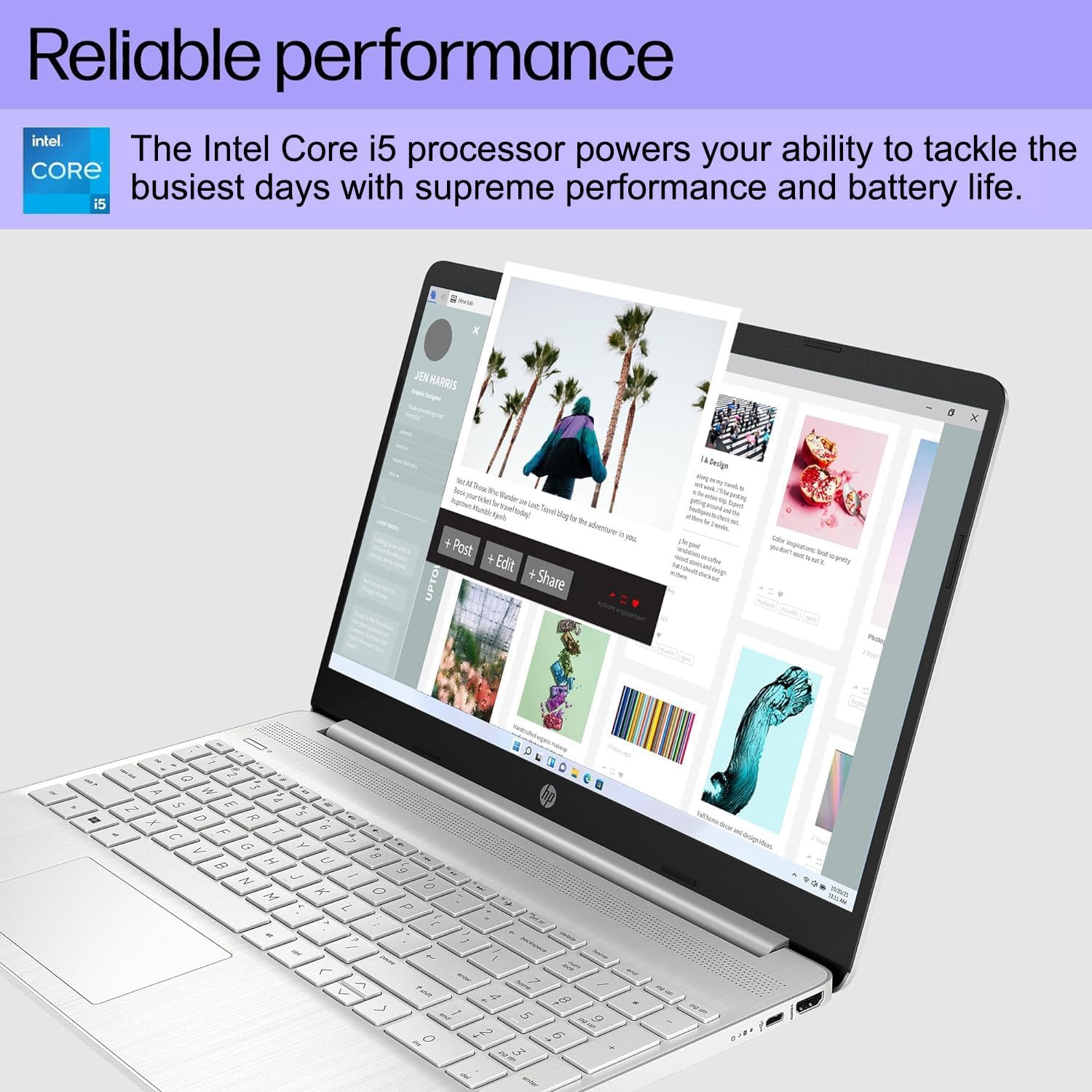
- Prestasi Boleh Dipercayai: Equipped with an Intel Core i5-1135G7 Processor, 16GB DDR4 RAM, and a 512GB PCIe NVMe M.2 SSD for efficient operation and fast storage.
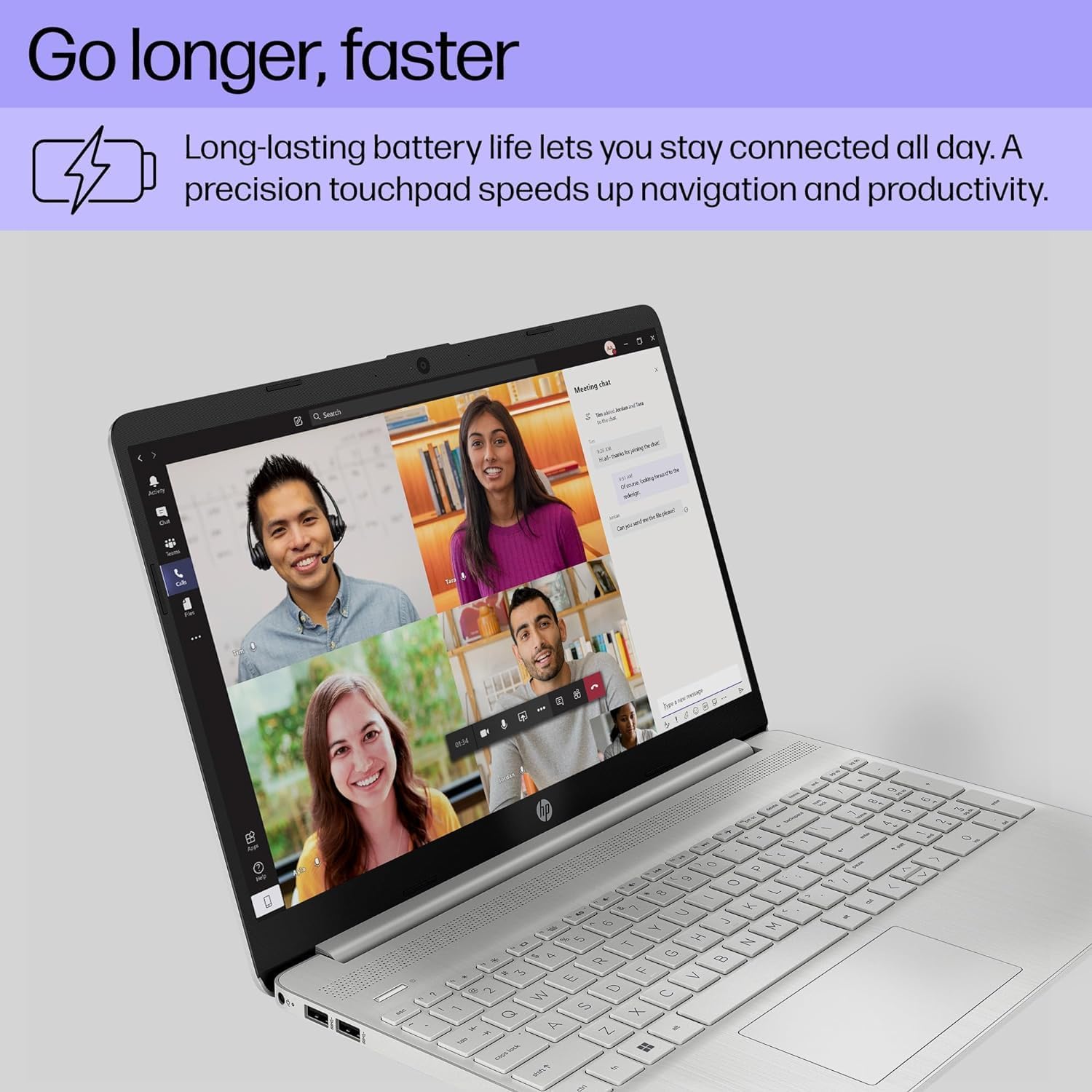
- Jangka Hayat Bateri: Designed for up to 10 hours of battery life, allowing for prolonged use without frequent recharging.
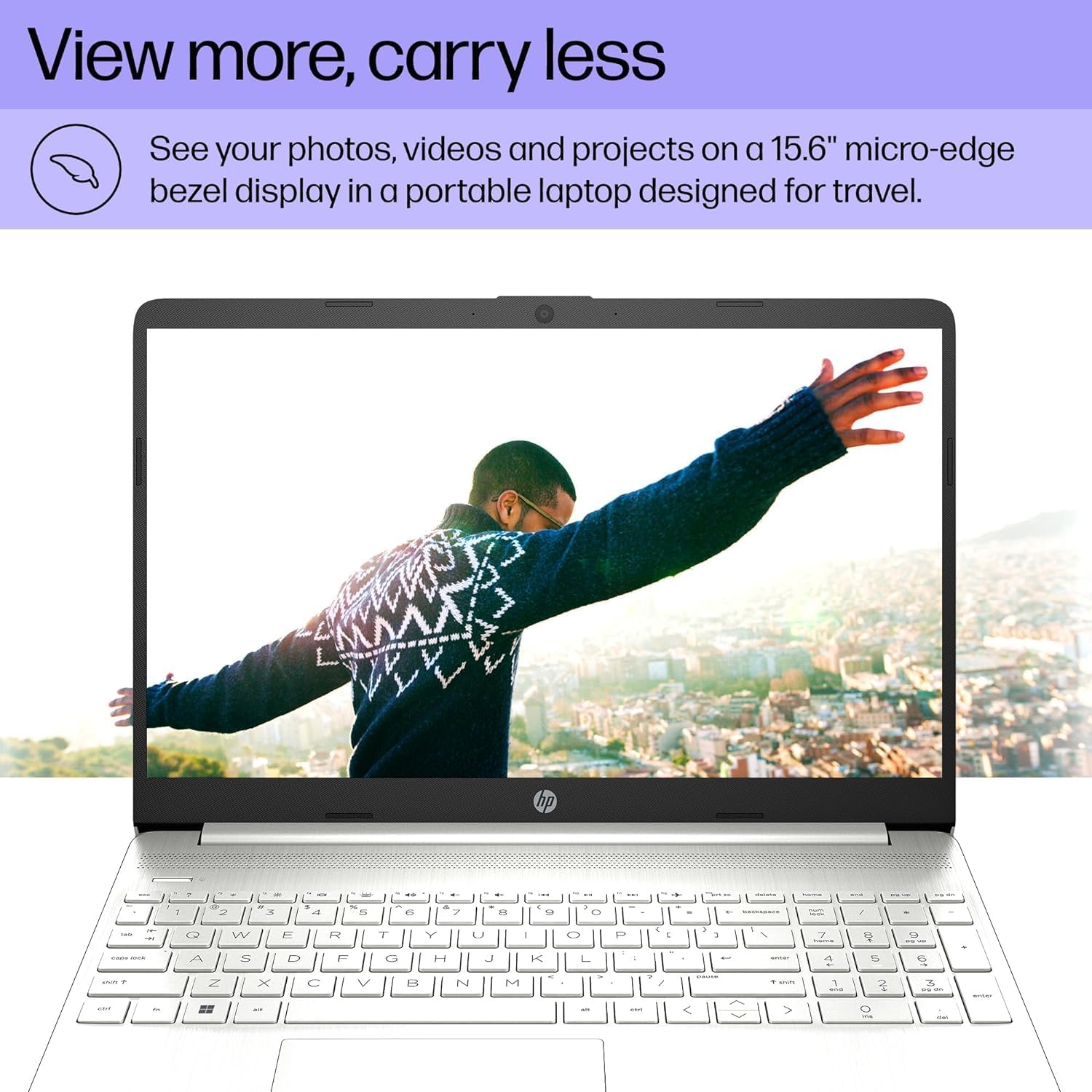
- Paparan Jelas: Features a 15.6" FHD (1920 x 1080) IPS micro-edge anti-glare BrightView Display with Intel Iris Xe graphics. Supports external monitors via HDMI at 4K (3840x2160) @60Hz.
- Bersepadu Webcam: HD webcam with advanced noise reduction software and dual array digital microphone for clear video calls. Includes a physical privacy shutter.
- Ketersambungan Serbaguna: Includes USB 3.2 Type-C 5Gbps ports, USB 3.1 Type-A 5Gbps ports, HDMI 1.4b, SD media card reader, and an Audio combo jack.
- Keupayaan tanpa wayar: Supports Wi-Fi 5 (802.11ac) and Bluetooth 5 for reliable wireless connections.
- Sistem pengendalian: Pre-installed with Windows 11 Home 64-bit, featuring AI-powered Copilot for enhanced productivity.

4. Panduan Persediaan
4.1 Kuasa Awal Hidup
- Sambungkan Kuasa: Pasangkan penyesuai AC ke port kuasa komputer riba dan kemudian ke soket dinding.
- Buka Laptop: Buka penutup komputer riba dengan berhati-hati.
- Hidupkan kuasa: Press the power button, usually located on the top right of the keyboard.
- Persediaan Windows Awal: Ikut arahan pada skrin untuk melengkapkan persediaan Windows 11 Home, termasuk bahasa, wilayah, sambungan rangkaian dan penciptaan akaun pengguna.
4.2 Menyambung Peranti
Use the available ports to connect external devices:
- Peranti USB: Connect mice, keyboards, external drives, or printers to the USB Type-A or USB Type-C ports.
- Paparan luaran: Use an HDMI cable to connect to an external monitor or TV.
- Peranti Audio: Plug headphones or external speakers into the audio combo jack.
- Kad SD: Insert SD media cards into the multi-format SD media card reader.
5. Arahan Operasi
5.1 Navigasi Asas
- Pad sentuh: Use the integrated touchpad for cursor control. Tap to click, use two fingers to scroll, and pinch to zoom.
- papan kekunci: The laptop features a full-size keyboard with a numeric keypad. Function keys (F1-F12) provide quick access to system settings when pressed with the Fn kunci.
- Windows 11: Familiarize yourself with the Windows 11 interface, including the Start Menu, Taskbar, and Action Center.
5.2 Menggunakan Webcam
HD bersepadu webcam is suitable for video calls and online meetings. Ensure the privacy shutter (if present) is open before use. Access webcam settings through Windows settings or your video conferencing application.
6. Penyelenggaraan
6.1 Pembersihan
- Skrin: Gunakan kain lembut dan tidak berbulu sedikit dampdiisi dengan air atau pembersih skrin. Elakkan bahan kimia yang keras.
- Papan Kekunci dan Casis: Use a soft cloth to wipe surfaces. For dust, use compressed air.
- Pelabuhan: Keep ports free of dust and debris to ensure proper connectivity.
6.2 Kemas Kini Perisian
Semak dan pasang kemas kini Windows dan kemas kini pemacu secara berkala untuk memastikan prestasi dan keselamatan yang optimum. Pergi ke Tetapan > Kemas Kini Windows.
6.3 Penjagaan Bateri
- Elakkan suhu yang melampau.
- Jangan keluarkan bateri sepenuhnya dengan kerap.
- Untuk penyimpanan jangka panjang, cas bateri kepada kira-kira 50-70%.
7. Penyelesaian masalah
| Masalah | Kemungkinan Punca | Penyelesaian |
|---|---|---|
| Komputer riba tidak dihidupkan. | Tiada kuasa, bateri yang dinyahcas, isu perkakasan. | Ensure AC adapter is securely connected and outlet is working. Charge battery for at least 30 minutes. If issue persists, contact support. |
| Skrin kosong. | Mod tidur, tetapan paparan, monitor luaran disambungkan. | Press any key or move the mouse to wake from sleep. Press Fn + F4 (or equivalent display toggle key) to cycle display outputs. Disconnect external monitors. |
| Wi-Fi tidak bersambung. | Wi-Fi dilumpuhkan, kata laluan salah, masalah penghala. | Check Wi-Fi settings in Windows to ensure it's enabled. Verify Wi-Fi password. Restart your router and modem. |
| Laptop runs slowly. | Terlalu banyak program terbuka, ruang cakera rendah, perisian hasad. | Close unnecessary applications. Free up disk space. Run a virus scan. Check for and install system updates. |
8. Spesifikasi
| Ciri | Perincian |
|---|---|
| Jenama | ist komputer |
| Nama Model | HP 15 Laptop |
| Saiz Skrin | 15.6 Inci |
| warna | Perak |
| Model CPU | Intel Core i5-1135G7 (11th Gen) |
| Kelajuan Pemproses | 2.4 GHz (up to 4.2 GHz) |
| Saiz Terpasang Memori RAM | 16 GB DDR4 (3200 MHz) |
| Saiz Cakera Keras | SSD 512 GB (PCIe NVMe M.2) |
| Sistem Operasi | Windows 11 Home 64-bit |
| Pemproses bersama Grafik | Grafik Intel Iris Xe (Bersepadu) |
| Resolusi Paparan | 1920x1080 Piksel (FHD) |
| Kadar Segar Semula | 60 Hz |
| Kesambungan Wayarles | Wi-Fi 5 (802.11ac), Bluetooth 5 |
| Port USB | 1x USB 3.2 Type-C, 2x USB 3.1 Type-A |
| Port HDMI | 1x HDMI 1.4b |
| Pelabuhan Lain | SD Media Card Reader, Audio Combo Jack |
| Webcam | HD Webcam (0.9 MP Front Photo Sensor Resolution) |
| Hayat Bateri (Purata) | 10 Jam |
| Berat Barang | 3.8 paun |
| Dimensions (L x W x Thickness) | 14.11" L x 9.53" W x 0.71" Th |

9. Waranti dan Sokongan
Your HP 15 Laptop comes with a Waranti terhad 1 tahun from the manufacturer on remaining components. Additionally, the upgraded Memory/SSD components are covered by a three-year warranty from Issaquah Highlands Tech.
For technical support or warranty claims, please refer to the contact information provided with your purchase documentation or visit the manufacturer's official support webtapak.