
Egretech PSP Sonic 100W
Egretech PSP Sonic 100W Portable Solar Panel User Manual
Model: PSP Sonic 100W
1. Pengenalan
Thank you for choosing the Egretech PSP Sonic 100W Portable Solar Panel. This manual provides essential information for the safe and efficient operation, maintenance, and troubleshooting of your solar panel. Please read this manual thoroughly before using the product and retain it for future reference.
The Egretech PSP Sonic 100W is a highly efficient, foldable solar panel designed for portable power generation. It is ideal for outdoor activities such as camping, hiking, RV travel, and as a reliable backup power source for various portable power stations.
2. Kandungan Pakej
Sila sahkan bahawa semua item yang disenaraikan di bawah disertakan dalam pakej anda:
- 1 x Egretech 100W Solar Panel with Kickstand Case
- 1 x MC-4 to Anderson/XT60/DC5.5x2.1mm Cable
- 1 x Manual Pengguna
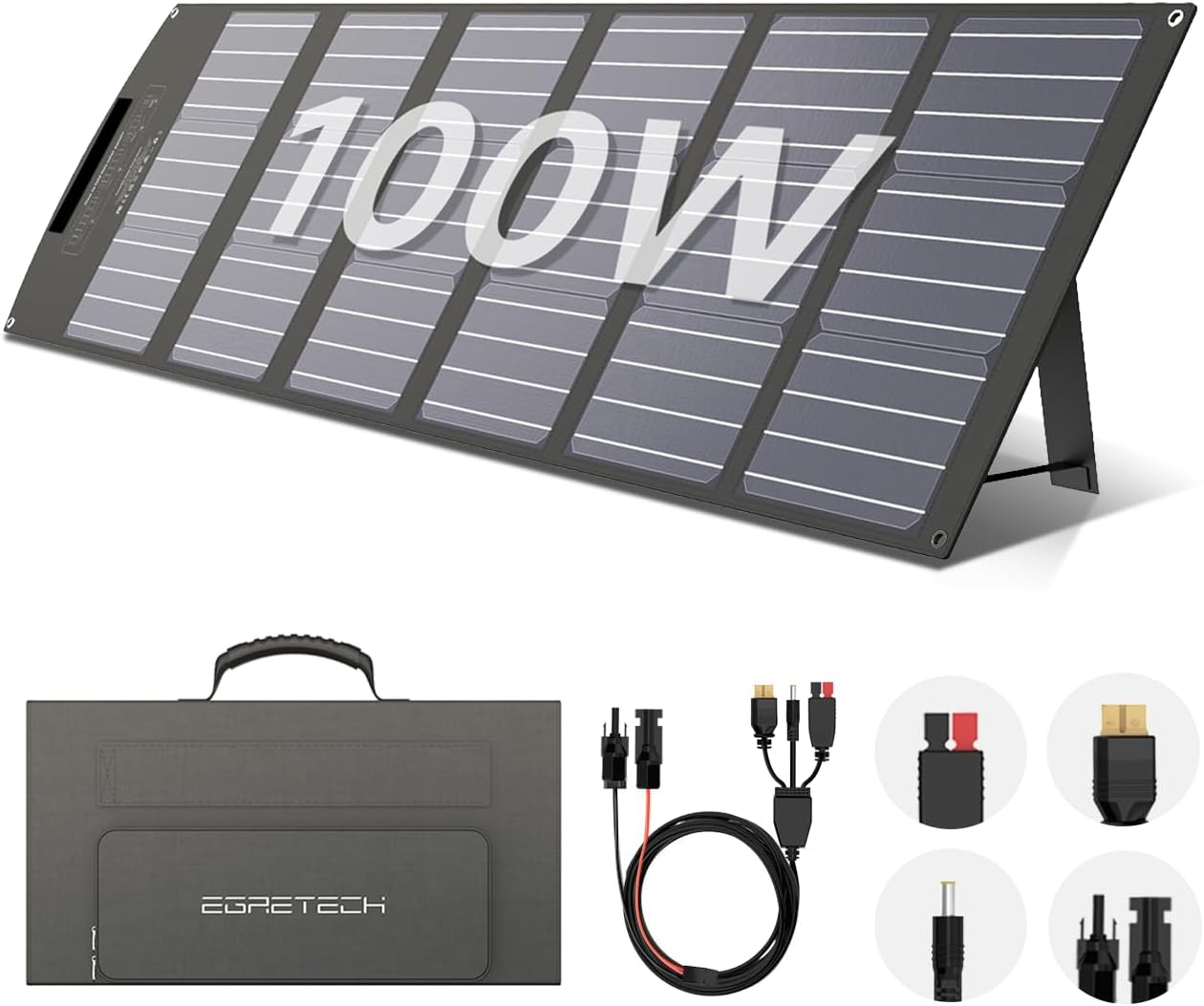
Image: The Egretech PSP Sonic 100W Portable Solar Panel shown folded with its various connection cables.
3. Ciri-ciri Utama
- Reka Bentuk Mudah Alih & Boleh Dilipat: Consists of 6 panels, folding into a compact briefcase size (19.8in x 11.1in x 2.8in) for easy transport and storage. Weighs approximately 11.90 lbs.

Image: A person easily carrying the lightweight, folded Egretech solar panel, highlighting its portability.
- Kalis Air & Tahan Lama: Features an IP65 waterproof rating and ETFE film on panels for protection against scratches, UV light, and inclement weather, extending lifespan.
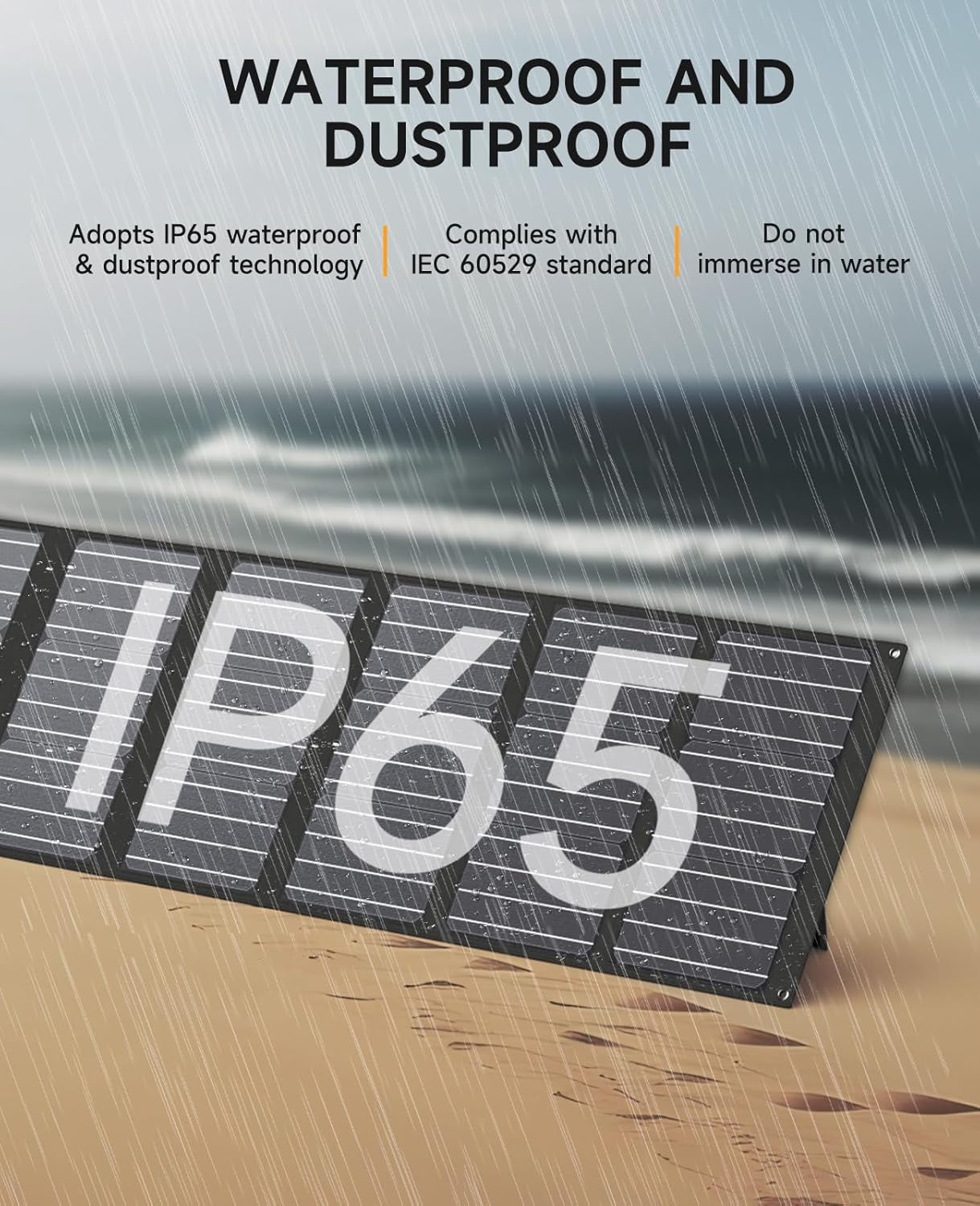
Image: The Egretech solar panel with an IP65 rating, shown with water droplets, indicating its waterproof and dustproof capabilities.
- Kecekapan Tinggi: Max output power of 100 watts with high-performance monocrystalline silicon solar cells, achieving up to 23% conversion rate for faster charging.

Image: The Egretech solar panel laid out on grass, displaying its operating voltage, conversion efficiency, and power output.
- Keserasian Luas: Equipped with MC-4 to DC5.5mm*2.1mm, XT60, and Anderson connectors, making it compatible with most portable power stations.

Image: A diagram illustrating the wide compatibility of the Egretech solar panel with different plug types (XT60, Anderson, DC5521) and compatible power stations.
- Kickstand boleh laras: Features 4 adjustable kickstands for optimal angling towards the sun, maximizing power output.

Imej: Dari dekat view of the integrated kickstand design, showing how it provides more stability compared to traditional designs.
4. Arahan Persediaan
- Buka lipatan Panel Suria: Carefully unfold the Egretech PSP Sonic 100W solar panel completely.

Image: A step-by-step diagram illustrating the effortless folding and unfolding process of the solar panel for storage and deployment.
- Position the Kickstands: Extend the integrated kickstands on the back of the panel. Adjust them to an angle that allows the panels to face the sun directly for maximum efficiency. Angles between 40° and 60° are generally optimal depending on the sun's position.

Image: Illustrations demonstrating the adjustable kickstands, allowing the solar panel to be angled at 40°, 50°, and 60° for optimal sunlight absorption.
- Sambung ke Stesen Kuasa:
- Take out the attached MC-4 cable.
- Connect the MC-4 port to the MC-4 connector of the PSP 100W.
- Connect the appropriate DC port (DC5521, XT60, or Anderson) to the DC input port of your power station.

Image: A four-step visual guide demonstrating how to connect the solar panel to a power station using the MC-4 cable and various DC adapters.
5. Arahan Operasi
Once connected, the solar panel will begin charging your power station automatically, provided there is sufficient sunlight. The charging speed will vary based on sunlight intensity, angle of the panel, and the power station's input capacity.
- Optimal Sunlight Exposure: Ensure the solar panel is placed in direct sunlight, free from shadows from trees, buildings, or other obstructions.
- Pelarasan Sudut: Periodically adjust the kickstands to maintain the optimal angle towards the sun as it moves across the sky.
- Mengecas Pemantauan: Refer to your power station's display to monitor the charging status and input wattage.

Image: A collage showing the Egretech solar panel being used in different outdoor scenarios, including camping, hiking, fishing, and RV travel.
6. Penyelenggaraan
- Pembersihan: Lap permukaan panel solar secara berkala dengan kain lembutamp cloth to remove dust, dirt, or debris. Avoid using abrasive materials or harsh chemicals that could scratch the ETFE film.
- Storan: When not in use, fold the solar panel and store it in a dry, cool place away from direct sunlight and extreme temperatures. The integrated kickstand case provides convenient storage.
- Pemeriksaan: Periodically inspect the cables and connectors for any signs of wear, damage, or corrosion. Ensure connections are secure before each use.
- Pendedahan Air: While the panel is IP65 waterproof, do not immerse it in water. Ensure connectors are dry before making connections.
7. Penyelesaian masalah
| Masalah | Kemungkinan Punca | Penyelesaian |
|---|---|---|
| Tiada output kuasa / Output kuasa rendah |
|
|
| Panel not folding correctly | Obstruction or improper alignment. | Ensure no debris is caught in the folds and align panels carefully as per folding instructions. |
| Connectors do not fit | Incompatible power station or incorrect adapter. | Ensure your power station is compatible with MC-4, XT60, Anderson, or DC5521 inputs. Use the correct adapter provided. |
8. Spesifikasi
| Atribut | Nilai |
|---|---|
| Jenama | Egretech |
| Model | PSP Sonic 100W |
| bahan | Silikon monocrystalline |
| Kuasa Maksimum | 100 Watt |
| Vol Maksimumtage (DC) | 17.5 Volt |
| Kecekapan | Sehingga 23% |
| Dimensi Produk (Tidak dilipat) | 78.74"L x 11.1"W x 2.8"H |
| Saiz Dilipat | 19.8"L x 11.1"W x 2.8"H |
| Berat Barang | 12.1 Paun (lebih kurang 5.49 kg) |
| Penilaian Kalis Air | IP65 |
| Jenis Penyambung | MC-4 to Anderson/XT60/DC5521 |
9. Waranti dan Sokongan
Egretech Official offers a Waranti 24 bulan for all products. This warranty covers defects in materials and workmanship under normal use. For warranty claims or technical assistance, please contact Egretech customer service.
Egretech is committed to providing high-quality customer service, including Q&A, consultation, repair and return services, and technical support.
For further assistance, please visit the official Egretech store or contact their support channels:
Ask a question about this manual
Ask about setup, troubleshooting, compatibility, parts, safety, or missing instructions. Manuals+ will review the question and use this page’s manual context to help answer it.