
pengenalan
This manual provides detailed instructions for the setup, operation, and maintenance of your Sharp SPC483 Digital Alarm Clock. Please read this guide thoroughly to ensure proper use and to maximize the clock's features. This battery-operated alarm clock features a tactile rubberized finish, a clear LCD display with an on-demand blue backlight, and an ascending alarm for a gentle wake-up.
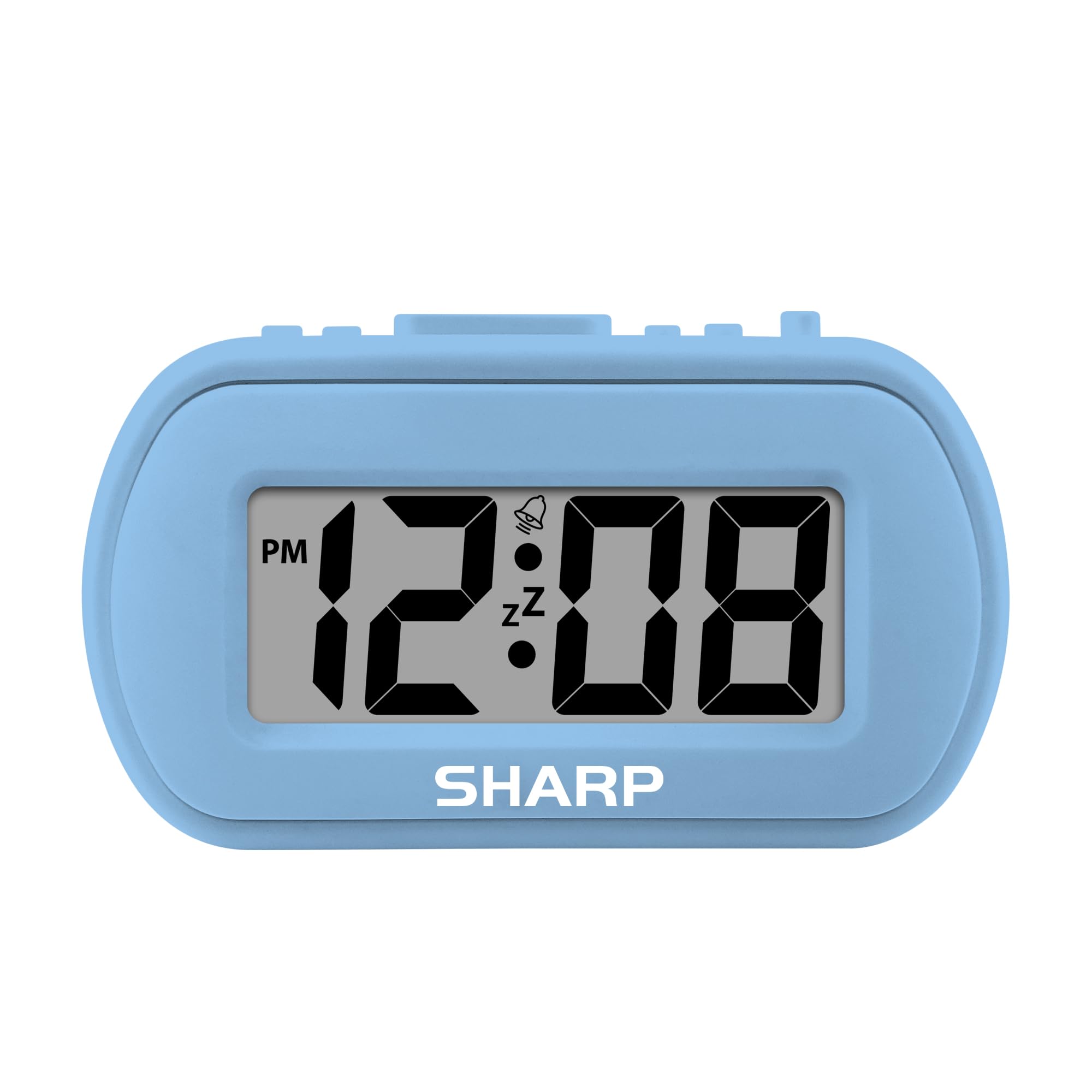
Image: The Sharp SPC483 Digital Alarm Clock, showcasinreka bentuknya yang padat dan paparan digital yang jelas.
Produk Selesaiview
The Sharp SPC483 Digital Alarm Clock is designed for simplicity and portability. Its key features include:
- Tactile Rubberized Case: Provides a comfortable grip and durable protection.
- Paparan LCD 1 inci yang besar: Ensures easy readability from a distance.
- Dikendalikan Bateri: Requires 2 AAA batteries (not included), offering cordless convenience.
- On-Demand Blue Backlight: Illuminates the display for 5 seconds when activated, ideal for night viewing.
- Penggera Menaik: Starts softly and gradually increases in volume.
- Tunda 5 Minit: Allows for additional rest before the alarm sounds again.
- Saiz padat: Measures approximately 4 inches (L) x 1.7 inches (W) x 2.3 inches (H), making it suitable for travel or small spaces.

Image: Key features of the Sharp SPC483 Digital Alarm Clock, including its display, finish, backlight, and alarm type.
Persediaan
1. Pemasangan Bateri
- Cari penutup petak bateri di belakang jam.
- Luncurkan penutup.
- Insert two (2) new AAA batteries, ensuring correct polarity (+ and -) as indicated inside the compartment.
- Gantikan penutup petak bateri.

Image: Top controls of the Sharp SPC483 Digital Alarm Clock, indicating button functions for time and alarm settings.
2. Menetapkan Masa
- Tekan dan tahan butang MASA DITETAPKAN button (labeled 'AL. TIME' on the left side) until the hour digits begin to flash.
- Tekan ke HR button to adjust the hour. Note the PM indicator for afternoon hours.
- Tekan ke MIN butang untuk menyesuaikan minit.
- Tekan ke MASA DITETAPKAN button again to confirm the time and exit time setting mode.
Arahan Operasi
1. Menetapkan Penggera
- Tekan dan tahan butang SET ALARM button (labeled 'AL. TIME' on the left side, same button as time set but a short press will show alarm time, long press for setting) until the alarm hour digits begin to flash.
- Tekan ke HR butang untuk menyesuaikan jam penggera.
- Tekan ke MIN butang untuk melaraskan minit penggera.
- Tekan ke SET ALARM butang sekali lagi untuk mengesahkan masa penggera.
- Untuk mengaktifkan penggera, luncurkan penggera ALARM ON / OFF switch (on the right side) to the 'ON' position. An alarm icon will appear on the display.
- Untuk mematikan penggera, luncurkan penggera ALARM ON / OFF switch to the 'OFF' position. The alarm icon will disappear.
2. Fungsi Tunda
Apabila penggera berbunyi, tekan besar TUNDA/LAMPU BELAKANG button located on the top center of the clock. The alarm will pause for approximately 5 minutes before sounding again. This can be repeated multiple times.
3. On-Demand Blue Backlight
Untuk menerangi paparan dalam keadaan cahaya malap, tekan butang TUNDA/LAMPU BELAKANG button. The blue backlight will activate for 5 seconds and then automatically turn off to conserve battery life.
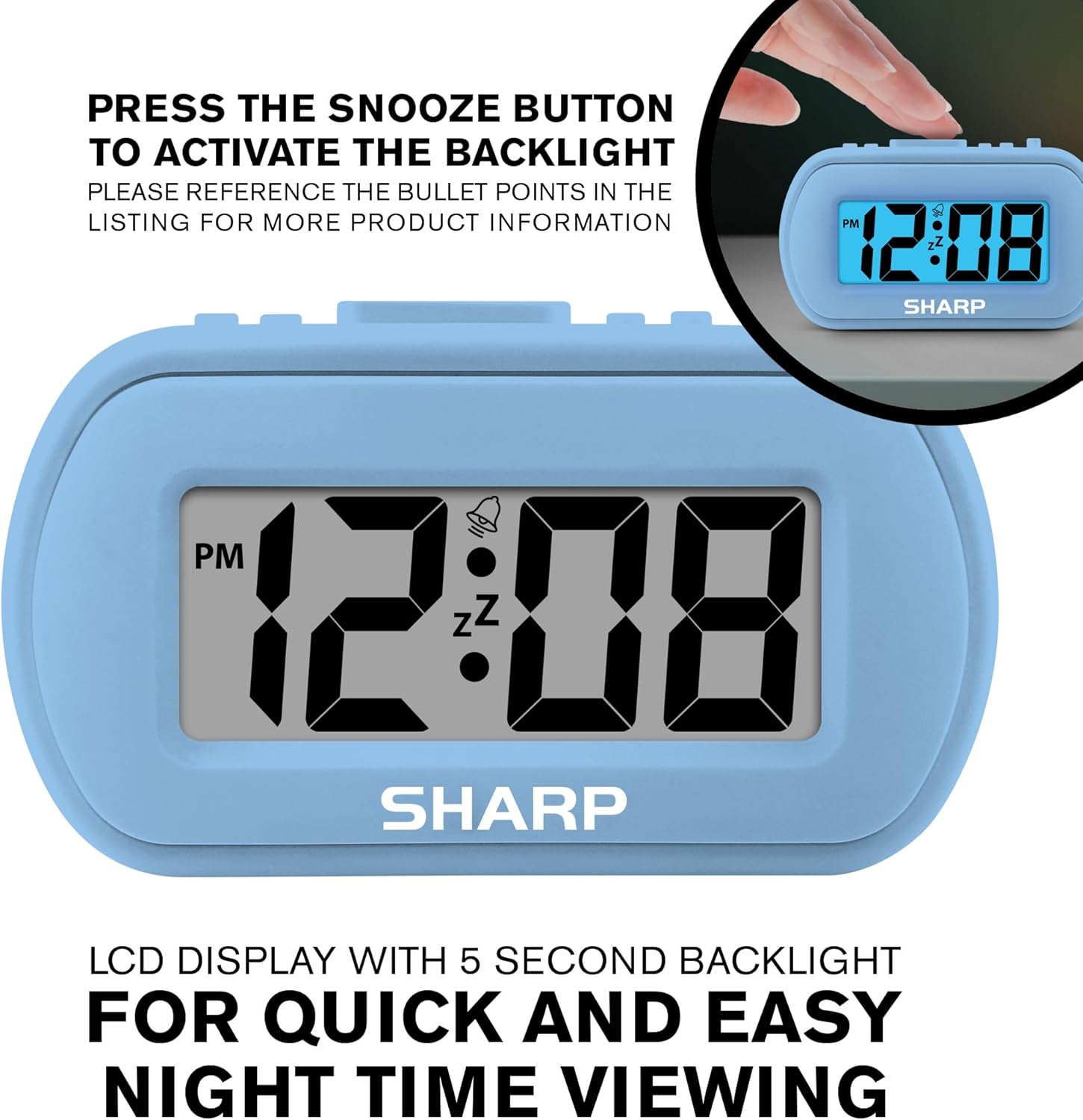
Image: The clock display illuminated by its blue backlight for easy viewdalam gelap.
4. Video Produk Rasmi
Video: Tayangan video produk rasmicasing the Sharp Digital Alarm Clock in Light Blue, demonstrating its features and ease of use.
Penyelenggaraan
To ensure the longevity and optimal performance of your Sharp SPC483 Digital Alarm Clock, follow these maintenance guidelines:
- Pembersihan: Wipe the clock with a soft, dry cloth. Avoid using abrasive cleaners or solvents, as they may damage the finish or display.
- Penggantian Bateri: Replace batteries when the display becomes dim or the clock stops functioning. Always replace both batteries at the same time with new AAA batteries.
- Storan: If storing the clock for an extended period, remove the batteries to prevent leakage and potential damage.
- Persekitaran: Keep the clock away from extreme temperatures, direct sunlight, and high humidity.
Menyelesaikan masalah
| Masalah | Penyelesaian |
|---|---|
| Paparan kosong atau malap. | Check battery installation. Replace with new AAA batteries if necessary. Ensure correct polarity. |
| Penggera tidak berbunyi. | Ensure the ALARM ON/OFF switch is in the 'ON' position. Verify the alarm time is set correctly. |
| Masa tidak betul. | Reset the time using the 'Setting the Time' instructions. Check battery strength. |
| Backlight does not activate. | Ensure batteries are fresh. The backlight is on-demand and only stays on for 5 seconds. |
Spesifikasi
- Nombor Model: SPC483
- Jenis Paparan: LCD Digital
- Sumber Kuasa: Dikuasakan oleh Bateri (2 x bateri AAA, tidak termasuk)
- Dimensi Produk: 4 inci (L) x 1.7 inci (W) x 2.3 inci (H)
- Ciri Khas: Ascending Alarm, 5-Minute Snooze, On-Demand Blue Backlight
- Bahan kes: Getah
- Jenis Bilik: Bedroom, Travel

Image: Dimensions of the Sharp SPC483 Digital Alarm Clock, illustrating its compact size.
Waranti dan Sokongan
For warranty information or technical support, please refer to the documentation included with your purchase or visit the official Sharp webtapak. Simpan bukti pembelian anda untuk sebarang tuntutan waranti.