
Jectse Jectseyk2xncfqmi-15
Jectse Voice Activated Watch with Digital Audio Recorder User Manual
Model: Jectseyk2xncfqmi-15
pengenalan
This manual provides comprehensive instructions for the Jectse Voice Activated Watch with Digital Audio Recorder. This device is designed for discreet audio and video recording, featuring noise reduction, automatic file saving, and OTG connectivity. Please read this manual thoroughly before using the product to ensure proper operation and to maximize its features.
Ciri-ciri Produk
- Rakaman Video: Supports HD video recording for capturing visual moments.
- Pengurangan Bunyi: Built-in chip for stable recording in complex environments, reducing noise for clear sound.
- OTG Connection: Allows direct connection to a phone for file access without a computer.
- Simpan Auto: Menyimpan secara automatik files when the battery is low to prevent data loss.
- Reka bentuk tahan lasak: Shakeproof and sweat-proof for reliable use in various conditions.
Persediaan
1. Mengecas Peranti
Before first use, fully charge the recorder watch. Connect the provided charging cable to the USB Data socket on the device and to a power source (e.g., computer USB port or USB wall adapter). The indicator light will show charging status.
2. Hidupkan/Mati Kuasa
To power on the device, long press the power button. To power off, long press the power button again. The device will indicate its status via the indicator light.
Arahan Operasi
1. Rakaman Audio
To start audio recording, slide the Voice Activated Switch to the 'ON' position. The indicator light will flash to confirm recording has started. To stop and save the recording, slide the switch to the 'OFF' position.
2. Rakaman Video
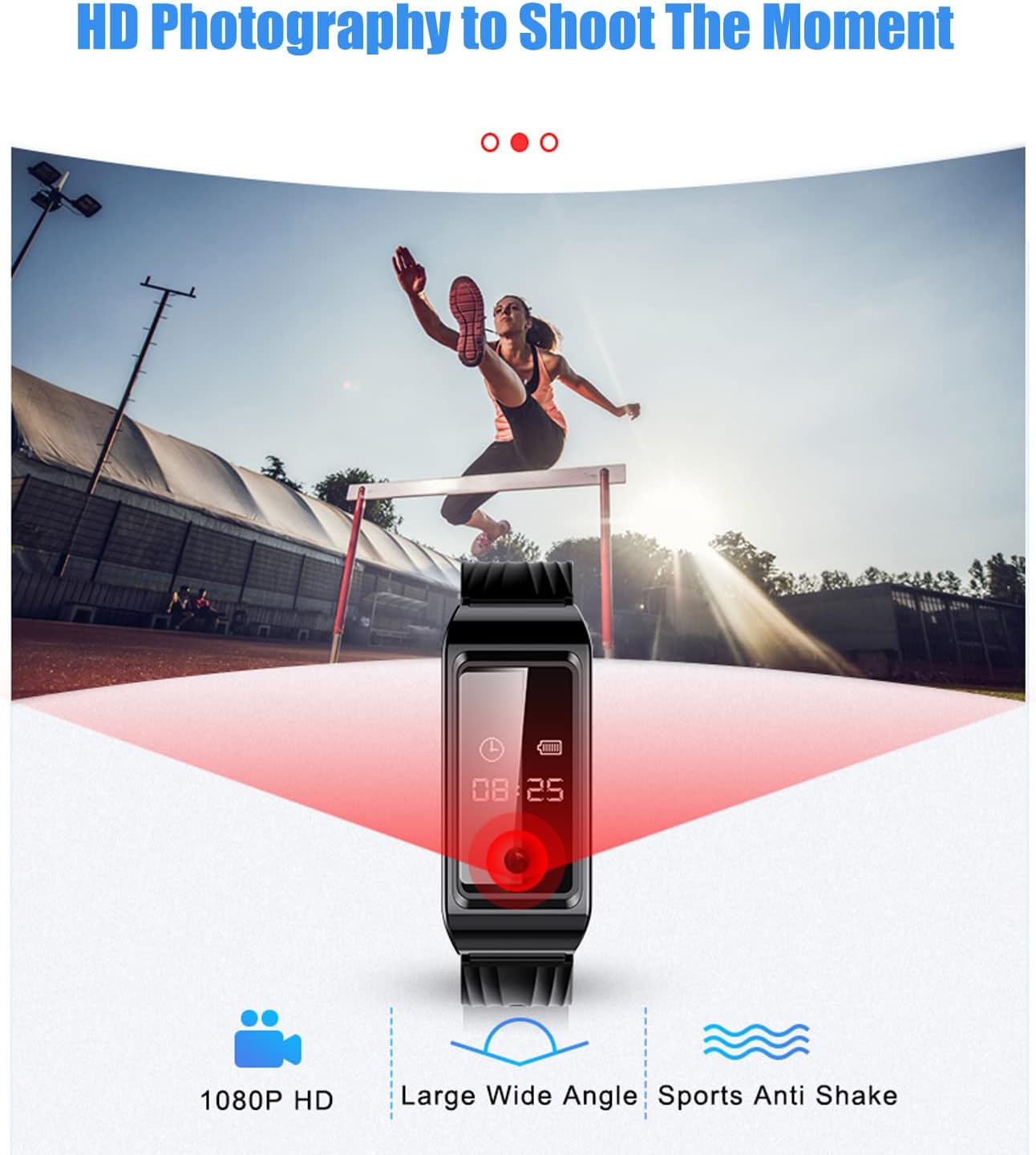
The device supports HD video recording. Refer to the detailed diagram for the 'Recording/Video Recording' button. Press this button to initiate video recording. The indicator light will change to signify video recording is active. Press again to stop recording and save the file.
3. Pengurangan Bunyi
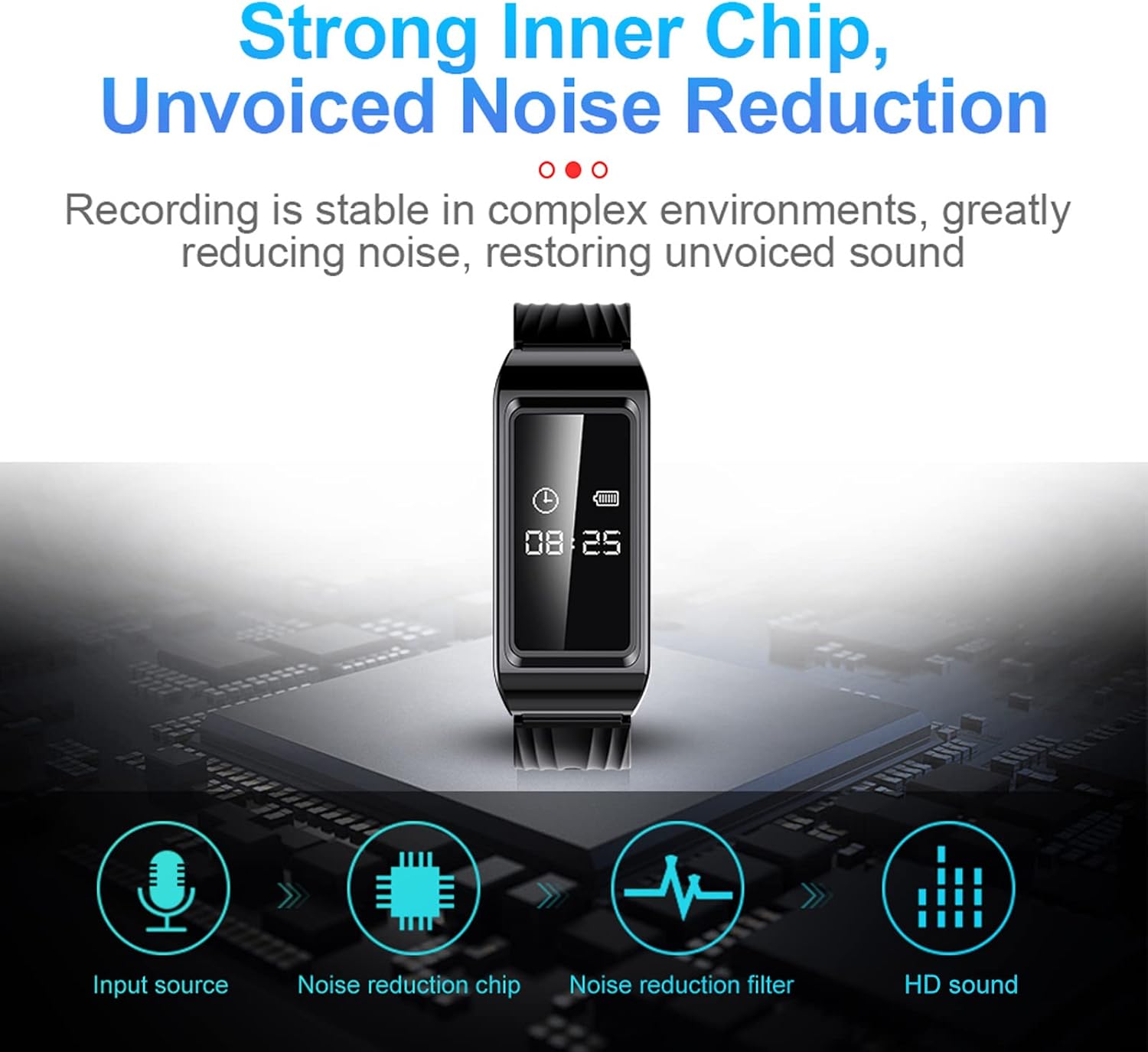
The built-in noise reduction chip automatically processes audio during recording to ensure high-quality, clear sound even in noisy environments.
4. OTG Connection Function
For urgent file access without a computer, use the OTG connection function. Connect the device to your phone using a compatible OTG cable to read and manage files secara langsung.

5. Automatic Timestamp
Semua direkodkan files are automatically stamped with the current date and time, facilitating easy organization and retrieval of specific recordings.

6. Main balik
To listen to recordings, connect the device to a computer or use the provided earphones. Navigate through the files to select and play your desired recordings.
Penyelenggaraan
- Keep the device clean and dry. Avoid exposure to extreme temperatures or direct sunlight.
- Jangan cuba membuka peranti, kerana ini akan membatalkan jaminan.
- Buat sandaran rakaman anda secara berkala untuk mengelakkan kehilangan data.
- The device is sweat-proof, but avoid prolonged submersion in water.

Menyelesaikan masalah
- Peranti tidak dihidupkan: Ensure the device is fully charged. If the issue persists, try resetting the device using the reset button (if available, refer to the product diagram).
- Rakaman tidak disimpan: Check battery level. The device automatically saves files when the battery is low. Ensure sufficient storage space.
- Kualiti audio yang lemah: Ensure the microphone is not obstructed. Try recording in a quieter environment. The built-in noise reduction should help in most situations.
- Cannot connect to PC/Phone: Ensure the USB cable or OTG adapter is correctly connected. Try a different port or cable.

Spesifikasi
| Jenis Item | Recorder Watch |
| bahan | ABS |
| Masa Mengecas | 2 jam |
| Format Imej | JPG |
| Format Rakaman | WAV |
| Format Video | AVI |
| Parameter Lensa | F NUMBER 2.25 |
| Resolusi Imej | 1920 x 1080 |
| Bateri Terbina dalam | 300mAh |
| Kapasiti Penyimpanan Memori | 128 GB |
| Masa Rakaman Digital | 8 jam |
| Faktor Bentuk Mikrofon | Terbina Dalam |
| Mod Operasi Mikrofon | Stereo |
| Peranti Serasi | Komputer Peribadi |
| Antara Muka Perkakasan | USB |
| Jack Fon Kepala | Tiada bicu fon kepala |
| Dimensi Bungkusan | 14.2 x 8.9 x 4.3cm; 145g |
| Negara Asal | China |


Waranti dan Sokongan
For warranty information or technical support, please refer to the official Jectse website or contact their customer service. Details can often be found on the product packaging or through the retailer where the product was purchased.
Ask a question about this manual
Ask about setup, troubleshooting, compatibility, parts, safety, or missing instructions. Manuals+ will review the question and use this page’s manual context to help answer it.