
1. Pengenalan
This manual provides detailed instructions for the operation and maintenance of your OLEVS Men's Chronograph Multifunction Quartz Watch, Model OPK-US-2875-JJ. Please read this manual thoroughly to ensure proper use and to maximize the lifespan of your timepiece.
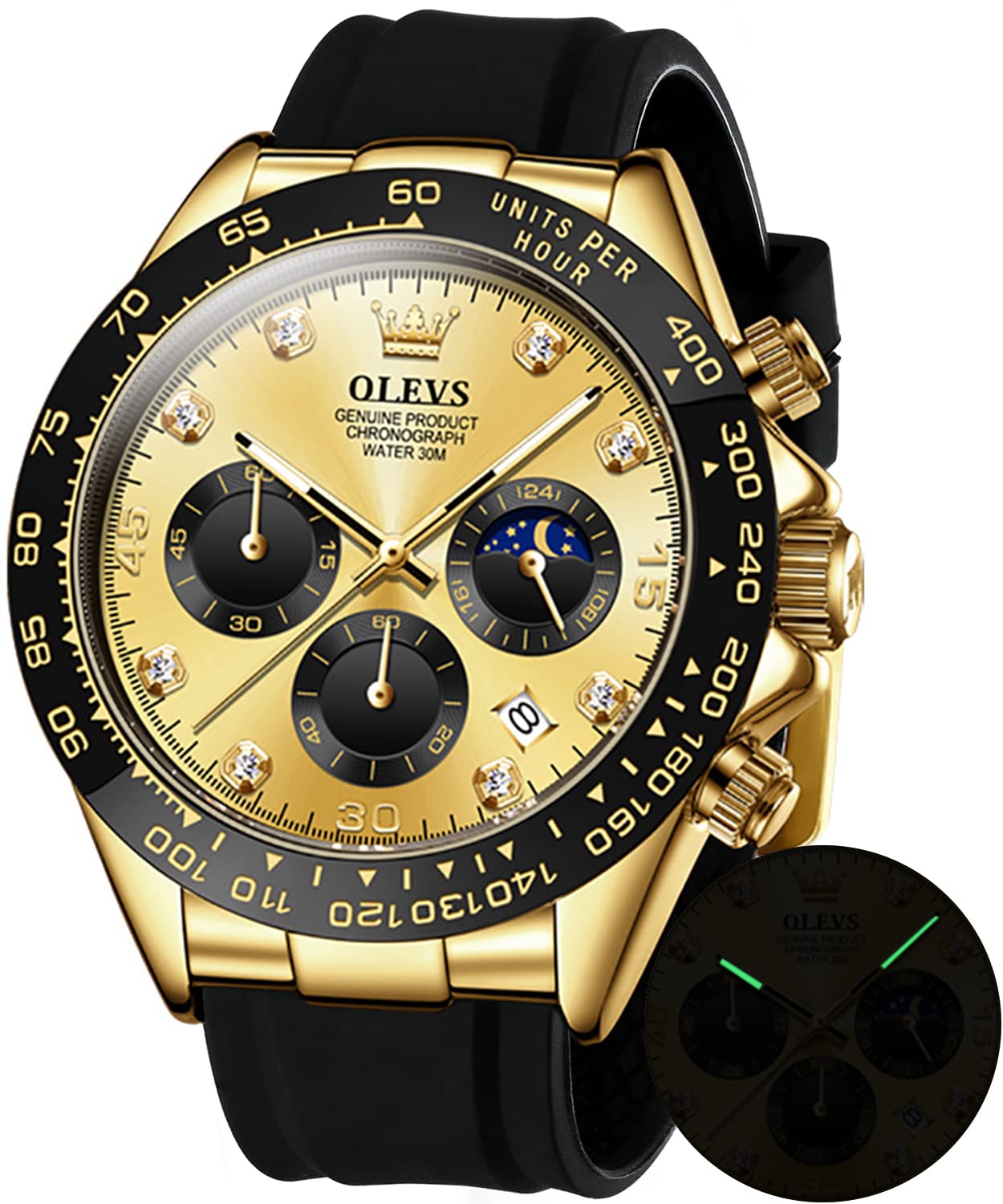
Image 1: OLEVS Men's Chronograph Watch, Gold color with black silicone strap.
2. Komponen Jam Tangan
Familiarize yourself with the main components of your watch:
- Mahkota: Digunakan untuk menetapkan masa dan tarikh.
- Penolak (A & B): Used for chronograph functions.
- Dail Utama: Memaparkan jam, minit dan saat.
- Subdail:
- Chronograph Minute Subdial
- Chronograph Second Subdial
- 24-Hour / Moon Phase Subdial
- Tetingkap Tarikh: Memaparkan tarikh semasa.
- Tangan Bercahaya: For visibility in low light.
- Tali Silikon: Durable and comfortable.
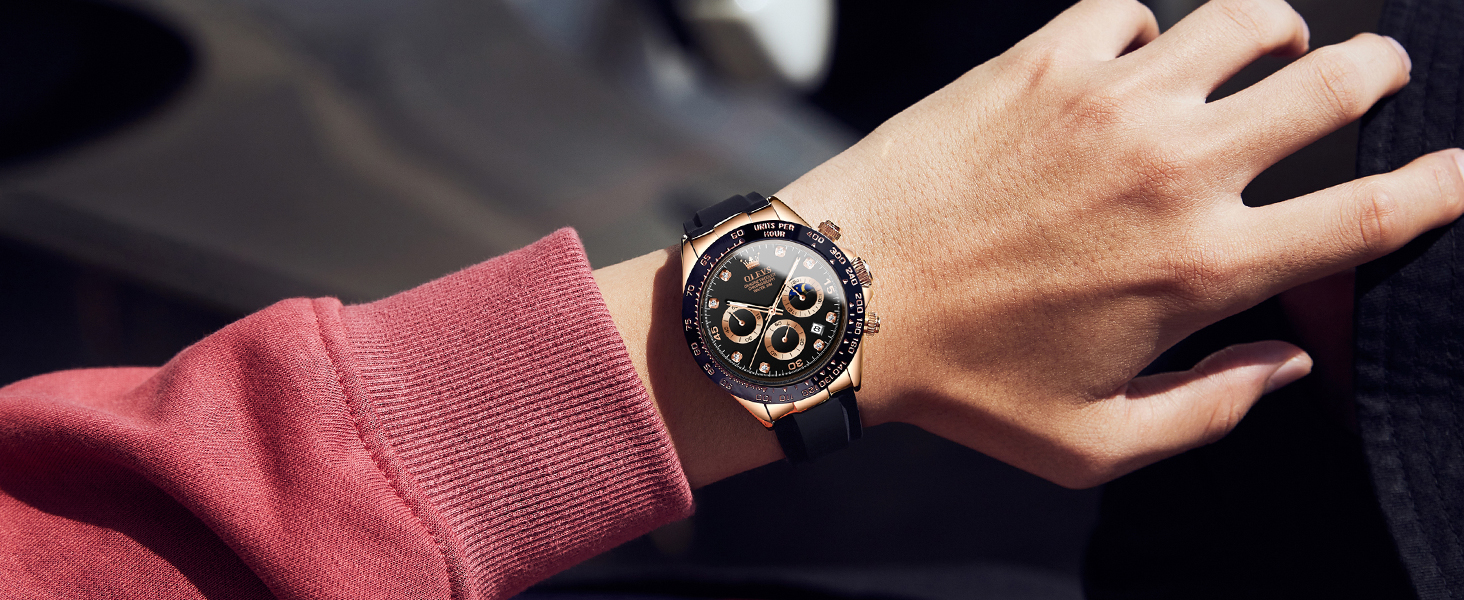
Image 2: Watch components and their functions, including crown, pushers, and subdials.
3. Persediaan dan Penetapan Masa
- Menetapkan Masa:
- Tarik mahkota keluar ke kedudukan kedua (farthest out).
- Putar mahkota untuk mengatur tangan jam dan minit.
- Push the crown back to the kedudukan pertama (normal operating position) to start the watch.
- Menetapkan Tarikh:
- Tarik mahkota keluar ke kedudukan pertama (one click out).
- Turn the crown clockwise or counter-clockwise (depending on the movement) to set the date.
- Once the correct date is displayed, push the crown back to the kedudukan pertama.
- Nota: Avoid setting the date between 9 PM and 3 AM, as this may interfere with the date change mechanism. If you need to set the date during this period, first set the time outside this range, adjust the date, then reset the time.
- Setting the 24-Hour / Moon Phase Subdial:
- This subdial typically synchronizes with the main hour hand. It indicates AM/PM and the approximate moon phase. It cannot be set independently.
4. Mengendalikan Chronograph
Fungsi kronograf membolehkan anda mengukur masa berlalu.
- Memulakan Chronograph: Press pusher A (top button) to start the chronograph second hand.
- Menghentikan Chronograph: Press pusher A again to stop the chronograph. The elapsed time will be indicated by the chronograph second and minute subdials.
- Menetapkan semula Chronograph: After stopping, press pusher B (bottom button) to reset all chronograph hands to their zero positions.
Video 1: Demonstration of the OLEVS watch features, including chronograph operation and design details. Duration: 0:38.
5. Penyelenggaraan
- Pembersihan: Wipe the watch regularly with a soft, dry cloth. For the silicone strap, a mild soap and water solution can be used, followed by thorough rinsing and drying.
- Tahan Air: This watch is water resistant up to 30 meters (3 ATM). It is suitable for daily use, such as hand washing, rain, and splashes. It is bukan suitable for swimming, diving, or hot showers/baths, as steam and temperature changes can compromise seals. Ensure the crown is fully pushed in before any contact with water.
- Suhu: Avoid exposing the watch to extreme temperatures (hot or cold) or sudden temperature changes, which can affect accuracy and seal integrity.
- Medan Magnet: Keep the watch away from strong magnetic fields, as these can interfere with the quartz movement.
- Penggantian Bateri: When the watch stops or the second hand moves erratically, the battery may need replacement. This should be performed by a qualified watch technician to maintain water resistance.
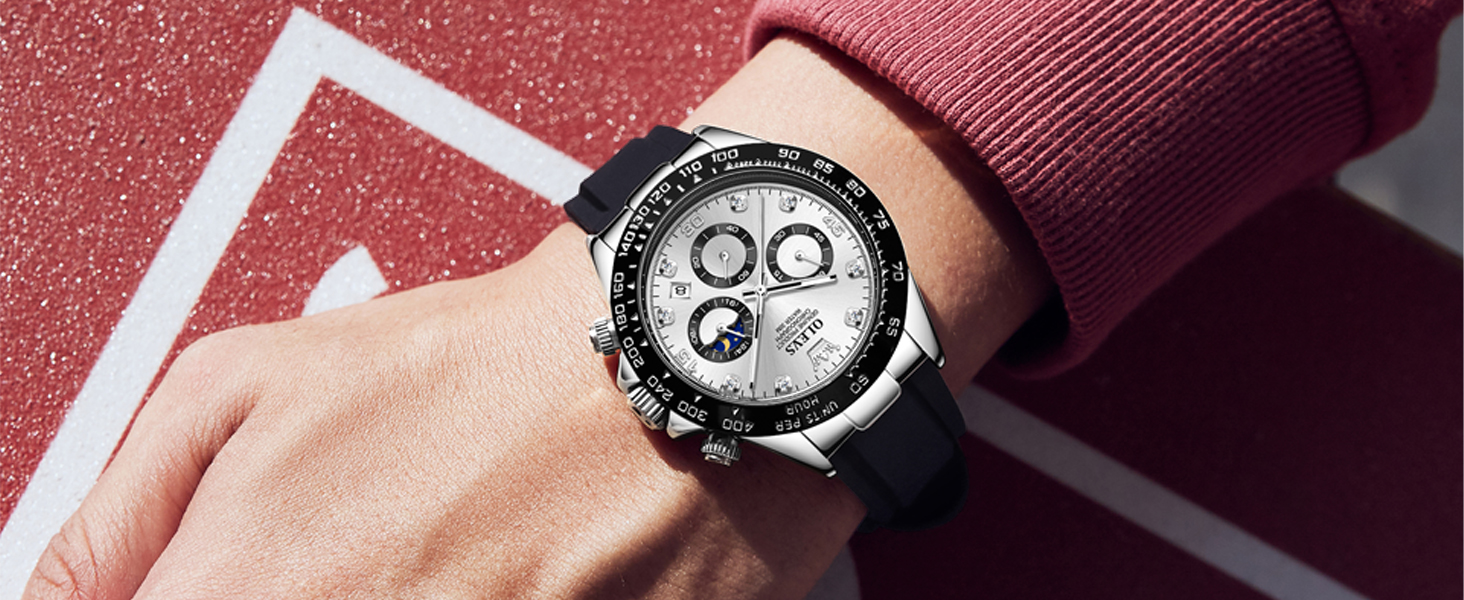
Image 3: Water resistance guidelines for the OLEVS watch, showing suitability for splash water, rain, and car wash, but not swimming or hot showers.
6. Penyelesaian masalah
| Masalah | Kemungkinan Punca | Penyelesaian |
|---|---|---|
| Tonton berhenti atau berjalan sekejap-sekejap. | Bateri lemah. | Gantikan bateri oleh juruteknik jam tangan profesional. |
| Tarikh tidak berubah pada tengah malam. | Masa ditetapkan secara salah (cth., kekeliruan PG/PTG). | Advance the time by 12 hours. Ensure the date changes around midnight. |
| Tangan kronograf tidak ditetapkan semula kepada sifar. | Memerlukan penentukuran. | Consult a watch technician for adjustment. |
| Pemeluwapan di dalam jam tangan. | Water ingress due to compromised seal or improper crown closure. | Segera bawa jam tangan kepada profesional untuk pemeriksaan dan pembaikan bagi mengelakkan kerosakan selanjutnya. |
7. Spesifikasi
| Jenama | OLEVS |
| Nombor Model | OPK-US-2875-JJ |
| Jenis Pergerakan | Quartz (Japanese-made) |
| Jenis Paparan | Analog |
| Bahan Kes | Keluli Tahan Karat |
| Diameter Kes | 41.5 Milimeter |
| Ketebalan Kes | 11.5 Milimeter |
| Bahan Band | silikon |
| Lebar Jalur | 2 Sentimeter |
| Panjang Jalur | 20 Sentimeter |
| Bahan Kristal | Glass (High hardness coated mirror) |
| Kedalaman Rintangan Air | 30 Meter (3 ATM) |
| Ciri Khas | Chronograph, Moon Phase, Date Display, Luminous Hands |
| Berat Barang | 0.12 Kilogram (lebih kurang 4.23 auns) |
8. Waranti dan Sokongan
For warranty information or technical support, please refer to the documentation included with your purchase or contact OLEVS customer service. Keep your purchase receipt as proof of purchase for warranty claims.
Pengeluar: OLEVS
model: OPK-US-2875-JJ