
YABER Pro V8
Manual Pengguna Projektor YABER Pro V8
Model: Pro V8
1. Pengenalan
The YABER Pro V8 Projector is a state-of-the-art entertainment device designed to deliver an immersive viewing experience. Featuring native 1080P resolution with support for 4K content, 19000 lumens brightness, and advanced connectivity options like WiFi 6 and Bluetooth 5.2, it is ideal for home theater, gaming, and presentations. Its innovative 4D/4P keystone correction and long-lasting lamp ensure convenience and durability.

Figure 1.1: YABER Pro V8 Projector
2. Apa yang ada di dalam Kotak
Sahkan bahawa semua item ada semasa menyahkotak:
- Membawa Beg
- AV kabel
- Kit Pembersihan
- Kabel HDMI
- Kord Kuasa
- Alat Kawalan Jauh
3. Ciri-ciri Produk
3.1 Enhanced Picture Quality & Brightness
The Pro V8 features 19000 Lumens brightness and native 1080P resolution, supporting 4K content. It offers +50% clarity and +100% contrast for sharp, vivid images. Enjoy a 400" screen in dark environments or a 60-80" screen with excellent visuals under natural light.
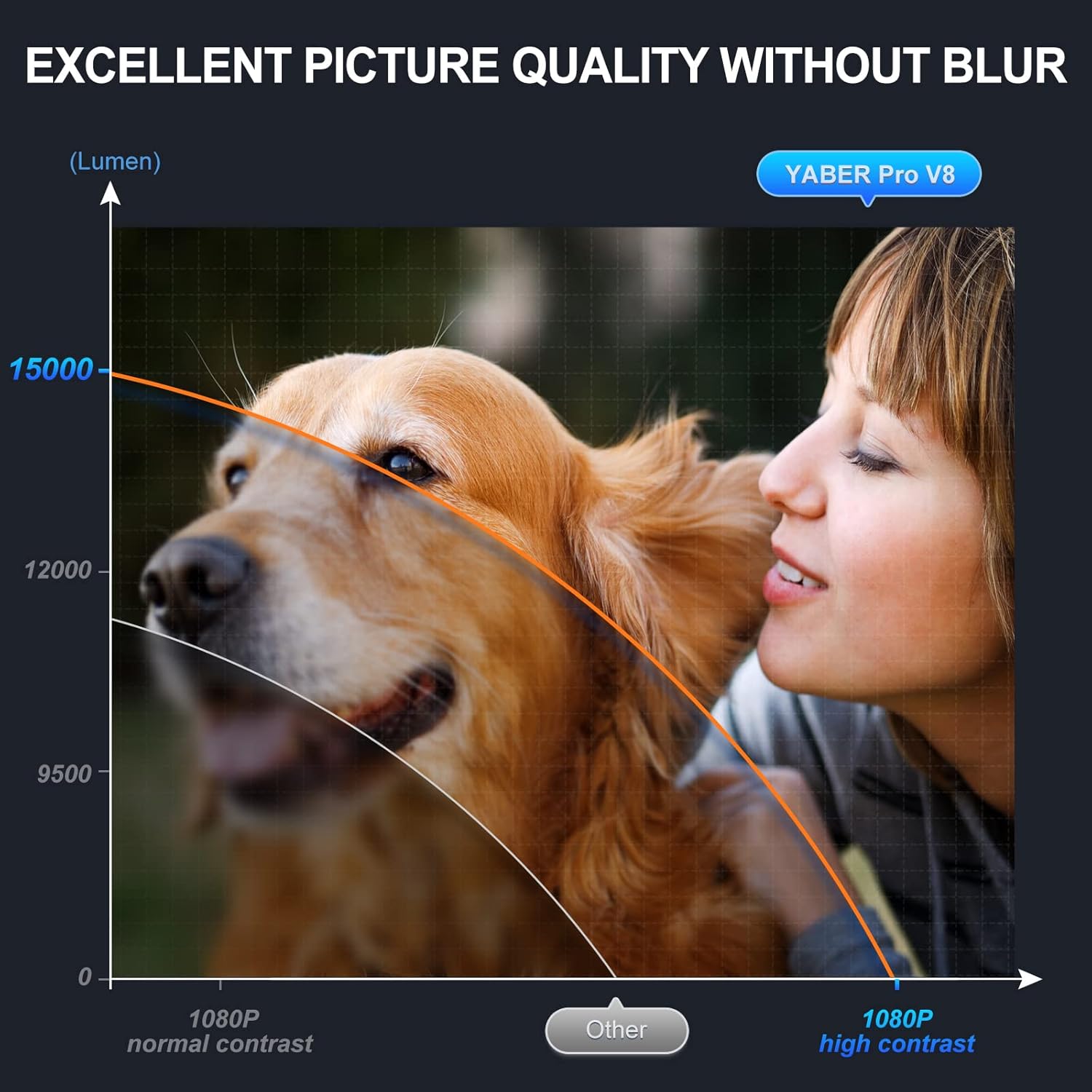
Figure 3.1: Enhanced Picture Quality
3.2 Latest Wi-Fi 6 & Bluetooth 5.2 Technology
Equipped with ultra-fast Wi-Fi 6 (up to 1.8Gbps) and Bluetooth 5.2, the projector ensures smoother, more stable streaming for movies, cartoons, games (including PS5), and live shows. It is also compatible with 2.4G and 5G Wi-Fi routers.

Figure 3.2: Wi-Fi 6 Performance
3.3 Innovative 4D/4P Keystone Correction & Zoom
Adjust the vertical and horizontal projection angle by ±50° with 4D/4P keystone correction. The zoom function allows for flexible screen sizing. Control the projector via dedicated apps with Miracast and remote control functionalities.

Figure 3.3: Keystone Correction in Use
3.4 Shorter Throw, Larger Screen
The upgraded short throw technology provides a 150% larger screen than comparable projectors at the same distance, offering a more immersive experience. Integrated 5W*2 Hi-Fi stereo surround speakers deliver a rich audio-visual feast.

Figure 3.4: Shorter Throw Distance for Larger Screen
3.5 Long Lamp kehidupan
Utilizing SmarEco technology, the lamp life is extended up to 160,000 hours, minimizing power consumption and ensuring long-term use.
4. Panduan Persediaan
4.1 Initial Placement and Power
Place the projector on a stable, flat surface. Ensure adequate ventilation around the device. Connect the power cord to the projector and then to a power outlet.
Video 4.1: Features and Guide for YABER Pro V8 Projector. This video demonstrates the unboxing, components, and initial setup steps for the projector, including physical placement and power connection.
4.2 Melaraskan Sudut dan Fokus Unjuran
Use the adjustable foot on the bottom of the projector to raise or lower the front. Rotate the focus ring near the lens to achieve a clear image. Utilize the 4D/4P keystone correction feature (accessible via remote or on-device controls) to square the image if the projector is not perfectly aligned with the screen.
4.3 Menyambung ke Peranti
Projektor menyokong berbilang sumber input:
- HDMI: Connect your laptop, gaming console (PS5), TV stick, or other HDMI-enabled devices.
- USB: Insert a USB drive to play movies, music, photos, or view office documents directly.
- DARI: Gunakan kabel AV yang disediakan untuk menyambungkan peranti lama.
- Wi-Fi: Connect to your home Wi-Fi network (2.4G, 5G, or Wi-Fi 6) for online streaming and screen mirroring.
- Bluetooth: Gandingkan dengan pembesar suara Bluetooth luaran, fon kepala atau peranti audio lain untuk bunyi yang dipertingkatkan.

Figure 4.1: Connecting external audio devices via Bluetooth.
5. Arahan Operasi
5.1 Navigasi dan Menu
Use the included remote control or the buttons on top of the projector to navigate the main menu. Select desired input sources (HD, AV, MHUB) or media types (Movie, Music, Photo, Office Suite).
5.2 Screen Mirroring (Phone Cast)
The projector supports iOS Cast and Android Cast for screen mirroring from your mobile device. Ensure your phone and projector are connected to the same Wi-Fi network. Select the appropriate casting option from the main menu and follow the on-screen instructions on your phone.
Video 5.1: This video demonstrates how to connect your mobile phone to the projector for screen mirroring using Wi-Fi display technology.
6. Penyelenggaraan
Regular maintenance ensures optimal performance and extends the projector's lifespan.
- Pembersihan Kanta: Gunakan kit pembersih yang disediakan untuk mengelap kanta projektor dengan lembut. Elakkan bahan kasar yang boleh menggaru permukaannya.
- Penyingkiran habuk: Periodically clean the ventilation vents to prevent dust buildup, which can affect performance and cause overheating.
- Storan: When not in use, store the projector in its carrying bag in a cool, dry place to protect it from dust and damage.
7. Penyelesaian masalah
| Masalah | Kemungkinan Punca | Penyelesaian |
|---|---|---|
| No image / Blurry image | Incorrect focus, keystone, or input source. | Adjust focus ring and keystone correction. Verify correct input source is selected. |
| Tiada bunyi | Volume too low, incorrect audio output, or un-paired Bluetooth device. | Increase volume. Check audio settings. Re-pair Bluetooth device if applicable. |
| Isu sambungan Wi-Fi/Bluetooth | Di luar julat, gangguan atau tetapan rangkaian yang salah. | Ensure devices are within range. Restart projector and router. Re-enter Wi-Fi password. |
| Projektor terlalu panas | Blocked ventilation or prolonged use. | Ensure vents are clear. Allow projector to cool down after extended use. |
8. Spesifikasi
| Ciri | Perincian |
|---|---|
| Dimensi Produk | 9.5 x 7.7 x 3.7 inci |
| Berat Barang | 6.21 paun |
| Resolusi Paparan | Asli 1920 x 1080P |
| Resolusi Paparan Maks | 4096 x 2160 (4K Disokong) |
| Kecerahan | 19000 Lumen |
| Teknologi Ketersambungan | Bluetooth 5.2, WiFi 6 (2.4G/5G compatible) |
| Lamp kehidupan | Sehingga 160,000 jam |
| Penceramah | 5W*2 Hi-Fi Stereo Surround |
9. Waranti dan Sokongan
The YABER Pro V8 Projector comes with a 6-month backup warranty and 3-year maintenance support. Lifetime professional technical support is also provided.
For any questions or assistance, please contact YABER customer support.
Ask a question about this manual
Ask about setup, troubleshooting, compatibility, parts, safety, or missing instructions. Manuals+ will review the question and use this page’s manual context to help answer it.