
AOSHIDA E30II
TOPPING E30II Digital to Analog Audio Converter User Manual
Brand: AOSHIDA | Model: E30II
1. Produk Lebihview
The TOPPING E30II is a high-performance Digital to Analog Audio Converter (DAC) designed to deliver exceptional audio quality. It features versatile input options including USB, coaxial, and optical, making it compatible with a wide range of audio sources. Equipped with dual AK4493S decoding chips, the E30II provides superior signal-to-noise ratio, dynamic range, and low distortion. It can function as a standalone DAC or as a preamplifier with full digital volume control, displayed on its integrated LED screen. The device also includes an automatic on/off function for convenience and power efficiency.

Figure 1.1: TOPPING E30II Digital to Analog Audio Converter and its remote control.
Ciri-ciri Utama:
- Dual AK4493S Decoding Chips: Utilizes two AK4493S chips for enhanced audio performance, including improved SINAD, SNR, dynamic range, and noise levels.
- Input Serbaguna: Supports USB, optical, and coaxial inputs for broad compatibility with various digital audio sources.
- Sokongan Audio Resolusi Tinggi: USB input supports up to 32bit/768kHz PCM and DSD64-DSD512 (Native), DSD64-DSD256 (DoP). Optical and coaxial inputs support up to 24bit/192kHz PCM.
- PraampFungsi lifier: Features full digital volume control and an LED screen, allowing it to be used as a DAC or a preamplebih hidup.
- Discrete LNRD Circuit: Incorporates a discrete LNRD circuit to filter out noise from the 5V power supply, achieving a noise floor lower than 1.5uV.
- Hidup/Mati Automatik: Includes an auto on/off function that automatically turns the device on or off based on signal detection.
- Portable 5V Power Supply: Operates on a DC5V power supply, enabling power via PC USB ports, mobile phone chargers, or power banks.
2. Apa yang ada di dalam Kotak
Semasa membuka bungkusan, sila pastikan semua item berikut ada:
- 1 x TOPPING E30II Digital to Analog Audio Converter
- 1 x DC power cable
- 1 x kabel USB
- 1 x Manual pengguna
- 1 x TOPPING warranty card
- 1 x Alat kawalan jauh
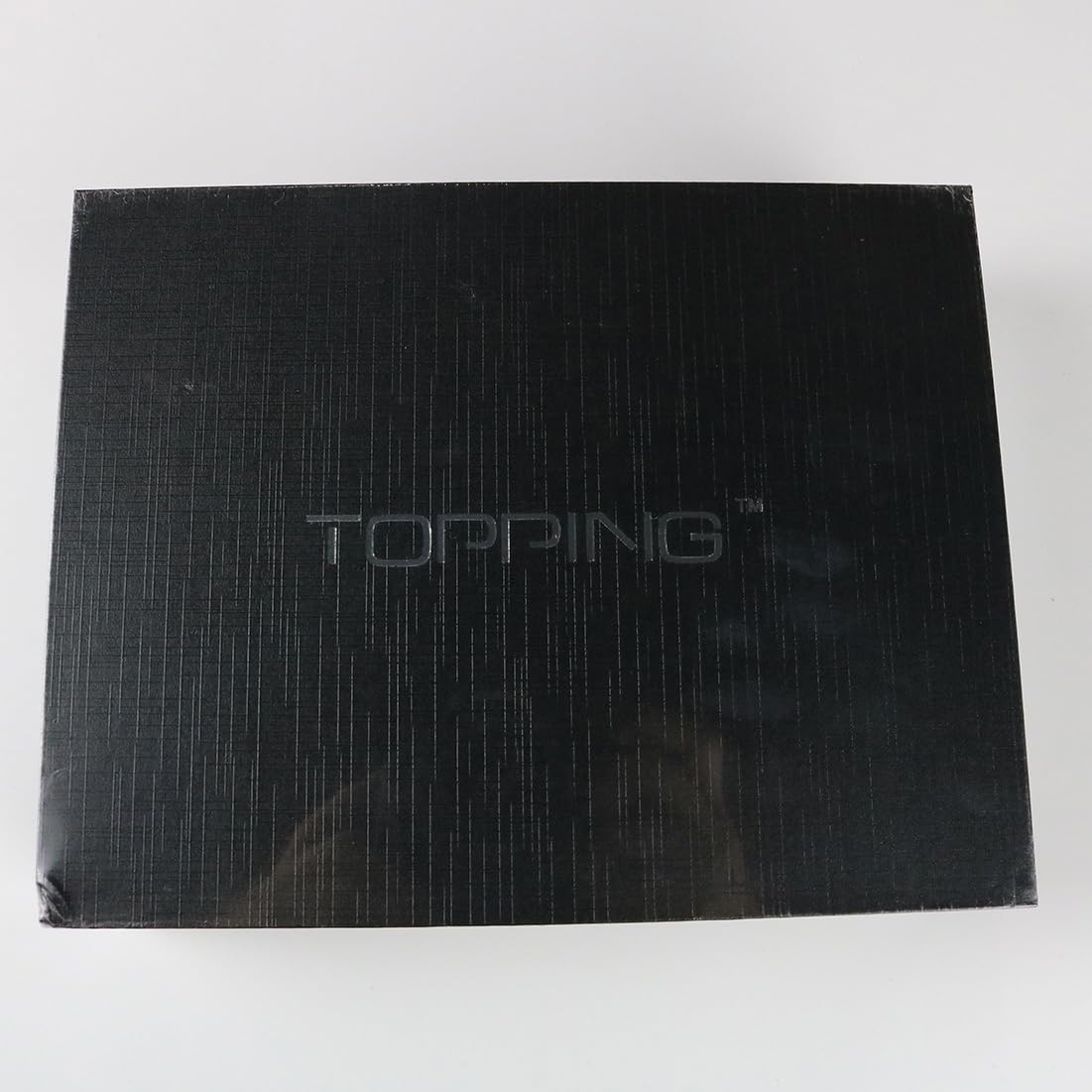
Figure 2.1: Contents of the TOPPING E30II package.
Video 2.1: An unboxing video demonstrating the contents of the TOPPING E30II package.
3. Panduan Persediaan
3.1. Sambungan
The E30II offers multiple input options to connect to your audio sources and L/R RCA outputs for connection to an amppembesar atau pembesar suara aktif.
- Input USB: Connect your PC or other USB audio source to the USB input port (8) using the provided USB cable. This input supports high-resolution audio up to 32bit/768kHz PCM and DSD512.
- Input Optik: Connect digital audio sources such as CD players, TVs, or game consoles to the Optical SPDIF input (7). This input supports up to 24bit/192kHz PCM.
- Input sepaksi: Connect digital audio sources to the Coaxial SPDIF input (6). This input also supports up to 24bit/192kHz PCM.
- Keluaran Analog: Connect the Left (5) and Right (4) RCA outputs to your amplifier or active speakers using appropriate RCA cables.

Figure 3.1: Rear panel connections of the TOPPING E30II. 1. LED screen, 2. Remote control receiver, 3. Multifunction touch button, 4. Right RCA output, 5. Left RCA output, 6. Coaxial SPDIF input, 7. Optical SPDIF input, 8. USB input, 9. Power input (DC5V/1A).
3.2. Bekalan Kuasa
The E30II operates on a DC5V power supply. Use the provided DC cable to connect the device to a suitable 5V power source. This can be a USB port on your PC, a mobile phone charger, or a power bank. The device has a built-in protection circuit to prevent damage from incorrect power supply connections.

Figure 3.2: The E30II can be powered by a standard 5V DC source, such as a PC's USB port.
3.3. Driver Installation (for USB)
For optimal performance when connecting to a PC via USB, especially for ASIO applications, driver installation may be required. The E30II is compatible with Windows 10, Windows 11, Mac, Linux, iOS, and Android. For Windows systems, you may need to install specific drivers for full functionality and high-resolution audio playback.

Figure 3.3: The E30II can turn your PC into a HiFi source. Driver installation may be necessary for certain operating systems or advanced audio applications.
4. Operasi
4.1. Kawalan Asas
The E30II features a multifunction touch button (3) on the front panel for basic control, and an LED screen (1) to display current settings and status.
- Hidupkan/Mati Kuasa: Press and hold the multifunction touch button to power the device on or off.
- Pemilihan Input: Short press the multifunction touch button to cycle through available input sources (USB, Optical, Coaxial).
- Kawalan Kelantangan: Use the remote control to adjust the volume when operating in preampmod penguat.
4.2. Automatic On/Off Function
The E30II is equipped with an automatic on/off function. If no valid signal is detected on the selected input for 1 minute, the device will automatically turn off. It will automatically turn on when a valid signal is detected again.

Figure 4.1: The E30II features an automatic on/off function for convenience.
4.3. Alat Kawalan Jauh
The included remote control provides full access to all functions, including power, input selection, volume adjustment, and filter modes. Ensure the remote is aimed directly at the remote control receiver (2) on the front panel for optimal response.
Figure 4.2: The remote control allows for convenient operation of the E30II from a distance.
5. Spesifikasi Teknikal
| kategori | Perincian |
|---|---|
| USB Input PCM | 44.1kHz-768kHz/16bit-32bit |
| USB Input DSD | DSD64-DSD512 (Native), DSD64-DSD256 (DoP) |
| Optical/Coaxial Input PCM | 44.1kHz-192kHz/16bit-24bit |
| THD+N @1kHz (A-wt) | <0.00015% |
| THD @90kBw (Tidak-berat) | <0.00060% @20-20kHz |
| SNR @A-wt | 123dB @ 1kHz |
| Julat Dinamik @A-wt | 123dB @ 1kHz |
| Respons Kekerapan | 20Hz-20kHz (+0.3dB), 20Hz-40kHz (+0.8dB) |
| Tahap Keluaran | 2.1Vrms @0dBFS |
| Bising @A-wt | <1.5uVrms |
| Crosstalk Saluran @ 1kHz | -132dB |
| Baki Saluran | <0.3dB |
| Impedans Keluaran | 20Ω |
| warna | Hitam (warna lain mungkin ada) |
| Saiz | 10 x 12.5 x 3.2 cm (lebih kurang 3.94 x 4.92 x 1.26 inci) |
| Berat badan | 265g (lebih kurang 10.58 auns) |
| Bekalan Kuasa | DC5V |
| Nombor Model Item | TOPPING E30 II Black |
| Pengeluar | TOPING |
Note: The above data is the result of testing by the TOPPING laboratory.
6. Penyelenggaraan
To ensure the longevity and optimal performance of your TOPPING E30II, please follow these maintenance guidelines:
- Pembersihan: Gunakan kain lembut dan kering untuk membersihkan bahagian luar peranti. Elakkan menggunakan pembersih cecair, aerosol atau bahan kasar, kerana ia boleh merosakkan kemasan atau komponen dalaman.
- penempatan: Letakkan peranti di atas permukaan yang stabil dan rata, jauh daripada cahaya matahari langsung, sumber haba dan kelembapan berlebihan. Pastikan pengudaraan yang mencukupi di sekitar unit untuk mengelakkan terlalu panas.
- Bekalan Kuasa: Always use the specified DC5V power supply. Disconnect the power cable during lightning storms or when the unit is left unused for long periods.
- Pengendalian: Kendalikan peranti ini dengan berhati-hati. Elakkan daripada menjatuhkan atau mendedahkannya kepada hentaman yang kuat.
7. Penyelesaian masalah
If you encounter any issues with your TOPPING E30II, please refer to the table below for common problems and their solutions.
| Masalah | Kemungkinan Punca | Penyelesaian |
|---|---|---|
| No Power / Intermittent Power | Loose power connection, faulty power supply, internal issue. | Ensure the DC cable is securely connected to the device and the power source. Verify the power supply is providing a stable 5V. If issues persist, contact customer support. |
| Tiada Keluaran Bunyi | Incorrect input selection, incorrect driver installation (for USB), faulty cables, incorrect output settings. | Verify the input source selected on the device matches the active input. Reinstall USB drivers if necessary (for PC connections). Check all RCA and digital audio cables for secure connection. Ensure the output volume is not muted or set too low. |
| Alat Kawalan Jauh Tidak Bertindak Balas | Obstruction between remote and device, low battery, incorrect aiming. | Ensure there are no obstructions between the remote and the device's remote control receiver. Replace the remote battery if it's low. Aim the remote directly at the device's front panel. |
8. Waranti dan Sokongan
8.1. Maklumat Waranti
Your TOPPING E30II comes with a warranty. Please refer to the included TOPPING warranty card for detailed terms and conditions regarding warranty coverage, duration, and service procedures. Keep your purchase receipt as proof of purchase for warranty claims.
8.2. Sokongan Pelanggan
For any questions, technical assistance, or service requests not covered in this manual, please contact the AOSHIDA after-sales service team. They are available to provide 24-hour service and support.
For further detailed assistance and comprehensive information, please refer to the official Manual Pengguna (PDF).
Ask a question about this manual
Ask about setup, troubleshooting, compatibility, parts, safety, or missing instructions. Manuals+ will review the question and use this page’s manual context to help answer it.