
1. Produk Lebihview
The ExtreLife Magnetic Wallet with AirTag Holder is designed to securely attach to your iPhone 12/13/14/15/16 series or MagSafe-compatible case. It offers convenient storage for up to 6 cards, features RFID blocking technology for security, and includes a dedicated slot for an Apple AirTag (not included) to enhance tracking capabilities. The wallet also functions as an adjustable phone stand.

Figure 1: ExtreLife Magnetic Wallet attached to an iPhone.
2. Persediaan
2.1 Inserting the AirTag
- Locate the circular AirTag holder on the wallet.
- Gently push the AirTag into the designated circular slot until it sits snugly.
- Ensure the AirTag is fully seated and secure within the holder.
Video 1: Official product video demonstrating AirTag insertion and MagSafe attachment.
2.2 Attaching to iPhone
- Ensure your iPhone is a 12/13/14/15/16 series model or has a MagSafe-compatible case.
- Align the back of the wallet with the MagSafe area on your iPhone or case.
- The strong magnets will snap the wallet securely into place.
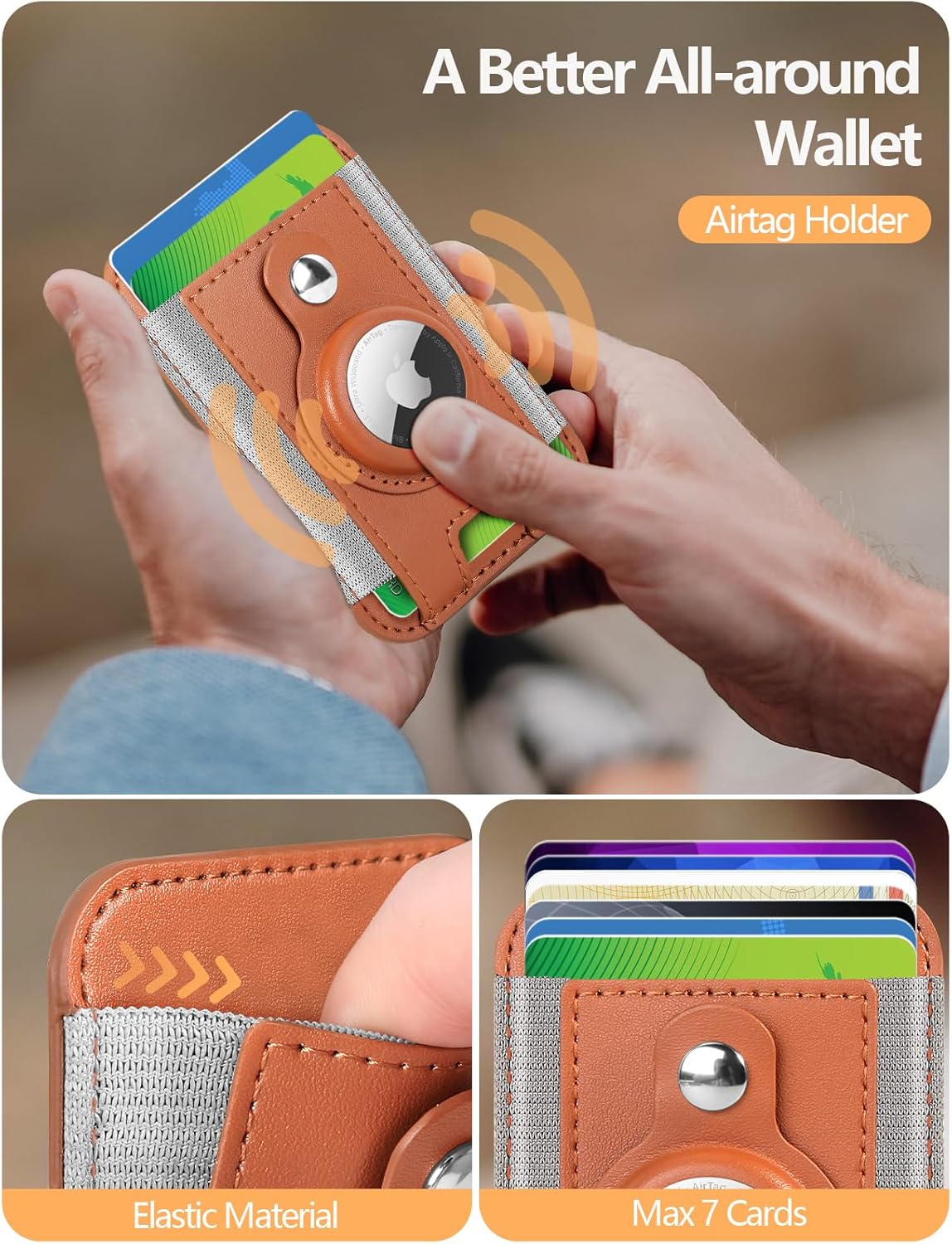
Figure 2: Wallet attached to iPhone, showing card capacity.
3. Arahan Operasi
3.1 Card Storage and Access
- The wallet can hold up to 6 cards securely.
- To insert cards, gently slide them into the card slots.
- To retrieve cards, use the thumb-friendly cutout at the bottom to push them up for easy access.
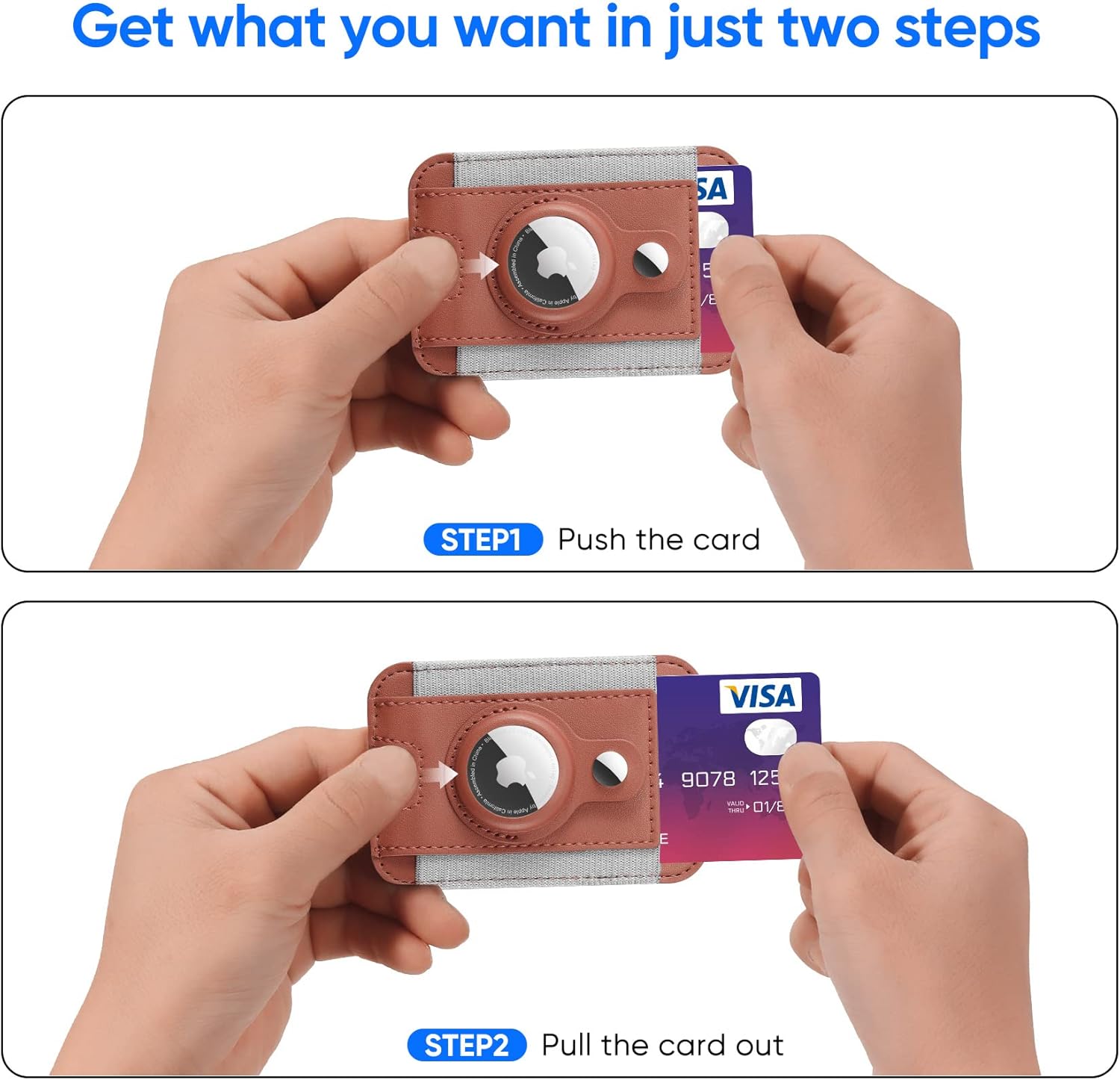
Figure 3: Demonstrating card insertion and removal.
3.2 Kickstand Functionality
- The wallet can be folded to create an adjustable kickstand for your iPhone.
- Adjust the angle (0-180 degrees) to your preferred viewing position for videos, video calls, or browsing.

Figure 4: Wallet used as an adjustable kickstand.
Video 2: Official product video demonstrating strong magnetic attachment and kickstand use.
3.3 RFID Blocking
- The wallet features advanced RFID blocking technology to protect your credit cards from unauthorized scanning.
- This ensures the security and privacy of your sensitive card information.
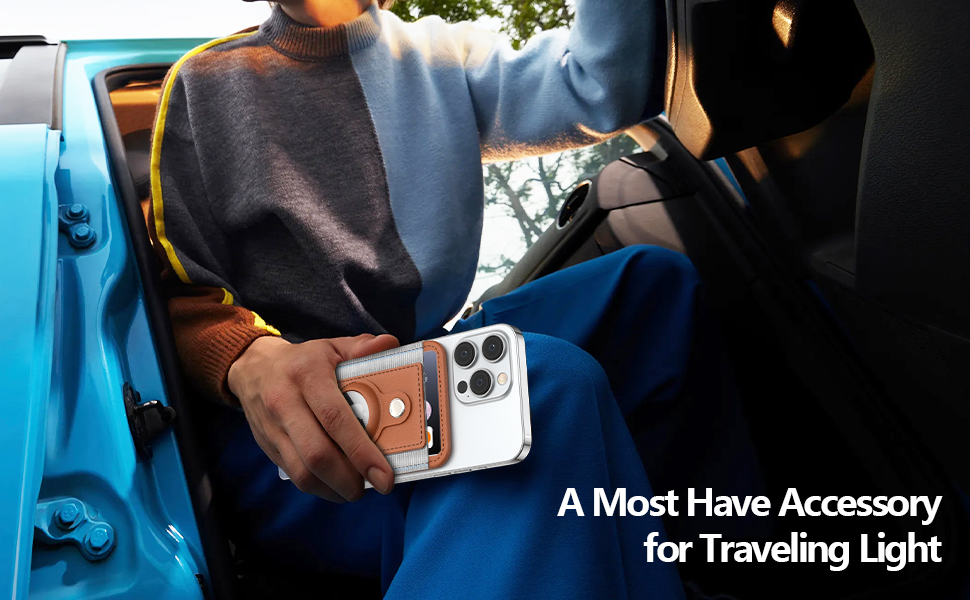
Figure 5: Visual representation of RFID blocking technology.
4. Penyelenggaraan
- To clean the faux leather material, gently wipe with a soft, damp kain.
- Avoid using harsh chemicals or abrasive cleaners, as these may damage the material.
- Keep the wallet away from extreme heat or direct sunlight to prevent material degradation.
5. Penyelesaian masalah
- Sambungan Magnet Lemah: Ensure your iPhone is a MagSafe-compatible model (iPhone 12 series or newer) or is using a MagSafe-compatible case. Non-magnetic cases will not provide a secure attachment.
- Cards Falling Out: The wallet is designed for a snug fit for up to 6 cards. If cards feel loose, ensure the wallet is not overfilled or underfilled beyond its optimal capacity.
- UdaraTag Not Tracking: Verify that your Apple AirTag is properly inserted and paired with your Apple ID. Refer to Apple's AirTag instructions for pairing and tracking.
6. Spesifikasi
| Ciri | Perincian |
|---|---|
| Dimensi Produk | 3.81 x 2.59 x 0.51 inci |
| Berat Barang | 2.08 auns |
| Nombor Model Item | BSJCB058 |
| Ciri Khas | UdaraTag Holder, Card Holder, Compact, Magnetic, RFID Protected |
| bahan | Kulit Tiruan |
| Kapasiti Kad | Max 6 Cards |
| Daya Magnet | Up to 4200 Gauss |
7. Waranti dan Sokongan
7.1 Maklumat Waranti
ExtreLife offers a warranty of 365 days from the date of purchase for this product. This warranty covers manufacturing defects and material flaws under normal use.
7.2 Sokongan Pelanggan
For any issues, questions, or warranty claims, please contact ExtreLife customer support via the Amazon message center. Our team is committed to responding to your inquiries within 24 hours.