
Apple MNUL3LL/A
Apple Watch Series 8 [GPS 45mm] User Manual
Model: MNUL3LL/A
pengenalan
This manual provides essential information for the safe and effective use of your Apple Watch Series 8 [GPS 45mm]. Please read this manual thoroughly before using your device and retain it for future reference.
The Apple Watch Series 8 is designed to be an essential companion for a healthy life, offering advanced sensors for health insights, safety features, and a bright Always-On Retina display.
Apa yang ada dalam Kotak
- Sarung Apple Watch Siri 8
- Sport Band (Midnight)
- Kabel Pengecas Magnet 1m

Image: The contents of the Apple Watch Series 8 packaging, including the watch unit, the sport band, and the USB-C magnetic fast charging cable.
Panduan Persediaan
1. Pengecasan Awal
Before first use, ensure your Apple Watch is sufficiently charged. Connect the magnetic charging cable to the back of the watch and plug the USB-C end into a power adapter (sold separately) or a USB-C port.
Note: The watch requires an iPhone 8 or later with the latest iOS version for setup and full functionality.
2. Berpasangan dengan iPhone
- Turn on your Apple Watch by pressing and holding the side button until you see the Apple logo.
- Bring your iPhone near your Apple Watch. A pairing screen will appear on your iPhone. Tap teruskan.
- Letakkan iPhone anda supaya Apple Watch anda muncul dalam viewfinder on your iPhone.
- Follow the on-screen instructions on both devices to complete the pairing process.
3. Band Attachment
To attach the band, slide it into the slots on the Apple Watch until you hear a click. Ensure both ends of the band are securely fastened.
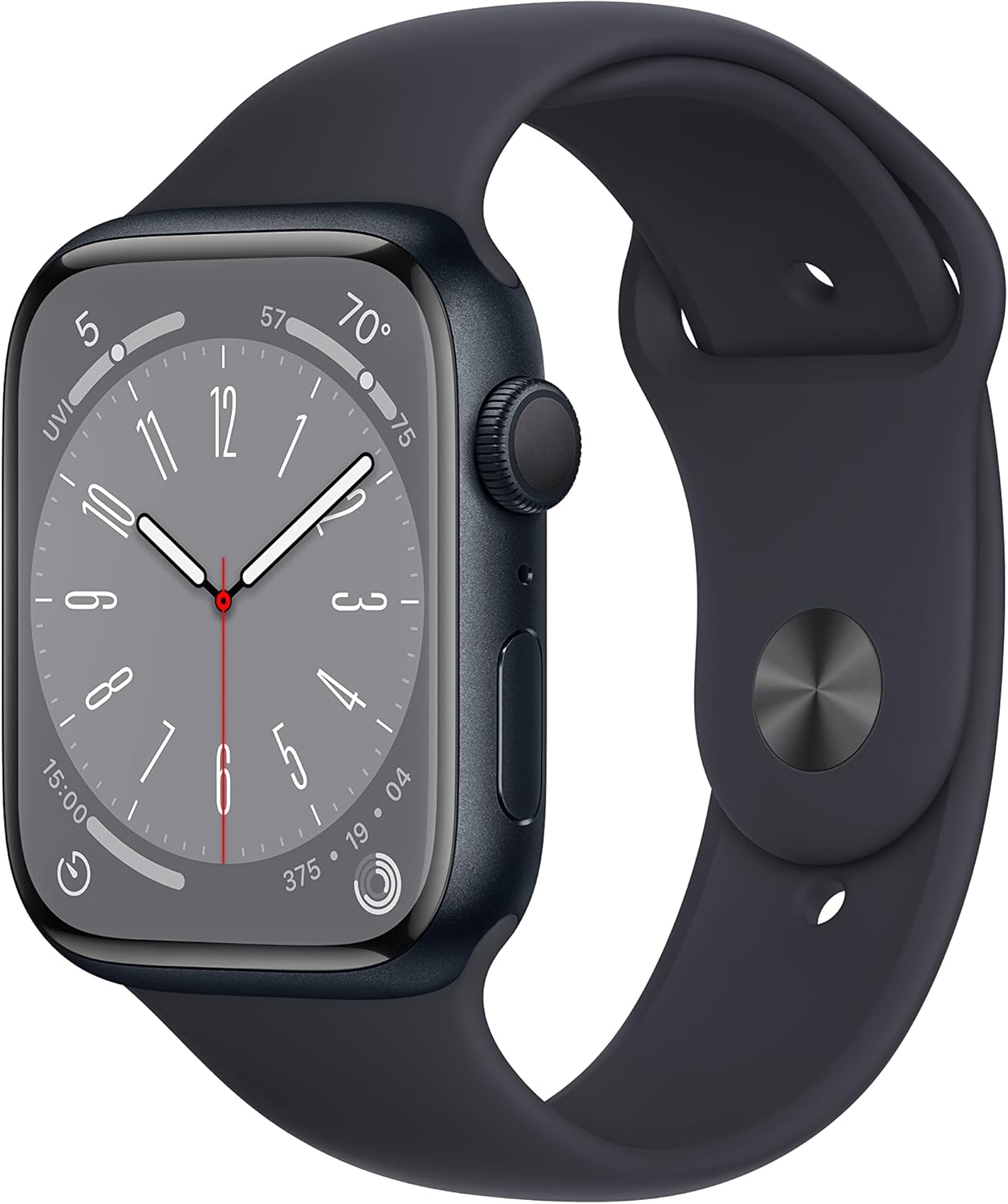
Image: The Apple Watch Series 8, showcasing its Midnight Aluminum Case and Midnight Sport Band, ready for wear.
Mengendalikan Apple Watch Anda
Navigasi Asas
- Mahkota Digital: Rotate to scroll, zoom, or adjust values. Press to go to the watch face or Home Screen. Double-press to switch between recently used apps.
- Butang Sisi: Press to open the Dock (recently used apps), access Apple Pay, or use Emergency SOS. Press and hold to power on/off or access Medical ID.
- Ketik: Pilih item atau aktifkan fungsi.
- Leret: Move between screens or dismiss notifications.
- Force Touch (Haptic Touch): Press firmly on the display to reveal additional options (context-dependent).
Ciri dan Penggunaan Utama
The Apple Watch Series 8 offers a range of advanced features:
- Penjejakan Kecergasan: Utilize the enhanced Workout app for various activities. Track metrics like heart rate, distance, and calories burned.
- Pemantauan Kesihatan:
- Penderiaan Suhu: Provides insights into women's health.
- Oksigen Darah: Pantau tahap oksigen darah anda.
- Apl ECG: Take an electrocardiogram anytime.
- Pemberitahuan Irama Tidak Teratur: Receive alerts for potential irregular heart rhythms.
- Tidur Stages: Track time spent in REM, Core, and Deep sleep.
- Ciri-ciri Keselamatan:
- Pengesanan Ranap: Automatically connects to emergency services in severe car crashes.
- Pengesanan Kejatuhan: Detects hard falls and can initiate emergency calls.
- SOS Kecemasan: Provides urgent assistance with a button press.
- Komunikasi: Send texts, make calls, listen to music, use Siri, and receive notifications directly from your wrist.
- Apple Pay: Make secure payments with a tap.
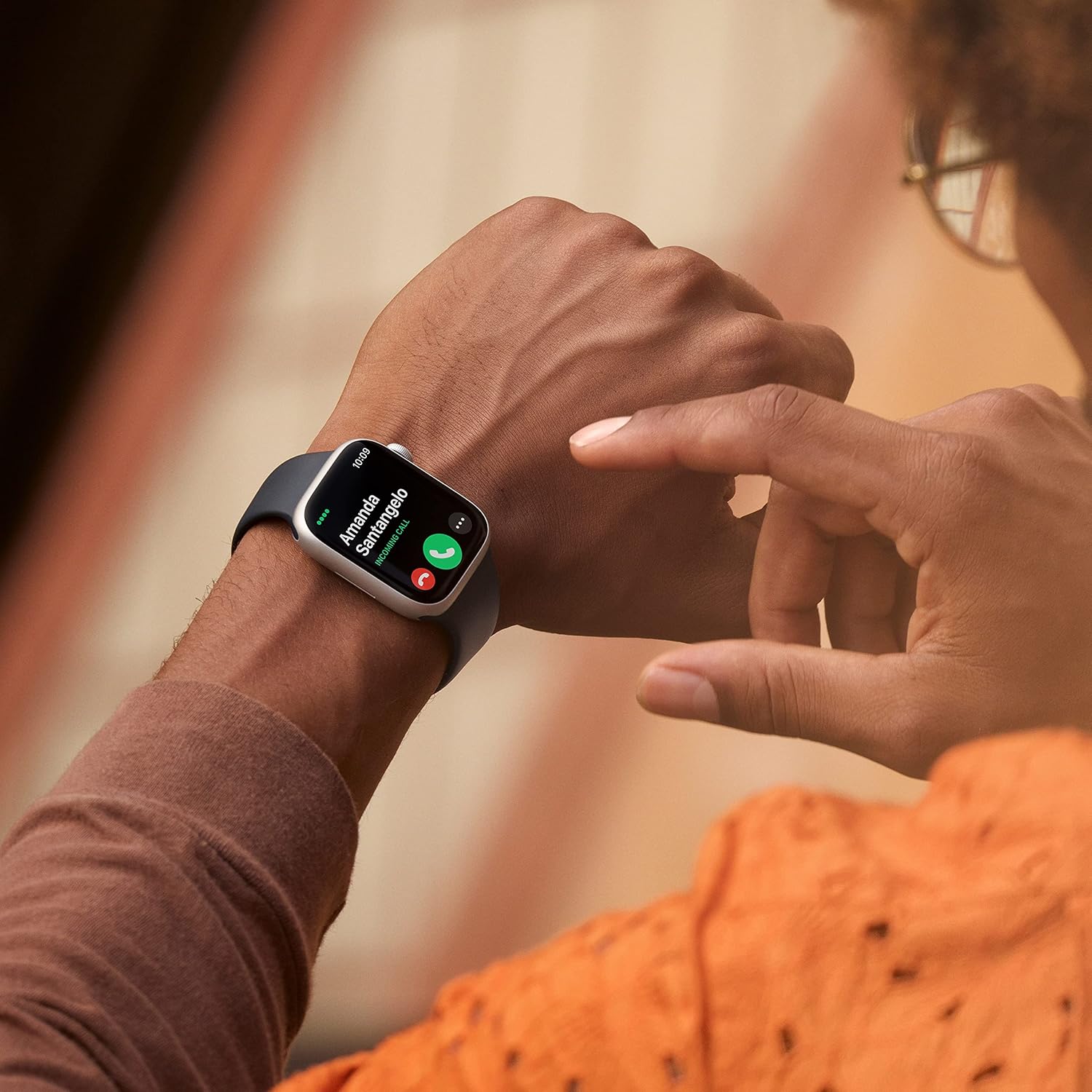
Image: A user interacting with the Apple Watch Series 8 to answer a phone call, demonstrating its communication capabilities.

Imej: A terperinci view of the Apple Watch Series 8 screen, highlighting the clarity of the Always-On Retina display and customizable watch faces.

Image: A close-up of the Apple Watch Series 8's Digital Crown and side button, showing the textured finish of the Digital Crown.
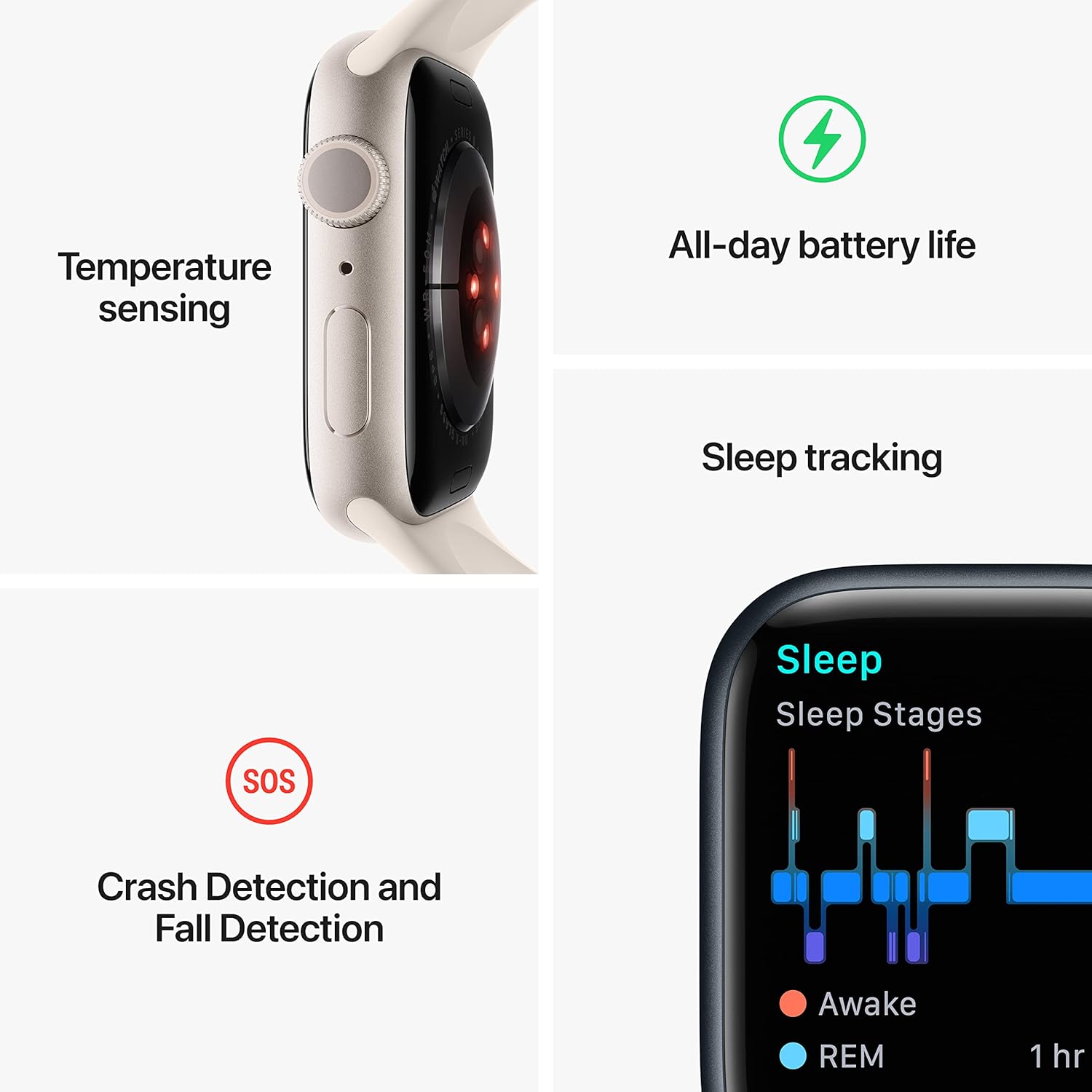
Image: An infographic detailing the core functionalities of the Apple Watch Series 8, including temperature sensing, all-day battery life, sleep tracking, and safety features like Crash Detection, Fall Detection, and Emergency SOS.
Penyelenggaraan dan Penjagaan
- Pembersihan: Clean your Apple Watch with a soft, lint-free cloth. If necessary, lightly dampen kain dengan air tawar. Jangan gunakan sabun atau produk pembersih.
- Tahan Air: The Apple Watch Series 8 is swimproof with WR50 water resistance. It can be used for shallow-water activities like swimming in a pool or ocean. It should not be used for scuba diving, waterskiing, or other activities involving high-velocity water or submersion below shallow depth.
- Ketahanan: The watch is crack resistant and IP6X-certified dust resistant. Avoid extreme temperatures and impacts.
- Hayat Bateri: To optimize battery life, manage background app refresh, reduce screen brightness, and enable Low Power Mode when needed.
Menyelesaikan masalah
Isu dan Penyelesaian Biasa
| Isu | Penyelesaian yang Mungkin |
|---|---|
| Tonton tidak dihidupkan | Ensure the watch is charged. Press and hold the side button for at least 10 seconds until the Apple logo appears. |
| Tidak boleh dipasangkan dengan iPhone | Ensure Bluetooth is enabled on your iPhone. Restart both devices. Make sure your iPhone is running the latest iOS version. |
| Apps not responding | Force quit the app by pressing the side button, then swipe the app to the left and tap the 'X'. Restart the app. If issue persists, restart the watch. |
| Inaccurate heart rate/activity tracking | Ensure the watch is worn snugly on your wrist. Clean the back of the watch. Check for software updates. |
Kemas Kini Perisian
Regularly update your Apple Watch software (watchOS) through the Watch app on your iPhone to ensure optimal performance, security, and access to new features.
Spesifikasi
- model: MNUL3LL/A
- paparan: Paparan Retina Sentiasa Hidup
- Saiz Kes: 45mm
- Bahan: Midnight Aluminum Case
- Band: Midnight Sport Band (M/L - fits 160–210mm wrists)
- Sistem pengendalian: watchOS
- Storan: 32 GB
- Ketersambungan: GPS, Wi-Fi (802.11n), Bluetooth
- Tahan Air: WR50 (kalis renang)
- Rintangan Debu: IP6X certified
- Penderia: Blood Oxygen sensor, Electrical heart sensor (ECG app), Optical heart sensor, Temperature sensing, Accelerometer, Gyroscope, Ambient light sensor
- Bateri: Litium Ion (termasuk)
- Dimensi: 1.73 x 0.42 x 1.5 inci
- Berat: 1.28 auns
Maklumat Waranti
Apple products typically come with a one-year limited warranty. For detailed warranty terms and conditions, please refer to the documentation included with your purchase or visit the official Apple support website. This warranty covers manufacturing defects but does not cover damage caused by accidents, misuse, or unauthorized modifications.
Sokongan dan Perkhidmatan
Untuk bantuan lanjut, sokongan teknikal atau pertanyaan perkhidmatan, sila lawati Sokongan Apple rasmi website or contact Apple customer service. You can find more information and resources at:
Keep your purchase receipt and product serial number (found on the watch or its packaging) readily available when contacting support.
Maklumat Keselamatan Penting
Read all safety information below and in the Apple Watch User Guide before using Apple Watch to avoid injury. Keep this manual for future reference.
- Driving and Navigation: Do not use Apple Watch for navigation or other tasks that distract you while driving.
- Gangguan Peranti Perubatan: Apple Watch contains magnets that may interfere with medical devices. Consult your physician and medical device manufacturer for specific information.
- Kerengsaan Kulit: Some people may experience reactions to certain materials. If you experience redness, swelling, itchiness, or any other irritation, remove your Apple Watch and consult a doctor.
- Kerosakan pendengaran: Untuk mengelakkan kemungkinan kerosakan pendengaran, jangan dengar pada tahap kelantangan tinggi untuk tempoh yang lama.