
pengenalan
Thank you for choosing the Baseus GaN5 Pro 100W Quick Wall Charger. This high-performance charger is designed to provide efficient and fast charging for a wide range of devices, including laptops, tablets, and smartphones. Please read this manual carefully before use to ensure proper operation and to maximize the lifespan of your device.
Maklumat Keselamatan
- Jangan dedahkan pengecas kepada air, kelembapan atau kelembapan yang tinggi.
- Avoid dropping, impacting, or disassembling the charger.
- Jauhkan daripada kanak-kanak.
- Gunakan hanya di kawasan pengudaraan yang baik.
- Cabut palam pengecas semasa ribut petir atau apabila tidak digunakan untuk jangka masa yang lama.
- Do not operate if the charger or cable is damaged.
Produk Selesaiview
The Baseus GaN5 Pro 100W Quick Wall Charger features a compact design with multiple fast-charging ports, utilizing advanced GaN technology for efficient power delivery.
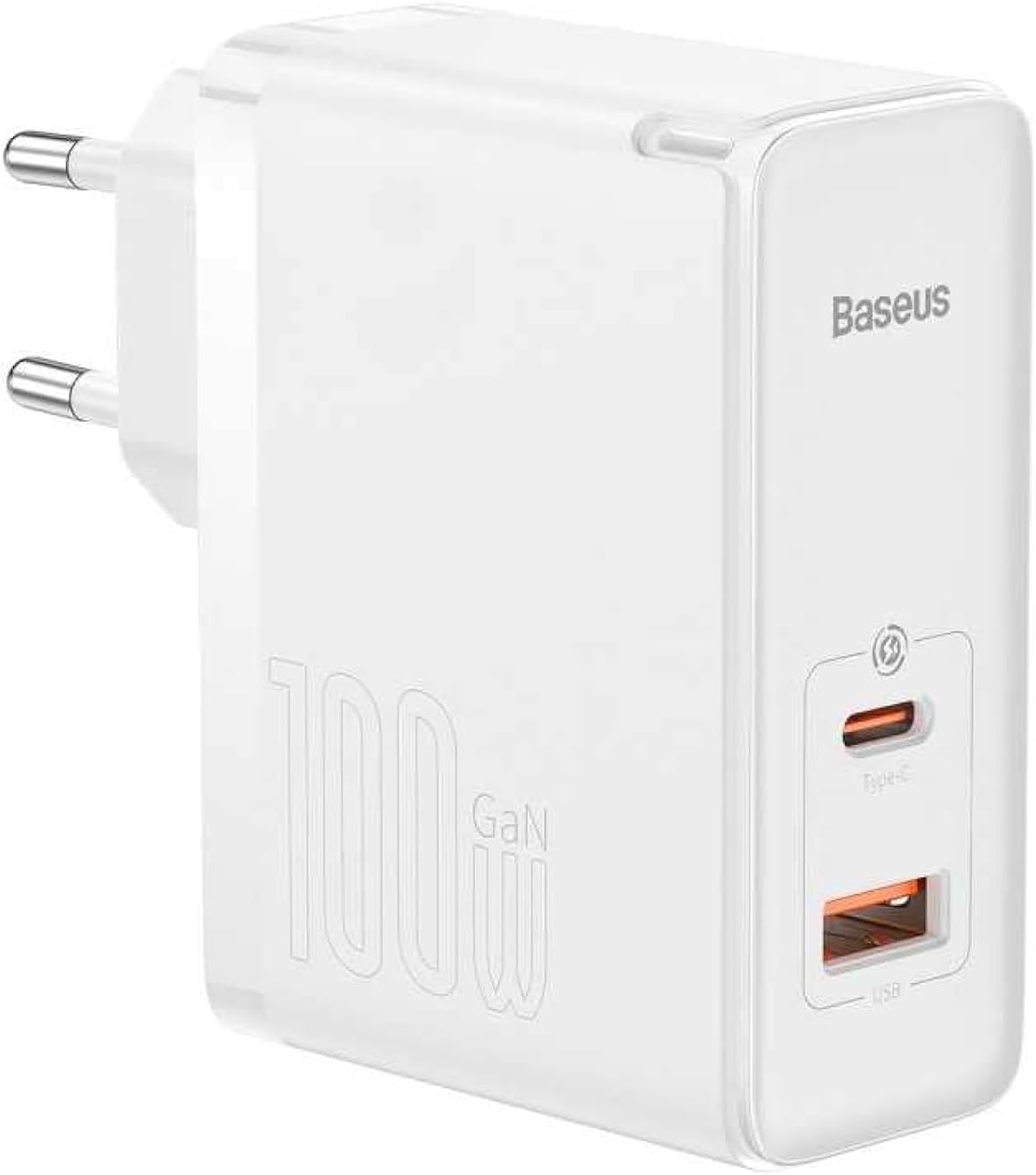
Imej: Depan view of the Baseus GaN5 Pro 100W Quick Wall Charger, showcasing its compact white design and the USB-C and USB-A output ports.

Imej: Atas view of the charger, highlighting the USB-C (Type-C) and USB-A output ports, ready for device connection.
Persediaan
To set up your Baseus GaN5 Pro 100W Quick Wall Charger, follow these simple steps:
- Bongkar: Keluarkan pengecas dari bungkusannya dengan berhati-hati.
- Pasangkan: Insert the charger's EU plug into a standard wall outlet. Ensure the connection is firm.

Imej: Sisi view of the Baseus charger, showing the integrated EU plug ready for insertion into a wall socket.
Arahan Operasi
Using your Baseus GaN5 Pro 100W Quick Wall Charger is straightforward:
- Sambungkan Peranti: Use a compatible charging cable (not included) to connect your device (e.g., laptop, smartphone, tablet) to either the USB-C or USB-A port on the charger.
- Pengecasan Bermula: Charging will begin automatically. The charger intelligently detects the connected device and delivers the optimal charging power.
- Berbilang Peranti: You can charge two devices simultaneously using both the USB-C and USB-A ports. The charger will distribute power efficiently.
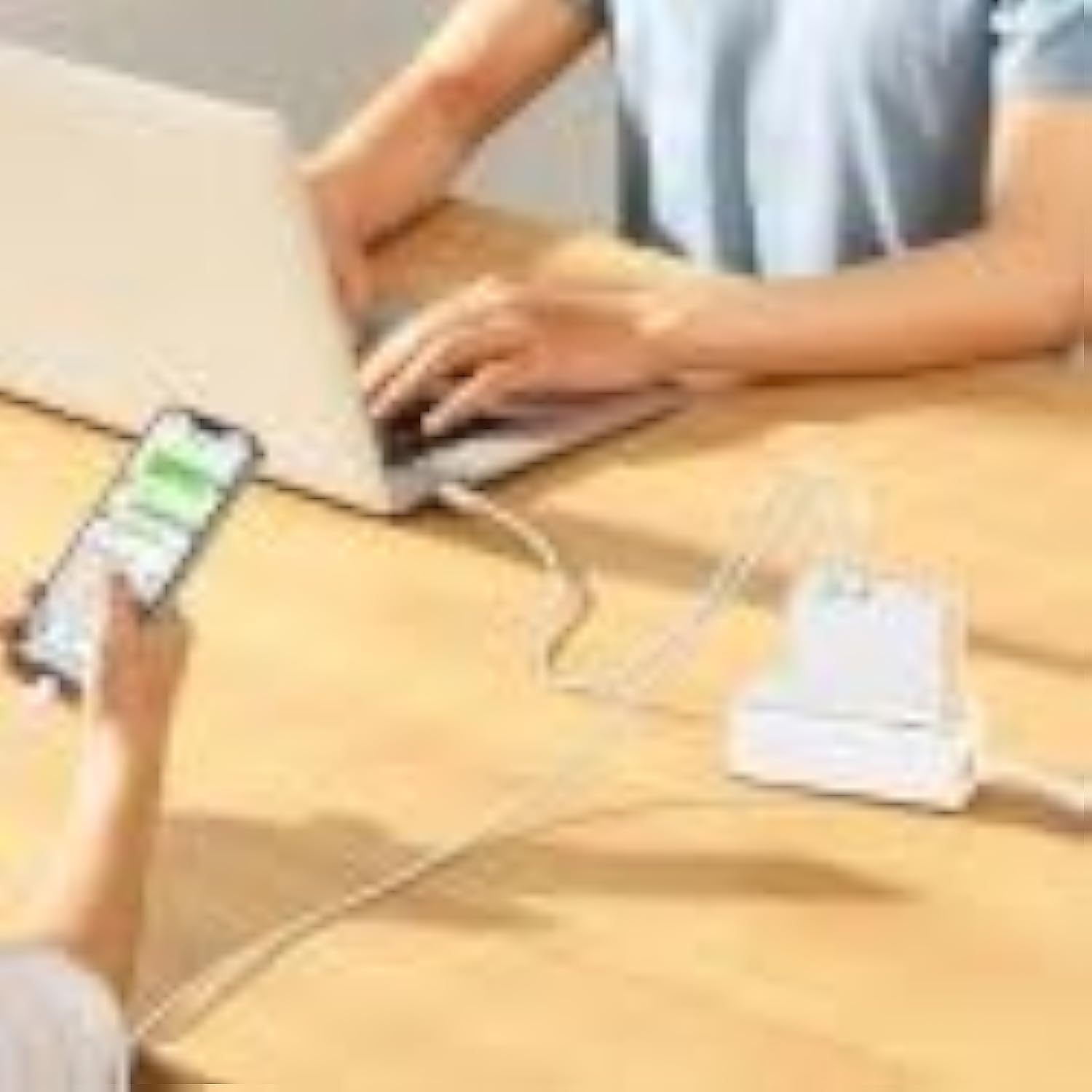
Image: The Baseus charger actively charging a laptop via its USB-C port and a smartphone via its USB-A port, demonstrating its multi-device charging capability.
Penyelenggaraan
- Pembersihan: Putuskan sambungan pengecas daripada salur keluar kuasa dan semua peranti sebelum membersihkan. Gunakan kain lembut dan kering untuk mengelap permukaan. Jangan gunakan pembersih cecair atau aerosol.
- Storan: Simpan pengecas di tempat yang sejuk dan kering jauh dari cahaya matahari langsung dan suhu yang melampau.
- Pengendalian: Handle the charger and cables gently to prevent damage.
Menyelesaikan masalah
| Masalah | Kemungkinan Punca | Penyelesaian |
|---|---|---|
| Peranti tidak dicas | Charger not plugged in correctly; faulty cable; device incompatibility. | Ensure charger is firmly plugged into outlet. Try a different charging cable. Verify device compatibility with charger specifications. |
| Pengecasan perlahan | Kabel tidak menyokong pengecasan pantas; peranti tidak menyokong pengecasan pantas; berbilang peranti disambungkan. | Use a high-quality, fast-charging compatible cable. Check if your device supports PD3.0/QC4.0+. If charging two devices, power distribution may reduce individual speeds. |
| Pengecas panas | Normal operation under heavy load; poor ventilation. | It is normal for the charger to warm up during operation, especially when delivering high power. Ensure adequate ventilation around the charger. If excessively hot, disconnect and allow to cool. |
Spesifikasi
| Ciri | Perincian |
|---|---|
| Jenama | Baseus |
| Nombor Model | CCGP090202 |
| warna | Black (Note: Product image shows white, but specification lists black) |
| Teknologi Ketersambungan | USB |
| Jenis Penyambung | USB Type C + USB Type A |
| Peranti Serasi | Smartwatch, Laptops, Smartphones, Tablets (general compatibility) |
| Ciri Khas | Travel-friendly design |
| Jumlah Port USB | 2 |
| Wattage | 100 Watt |
| Sumber Kuasa | Elektrik Bertali |
| Dimensi Item (L x W x H) | 5.5 x 3 x 7.5 sentimeter |
| Berat Produk | 229 Gram |
Waranti dan Sokongan
This Baseus product comes with a Waranti pengilang selama 2 tahun. Sila simpan bukti pembelian anda untuk tuntutan waranti.
For technical support or warranty inquiries, please contact Baseus customer service through their official website or the retailer where the product was purchased. Provide your product model number (CCGP090202) and a detailed description of the issue.