
1. Pengenalan
This manual provides essential information for the proper use and maintenance of your Forever ForeVive 2 Slim SB-325 Smartwatch. Please read it carefully before operating the device to ensure optimal performance and longevity.
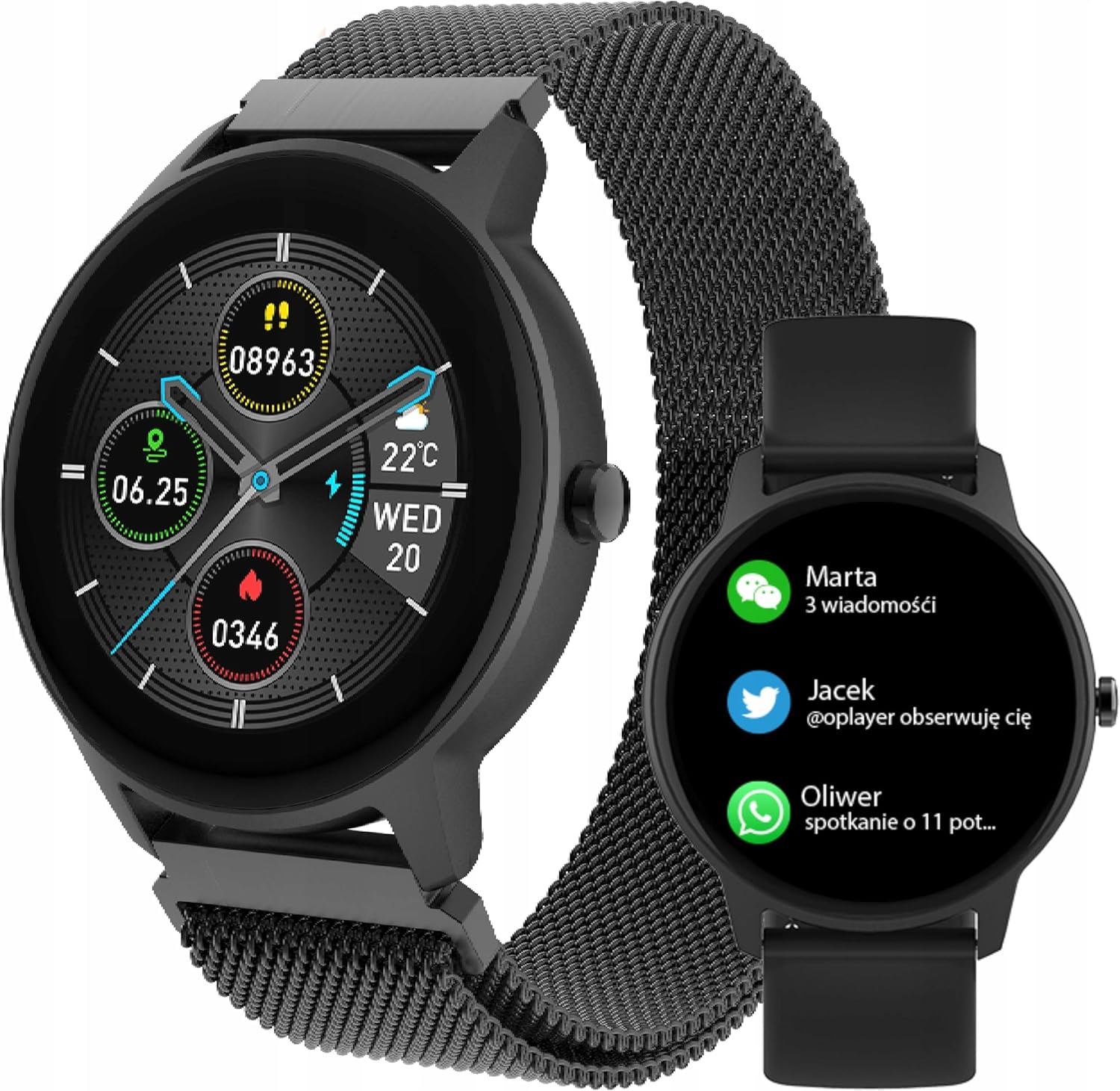
Image: The Forever ForeVive 2 Slim SB-325 Smartwatch in black with a mesh strap, displaying a digital watch face with weather, steps, and heart rate information.
2. Apa yang ada di dalam Kotak
Sahkan bahawa semua komponen terdapat dalam pakej:
- Forever ForeVive 2 Slim SB-325 Smartwatch
- Kabel Pengecas USB
- Additional Strap (Silicone)
- Manual Pengguna (dokumen ini)
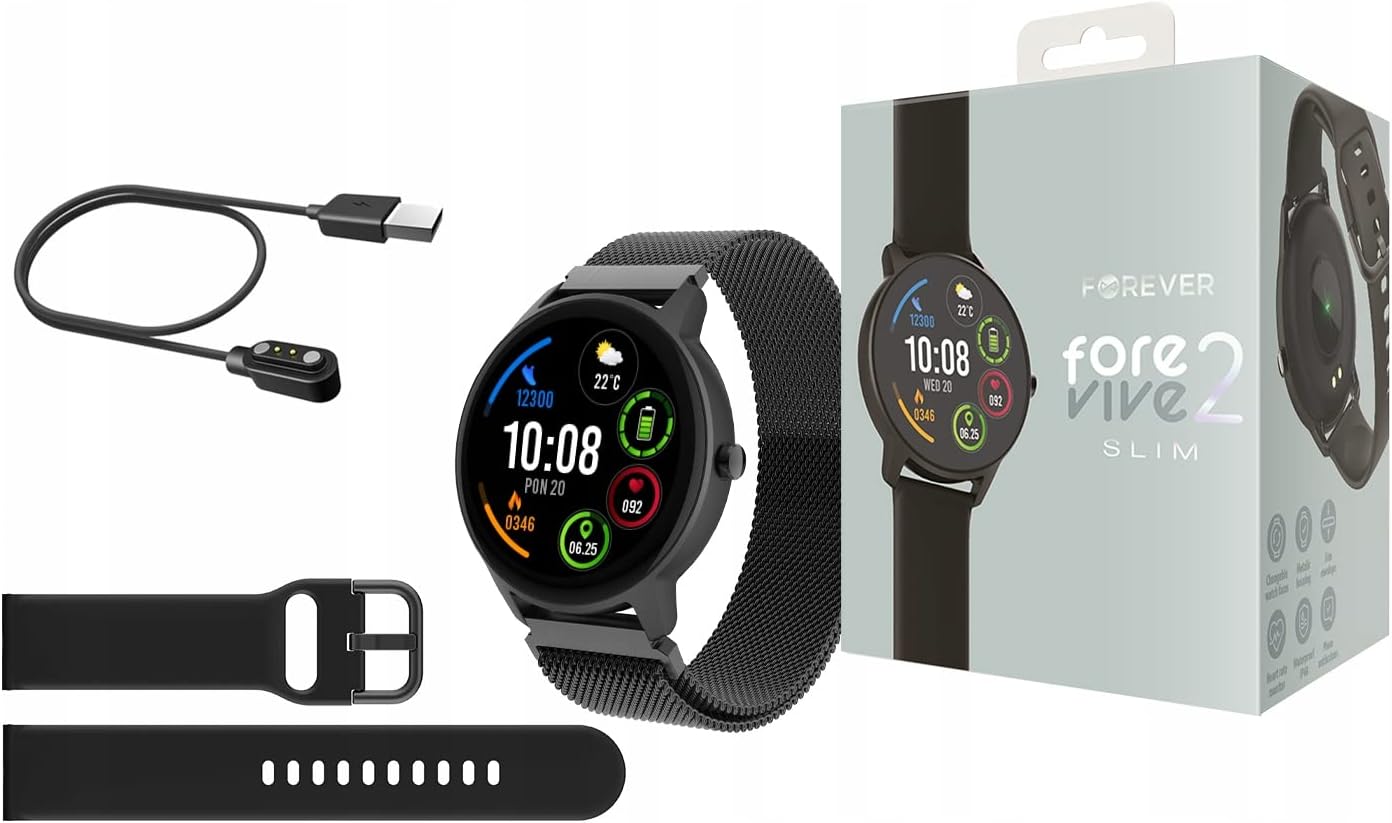
Image: Contents of the Smartwatch package, including the smartwatch with a mesh strap, a USB charging cable, an additional silicone strap, and the product box.
3. Persediaan
3.1. Mengecas Peranti
Before first use, fully charge your smartwatch. Connect the magnetic charging cable to the charging pins on the back of the watch and plug the USB end into a power adapter (not included) or a computer's USB port. The watch display will indicate charging status.
3.2. Hidupkan/Mati Kuasa
- Untuk Menghidupkan: Tekan dan tahan butang sisi selama beberapa saat sehingga skrin menyala.
- Untuk Mematikan: Tekan dan tahan butang sisi, kemudian pilih pilihan 'Matikan Kuasa' pada skrin.
3.3. Pemasangan Apl dan Berpasangan
To unlock the full potential of your smartwatch, download the dedicated application on your smartphone. Cari untuk the 'Forever Smart' app (or similar, as specified in the quick start guide) in your device's app store (Google Play Store for Android, Apple App Store for iOS).
- Pasang aplikasi pada telefon pintar anda.
- Dayakan Bluetooth pada telefon pintar anda.
- Open the app and follow the on-screen instructions to create an account and pair your smartwatch via Bluetooth.
- Ensure the smartwatch is close to your phone during the pairing process.

Image: A smartphone screen displaying the companion application interface for the smartwatch, showing activity data and sleep tracking.
4. Mengendalikan Jam Pintar
4.1. Navigasi Asas
- Skrin sentuh: Leret ke kiri/kanan, atas/bawah untuk menavigasi menu dan ciri. Ketik untuk memilih.
- Butang Sisi: Tekan untuk kembali ke skrin utama atau mengaktifkan peranti. Tekan lama untuk pilihan kuasa.
4.2. Pemberitahuan
Once paired with your smartphone, the smartwatch can display notifications from calls, messages, and various applications. Ensure notification permissions are granted in the companion app.

Image: The smartwatch screen showing incoming notifications from messaging apps and social media.
4.3. Pemantauan Kadar Jantung
The smartwatch features a built-in heart rate monitor. To measure your heart rate, navigate to the heart rate function on the watch. Ensure the watch is snug on your wrist for accurate readings.

Image: The smartwatch display showing a heart rate reading of 125 beats per minute (BPM) and calories burned.
4.4. Penjejakan Aktiviti
The ForeVive 2 Slim tracks your daily activity, including steps taken, distance covered, and calories burned. This data can be viewed on the watch and synchronized with the companion app for detailed analysis.
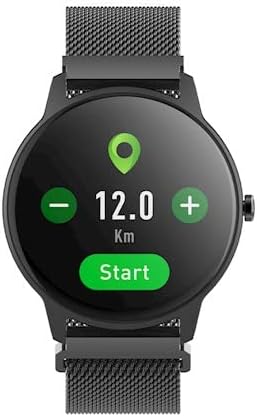
Image: The smartwatch display showing activity metrics such as distance in kilometers, steps, and calories burned.
4.5. Mod Sukan
Select from various sport modes to track specific workouts more accurately. The watch can monitor data relevant to activities like running, cycling, football, basketball, and volleyball.

Image: The smartwatch display showing icons for various sport modes, including football, basketball, and volleyball.
4.6. Pemantauan Tidur
Wear the smartwatch to bed to automatically track your sleep patterns. The companion app provides detailed insights into your sleep quality, including deep sleep, light sleep, and awake times.
4.7. Tahan Air
The smartwatch is designed with a degree of water resistance, making it suitable for daily use and exposure to splashes. However, it is not recommended for swimming or diving. Refer to the specifications for the exact IP rating.

Image: Two smartwatches, one black and one pink, partially submerged in water with splashes, demonstrating water resistance.
5. Penyelenggaraan
5.1. Pembersihan
Regularly clean your smartwatch and strap. Use a soft, damp cloth to wipe the screen and body. For the strap, follow the manufacturer's recommendations based on the material. Avoid using harsh chemicals or abrasive materials.
5.2. Penjagaan Bateri
- Elakkan menyahcas sepenuhnya bateri dengan kerap.
- Jangan dedahkan peranti kepada suhu yang melampau.
- Gunakan hanya kabel pengecasan yang disediakan.
5.3. Penyimpanan
When not in use for extended periods, store the smartwatch in a cool, dry place. Charge it periodically to prevent deep discharge.
6. Penyelesaian masalah
6.1. Peranti Tidak Dihidupkan
- Pastikan peranti dicas sepenuhnya.
- Try pressing and holding the side button for a longer duration (10-15 seconds).
6.2. Cannot Pair with Smartphone
- Pastikan Bluetooth didayakan pada telefon pintar anda.
- Pastikan jam tangan pintar berada dalam julat Bluetooth (biasanya 10 meter).
- Mulakan semula kedua-dua jam tangan pintar dan telefon pintar anda.
- Clear the Bluetooth cache on your phone (Android) or forget the device and try pairing again.
6.3. Bacaan Tidak Tepat
- Pastikan jam tangan dipakai dengan kemas pada pergelangan tangan anda, tidak terlalu longgar atau terlalu ketat.
- Bersihkan penderia di belakang jam tangan.
- Elakkan pergerakan berlebihan semasa pengukuran (contohnya, kadar denyutan jantung).
6.4. Skrin Tidak Responsif
- Mulakan semula peranti.
- Pastikan skrin bersih dan kering.
7. Spesifikasi
| Ciri | Perincian |
|---|---|
| Jenama | SELAMANYA |
| Model | SB-325 |
| warna | Negro (Hitam) |
| bentuk | Bulat |
| Sistem Operasi | AsteroidOS |
| Kapasiti Penyimpanan Memori | 25 MB |
| Ciri Khas | Monitor Kadar Jantung |
| Kapasiti Bateri | 180 mAh (Ion Litium) |
| Teknologi Ketersambungan | USB, Bluetooth |
| GPS | Tiada GPS |
| Penutupan | Kancing gesper |
8. Waranti dan Sokongan
8.1. Maklumat Waranti
Your Forever ForeVive 2 Slim SB-325 Smartwatch is covered by a manufacturer's warranty. Please refer to the warranty card included in your product packaging or visit the official FOREVER webtapak untuk terma dan syarat terperinci mengenai perlindungan dan tempoh waranti.
8.2. Sokongan Pelanggan
For technical assistance, troubleshooting not covered in this manual, or service inquiries, please contact FOREVER customer support. Contact details can typically be found on the official FOREVER webtapak atau pada pembungkusan produk.