
Produk Selesaiview
The Numskull NS2258 is an officially licensed Microsoft Micro USB charging cable designed for Xbox One controllers and other compatible Micro USB devices. It features fast charging capabilities and a distinctive green LED light that illuminates during use.

Image: The Numskull NS2258 Xbox One Micro USB Charging Cable, showcasinreka bentuk dan penyambungnya.
Ciri-ciri Utama:
- Official Microsoft License: Ensures full compatibility with Xbox One accessories.
- Pengecasan Super Cepat: Designed for efficient recharging of Micro USB devices.
- Lampu LED Hijau: Illuminates during charging or active use.
- Keserasian Universal: Works with Xbox One controllers, PS4 DualShock 4 controllers, Kindle, Samsung tablets, Fire TV Stick, and other Micro USB devices.
- Pembinaan Tahan Lama: Features a premium copper wire core and nylon material for enhanced durability.
Arahan Persediaan
Follow these steps to set up your Numskull NS2258 charging cable:
- Buka bungkus Kabel: Carefully remove the charging cable from its packaging.
- Kenalpasti Penyambung: The cable has two ends: a standard USB-A connector and a Micro USB connector.
- Sambungkan ke Sumber Kuasa: Insert the standard USB-A connector into an available USB port on your Xbox One console, PC, or a compatible USB wall adapter.
- Sambung ke Peranti: Insert the Micro USB connector into the Micro USB port of your Xbox One controller or other Micro USB device.
- Sahkan Sambungan: The green LED light on the cable will illuminate, indicating a successful connection and active charging or data transfer.
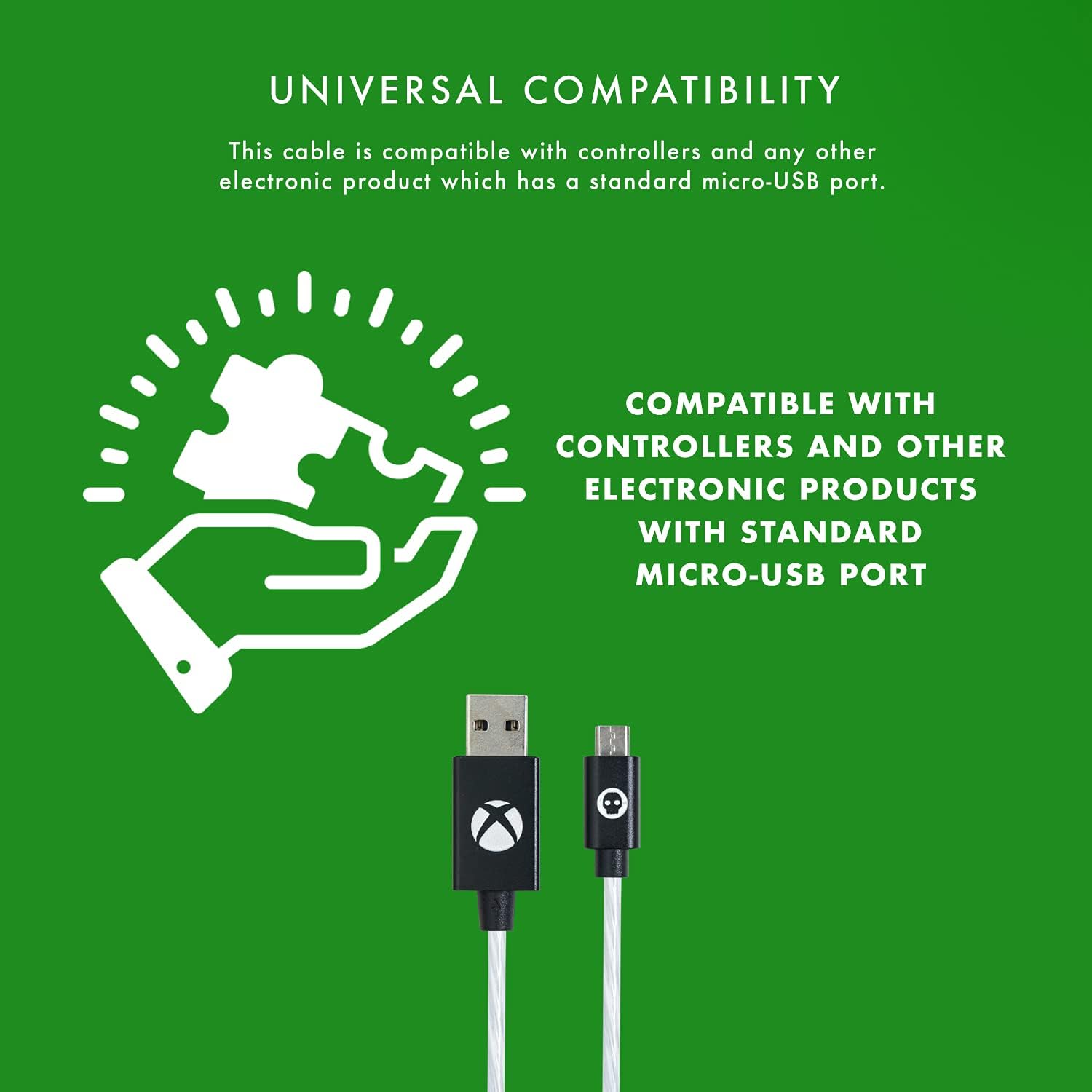
Image: Diagram illustrating the universal compatibility of the Micro USB cable with various devices.
Arahan Operasi
The Numskull NS2258 cable is designed for simultaneous charging and playing, as well as data synchronization.
Mengecas Peranti Anda:
- Once connected, the cable will automatically begin charging your device.
- The integrated green LED light will display different flow behaviors to indicate the charging status:
- Aliran Cepat: Indicates rapid charging.
- Slow Flow: Indicates standard charging.
- Kuasa Pintar Mati: Indicates charging is complete or the device is fully powered.
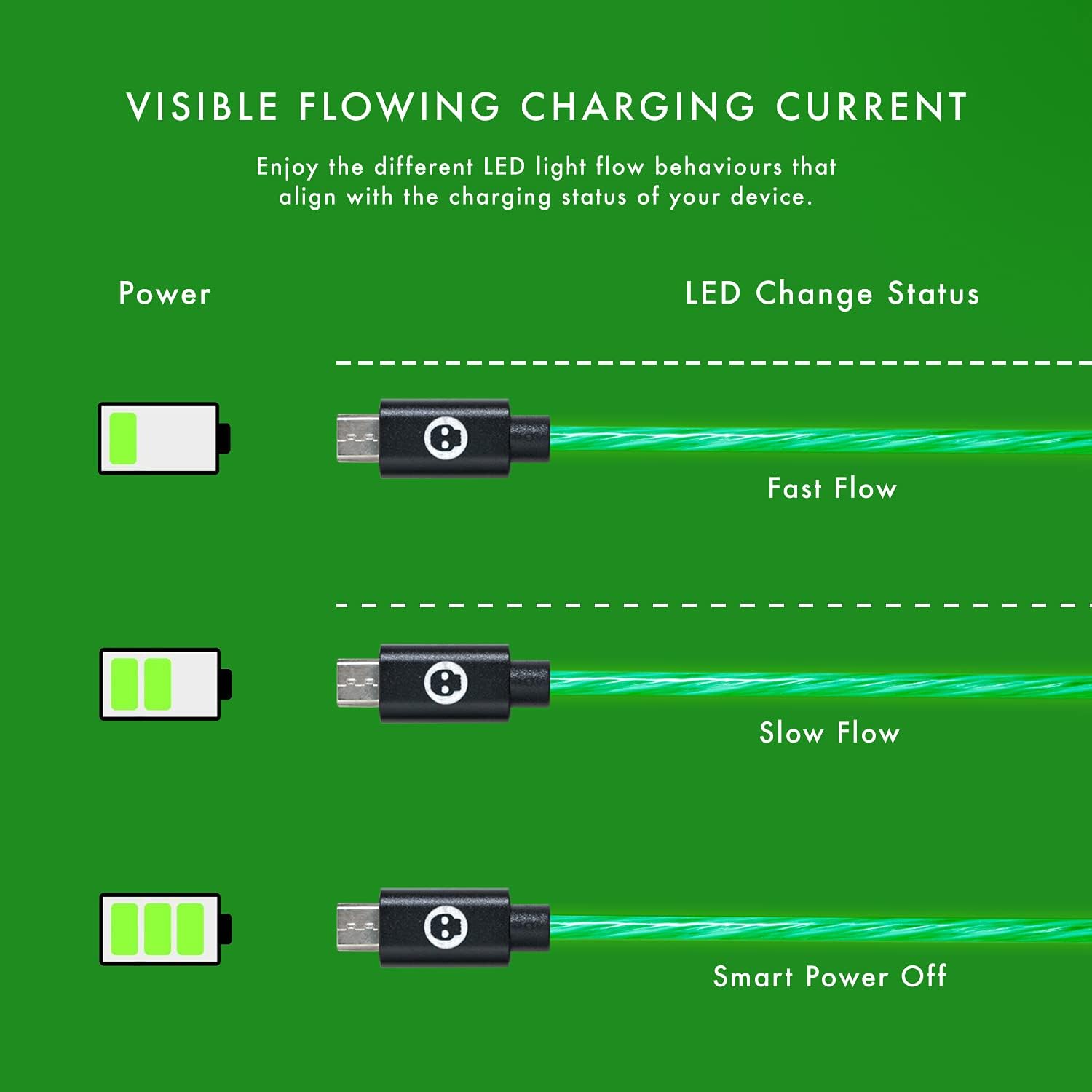
Image: Illustration of the green LED light's flowing patterns indicating different charging statuses (Fast Flow, Slow Flow, Smart Power Off).
Bermain Semasa Mengecas:
The cable allows you to continue using your Xbox One controller or other compatible device while it is connected and charging, ensuring uninterrupted gameplay or usage.
Ciri Lampu LED:
The cool green LED light activates when the cable is plugged into your console or USB hub, providing a visual indication of power and adding to your gaming setup's aesthetic.
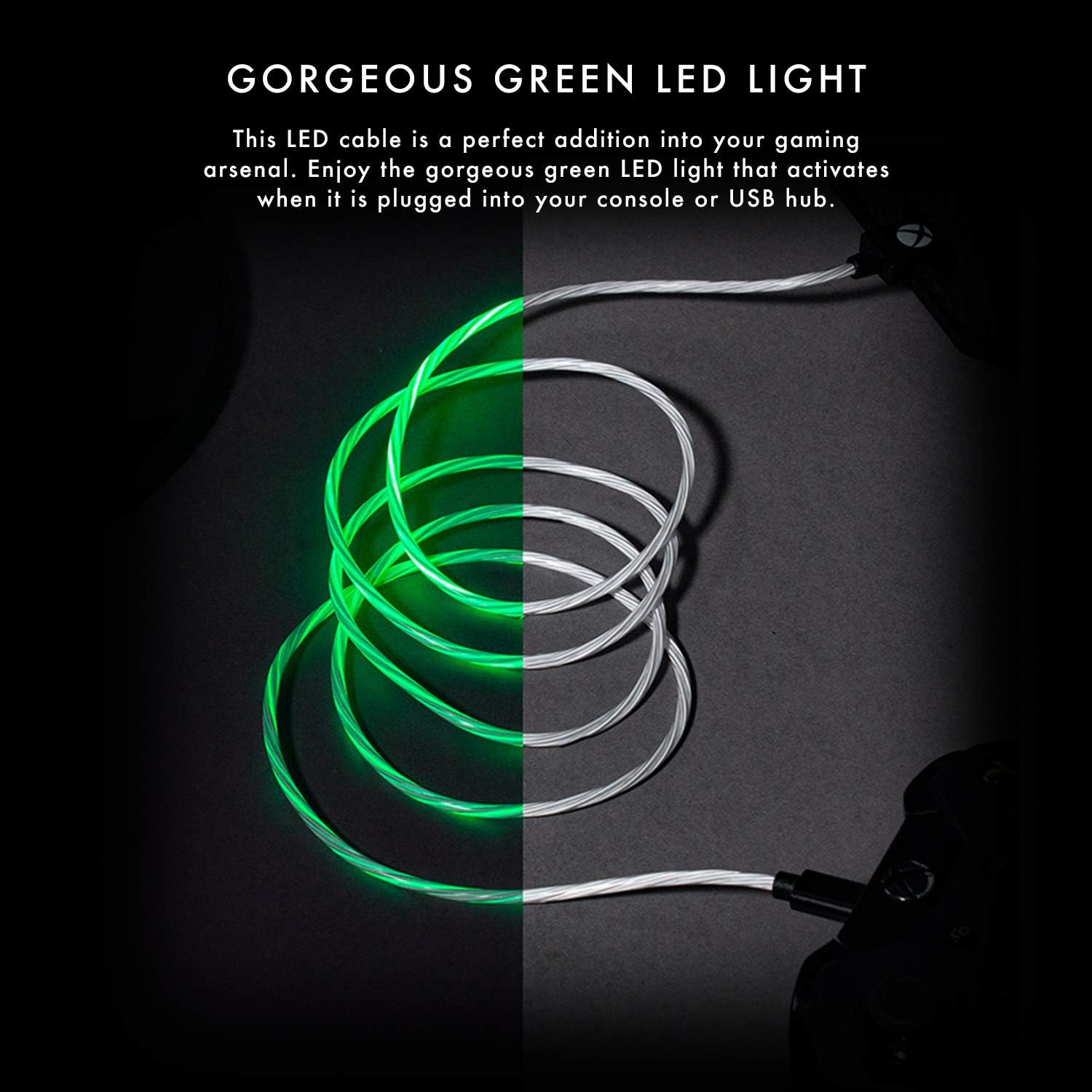
Image: The Numskull charging cable with its distinctive green LED light illuminated, showcasing its visual appeal.
Penyelenggaraan dan Penjagaan
To ensure the longevity and optimal performance of your Numskull NS2258 charging cable, follow these maintenance guidelines:
- Storan: Store the cable in a clean, dry place away from extreme temperatures and direct sunlight. Avoid tightly coiling or bending the cable at sharp angles.
- Pembersihan: Gunakan kain lembut dan kering untuk mengelap kabel dan penyambung dengan lembut. Jangan gunakan pembersih cecair atau bahan kasar.
- Pengendalian: Sentiasa pegang kepala penyambung semasa memasang atau mencabut kabel. Elakkan menarik terus pada kabel itu sendiri, kerana ini boleh merosakkan pendawaian dalaman.
- Ketahanan: The cable features a sturdy nylon jacket and laser-welded connectors designed for durability and resistance to bending and twisting. However, excessive force or repeated harsh treatment can still cause damage.
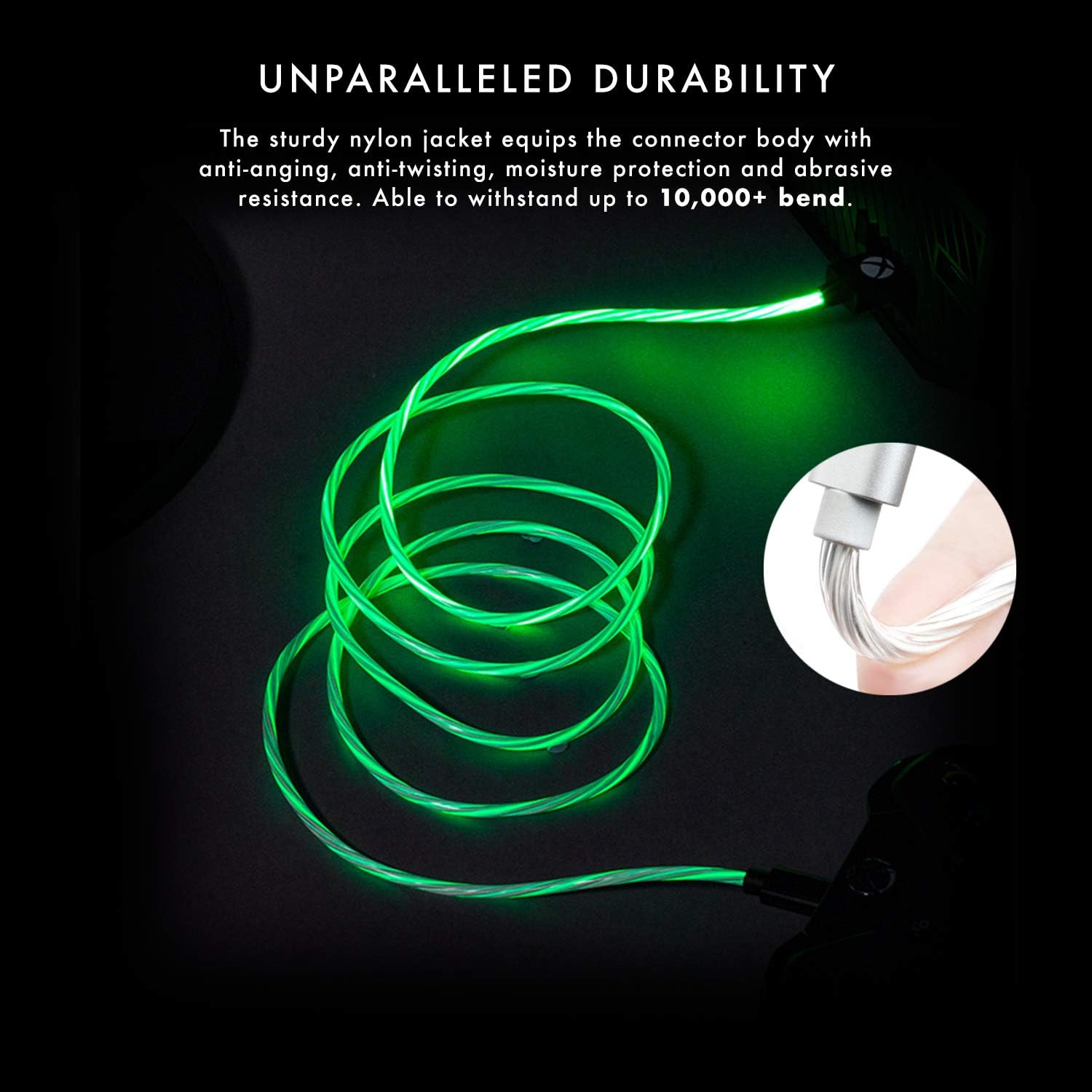
Image: The cable demonstrating its durability and resistance to bending, highlighting its robust construction.

Image: Close-up of the laser-welded Micro USB connector, emphasizing its robust design to prevent breakage.
Menyelesaikan masalah
If you encounter issues with your Numskull NS2258 charging cable, refer to the following common problems and solutions:
- Cable Not Charging:
- Ensure both the USB-A and Micro USB connectors are fully inserted into their respective ports.
- Try connecting the USB-A end to a different USB port or power source.
- Verify that the device you are trying to charge is functioning correctly and its charging port is clean and undamaged.
- Periksa sebarang kerosakan yang boleh dilihat pada kabel atau penyambung.
- LED Light Not Illuminating:
- Confirm the cable is securely connected to both the power source and the device.
- Test with another Micro USB device to rule out an issue with the primary device.
- If the cable is connected but not charging, the LED may not illuminate. Follow "Cable Not Charging" steps.
- Controller Not Recognized by PC (Data Transfer Issue):
- Nota Penting: While this cable is designed for charging and is universally compatible for power delivery, some users have reported that it may not support data transfer for certain PC setups, particularly for playing with an Xbox controller wired to a PC. If you intend to use your controller wired to a PC for gameplay, ensure your PC's drivers are up to date and consider using an official Xbox data cable if issues persist. This cable primarily focuses on efficient charging.
Spesifikasi
| Nombor Model | NS2258 |
| Jenama | Numskull |
| Jenis Kabel | USB Mikro ke Kabel Pengecas USB-A |
| Panjang | 4 meter (13 kaki) |
| Ciri-ciri | Fast Charging, Green LED Light, Durable Nylon Jacket, Laser-Welded Connectors, Copper Wire Core |
| Keserasian | Xbox One controllers, PS4 DualShock 4 controllers, Kindle, Samsung tablets, Fire TV Stick, and other Micro USB devices. |

Imej: Selesaiview of the cable's key features including official licensing, length, connector type, and universal compatibility.

Image: Cross-section diagram illustrating the premium copper wire core and nylon material for maximum durability.
Maklumat Waranti
The Numskull NS2258 Xbox One Micro USB Charging Cable comes with a waranti pengilang satu tahun. Waranti ini melindungi kecacatan pada bahan dan mutu kerja di bawah penggunaan biasa. Sila simpan bukti pembelian anda untuk tuntutan waranti.
For warranty service or inquiries, please contact Numskull customer support through their official webtapak atau peruncit tempat produk itu dibeli.
Sokongan Pelanggan
For further assistance, technical support, or to report any issues not covered in this manual, please visit the official Numskull webtapak atau hubungi bahagian perkhidmatan pelanggan mereka.
Sumber Dalam Talian: www.numskull.com
Please have your product model number (NS2258) and proof of purchase ready when contacting support.