
1. Pengenalan
This manual provides essential information for setting up, operating, maintaining, and troubleshooting your IST Computers IdeaPad Slim 3i Laptop. Please read this guide thoroughly to ensure proper use and to maximize the lifespan of your device.
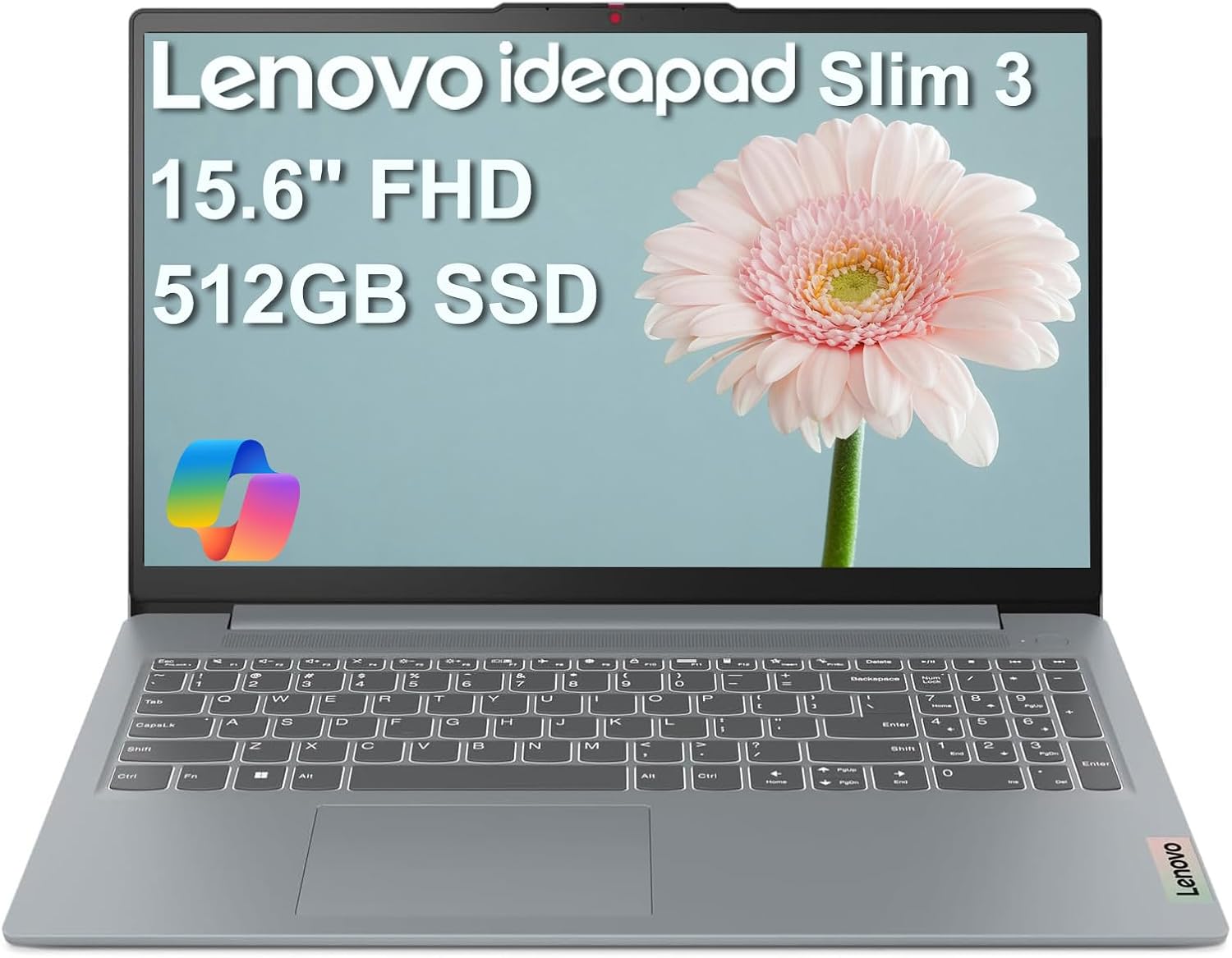
Image: The IdeaPad Slim 3i laptop, showcasing its sleek design and full display.
2. Panduan Persediaan
2.1 Membuka Kotak dan Pemeriksaan Awal
Keluarkan semua komponen dari pembungkusan dengan berhati-hati. Sahkan bahawa item berikut disertakan:
- Laptop IdeaPad Slim 3
- Penyesuai AC 65W dengan Kord Kuasa
- Manual Pengguna (dokumen ini)
Periksa komputer riba untuk sebarang kerosakan fizikal. Jika terdapat sebarang kerosakan, hubungi khidmat pelanggan dengan segera.
2.2 Kuasa Penyambung
Connect the 65W AC adapter to the laptop's power connector and then plug it into a wall outlet. It is recommended to fully charge the battery before initial use.
2.3 Penghidupan Awal dan Persediaan Sistem Pengendalian
Press the power button to turn on the laptop. Follow the on-screen instructions to complete the Windows 11 Home setup process. This includes selecting your language, region, connecting to a Wi-Fi network, and creating a user account.
2.4 Port Overview dan Ketersambungan
The IdeaPad Slim 3i offers various ports for connecting peripherals and external devices.

Image: Diagram illustrating the various ports on the left and right sides of the IdeaPad Slim 3i laptop.
| Nombor | Pelabuhan | Penerangan |
|---|---|---|
| 1 | Pembaca kad | For reading memory cards. |
| 2 | USB 3.2 Gen 1 | Standard USB port for connecting peripherals. |
| 3 | Penyambung kuasa | Sambungkan penyesuai AC di sini. |
| 4 | USB 3.2 Gen 1 | Another standard USB port. |
| 5 | HDMI® | Connect to external displays or TVs. |
| 6 | USB-C® 3.2 Gen 1 | Versatile USB-C port for data transfer and charging. |
| 7 | Bicu kombo fon kepala / mikrofon (3.5mm) | For connecting headphones or a headset. |
The laptop supports Wi-Fi 6 for fast wireless internet and Bluetooth 5.2 for connecting wireless accessories.
3. Mengendalikan Komputer Riba Anda
3.1 Papan Kekunci dan Pad Sentuh
The laptop features a full-sized keyboard and a responsive touchpad for navigation. Familiarize yourself with the function keys (Fn) for quick access to settings like volume, brightness, and Wi-Fi.

Imej: Atas ke bawah view of the IdeaPad Slim 3i laptop's keyboard and touchpad layout.
3.2 Ciri Paparan
The 15.6-inch Full HD (1920x1080) anti-glare display provides clear visuals and reduces reflections, enhancing your viewpengalaman dalam.
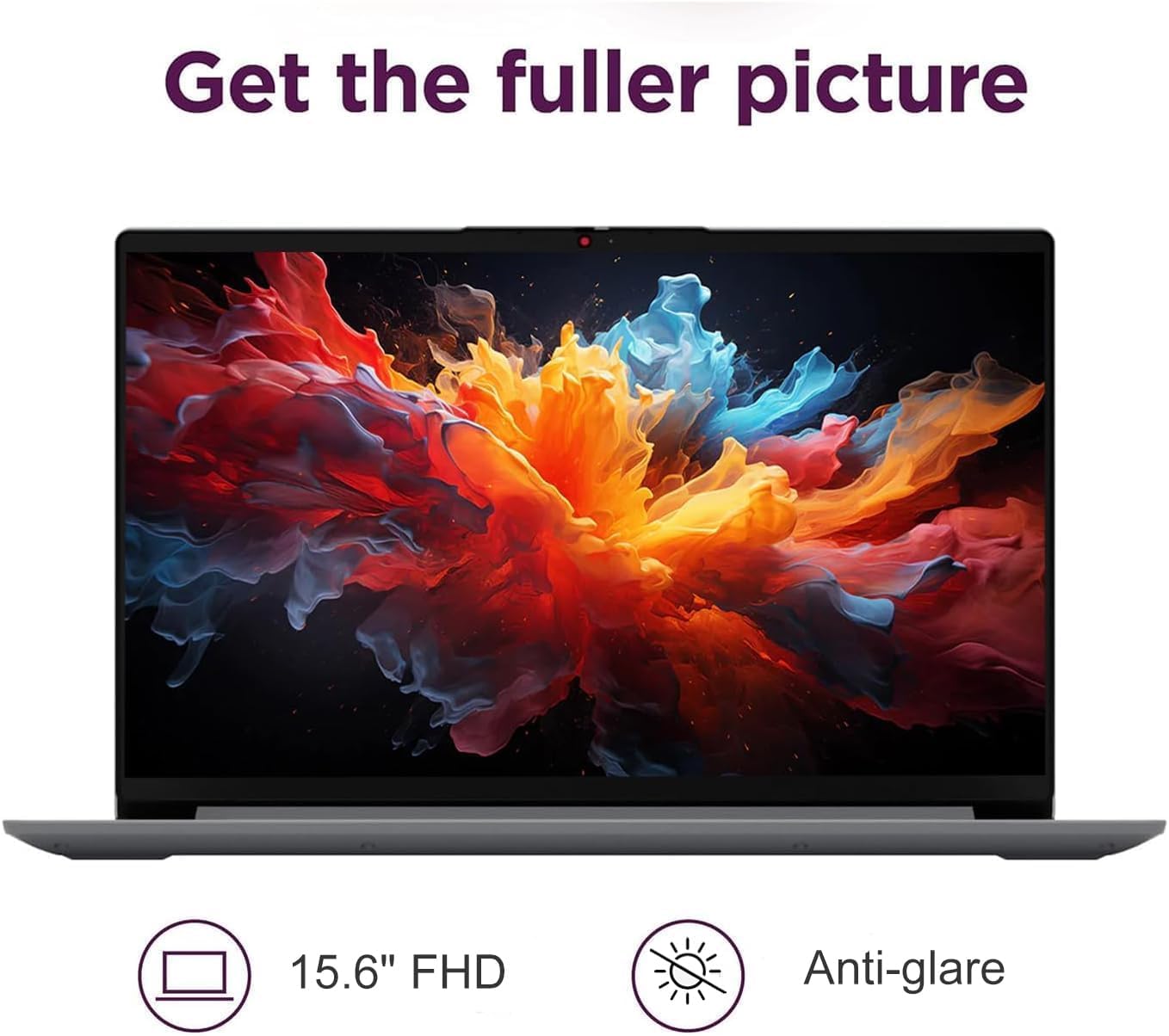
Image: The IdeaPad Slim 3i laptop display showing vibrant colors, highlighting its 15.6-inch FHD anti-glare screen.
3.3 Sistem Audio
Experience immersive sound with the integrated Dolby Audio speakers. Adjust volume using the dedicated function keys or through the Windows sound settings.

Image: The IdeaPad Slim 3i laptop with sound waves emanating from it, emphasizing the Dolby Audio speakers for enhanced entertainment.
3.4 Webcam dengan Pengatup Privasi
Yang bersepadu webcam includes a physical privacy shutter. Slide the shutter to cover the camera lens when not in use to ensure your privacy.
3.5 Pengurusan Bateri
The IdeaPad Slim 3i offers up to 10 hours of battery life. It also supports Rapid Charge technology, allowing for quick recharging. To optimize battery life, adjust power settings in Windows and disconnect the charger once the battery is full.

Image: The IdeaPad Slim 3i laptop with a clock graphic, indicating its super long battery life of up to 10 hours.
4. Penyelenggaraan
4.1 Membersihkan Komputer Riba Anda
Gunakan kain lembut dan tidak berbulu sedikit dampdiisi dengan air atau pembersih skrin untuk membersihkan paparan. Untuk papan kekunci dan casis, gunakan kain kering dan lembut. Elakkan bahan kimia yang keras atau bahan yang melelas.
4.2 Kemas Kini Perisian
Regularly check for and install Windows updates and driver updates to ensure optimal performance and security. These can be found in the Windows Settings menu.
4.3 Storage and RAM Management
The laptop comes with a 512GB SSD for fast storage and 8GB DDR5 RAM for efficient multitasking. Periodically review your installed applications and files to free up storage space. Close unnecessary programs to optimize RAM usage.
4.4 Ketahanan
The IdeaPad Slim 3i meets MIL-STD-810H standards, indicating a degree of durability against environmental factors. However, it is not indestructible. Avoid dropping the laptop or exposing it to extreme conditions.

Image: The IdeaPad Slim 3i laptop shown with a 'US MILITARY GRADE MIL-STD-810H' badge, indicating its durable and reliable construction.
5. Penyelesaian masalah
This section addresses common issues you might encounter with your IdeaPad Slim 3i laptop.
5.1 Isu Kuasa
- Komputer riba tidak dihidupkan: Ensure the AC adapter is securely connected to both the laptop and a working power outlet. Check if the power indicator light is on. Try holding the power button for 10-15 seconds to perform a hard reset.
- Bateri tidak dicas: Verify the power adapter is functioning correctly. Try a different outlet. If the issue persists, contact support.
5.2 Masalah Paparan
- Skrin kosong: Pastikan komputer riba dihidupkan. Cuba laraskan kecerahan skrin menggunakan kekunci fungsi. Jika monitor luaran disambungkan, cuba putuskan sambungannya.
- Skrin berkelip: Update your graphics drivers. If the issue continues, it may indicate a hardware problem.
5.3 Isu Ketersambungan
- Wi-Fi tidak bersambung: Check if Wi-Fi is enabled (often via a function key or in Windows settings). Restart your router and the laptop. Ensure you are entering the correct Wi-Fi password.
- Peranti Bluetooth tidak berpasangan: Ensure Bluetooth is enabled on both the laptop and the device. Put the Bluetooth device into pairing mode. Remove and re-add the device in Windows Bluetooth settings.
5.4 Isu Prestasi Umum
- Prestasi perlahan: Close unnecessary applications. Check for malware. Ensure Windows and drivers are up to date. Consider freeing up disk space.
- Sistem membeku: If the system becomes unresponsive, press and hold the power button for several seconds until the laptop shuts down. Restart the laptop.
For more complex issues, refer to the online support resources or contact IST Computers customer service.
6. Spesifikasi Teknikal
Below are the detailed technical specifications for the IdeaPad Slim 3i Laptop:
| Ciri | Spesifikasi |
|---|---|
| Nama Model | IdeaPad Slim 3i |
| Saiz Paparan Skrin Berdiri | 15.6 Inci |
| Resolusi Skrin Maks | 1920 x 1080 piksel (FHD) |
| Pemproses | Intel 8-Core i3-N305 (1.8 GHz) |
| RAM | 8 GB DDR5 |
| Kelajuan Memori | 4800 MHz |
| Pemacu Keras | 512 GB SSD |
| Pemproses bersama Grafik | Grafik Intel UHD (Bersepadu) |
| Jenis Wayarles | 802.11ax (Wi-Fi 6), Bluetooth 5.2 |
| Port USB | 2x USB 3.0, 2x USB Type-C |
| Pelabuhan Lain | Card Reader, HDMI 1.4, Headphone/Mic Combo Jack |
| Sistem Operasi | Windows 11 Home |
| Purata Hayat Bateri | 10 Jam |
| Berat Barang | 4.02 paun |
| Dimensi Produk (LxWxH) | 14.4 x 9.76 x 0.75 inci |
| warna | Kelabu Artik |
| Ciri Khas | Anti Glare Coating, Backlit Keyboard, Fingerprint Reader, Numeric Keypad, Spill Resistant |
7. Waranti dan Sokongan
7.1 Waranti Produk
The IdeaPad Slim 3i laptop comes with a waranti pengilang satu tahun covering defects in materials and workmanship for most components. Additionally, IST Computers provides a jaminan tiga tahun on the RAM (Memory) and SSD (Storage) components that have been upgraded by their professional technicians.
Sila simpan bukti pembelian anda untuk tuntutan waranti.
7.2 Sokongan Pelanggan
For technical assistance, troubleshooting, or warranty inquiries, please contact IST Computers customer support. Refer to the contact information provided with your purchase documentation or visit the official IST Computers webtapak untuk butiran sokongan.
Anda juga boleh melawat IST Computers Brand Store on Amazon untuk maklumat lanjut.