1. Pengenalan
Terima kasih kerana membeliasing the BYINTEK R17 Pro Portable Smart 3D DLP Projector. This manual provides essential information for safe and effective use of your device. Please read it thoroughly before operation and retain it for future reference.
The BYINTEK R17 Pro is a versatile portable projector featuring Android 9.0 OS, 4K decoding support, 3D capabilities, and a built-in battery, making it ideal for various entertainment and presentation needs. It also supports multiple languages including English, Russian, Arabic, Korean, Japanese, French, German, Italian, Spanish, Chinese, Vietnamese, Polish, and Traditional Chinese.
2. Maklumat Keselamatan
- Jangan lihat terus ke dalam kanta projektor apabila lamp sedang aktif.
- Keep the projector away from water or other liquids to prevent electric shock.
- Jangan sekat bukaan pengudaraan untuk mengelakkan terlalu panas.
- Gunakan hanya penyesuai kuasa yang disediakan oleh pengilang.
- Elakkan meletakkan projektor pada permukaan yang tidak stabil.
- Jangan cuba membuka atau membaiki projektor sendiri. Hubungi kakitangan servis yang berkelayakan.
- Simpan projektor di tempat yang sejuk dan kering apabila tidak digunakan.
3. Kandungan Pakej
Sila semak kandungan pakej semasa membuka kotak untuk memastikan semua item ada:
- BYINTEK R17 Pro Projector
- Penyesuai Kuasa
- Alat Kawalan Jauh
- Manual Pengguna (dokumen ini)
- Kabel HDMI (mungkin berbeza mengikut wilayah)

Imej: Bahagian terperinci view of the BYINTEK R17 Pro projector, highlighting its compact and portable design.
4. Panduan Persediaan
4.1 Menghidupkan/Mematikan
- Sambungkan Kuasa: Plug the power adapter into the projector's DC input port and then into a power outlet.
- Hidupkan kuasa: Tekan butang kuasa pada projektor atau alat kawalan jauh. Lampu penunjuk akan menyala.
- Matikan: Tekan butang kuasa sekali lagi. Sahkan penutupan jika digesa.
4.2 Penempatan dan Unjuran
Position the projector on a stable, flat surface. Ensure there are no obstructions in front of the lens. The ideal projection distance ranges from 1 to 8 meters, producing a screen size of 30 to 300 inches.
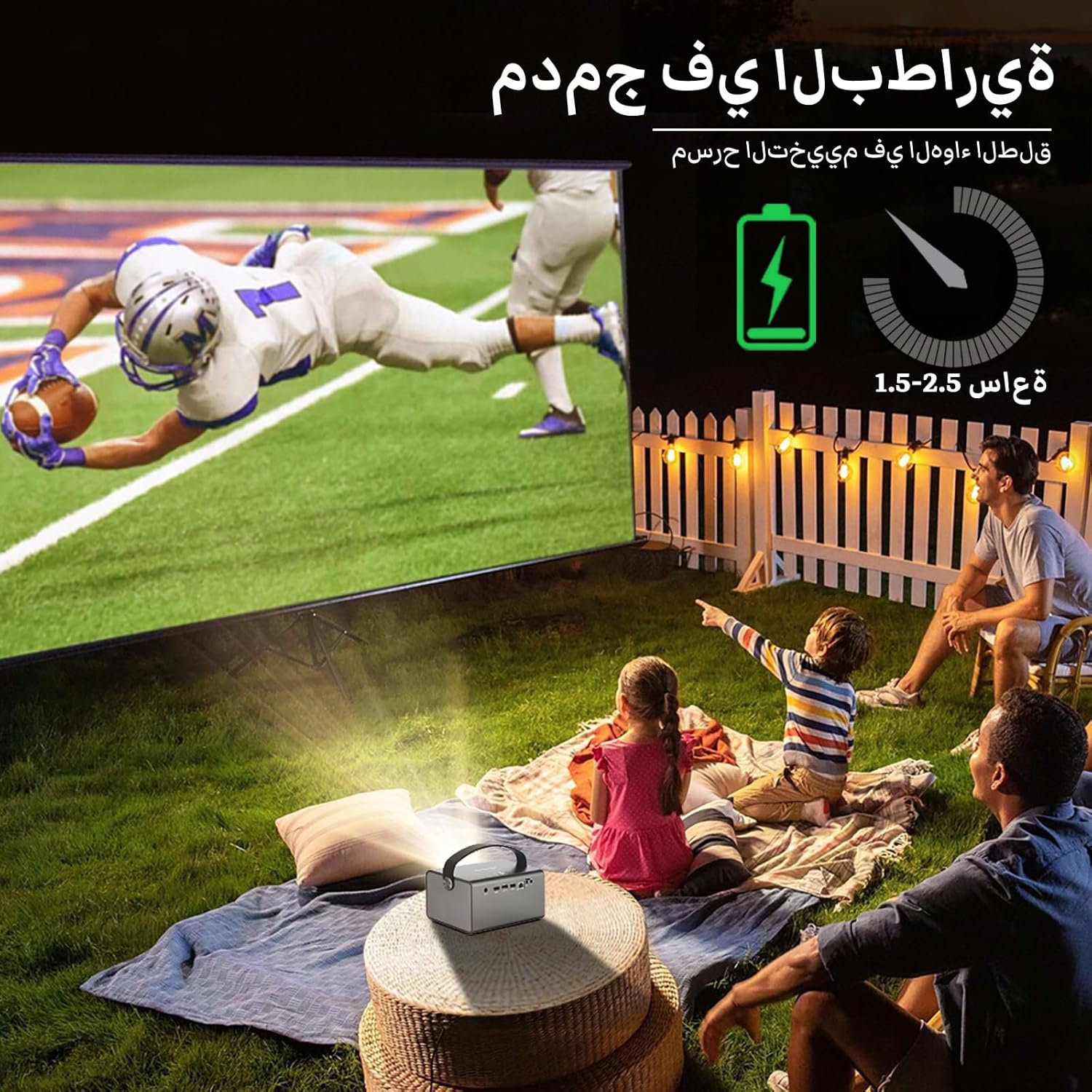
Image: The BYINTEK R17 Pro projector in an outdoor setting, demonstrating its portable use for entertainment. The image shows a football game projected onto a large screen, with people watching comfortably. This highlights the projector's battery life and suitability for outdoor events.
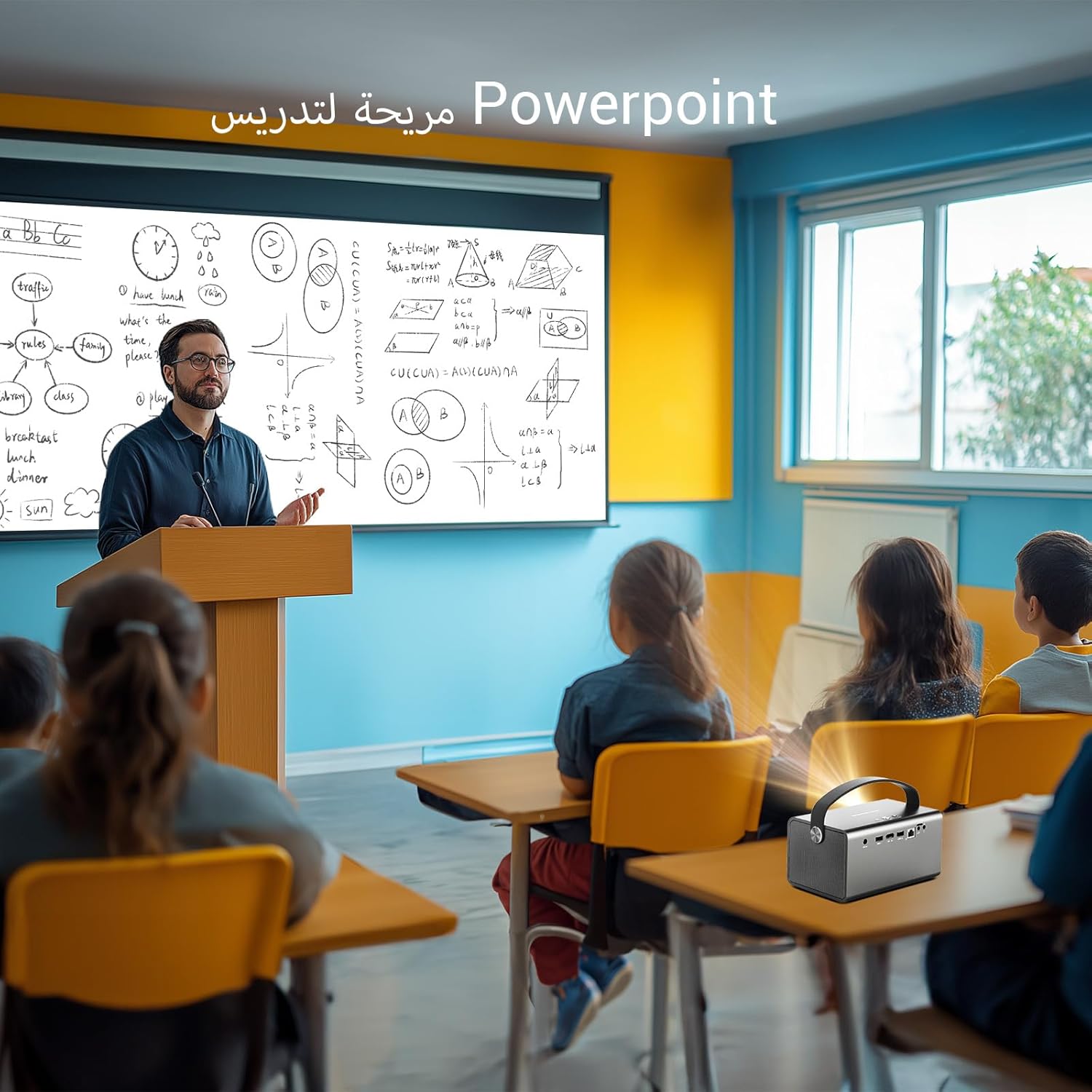
Image: The BYINTEK R17 Pro projector being used in a classroom to display a PowerPoint presentation. This illustrates its utility for educational purposes and presentations in various environments.
4.3 Fokus dan Pembetulan Keystone
- Fokus Elektrik: Use the remote control to adjust the focus until the image is clear.
- Pembetulan Keystone Automatik: The projector supports automatic vertical keystone correction.
- Pembetulan Keystone Manual: For side projections or specific adjustments, use the manual keystone correction feature via the settings menu. This includes corner keystone correction.
5. Operasi
5.1 Menavigasi Sistem Android 9.0
The BYINTEK R17 Pro runs on Android 9.0, providing a smart interface. Use the remote control or a connected air mouse to navigate through menus, launch applications, and adjust settings.
- Skrin Utama: Access pre-installed apps and system settings.
- App Store: Download additional applications for streaming, productivity, or gaming.
- tetapan: Configure Wi-Fi, Bluetooth, display, sound, and other system preferences.
5.2 Main Semula Media
The projector supports various media formats and sources:
- Storan USB: Connect a USB drive or SSD (up to 32GB) to play videos, music, or view foto.
- Penstriman Dalam Talian: Use pre-installed or downloaded streaming apps via Wi-Fi.
- Kandungan 3D: The projector supports Blu-ray 3D. Ensure your 3D content and glasses are compatible.

Image: A couple enjoying a Blu-ray 3D movie projected by the BYINTEK R17 Pro. The image showcases the projector's ability to display immersive 3D content with vivid colors.
5.3 Screen Mirroring (Wi-Fi Display)
Mirror your smartphone, tablet, or computer screen wirelessly to the projector using Airplay, Miracast, or DLNA (Eshare app is pre-installed).
- Ensure both your device and the projector are connected to the same Wi-Fi network.
- Open the Eshare app on the projector.
- On your mobile device, activate screen mirroring (e.g., Airplay for iOS, Smart View/Screen Cast for Android).
- Pilih projektor daripada senarai peranti yang tersedia.

Image: The BYINTEK R17 Pro projector wirelessly displaying a racing game from a smartphone. This demonstrates the screen mirroring feature for gaming and mobile content.
6. Ketersambungan
The BYINTEK R17 Pro offers multiple connectivity options:
- HDMI2.0: Connect external devices like game consoles (e.g., PS4), computers, Blu-ray players, or TV boxes. Supports up to 4K input.
- USB 2.0 / USB 3.0: For connecting USB storage devices, external mice, game controllers, or 2.4GHz air mice.
- Keluar Audio: Sambungkan pembesar suara luaran atau fon kepala untuk audio yang dipertingkatkan.
- Wi-Fi (2.4GHz/5GHz): For internet access and wireless screen mirroring.
- Bluetooth 5.0: For connecting Bluetooth speakers, headphones, or other compatible accessories.
7. Penyelenggaraan
7.1 Membersihkan Lensa
Gunakan kain lembut dan tidak berbulu yang direka khas untuk kanta optik. Jangan gunakan pembersih yang kasar atau daya yang berlebihan, kerana ini boleh menggaru kanta.
7.2 Membersihkan Badan Projektor
Wipe the exterior of the projector with a soft, dry cloth. Avoid using chemical cleaners that may damage the finish.
7.3 Penyimpanan
When not in use for extended periods, store the projector in its original packaging or a protective case in a cool, dry, dust-free environment.
8. Penyelesaian masalah
| Masalah | Kemungkinan Punca | Penyelesaian |
|---|---|---|
| Tiada imej dipaparkan | Power not connected; input source incorrect; lens cap on. | Check power connection; select correct input source (HDMI, USB, etc.); remove lens cap. |
| Imej kabur | Focus not adjusted; projector too far/close. | Adjust electric focus using the remote; reposition the projector within optimal distance. |
| Imej diherotkan (bentuk trapezoid) | Pembetulan Keystone diperlukan. | Use auto or manual keystone correction in settings. |
| Tiada bunyi | Volume too low; external speakers not connected/configured; audio output muted. | Increase volume; check external speaker connection; unmute audio. |
| Isu sambungan Wi-Fi | Kata laluan salah; di luar julat; masalah penghala. | Verify password; move closer to router; restart router and projector. |
| Projektor dimatikan tanpa diduga | Terlalu panas; bateri lemah. | Ensure ventilation is clear; charge the battery or connect to power. |
9. Spesifikasi
| Ciri | Perincian |
|---|---|
| Jenama | BYINTEK |
| Model | R17 Pro |
| Enjin Ringan | TI 0.47 inch DMD WVGA |
| Sumber Cahaya | OSRAM RGB 3LED |
| Kehidupan Cahaya | 50,000 jam |
| Kecerahan | 750 ANSI Lumen |
| Nisbah Kontras | 10,000:1 |
| Resolusi Asli | 1280 x 800 (supports up to 4K input) |
| Nisbah Aspek | 16: 10/16: 9/4: 3 |
| luar paksi | 100% |
| Nisbah Lemparan | 1.2:1 |
| Saiz Unjuran | 30 - 300 inci |
| Jarak Unjuran | 1 - 8 meter |
| Mod Fokus | Electric Motor Focus |
| Zum | Remote Electric Zoom |
| Pembetulan Batu Kunci | Auto/Manual Vertical, Manual Corner |
| Sistem Operasi | Android 9.0 |
| CPU | MTK Contex A53 Quad-core |
| GPU | Mali-G52 |
| RAM | 2GB DDR3 |
| ROM | 32GB EMMC |
| Wi-Fi | Dwi-jalur 2.4GHz / 5GHz |
| Bluetooth | Bluetooth 5.0 |
| Paparan Wi-Fi | Airplay, Miracast, DLNA (Eshare pre-installed) |
| Bateri | Built-in 11.1V 5200mAh (15600mAh equivalent) Lithium-ion, 1.5-2.5 hours life |
| Penceramah | Pembesar suara Stereo 2 x 5W |
| Port Input | HDMI 2.0 (supports 4K input), USB 2.0, USB 3.0 |
| Port Output | Audio Keluar |
| Dimensi Produk | 19.3 x 12.3 x 10 cm |
| Berat Barang | 2.34 kg |
| Ciri Khas | Auto Focus, Built-in Wi-Fi Receiver, Built-in 3D Display, Portable, Built-in Speaker |
10. Waranti & Sokongan
BYINTEK products come with a standard manufacturer's warranty. Please refer to the warranty card included in your package for specific terms and conditions. For technical support, service, or warranty claims, please contact BYINTEK customer service or visit the official BYINTEK webtapak.
BYINTEK has a service center in Saudi Arabia to provide professional after-sales service. For more information, please visit the BYINTEK Store on Amazon.