
BITIWEND PIR Motion Detector Alarm System
BITIWEND PIR Motion Detector Alarm System User Manual
Model: PIR Motion Detector Alarm System
pengenalan
This manual provides detailed instructions for the installation, operation, and maintenance of your BITIWEND PIR Motion Detector Alarm System. Please read this manual thoroughly before use to ensure proper functionality and safety. This system is designed to enhance security in various environments, including homes, RVs, garages, and shops, by detecting motion and alerting users.

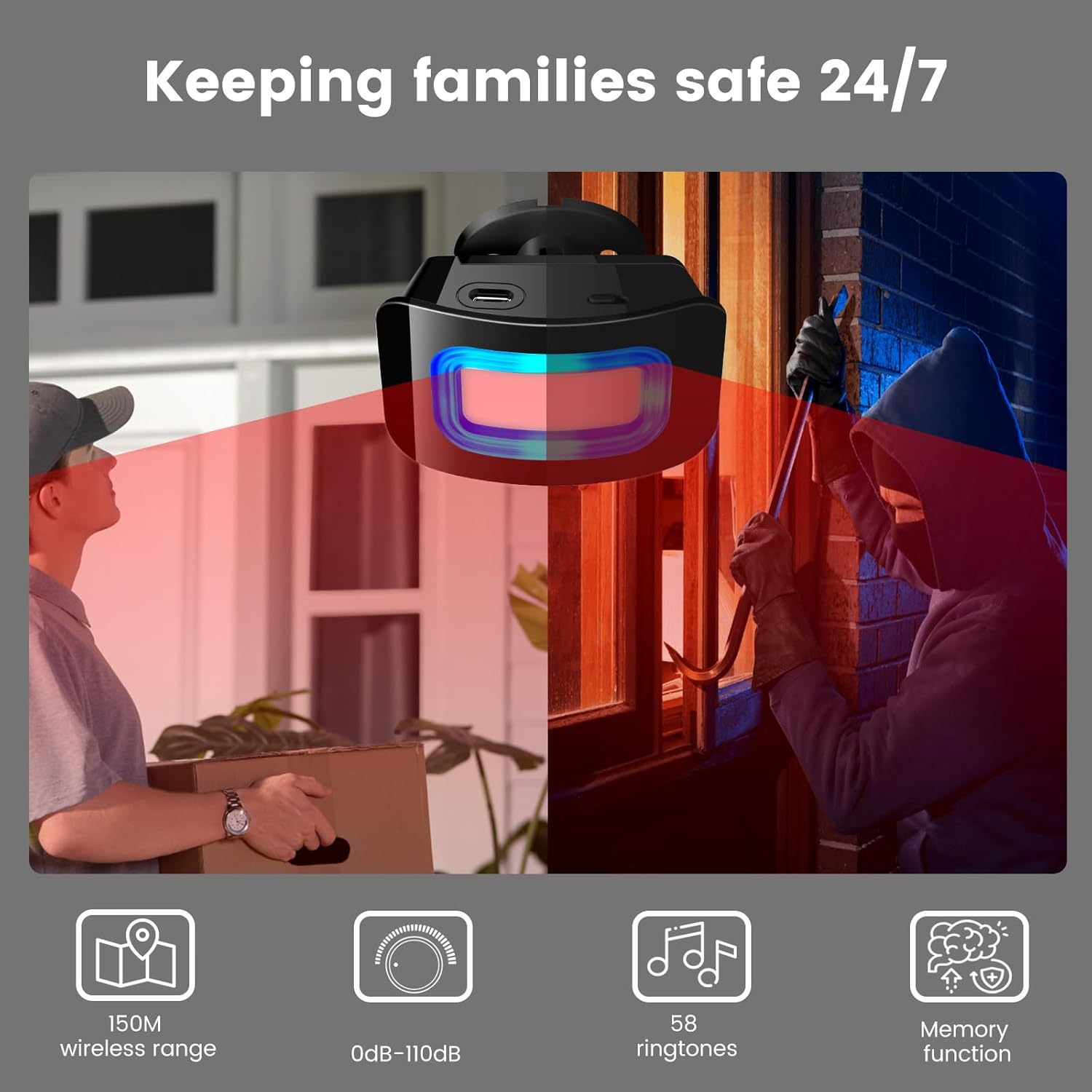
Image: The BITIWEND PIR Motion Detector Alarm System in an active state, illustrating its function in detecting movement.
Produk Selesaiview
Komponen
- PIR Motion Sensor (Transmitter): Mengesan pergerakan dalam medannya view.
- Receiver (Chime Unit): Plugs into a standard power outlet and emits an audible and visual alert when motion is detected by the sensor.
- Aksesori Pemasangan: Screws and wall anchors for sensor installation.
Ciri-ciri Utama
- Julat Pengesanan: 4-5 meters (13-16 feet) with a 110° detection angle.
- Julat Tanpa Wayar: Up to 150 meters (492 feet) in open areas between sensor and receiver.
- Kelantangan Penggera: Adjustable from 0 dB (silent mode) to 110 dB.
- Melodi: 58 selectable chime melodies.
- Makluman Visual: Integrated LED display on the receiver for visual notification.
- Sistem Boleh Diperkembangkan: Each receiver supports up to 20 motion sensors. Each sensor can be paired with multiple receivers.
- Pilihan Kuasa: Sensor operates on 2 AA batteries or USB power. Receiver plugs into an AC outlet.
- Suhu Operasi: -20 ° C hingga 50 ° C (-4 ° F hingga 122 ° F).
Imej: Selesaiview of the BITIWEND PIR Motion Detector Alarm System components, including the motion sensor and receiver unit.
Persediaan
1. Menghidupkan Peranti
- Penerima: Plug the receiver into a standard AC power outlet. The LED indicator will light up.
- Penderia Gerakan:
- Open the battery compartment on the back of the motion sensor.
- Masukkan 2 bateri alkali AA, pastikan kekutuban (+/-) betul.
- Alternatively, connect the sensor to a USB power source using a compatible cable (not included).
- Tutup petak bateri.

Image: Step-by-step guide for easy installation of the motion sensor and how to replace its batteries.
2. Pairing the Sensor and Receiver
- Ensure both the receiver and sensor are powered on.
- On the receiver, press and hold the Butang Kelantangan for approximately 5 seconds until the receiver emits a short beep and its LED indicator flashes rapidly. This indicates pairing mode.
- Within 5 seconds, trigger the motion sensor by waving your hand in front of it. The receiver will chime, confirming successful pairing.
- If pairing fails, repeat the steps.
3. Mounting the Motion Sensor
The motion sensor is designed for indoor mounting. Choose a location where it can effectively detect movement in the desired area, such as near a door, window, or hallway. Avoid direct sunlight or heat sources, and ensure it is not exposed to rain or moisture.
- Identify a suitable mounting location, typically 1.5 to 2.5 meters (5 to 8 feet) above the ground.
- Use the provided screws and wall anchors to securely mount the sensor bracket to the wall or ceiling.
- Attach the motion sensor to the bracket. The sensor can be rotated 360° and tilted 90° to adjust the detection angle.

Image: Diagram illustrating the vertical (60°) and horizontal (110°) detection angles of the motion sensor, along with mounting flexibility.
Arahan Operasi
Adjusting Volume and Melody
- Pelarasan Kelantangan: Tekan ke Butang Kelantangan on the receiver repeatedly to cycle through the 5 volume levels (0 dB to 110 dB). Select the desired volume.
- Pemilihan Melodi: Tekan ke Butang Naik or Butang Bawah on the receiver to cycle through the 58 available melodies. The receiver will play a preview of each melody.
- The receiver has a memory function that retains your last selected volume and melody settings even after a power outage.

Image: The receiver unit showing its volume and melody selection buttons, along with the LED indicator.
Peluasan Sistem
To expand your security system, you can add more BITIWEND motion sensors or receivers. Follow the pairing instructions (Section 3.2) for each new sensor you wish to add to an existing receiver. Each receiver can support up to 20 sensors.
Penyelenggaraan
Penggantian Bateri
When the motion sensor's battery is low, its indicator light may flash or it may fail to transmit signals reliably. Replace the 2 AA batteries as described in the "Powering the Devices" section (Section 3.1).
Pembersihan
Wipe the devices with a soft, dry cloth. Do not use abrasive cleaners or solvents. Ensure no liquid enters the device openings.
Pertimbangan Alam Sekitar
The motion sensor is not waterproof. Install it in a protected indoor location to prevent water damage. Avoid placing the sensor near strong electromagnetic fields or areas with rapid temperature changes, which could affect performance.
Menyelesaikan masalah
| Masalah | Kemungkinan Punca | Penyelesaian |
|---|---|---|
| Receiver does not chime when motion is detected. |
|
|
| Penggera palsu. |
|
|
| Julat tanpa wayar yang pendek. |
|
|
Spesifikasi
| Ciri | Perincian |
|---|---|
| Pengeluar | BITIWEND |
| Model | PIR Motion Detector Alarm System |
| Detection Range (PIR) | 4-5 meter (13-16 kaki) |
| Detection Angle (PIR) | 110 ° mendatar, 60 ° menegak |
| Julat Penghantaran Tanpa Wayar | Sehingga 150 meter (492 kaki) di kawasan terbuka |
| Kelantangan Penggera | 0 dB to 110 dB (5 levels) |
| melodi | 58 boleh dipilih |
| Sumber Kuasa Sensor | 2 x AA Alkaline batteries or USB power |
| Sumber Kuasa Penerima | AC power outlet (Standby < 0.25W) |
| Suhu Operasi | -20°C hingga 50°C (-4°F hingga 122°F) |
| Dimensi (Penderia) | Lebih kurang 10 x 5.5 x 3.6 cm (3.9 x 2.1 x 1.4 inci) |
| Dimensi (Penerima) | lebih kurang 7.5 x 7.5 cm (2.9 x 2.9 inci) |
| Berat (Pakej) | 260 gram |

Image: Detailed dimensions of both the motion sensor and the receiver unit.
Waranti dan Sokongan
Specific warranty information is not provided in the product details. For warranty claims, technical support, or any product-related inquiries, please contact BITIWEND customer service through your purchase platform or the official BITIWEND webtapak. Simpan resit pembelian anda sebagai bukti pembelian.
BITIWEND is committed to providing quality products and customer satisfaction. Your feedback is valuable and helps us improve our products and services.
Ask a question about this manual
Ask about setup, troubleshooting, compatibility, parts, safety, or missing instructions. Manuals+ will review the question and use this page’s manual context to help answer it.