
1. Pengenalan
This manual provides comprehensive instructions for the Digitek DWM-002 Wireless Microphone system. Please read this manual carefully before using the product to ensure proper operation and to maximize its performance. This device is designed for use with iPhone X/11/12/13/14 Series featuring a Lightning (LTC) port.
2. Kandungan Pakej
Sahkan bahawa semua item terdapat dalam pakej anda:
- 2 x Mikrofon Tanpa Wayar
- 1 x Receiver with Lightning Connector
3. Produk Lebihview
The Digitek DWM-002 system consists of two wireless microphones and one receiver, designed for clear audio capture with iOS devices. The compact design ensures portability and ease of use.
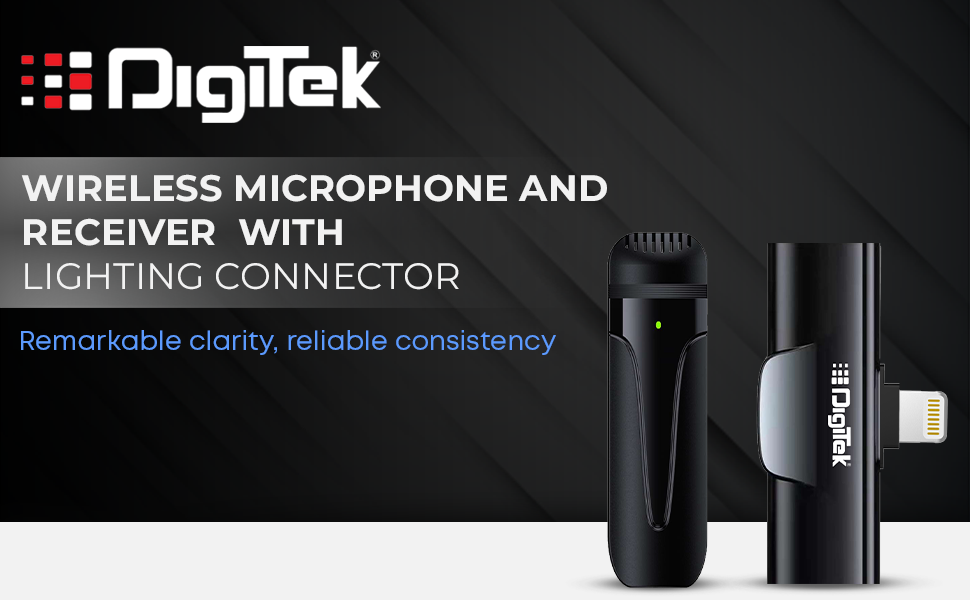
Image: Digitek DWM-002 Wireless Microphone and Receiver with Lightning Connector. The image shows the microphone and receiver units side-by-side, highlighting their compact form factor and the Lightning connector on the receiver.
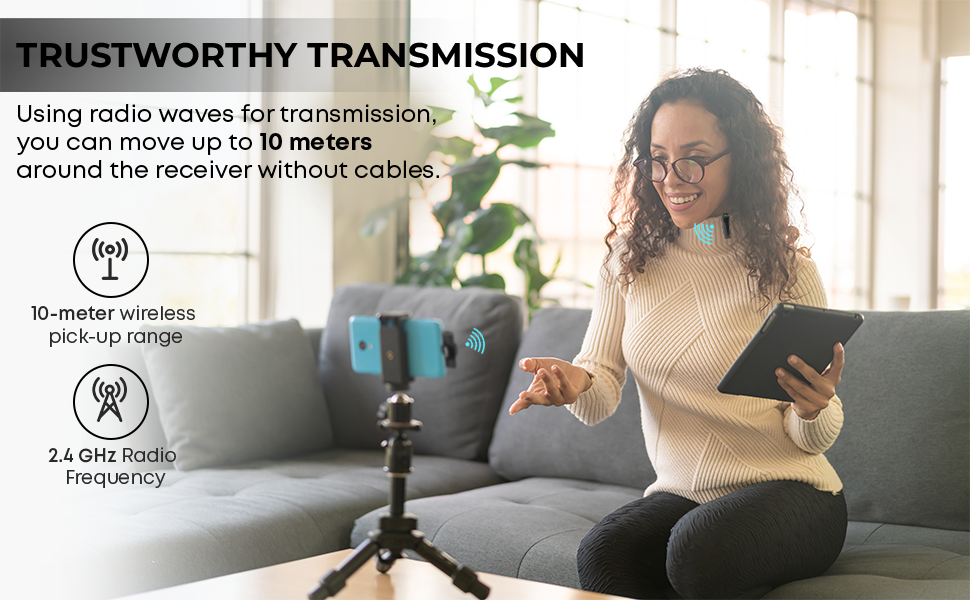
Image: Convenient Configuration. This image illustrates the solid build and compact design of the microphone and receiver, emphasizing the top-notch connector and sturdy construction.
4. Arahan Persediaan
- Pemeriksaan Keserasian: Ensure your iPhone is from the X/11/12/13/14 Series and features a Lightning (LTC) port. This microphone system is not compatible with Type-C models.
- Unlock iPhone: Before connecting the receiver, unlock your iPhone's screen.
- Sambungkan Penerima: Plug the receiver into your iPhone's Lightning port. The microphone will only function correctly after the screen is unlocked and the receiver is connected.
- Power On Microphone: The microphone unit typically powers on automatically or via a power button (if present, not explicitly detailed in provided data). A green indicator light on the microphone usually signifies it is on and ready.
- Berpasangan automatik: The microphone and receiver are designed to pair automatically upon connection. No manual pairing steps are usually required.
5. Arahan Operasi
5.1 Operasi Asas
- Once the receiver is connected to your unlocked iPhone and the microphone is powered on, the system is ready for use.
- Clip the microphone to your collar or clothing for optimal audio capture.
- The system operates on a 2.4 GHz frequency, providing stable and interference-free wireless transmission.
- Maintain a wireless operating range of up to 10 meters for optimal performance.
5.2 Pembatalan Bunyi
The Digitek DWM-002 features a built-in noise cancellation function to ensure clear and crisp audio by reducing ambient background noise.
5.3 Mengecas
- The microphone units are equipped with a built-in 50 mAh Li-Poly battery.
- The system supports fast charging, allowing for quick recharging and extended use.
- The power input is DC 5V/1A, compatible with standard power sources for convenient recharging.
- A full charge provides up to 4 hours of non-stop usage.
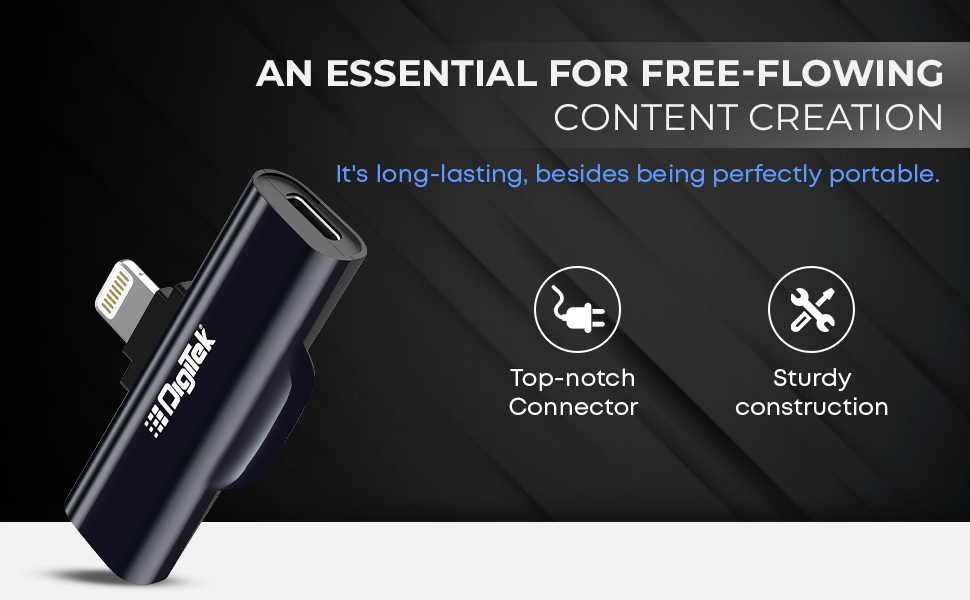
Image: Simplified Communication and Creation. This image highlights the microphone's battery life of up to 4 hours of non-stop usage and its built-in 50 mAh Li-Poly battery.
5.4 Senario Penggunaan yang Disyorkan
This wireless microphone system is well-suited for various applications requiring clear audio:
- Vlog
- Persidangan Video
- Podcasting
- Penstriman Langsung
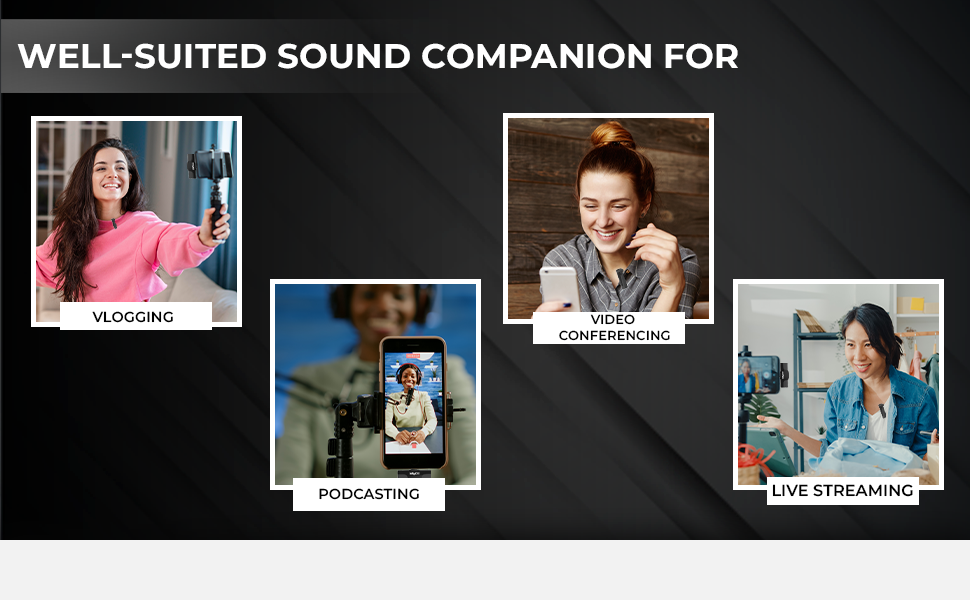
Image: Well-suited Sound Companion. This image displays various usage scenarios for the microphone, including vlogging, video conferencing, podcasting, and live streaming.
6. Penyelenggaraan
- Keep the microphone and receiver clean and dry. Avoid exposure to moisture or extreme temperatures.
- Use a soft, dry cloth to clean the surfaces. Do not use harsh chemicals or abrasive materials.
- Simpan peranti dalam bekas pelindung apabila tidak digunakan untuk mengelakkan kerosakan.
- Elakkan daripada menjatuhkan atau meletakkan peranti kepada kesan yang kuat.
7. Penyelesaian masalah
| Masalah | Kemungkinan Punca | Penyelesaian |
|---|---|---|
| Microphone not working after connecting to iPhone. | iPhone screen was locked during connection. | Ensure your iPhone screen is tidak berkunci before plugging in the receiver. Disconnect and reconnect the receiver after unlocking the screen. |
| Tiada audio atau kualiti audio yang lemah. | Microphone not powered on; out of range; interference; low battery. |
|
| Receiver not fitting or charging port issues. | Incorrect cable type; manufacturing defect. |
|
| Microphone not pairing with receiver. | Microphone or receiver not powered; out of range; temporary glitch. |
|
8. Spesifikasi
| Ciri | Perincian |
|---|---|
| Jenama | Digitek |
| Nombor Model | DWM-002 |
| Teknologi Ketersambungan | kilat |
| Jenis Penyambung | kilat |
| Ciri Khas | Mute Function, Wireless, Noise Cancellation |
| Peranti Serasi | iPhone (Lightning port models) |
| Corak Kutub | Omnidirectional |
| Impedans | 2200 ohm |
| Faktor Bentuk Mikrofon | Sistem Mikrofon |
| Sumber Kuasa | Dikuasakan Bateri |
| Bilangan Bateri | 1 Lithium Polymer battery required (included) per microphone |
| Nisbah Isyarat-ke-Bunyi | 75 dB |
| Platform Perkakasan | Telefon pintar |
| Bilangan Saluran | 1 |
| Respons Kekerapan | 2.4 GHz |
| Julat Kekerapan | 100 Hz - 10 KHz |
| warna | Hitam |
| Bahan Kepungan | Keluli Aloi, Plastik |
| Berat Barang | 300 Gram (jumlah pakej) |
| Dimensi Item | 11 x 4 x 10 Sentimeter |
| Negara Asal | China |
9. Maklumat Waranti
The Digitek DWM-002 Wireless Microphone comes with a 1 Year Carry-in Warranty from the date of purchase. Please retain your purchase receipt for warranty claims. The warranty covers manufacturing defects but does not cover damage caused by misuse, accidents, unauthorized modifications, or normal wear and tear.
10. Sokongan Pelanggan
For technical assistance, warranty claims, or product inquiries, please contact Digitek customer support:
- telefon: 011 4707 4444
- Pengilang / Pengimport: IMS Mercantiles Pvt. Ltd.
You can also visit the official Digitek webtapak untuk mendapatkan maklumat lanjut dan sumber sokongan.