
pengenalan
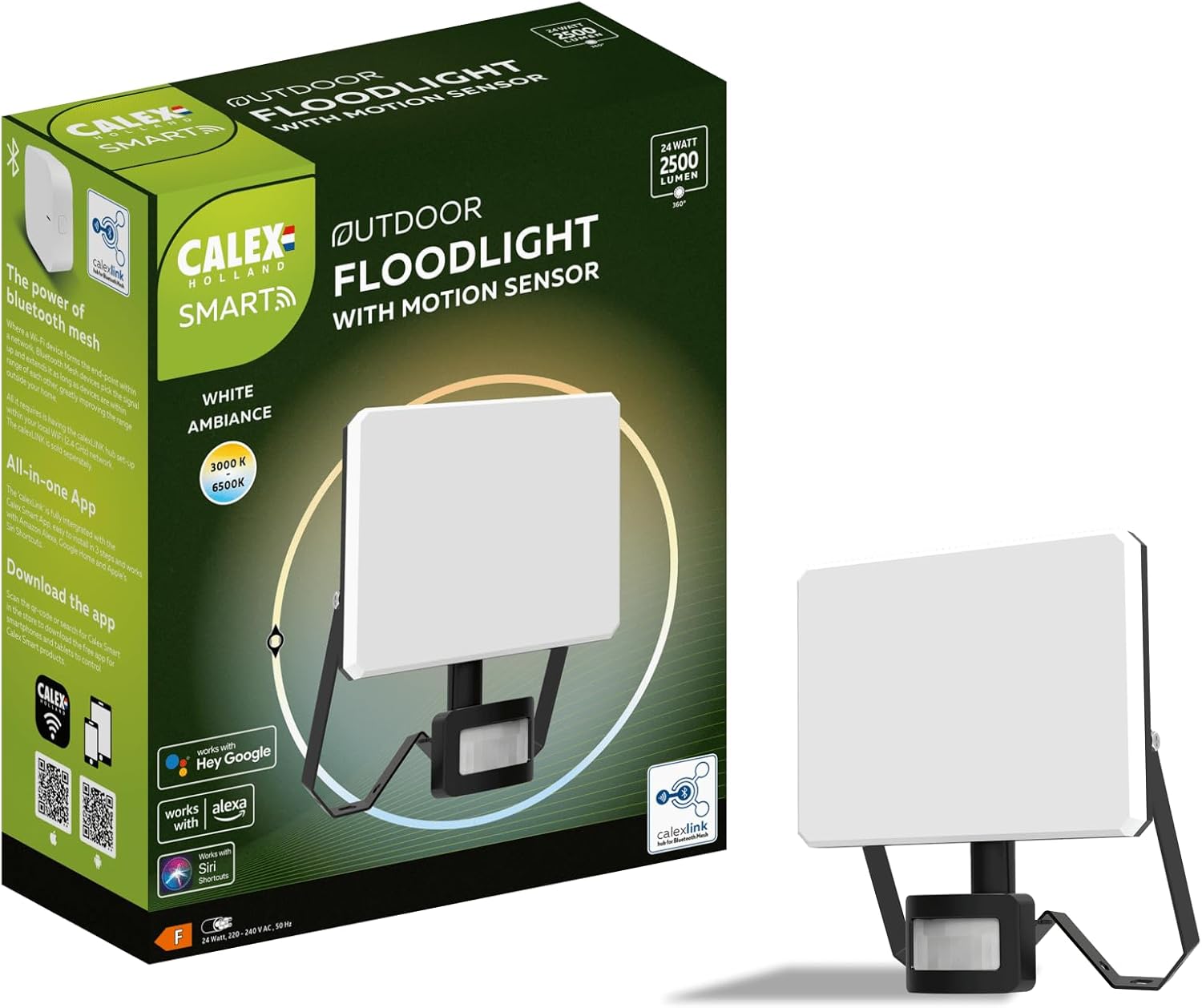
The CALEX Smart Outdoor Floodlight with Motion Sensor is designed to provide intelligent and secure outdoor lighting. This device integrates a motion detector and offers smart control capabilities via a mobile application, enhancing the safety and convenience of your outdoor spaces. It features adjustable color temperature and is compatible with popular voice assistants.
Persediaan
1. Membongkar
Carefully unpack the floodlight. The package should contain:
- 1x CALEX Smart Outdoor Floodlight
- Perkakasan pemasangan
2. Pemasangan
Assembly is required for this product. Ensure the power source is a standard electrical cable connection. The floodlight is rated IP54, making it suitable for outdoor use and resistant to dust and splashing water.
- Choose a suitable outdoor location for mounting.
- Use the provided mounting hardware to securely attach the floodlight to a wall or desired surface.
- Connect the floodlight to a power supply using an electrical cable. It is recommended to consult a qualified electrician for electrical connections.
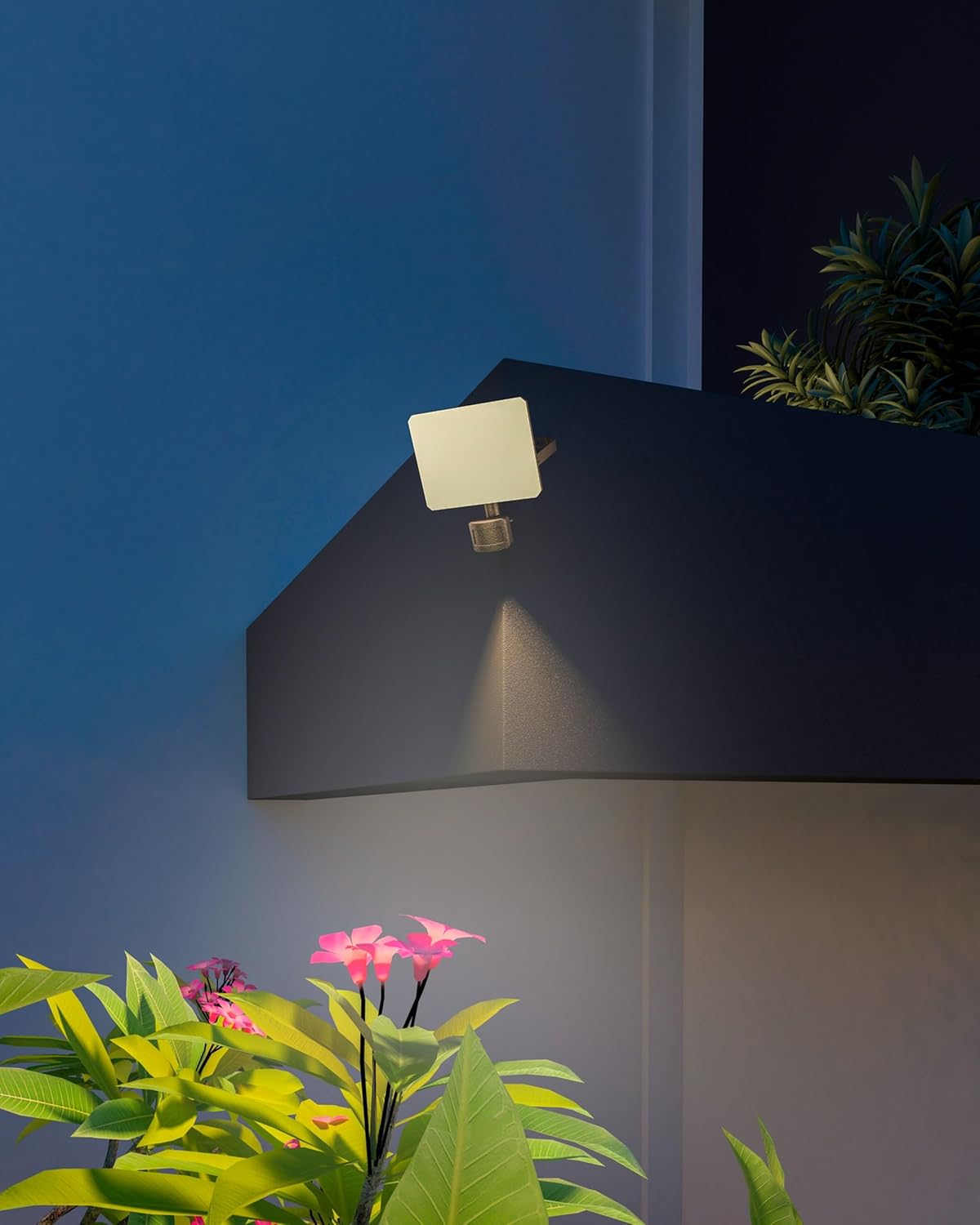
Image: CALEX Smart Outdoor Floodlight installed on an exterior wall, illuminating plants below.
3. Sambungan Apl
To utilize the smart features, download the Calex Smart app on your smartphone. The app allows for easy configuration and remote management of your lighting.
- Download the Calex Smart app from your device's app store.
- Follow the in-app instructions to add your new floodlight.
- For optimal range and stable connection for all your outdoor smart lights, especially in larger gardens, consider using the separately available Calex Bluetooth Link. This device converts the WiFi signal into a Bluetooth Mesh signal.
Arahan Operasi
1. Operasi Asas
Once connected to power and configured via the app, the floodlight can be controlled manually or through smart settings.
2. Fungsi Sensor Gerakan
The integrated motion sensor detects movement up to 10 meters away, automatically activating the light for enhanced security. You can adjust the sensor's sensitivity and duration settings within the Calex Smart app.

Imej: Jarak dekat view of the CALEX Smart Outdoor Floodlight, highlighting the integrated motion sensor at the bottom.
3. Smart Features and Voice Control
The Calex Smart app allows you to:
- Sesuaikan Pencahayaan: Adjust the color temperature from cool white to warm white to suit your preference.
- Set Timers and Scenarios: Create schedules for automatic on/off times or specific lighting scenarios.
- Pengurusan Jauh: Control your lights from anywhere using the app.
- Kawalan Suara: The floodlight is compatible with Google Home, Amazon Alexa, and Siri shortcuts for hands-free operation.
Penyelenggaraan
Penyelenggaraan berkala memastikan prestasi optimum dan jangka hayat lampu limpah anda.
Pembersihan
To clean the floodlight, ensure it is disconnected from the power supply. Use a soft, damp cloth to wipe the surfaces. Avoid abrasive cleaners or solvents that could damage the finish or electronic components.
For more information on cleaning bulbs, refer to general guidelines for LED lighting maintenance.
Menyelesaikan masalah
If you encounter issues with your CALEX Smart Outdoor Floodlight, consider the following:
- Tiada Kuasa: Check the electrical connection and ensure the power supply is active.
- Isu Ketersambungan: Ensure your Wi-Fi network is stable and the floodlight is within range. If using a Calex Bluetooth Link, verify its connection. Try restarting the floodlight and your router.
- Motion Sensor Not Responding: Check the sensor settings in the Calex Smart app. Ensure the sensor is not obstructed and its range is appropriately set.
- Masalah Kawalan Aplikasi: Verify that the Calex Smart app is updated to the latest version and your smartphone has a stable internet connection.
If problems persist, contact CALEX customer support for further assistance.
Spesifikasi
| Ciri | Perincian |
|---|---|
| Nombor Model | 5401000800 |
| Jenama | CALEX |
| Dimensi (L x W x H) | 164L x 68W x 192H sentimeter |
| Berat badan | 420 Gram |
| bahan | Logam, Plastik |
| warna | putih |
| Sumber Kuasa | Kabel Elektrik |
| Fluks Bercahaya | 2500 lumen |
| Suhu Warna | Adjustable (Cool White to Warm White) |
| Sudut Rasuk | 120 darjah |
| Julat Penderia Pergerakan | 10 meter |
| Peringkat Perlindungan Ingress (IP). | IP54 |
| Perhimpunan Diperlukan | ya |
| Kegunaan Khusus | Taman, Keselamatan Luar |
Helaian Data Produk

Image: Official product data sheet for the CALEX Smart Outdoor Floodlight, detailing technical specifications and compliance information.
Label Tenaga
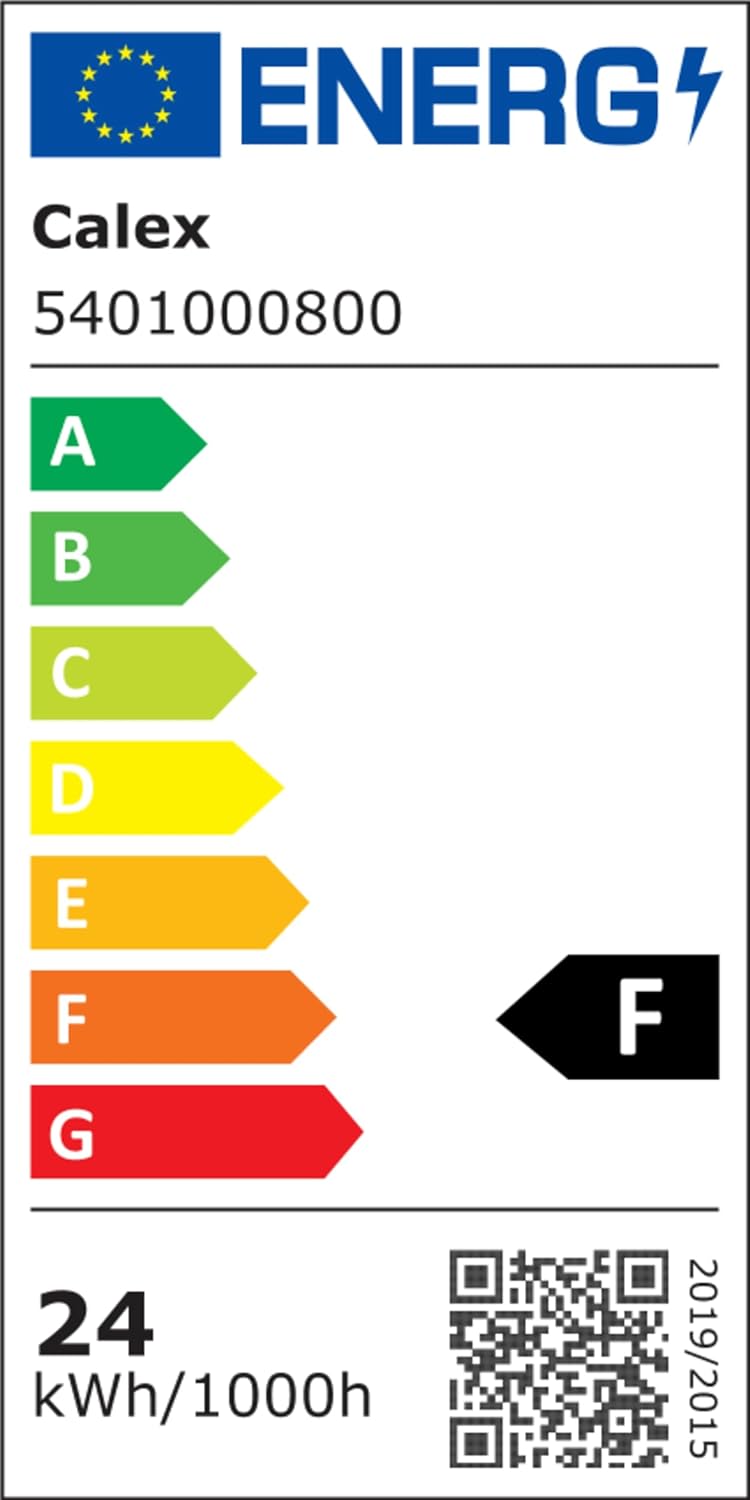
Image: Energy efficiency label for the CALEX Smart Outdoor Floodlight, showing its energy class and consumption.
Untuk maklumat tenaga yang terperinci, sila layari Pangkalan data EPREL.
Waranti dan Sokongan
For warranty information or technical support, please refer to the documentation included with your product or visit the official CALEX website. You can also explore other CALEX products and support resources at the CALEX Brand Store.