
1. Pengenalan
This manual provides essential information for the optimal use and maintenance of OVERTURE PETG 3D Printer Filament. Following these guidelines will help ensure successful prints and prolong the life of your filament.
2. Produk Lebihview
OVERTURE PETG filament is engineered to combine the strength and durability of ABS with the ease of printing of PLA. It is suitable for a wide range of functional and decorative applications, offering excellent layer adhesion, low shrinkage, and high impact strength.

Figure 2.1: OVERTURE PETG 3D Printer Filament (1 Kg Black, 1.75mm) on a cardboard spool, with included accessories.

Figure 2.2: PETG combines high toughness, impact resistance, and heat resistance (like ABS) with less odor, ease of printing, and good stability (like PLA).
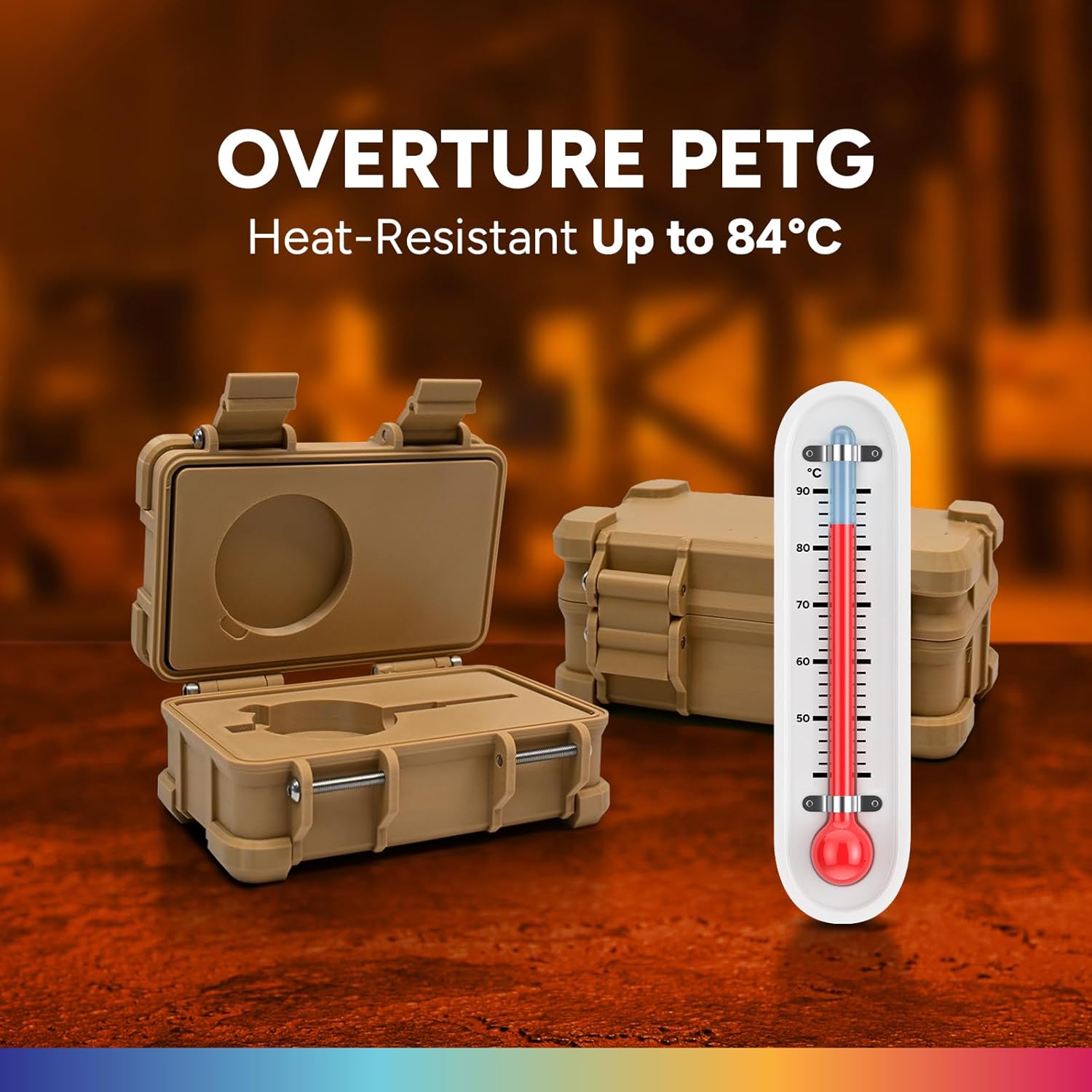
Figure 2.3: OVERTURE PETG is heat-resistant up to 84°C, making it suitable for applications requiring moderate temperature stability.

Figure 2.4: Demonstrates the superior strength and high durability of OVERTURE PETG, with exceptional tensile strength (50.8MPa) and strong bending strength (69.6MPa).
3. Persediaan
Proper setup is crucial for successful 3D printing with PETG filament.
- Membongkar: Carefully remove the vacuum-sealed filament spool from its cardboard packaging. Inspect the spool for any visible damage.
- Pengeringan Filamen: PETG is hygroscopic and can absorb moisture from the air, leading to print quality issues like stringing and bubbling. It is highly recommended to dry the filament before use.
- Suggested Drying Parameters: 60°C for 5-7 hours.

Figure 3.1: The filament comes in a vacuum-sealed package with desiccant to minimize moisture absorption during storage.
- Filamen Pemuatan: Follow your 3D printer's specific instructions for loading 1.75mm filament. Ensure the filament feeds smoothly from the spool into the extruder.
- Keserasian Pencetak: OVERTURE PETG filament is designed to be compatible with most FDM 3D printers.

Figure 3.2: OVERTURE PETG is compatible with a wide range of FDM 3D printers.
4. Parameter Operasi
Achieving optimal print quality with OVERTURE PETG requires careful calibration of your printer settings. The following are general recommendations:
| Parameter | Julat yang Disyorkan |
|---|---|
| Suhu muncung | 230°C - 250°C |
| Suhu Katil Dipanaskan | 80°C - 90°C |
| Kelajuan Mencetak | 30-60 mm/s (adjust based on printer and model complexity) |
| Kipas Penyejuk | Low or Off (for better layer adhesion) |
| First Layer Adhesion | Use an adhesive (e.g., glue stick, PEI sheet) on the build plate. |
| Ketepatan Dimensi | +/- 0.02mm |

Figure 4.1: Proper drying and optimized settings contribute to less warping and stringing, resulting in cleaner prints.
5. Penyelenggaraan
Proper storage and handling of your OVERTURE PETG filament will maintain its quality and performance.
- Storan: Store unused filament in its original vacuum-sealed bag with the desiccant packet in a cool, dry place. If the bag is compromised, use an airtight container to prevent moisture absorption.
- Pengendalian: Avoid touching the filament directly with bare hands for extended periods, as oils and moisture can transfer and affect print quality.
- Spool Management: The cardboard spool is designed for smooth feeding. Ensure the filament is neatly wound and secured when not in use to prevent tangles.

Figure 5.1: OVERTURE PETG is manufactured with precise diameter control and neat winding to ensure tangle-free and clog-free printing.
6. Penyelesaian masalah
Common issues encountered during PETG printing and their potential solutions:
| Isu | Kemungkinan Punca | Penyelesaian |
|---|---|---|
| Stringing/Oozing | Too high nozzle temperature, insufficient retraction, wet filament. | Lower nozzle temp (in 5°C increments), increase retraction distance/speed, dry filament. |
| Poor Layer Adhesion | Too low nozzle temperature, insufficient bed temperature, cooling fan too high. | Increase nozzle/bed temp, reduce cooling fan speed or turn off for first layers. |
| Meleding | Insufficient bed adhesion, drafts, uneven cooling. | Ensure proper bed adhesion, use an enclosure, disable cooling fan for initial layers. |
| Tersumbat | Dust on filament, heat creep, incorrect retraction settings. | Clean filament path, ensure proper hotend cooling, adjust retraction settings. |
7. Spesifikasi
Detailed technical specifications for OVERTURE PETG 3D Printer Filament:
| Harta benda | Nilai |
|---|---|
| Jenis Bahan | Polietilena Tereftalat Glikol (PETG) |
| Diameter | 1.75 mm |
| Ketepatan Dimensi | +/- 0.02mm |
| Berat Bersih | 1 Kg (2.2 paun) |
| Bahan Kili | kadbod |
| warna | Hitam (1-Pek) |
| Kekuatan Tegangan (XY) | 31.9 ± 1.1 (MPa) |
| Elongation at Break (X-Y) | 6.8 ± 0.9 (%) |
| Modulus Lenturan | 1174 ± 64 (MPa) |
| Kekuatan Lentur | 53.7 ± 2.4 (MPa) |
| Charpy Impact Strength | 5.1 ± 0.3 (kJ/m2) |

Figure 7.1: Comprehensive table detailing the physical and mechanical properties of OVERTURE PETG filament.
8. Waranti dan Sokongan
OVERTURE provides a lifetime satisfaction service for its filament products. For any challenges or support needs, please contact OVERTURE customer service. Your satisfaction is important for a seamless 3D printing experience.