
1. Pengenalan
Thank you for choosing the IOWODO R5 Fitness Tracker Smart Watch. This manual provides detailed instructions on how to set up, operate, and maintain your device. Please read it carefully to ensure optimal performance and a positive user experience.

Image: IOWODO R5 Fitness Tracker Smart Watch, front view.
2. Apa yang ada di dalam Kotak
- Jam Tangan Pintar IOWODO R5
- Jam Tangan
- Kabel Pengecasan
- Manual Pengguna

Image: Contents of the IOWODO R5 Smart Watch packaging, showing the watch, charging cable, and user manual.
3. Produk Lebihview
The IOWODO R5 Smart Watch is designed to assist with health monitoring and fitness tracking. Key features include:
- Pemantauan Kesihatan: Heart rate and sleep monitoring, with data recorded in the 'GloryFit' application.
- Penjejakan Kecergasan: Supports 24 sports modes, including steps, calories, and distance tracking with GPS connection.
- Pemberitahuan Pintar: Receives social message notifications (WhatsApp, Facebook, Messenger, Instagram), call reminders, and weather updates.
- Hayat Bateri yang Panjang: 260mAh battery provides 12-15 days of active power and up to 45 days standby time.
- Reka bentuk kalis air: IP67 waterproof rating, suitable for hand washing and showering.
- Paparan Boleh Disesuaikan: 1.57-inch touch screen with 4 adjustable brightness levels and multiple dial styles.

Imej: Selesaiview of IOWODO R5 Smart Watch features, including alarm, pedometer, sleep monitor, heart rate monitor, call notifications, weather, and message notifications.
4. Panduan Persediaan
4.1 Mengecas Peranti
Before initial use, fully charge your IOWODO R5 Smart Watch. Connect the magnetic charging cable to the charging contacts on the back of the watch and plug the USB end into a power adapter (not included) or a computer's USB port. A full charge typically takes approximately 2 hours.
4.2 Pemasangan Aplikasi
The IOWODO R5 Smart Watch uses the 'GloryFit' application for full functionality. You can download the app by scanning the QR code provided in the manual or searching for 'GloryFit' in your device's app store (Google Play Store for Android, Apple App Store for iOS).
For Android and iOS:
- Turn on your smart watch.
- Dayakan Bluetooth pada telefon anda.
- Scan the QR code from the manual or search for 'GloryFit' in your app store.
- Open the 'GloryFit' app, log in to your account, and complete your personal information.
- Allow 'GloryFit' to use Bluetooth (for iOS) and grant necessary permissions.
- In the app, click 'Select device' or 'Add a new device'.
- Find the nearby watch model 'R5' in the list and click to connect.
- If the phone shows 'Connect Successfully', the connection is complete.

Image: Step-by-step guide for connecting the IOWODO R5 Smart Watch to a phone via the GloryFit app, showing QR code scanning and pairing process.
4.3 Device Pairing Video Guide
For a visual guide on installing the app and pairing your IOWODO R5 Smart Watch, please watch the official operation guide video:
Video: IOWODO R5 Smartwatch Operation Guide. This video demonstrates the process of downloading the GloryFit app, setting up user profiles, and pairing the smartwatch with both Android and iOS devices, including granting necessary permissions for notifications and health tracking.
5. Arahan Operasi
5.1 Navigasi Asas
The IOWODO R5 features a 1.57-inch full touch screen. Swipe up, down, left, or right to navigate through menus and functions. Tap to select an option. The brightness can be adjusted within the watch settings.

Image: Customizable watch faces and app customization options for the IOWODO R5 Smart Watch.
5.2 Pemantauan Kesihatan
- Pemantau Kadar Jantung: Jam tangan ini sentiasa memantau kadar denyutan jantung anda. View real-time data on the watch or detailed historical data in the GloryFit app.
- Monitor Tidur: Automatically tracks your sleep patterns, analyzing deep sleep and light sleep quality. Access sleep data in the app.
- Pemantau SpO2: The watch can monitor blood oxygen levels.
- Latihan Pernafasan: Follow guided breathing exercises for relaxation.
- Kesihatan Wanita: Track menstrual cycles and related data through the app.
5.3 Mod Sukan
The IOWODO R5 supports 24 sports modes. Select your desired activity from the watch's sports menu to track specific metrics like steps, distance, calories burned, and duration. Connect to your phone's GPS via the app for accurate outdoor activity tracking.

Image: Icons representing 24 different sports modes available on the IOWODO R5 Smart Watch, including running, cycling, swimming, and more.
5.4 Notifications and Reminders
- Peringatan Panggilan: Receive incoming call alerts on your watch. You can reject calls directly from the watch.
- SMS Reminders: View incoming text messages on your watch.
- Pemberitahuan Apl: Get alerts from social media apps like WhatsApp, Facebook, Messenger, and Instagram. Ensure app permissions are enabled in your phone settings and the GloryFit app.
- Peringatan Sedentari: The watch will remind you to move after periods of inactivity.
- Jam loceng: Tetapkan penggera melalui aplikasi GloryFit untuk bergetar pada jam tangan anda.

Image: IOWODO R5 Smart Watch displaying various notifications from social media apps and incoming calls.
5.5 Fungsi Lain
- Cuaca: Synchronizes local weather conditions in real-time for two days.
- Kawalan Muzik: Kawal main balik muzik pada telefon anda terus dari jam tangan.
- Cari Telefon Saya: Use the watch to locate your paired phone.
- Jam randik: Access a stopwatch function for timing activities.
6. Penyelenggaraan
- Pembersihan: Regularly clean the watch and strap with a soft, dry cloth. Avoid using harsh chemicals.
- Tahan Air: The watch has an IP67 waterproof rating. It is suitable for hand washing and showering. Avoid prolonged submersion or use in hot water/saunas.
- mengecas: Pastikan sentuhan pengecas bersih dan kering sebelum mengecas untuk mengelakkan kakisan.
- Storan: Simpan jam tangan di tempat yang sejuk dan kering apabila tidak digunakan.
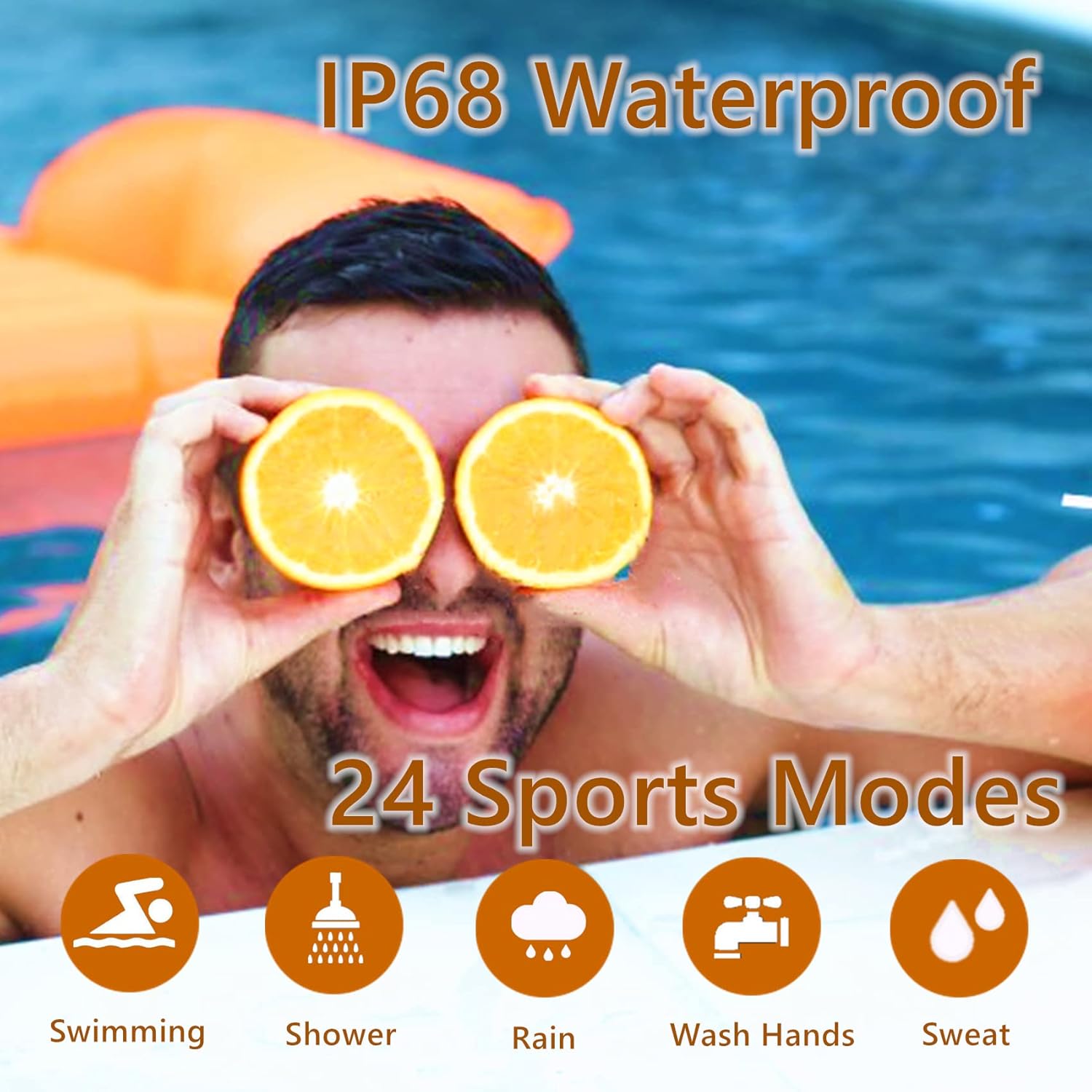
Image: IOWODO R5 Smart Watch demonstrating its IP67 waterproof rating during swimming and showering, highlighting its suitability for various water-related activities.
7. Penyelesaian masalah
- Tonton tidak dihidupkan: Pastikan jam tangan dicas sepenuhnya.
- Tidak dapat dipasangkan dengan telefon:
- Pastikan Bluetooth didayakan pada telefon anda.
- Pastikan jam tangan berada dalam julat Bluetooth telefon anda.
- Mulakan semula telefon dan jam tangan anda.
- Check if the 'GloryFit' app has all necessary permissions enabled in your phone's settings (Bluetooth, Location, Notifications).
- Pemberitahuan tidak diterima:
- Sahkan bahawa Bluetooth telah disambungkan.
- Check notification settings within the 'GloryFit' app for specific applications.
- Ensure your phone's notification access for 'GloryFit' is enabled in accessibility settings.
- Lumpuhkan mod 'Jangan Ganggu' pada telefon dan jam tangan anda.
- Data kesihatan tidak tepat: Ensure the watch is worn snugly on your wrist, not too tight or too loose. Keep the sensor clean.
8. Spesifikasi
| Ciri | Spesifikasi |
|---|---|
| Nama Model | R5 |
| Jenama | IOWODO |
| Saiz Skrin | 1.57 Inci |
| Penilaian Kalis Air | IP67 (5ATM) |
| Kapasiti Bateri | 260mAh Litium Ion |
| Hayat Bateri (Aktif) | 12-15 hari |
| Hayat Bateri (Bersedia) | Sehingga 45 hari |
| Masa Mengecas | lebih kurang 2 jam |
| Ketersambungan | Bluetooth 4.0 atau lebih tinggi |
| Keserasian | iOS 9.0 / Android OS 6.0 or higher |
| Ciri-ciri Kesihatan | Heart Rate Monitor, Sleep Monitor, SpO2 Monitor, Pedometer |
| Mod Sukan | 24 mod |
| Berat Barang | 4.2 auns |
| Dimensi Pakej | 6.14 x 3.58 x 0.87 inci |
9. Waranti dan Sokongan
For warranty information, technical support, or any inquiries regarding your IOWODO R5 Smart Watch, please refer to the warranty card included in your product packaging or visit the official IOWODO website. You may also contact customer service through the 'GloryFit' app or the retailer where the product was purchased.