
1. Panduan Persediaan
This section provides instructions for the initial setup of your Jectse 8 Pro Unlocked Cell Phone.
1.1 Kandungan Pakej
Sebelum bermula, sila sahkan bahawa semua barang ada di dalam bungkusan:
- Jectse 8 Pro Smartphone
- Fon telinga
- Kabel USB
- Kes Pelindung
- Filem Pelindung
- English Manual (this document)

Image: Jectse 8 Pro phone with included accessories.
1.2 Pemasangan Kad SIM dan Kad Memori
The Jectse 8 Pro supports dual nano SIM cards and one small memory card for expanded storage.
- Cari dulang kad SIM di sisi peranti.
- Use the provided SIM ejector tool (if included) or a small pin to open the tray.
- Carefully place your nano SIM cards into the designated slots. Ensure the gold contacts face downwards.
- If using a memory card, insert it into the dedicated small memory card slot. The device supports up to 128GB expansion.
- Tolak dulang kembali ke dalam telefon dengan lembut sehingga rata dengan badan peranti.
1.3 Kuasa Awal Hidup
Untuk menghidupkan peranti anda buat kali pertama:
- Press and hold the power button located on the upper right side of the phone.
- The phone will vibrate and the Jectse logo will appear on the screen.
- Ikut arahan pada skrin untuk melengkapkan persediaan awal, termasuk pemilihan bahasa, sambungan Wi-Fi dan persediaan akaun Google.

Imej: Depan dan belakang view of the Jectse 8 Pro Unlocked Cell Phone.
2. Arahan Operasi
This section details the basic operation and features of your Jectse 8 Pro smartphone.
2.1 Hidupkan/Mati Kuasa
- Hidupkan kuasa: Long press the power button on the upper right side until the screen lights up.
- Matikan: Long press the power button, then select 'Power off' from the options displayed on the screen.
2.2 Navigasi dan Antara Muka
The Jectse 8 Pro runs on Android 6. Navigate the interface using touch gestures:
- Ketik: Pilih item atau buka aplikasi.
- Leret: Tatal senarai atau tukar antara skrin utama.
- Cubit: Zum masuk atau keluar pada imej dan web muka surat.

Image: Jectse 8 Pro displaying its 5.0-inch HD full screen.
2.3 Fungsi Kamera
The device is equipped with a 2MP front camera and a 5MP rear camera.
- Open the 'Camera' application from the home screen or app drawer.
- Ketik ikon kamera untuk bertukar antara kamera hadapan dan belakang.
- Tap the shutter button to capture photos.
- Access various camera modes and settings within the application.
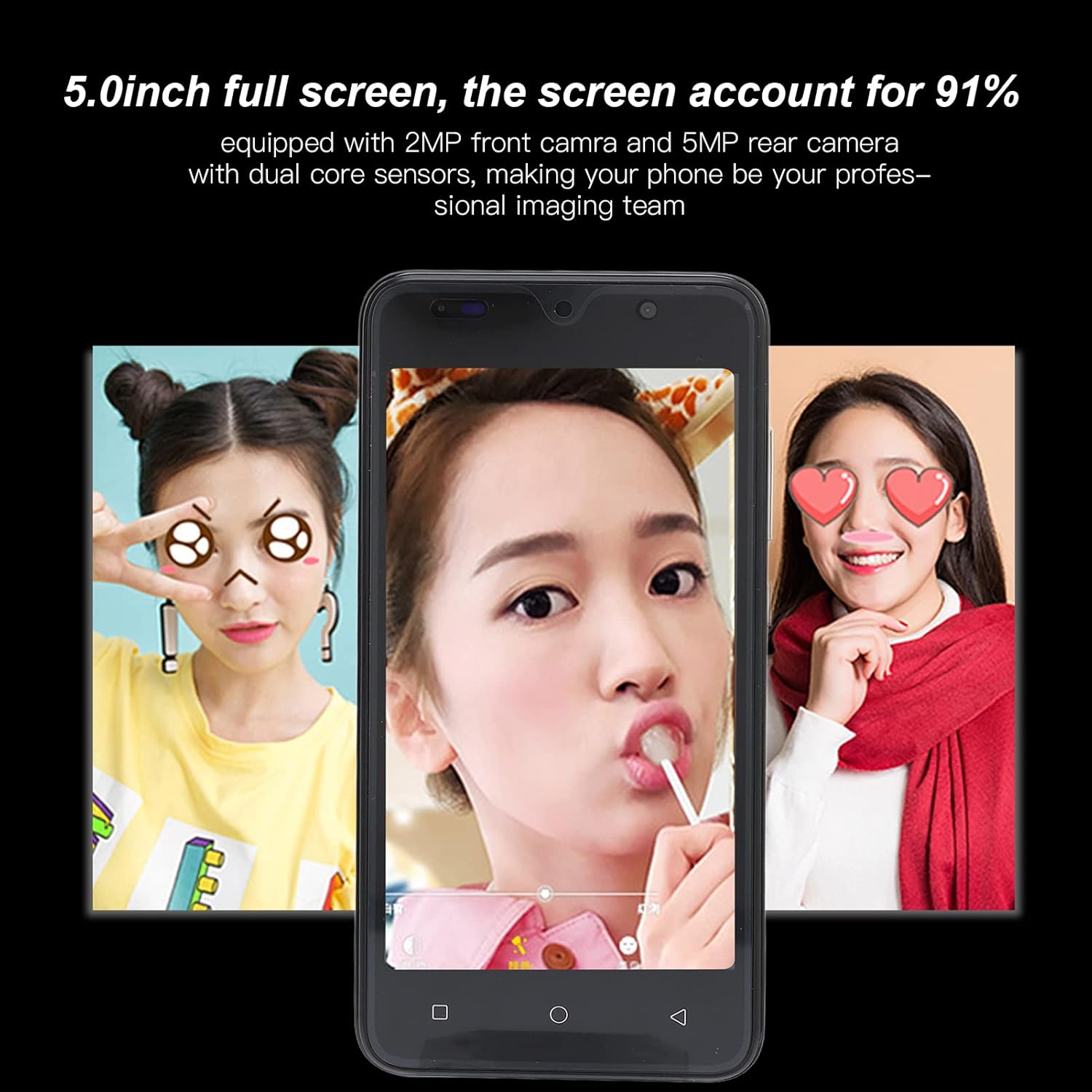
Image: Camera interface example on the Jectse 8 Pro.
2.4 Pengecaman Muka
The Jectse 8 Pro features face recognition for unlocking the device.
- Go to 'Settings' > 'Security' > 'Face Recognition'.
- Follow the on-screen prompts to register your face.
- Once registered, you can unlock your phone by looking at the front camera.
2.5 Ketersambungan
The phone supports various connectivity options:
- Wi-Fi: Sambung ke rangkaian wayarles untuk akses internet.
- Bluetooth: Gandingkan dengan peranti lain yang didayakan Bluetooth seperti fon kepala atau pembesar suara.
- Data mudah alih: Utilize 2G/3G networks (WCDMA 850/2100, GSM 850/900/1800/1900) for internet access when Wi-Fi is unavailable.
- Radio FM: Dengar stesen radio tempatan.
3. Penyelenggaraan dan Penjagaan
Penjagaan yang betul memastikan ketahanan dan prestasi optimum peranti anda.
3.1 Penjagaan Bateri
- Avoid fully discharging the 2200mAh lithium battery frequently.
- Use only the provided USB cable and a compatible charger.
- Do not expose the phone to extreme temperatures, as this can degrade battery performance.
3.2 Membersihkan Peranti
- Gunakan kain lembut dan tidak berbulu untuk membersihkan skrin dan badan telefon.
- Elakkan menggunakan bahan kimia yang keras atau bahan yang melelas.
- Jangan sembur pembersih terus ke telefon.
3.3 General Device Protection
- Utilize the provided protective case and screen film to guard against scratches and minor impacts.
- Keep the phone away from water and excessive moisture.
- Elakkan menjatuhkan peranti.
4. Penyelesaian masalah
This section addresses common issues you might encounter with your Jectse 8 Pro.
4.1 Peranti Tidak Dihidupkan
- Ensure the battery is charged. Connect the phone to a charger and wait a few minutes before attempting to power it on again.
- If the battery is extremely low, it may take several minutes of charging before the device responds.
4.2 Isu Ketersambungan Rangkaian
- Verify that your SIM card is correctly inserted and activated with your carrier.
- Check that your phone card supports the device's frequency bands: GSM 850/900/1800/1900MHz and WCDMA 850/2100MHz for 3G.
- Mulakan semula telefon.
- Hidupkan dan matikan Mod Pesawat.
4.3 Prestasi Perlahan atau Kerosakan Aplikasi
- Tutup aplikasi latar belakang yang tidak diperlukan.
- Clear cache for problematic applications in 'Settings' > 'Apps'.
- Ensure sufficient storage space is available. The phone has 32GB ROM, expandable up to 128GB.
- Restart the device periodically to refresh the system.
4.4 Face Recognition Not Working
- Pastikan keadaan pencahayaan mencukupi.
- Clean the front camera lens.
- Re-register your face in the security settings.
5. Spesifikasi Produk
Detailed technical specifications for the Jectse 8 Pro Unlocked Cell Phone.
| Ciri | Spesifikasi |
|---|---|
| Model | 8 Pro |
| Skrin | 5.0 inch HD+ Full Screen |
| Resolusi | 854x480 |
| Sistem Operasi | For Android 6 |
| CPU | MTK6799 Kuad Teras |
| RAM | 2GB |
| ROM | 32GB |
| Storan Boleh Dikembangkan | Supports up to 128GB (Small Memory Card Slot) |
| Jenis Kad SIM | 2x nano SIM Card Slots |
| Standard Rangkaian | 2G/3G (WCDMA 850/2100, GSM 850/900/1800/1900) |
| Kamera Depan | 2MP, f/2.0 Aperture, Fixed Focus |
| Kamera Belakang | 5MP, f/1.8 Aperture, Auto Focus |
| Bateri | 2200mAh Lithium Battery (Built-In) |
| Jenis Antaramuka | 1x microUSB (Charging), 1x 3.5mm (Audio) |
| Ketersambungan | Wi-Fi, Bluetooth, FM |
| Ciri Keselamatan | Pengecaman Wajah |
| bahan | ABS, Kaca |
| Berat Barang | Lebih kurang 295g (10.41oz) |
| warna | hijau |

Imej: Belakang view of Jectse 8 Pro phones in multiple colors.
6. Waranti dan Sokongan
For any questions or issues not covered in this manual, please refer to the following support information.
6.1 Sokongan Pelanggan
Jectse is committed to providing quality support. If you encounter any problems with your unlocked mobile phone, please contact the seller or manufacturer directly. They will assist you within 24 hours and provide a comprehensive solution.
6.2 Maklumat Waranti
Specific warranty details are typically provided at the point of purchase or within separate warranty documentation. Please retain your proof of purchase for any warranty claims.